
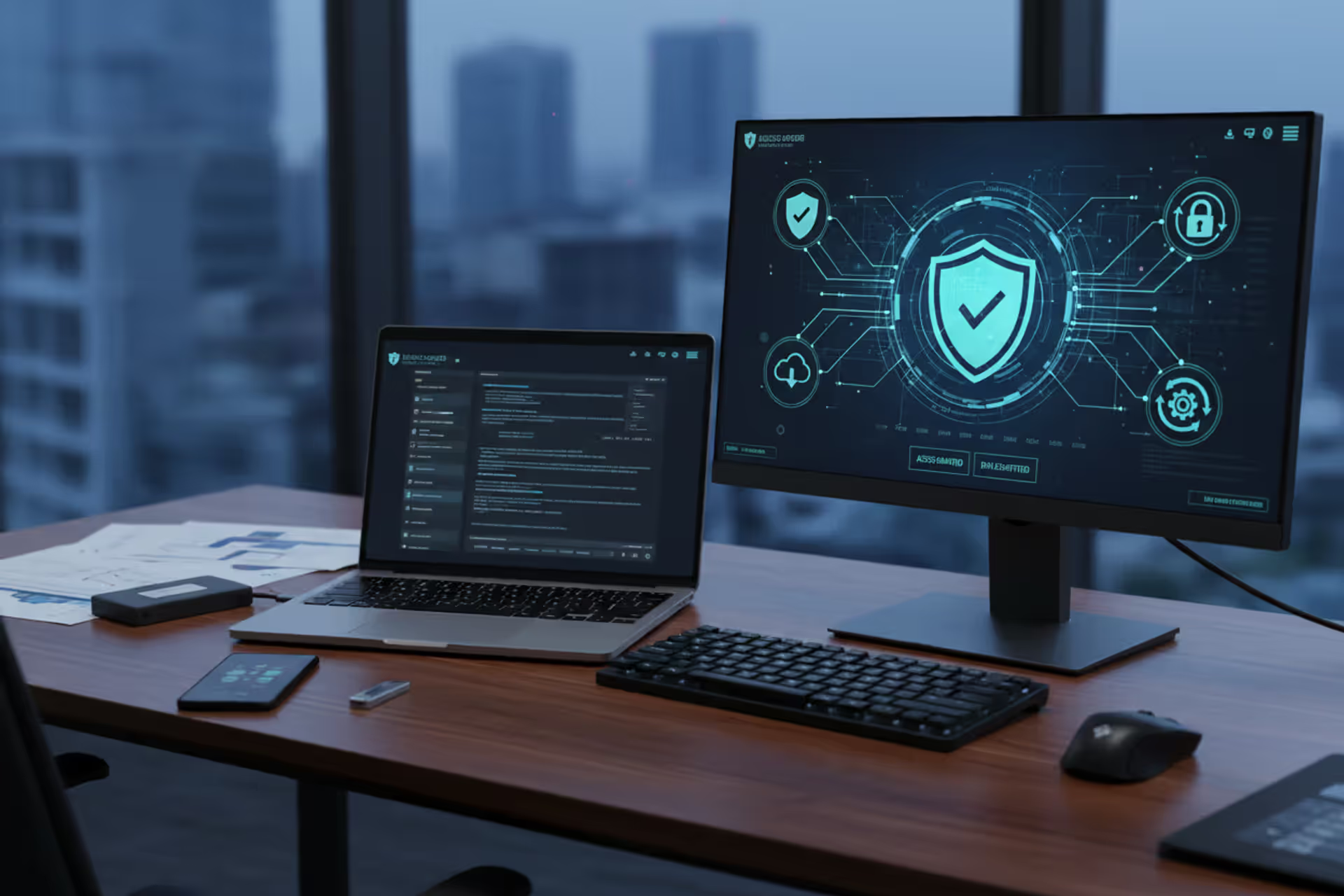
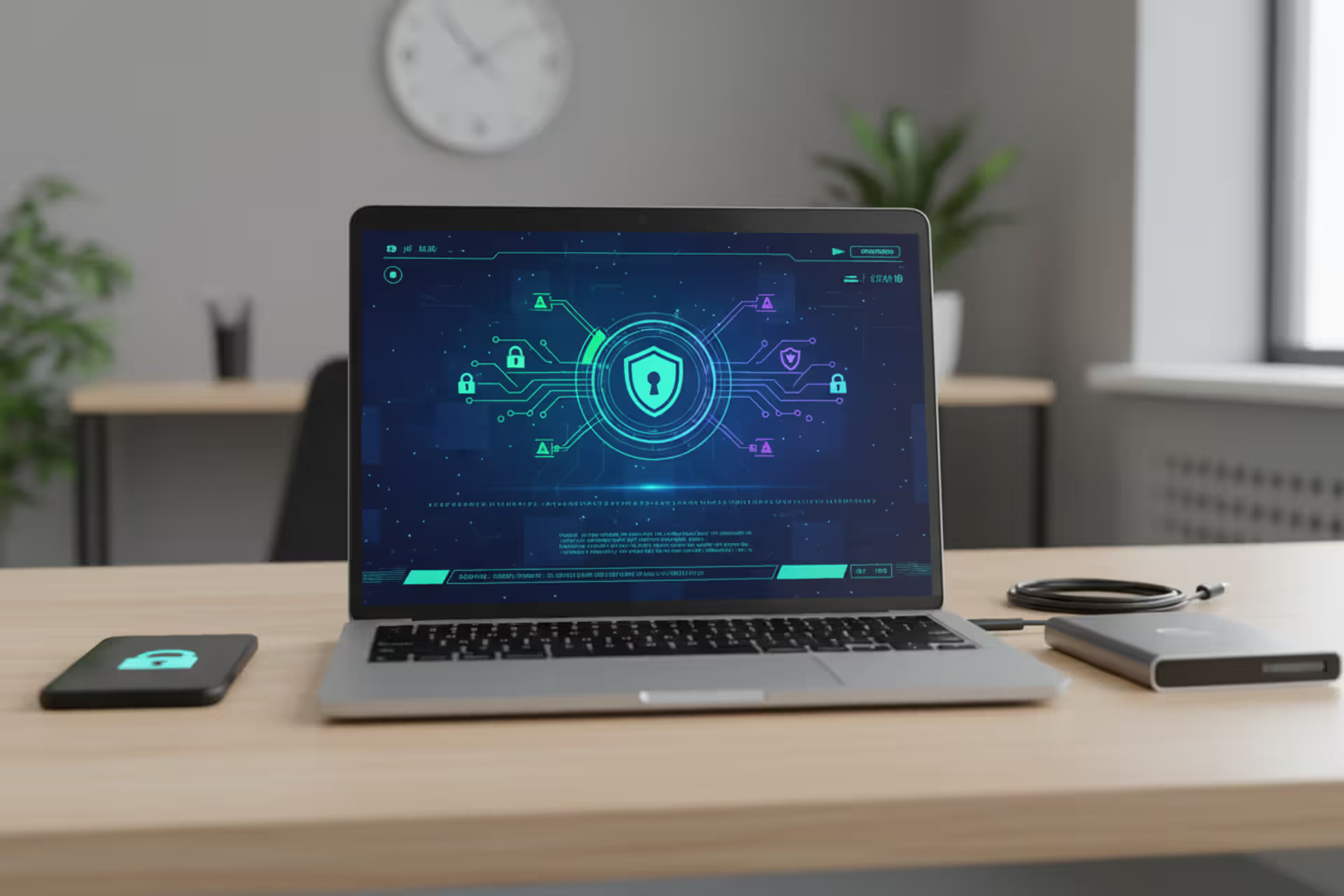
Cyber hygiene concept with secure workstation, laptop, security dashboard, smartphone, hardware key, and backup drive
Cyber Hygiene Best Practices Guide

Throughout 2025, cybersecurity systems worldwide flagged 4.7 billion attack attempts, while American businesses averaged $4.8 million in damages per successful breach. Advanced persistent threats and zero-day vulnerabilities caused only a fraction of these incidents—the majority resulted from employees using identical passwords across platforms, delaying urgent security patches, or downloading infected email attachments.
Maintaining secure digital behaviors works similarly to maintaining physical wellness routines. Regular exercise and balanced nutrition prevent chronic diseases; likewise, implementing consistent security protocols stops most cyber threats before they compromise systems. Whether safeguarding personal email accounts or protecting enterprise infrastructure, developing reliable protective behaviors establishes defensive barriers that encourage attackers to pursue softer targets.
What Is Cyber Hygiene and Why It Matters
Cyber hygiene encompasses the routine technical upkeep and security behaviors that maintain healthy, protected digital environments. Physical cleanliness prevents illness transmission through regular handwashing and sanitization; cyber hygiene best practices explained show how continuous updates, authentication controls, and vigilant user conduct prevent malware infections, unauthorized access, and data theft.
This framework extends beyond periodic antivirus scanning. Comprehensive digital hygiene integrates access control security, scheduled system maintenance, network defense measures, information handling standards, and user education programs. CISA's 2025 research demonstrated that organizations maintaining disciplined hygiene protocols suffered 73% fewer successful breaches compared to companies applying inconsistent security measures.
Ignoring these foundations creates exploitable weaknesses that threat actors constantly seek. Automated reconnaissance software continuously sweeps internet-connected infrastructure hunting unpatched applications, default administrative credentials, and improperly configured services. The 2025 Verizon Data Breach Investigations Report documented that 86% of successful compromises exploited preventable issues—outdated software, stolen passwords, or misconfigurations that routine maintenance would have resolved.
Financial impacts extend beyond immediate incident response expenses. Organizations also absorb regulatory fines, litigation costs, operational disruption, and reputation damage. Small businesses typically incur $120,000 per security event, with 60% permanently closing within six months following major breaches. Individual identity theft victims invest approximately 200 hours and $1,400 recovering compromised accounts.
These protocols matter because they shift security postures from reactive damage control toward proactive threat prevention. Regular maintenance detects emerging problems early, reduces vulnerable attack surfaces, and builds organizational resilience against continuously advancing threats.
Author: Trevor Kingsland;
Source: elegantimagerytv.com
Core Cyber Hygiene Best Practices to Implement
Establishing effective cyber hygiene best practices requires concentrated effort across several security disciplines. These foundational areas construct the framework for any successful security program.
Password Management and Authentication
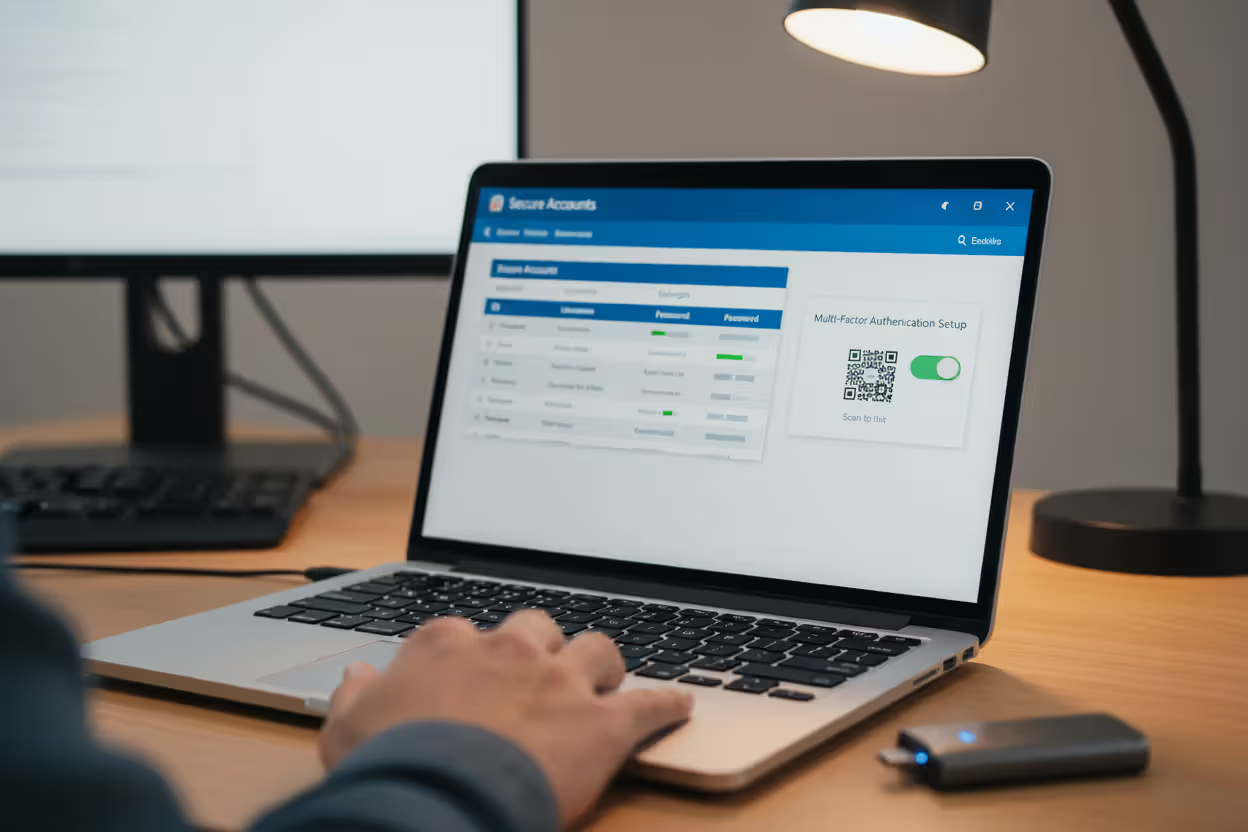
Robust credential practices form your first defense line against unauthorized system access. Each digital account demands its own unique password containing minimum 16-character complexity mixing uppercase letters, lowercase letters, numbers, and symbols. The practical challenge: human memory cannot reliably maintain dozens of complex, distinct credentials.
Password management applications address this constraint by generating and securing unique credentials for every service. Solutions including Bitwarden, 1Password, or Dashlane encrypt credential databases, requiring only one master passphrase for complete access. This methodology eliminates credential reuse—the most damaging authentication vulnerability.
Implementing multi-factor authentication establishes verification requirements beyond password knowledge. When threat actors obtain credentials through phishing campaigns or database compromises, they still cannot access accounts secured with additional verification factors. Physical security keys (YubiKey, Titan) offer maximum protection for sensitive accounts because they resist phishing tactics that compromise SMS or application-based codes. For everyday accounts, authenticator applications like Authy or Google Authenticator provide substantial security.
Avoid SMS authentication when alternatives exist—SIM-swap attacks enable criminals to hijack mobile numbers and intercept verification messages. The FBI recorded 12,000 SIM-swapping incidents during 2025, causing $68 million in cumulative losses.
Change credentials immediately when compromise is suspected or breach notifications arrive, rather than following arbitrary 90-day rotation schedules. Current NIST guidelines discourage mandatory quarterly password changes, which typically generate weak progressive modifications like changing "Password123!" to "Password124!"
Software Updates and Patch Management
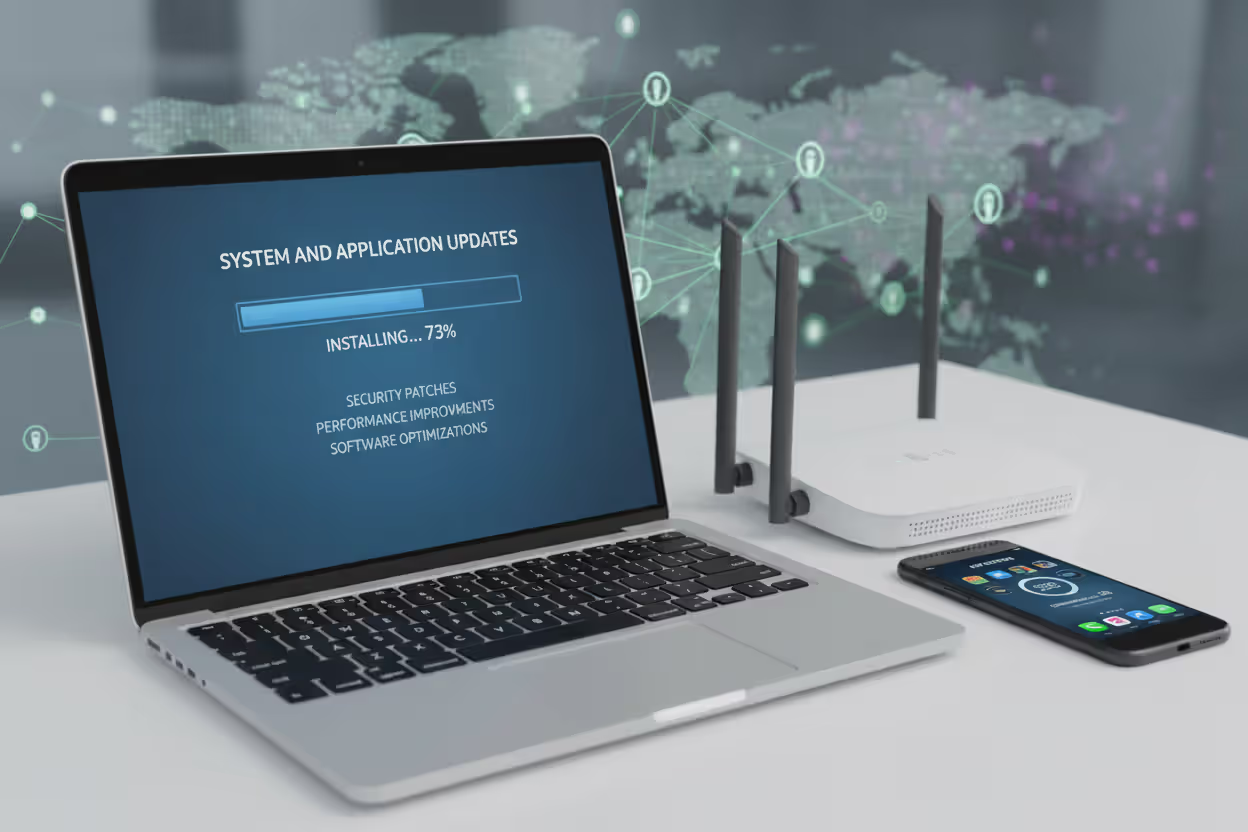
Unpatched application vulnerabilities provide attackers ready-made infiltration pathways. Software developers constantly release security patches addressing newly identified flaws, yet systems operating outdated versions remain indefinitely exploitable. The WannaCry ransomware outbreak devastated organizations that had postponed installing a patch Microsoft released two months before the epidemic.
Enable automated patching for operating systems, browsers, and applications wherever vendors offer this functionality. Windows, macOS, iOS, and Android platforms all support automatic security updates. Applications lacking auto-update capabilities require weekly manual checks for available patches.
Mission-critical infrastructure demands controlled patch validation before production implementation. Enterprises should operate separate development, testing, and production environments. Roll out patches initially to development systems, verify functionality in testing environments, then deploy to production infrastructure. This methodology prevents occasional defective patches from disrupting business operations.
Router firmware, IoT devices, and network equipment updates frequently receive inadequate attention. These devices need quarterly manual update verification since manufacturers rarely incorporate automatic patching. Countless residential routers operate with documented security flaws because owners never access administrative panels to install updates.
Abandoned software presents unique dangers. Windows 7, obsolete Android versions, and discontinued applications no longer receive security patches. Organizations must replace or thoroughly isolate these systems since they accumulate unresolved vulnerabilities continuously.
Author: Trevor Kingsland;
Source: elegantimagerytv.com
Data Backup Strategies
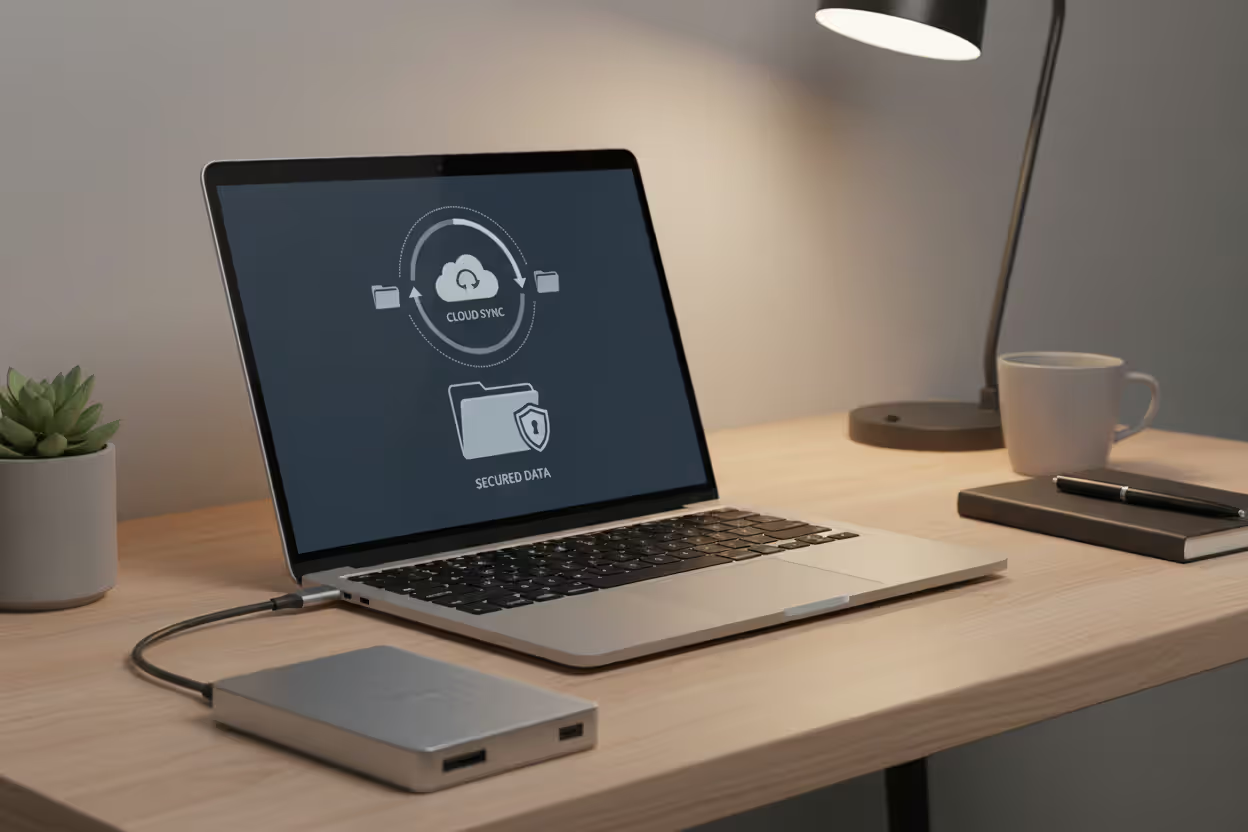
Backups protect against ransomware attacks, hardware failures, accidental deletions, and natural disasters. The 3-2-1 backup methodology provides reliable protection: maintain three information copies across two distinct storage medium types, with one copy stored at a separate geographic location.
Establish automated backup schedules rather than relying on manual processes. Daily backups for mission-critical information, weekly backups for standard documents, and monthly archival backups balance protection requirements against storage costs. Perform quarterly restoration drills—untested backups often fail during actual recovery situations.
Cloud backup services like Backblaze, Carbonite, or integrated platform solutions (iCloud, Google One, OneDrive) automatically manage remote storage. For regulated or confidential information, choose providers offering zero-knowledge encryption where only you retain decryption keys.
External hard drive backups enable faster information restoration and operate without internet connectivity. Physically disconnect backup drives after completing each backup session—ransomware encrypts all attached storage devices alongside primary information.
Version control preserves multiple document iterations, enabling recovery from gradual corruption or unintended changes. Maintain at least 30 days of document versions for important records.
Encrypt all backup copies, especially those stored remotely or through cloud providers. AES-256 encryption prevents information disclosure if backup media becomes lost, stolen, or accessed by unauthorized individuals.
Author: Trevor Kingsland;
Source: elegantimagerytv.com
Cyber Hygiene Best Practices for Different Users
Effective cyber hygiene best practices examples adjust according to user categories, available resources, and threat exposure. Tailoring security controls to specific circumstances ensures adequate protection without introducing unnecessary burden.
| Practice | Individuals | Small Businesses | Enterprises |
| Password Policies | Minimum 16 characters with unique passwords per service using manager software | Enforced complexity standards, required MFA, organization-wide vault deployment | Federated identity management using hardware tokens, privileged account governance, periodic security audits |
| Backup Frequency | Full weekly backups with daily incremental copies of essential documents | Daily incremental backups, complete weekly backups, remote data mirroring | Continuous data replication, hourly snapshot intervals, geographically distributed storage arrays |
| Training Requirements | Annual security awareness refresher courses | Quarterly training sessions incorporating simulated phishing campaigns | Monthly security briefings, role-specific training tracks, professional security certifications |
| Tools Used | Consumer antivirus solutions, password manager applications, cloud backup platforms | Commercial endpoint protection, professionally managed network security, mobile device management systems | Security information and event management platforms, endpoint detection and response systems, data loss prevention solutions, continuous vulnerability scanners, security orchestration automation |
| Update Schedules | Automatic update activation across all computing devices | Weekly patch assessment, scheduled monthly maintenance windows | Continuous threat intelligence monitoring, risk-prioritized vulnerability remediation, 48-hour critical patch deployment |
Individual users should emphasize fundamentals: password vaults, automatic patching, regular backups, and recognizing phishing attempts. Free tools provide sufficient protection—Microsoft Defender, Bitwarden's complimentary tier, and operating system firewalls address most common threats. The greatest individual risks originate from password reuse and clicking suspicious links.
Small businesses require documented procedures without enterprise-level complexity. Designate one employee primary security responsibility. Document critical processes: permission assignments by position, suspicious activity reporting workflows, backup verification procedures. Purchase commercial-grade endpoint protection offering centralized management capabilities. Conduct monthly security discussions reviewing system logs, confirming backup success, and addressing employee questions.
Small organizations experience disproportionate targeting because attackers expect limited security investments. Deploy network segmentation separating guest wireless access, internal workstations, and payment processing infrastructure. Utilize business email platforms with advanced threat filtering rather than personal email accounts.
Enterprises require comprehensive programs staffed by dedicated security professionals. Implement zero-trust network architectures that assume compromise and authenticate every access request. Deploy security information and event management platforms aggregating log information from all infrastructure for threat detection. Schedule periodic penetration testing and systematic vulnerability assessments. Establish documented incident response procedures defining responsibilities, escalation protocols, and communication workflows.
Enterprise environments demand formal governance structures: written security policies, acceptable use agreements, role-based permission matrices, and comprehensive audit trails. Regulatory compliance requirements (HIPAA, PCI-DSS, SOC 2) typically mandate specific controls that naturally align with cyber hygiene best practices overview principles.
Common Cyber Hygiene Mistakes to Avoid
Even security-conscious users make predictable mistakes that undermine their cyber hygiene best practices overview initiatives.
Password recycling across numerous services constitutes the most dangerous practice. When attackers compromise one platform, they systematically test captured credentials against dozens of additional websites. A breached forum password becomes bank account access when users recycle credentials. Credential stuffing attacks automate this methodology, testing billions of username-password combinations across major platforms.
Delaying software patches leaves documented vulnerabilities exploitable for prolonged periods. Users often defer updates fearing disruption, yet attackers specifically target outdated systems. The Equifax breach exploited a documented vulnerability with an available patch—the organization simply hadn't implemented it.
Clicking phishing links occasionally catches everyone, but proper hygiene contains resulting damage. Never provide credentials after selecting email links—instead, manually type website addresses or use bookmarked favorites. Verify suspicious requests through independent communication channels. An email seemingly from your "CEO" requesting immediate wire transfers warrants telephone confirmation.
Public Wi-Fi connections expose network traffic to interception. Coffee shop, airport, and hotel networks shouldn't handle sensitive activities. Attackers establish fraudulent access points with legitimate-sounding names like "Free Airport WiFi" specifically to capture credentials. Always route traffic through VPN connections on public networks, and defer accessing financial accounts or submitting passwords until reaching trusted networks.
Inadequate employee education generates organizational vulnerabilities. Technical security controls cannot prevent users from sharing passwords, falling victim to social engineering, or bypassing security warnings. Continuous training—not merely annual compliance requirements—maintains current awareness as attack tactics evolve.
Treating mobile devices carelessly overlooks that smartphones contain equivalent sensitive information as computers. Mobile platforms require identical protections: screen locks, full-disk encryption, automatic updates, and remote wipe capabilities. Install applications exclusively from official distribution platforms, carefully examine permission requests before approving access, and maintain separate profiles isolating business information.
Failing to audit account activity permits compromises to continue undetected for months. Monthly reviews of login histories, authorized devices, and recent activity for important accounts identify unauthorized access before noticeable harm occurs. Suspicious login attempts frequently appear in activity logs well before causing observable damage.

Author: Trevor Kingsland;
Source: elegantimagerytv.com
How to Build a Cyber Hygiene Routine
Understanding how cyber hygiene best practices works requires transforming knowledge into dependable habits. This cyber hygiene best practices guide presents a structured methodology for developing sustainable security routines.
Daily practices consume minimal time while delivering continuous protection. Begin each day checking for available software updates—most install within minutes. Examine emails carefully before selecting embedded links or opening attachments. Lock your workstation whenever stepping away, regardless of expected duration. Verify website URLs match legitimate domains before submitting credentials, watching for character substitutions or misspellings.
Weekly maintenance requires 15-30 minutes for system upkeep. Run comprehensive antivirus scans across computers and mobile devices. Review backup logs confirming successful completion without errors. Check for firmware updates affecting routers and connected devices. Examine bank and credit card statements for unauthorized transactions. Clear browser caches and cookies to remove accumulated tracking information.
Monthly assessments involve deeper security reviews. Update passwords for accounts showing suspicious activity. Audit connected devices and authorized applications across major accounts, revoking access from unused services. Manually refresh security software definitions if automatic updates fail. Validate backup integrity by recovering sample files to verify recoverability. Refresh security questions and account recovery details.
Quarterly evaluations include comprehensive security audits. Complete refresher training on identifying phishing tactics. Review user accounts and permission assignments, eliminating unnecessary access privileges. Verify and update incident response contact lists and documented procedures. Examine disaster recovery capabilities through simulated emergency scenarios. Research emerging security tools and assess whether they address current requirements.
Create checklists for each timeframe. Digital task management applications (Todoist, Microsoft To Do) schedule recurring reminders automatically. Many security tools include scheduling features—configure password managers to prompt credential reviews every 90 days, program backup software for automatic verification, activate breach alert notifications.
Automation reduces manual task burden. Enable automatic updates across all compatible software. Schedule backups to run during off-peak hours. Subscribe to monitoring services that notify you when email addresses appear in discovered breaches (Have I Been Pwned notifications). Configure account activity alerts for unusual login locations or unrecognized device authorizations.
Start gradually rather than attempting simultaneous implementation. Deploy password managers first, then introduce MFA requirements, followed by backup routines. Incremental habit formation ensures sustainability rather than becoming overwhelmed and abandoning efforts entirely.
Document your procedures. Simple checklists or spreadsheets tracking completion dates help maintain consistency. Organizations require formal documentation ensuring continuity when personnel change positions.
Tools and Resources for Maintaining Cyber Hygiene
Selecting appropriate tools simplifies cyber hygiene best practices guide implementation and decreases required manual effort.
Password vault applications eliminate the impossible challenge of remembering unique credentials for numerous accounts. Bitwarden provides robust free and premium options with synchronized access across platforms. 1Password offers excellent features for families and businesses. Dashlane bundles VPN service with premium subscriptions. All three support physical security key integration for maximum authentication security.
Antivirus and endpoint security defends against malware infections, ransomware encryption, and exploit attempts. Windows Defender provides adequate baseline protection for home users. Bitdefender and Kaspersky supply comprehensive paid solutions with expanded feature sets. Businesses should evaluate Sophos, CrowdStrike, or SentinelOne for centralized administration and advanced threat intelligence.
VPN platforms encrypt internet connections and mask your geographic location. Mullvad and ProtonVPN emphasize privacy with verified no-logging policies. NordVPN and ExpressVPN offer intuitive applications with extensive server networks. Avoid complimentary VPN providers—they typically monetize through selling usage information or injecting advertisements.
Backup platforms range from straightforward to enterprise-grade. Backblaze provides unlimited computer backup at fixed pricing. Acronis True Image offers complete system imaging with anti-ransomware protection. Synology and QNAP network-attached storage devices deliver local backup infrastructure with cloud replication capabilities.
Security awareness platforms help organizations maintain employee vigilance. KnowBe4 provides simulated phishing campaigns and modular training content. SANS Security Awareness supplies comprehensive educational curricula. Cofense specializes in phishing recognition and reporting training.
Vulnerability assessment tools identify security weaknesses across infrastructure. Nessus and Qualys scan networks discovering documented vulnerabilities, configuration errors, and compliance gaps. OpenVAS provides open-source scanning capabilities for budget-conscious organizations.
Authentication platforms strengthen access control mechanisms. YubiKey and Titan physical tokens supply phishing-resistant multi-factor authentication. Duo Security offers enterprise authentication incorporating risk-based access policies. Authy provides complimentary multi-device authenticator functionality.
Monitoring platforms alert users to breaches and credential exposure. Have I Been Pwned verifies whether email addresses appear in documented breach databases. Experian and IdentityForce monitor credit reports and identity theft indicators. Google and Microsoft provide complimentary security dashboards displaying account activity and connected device inventories.
Government agencies publish guidance and threat intelligence. CISA (Cybersecurity and Infrastructure Security Agency) distributes security alerts, recommended practices, and complimentary tools. The FBI's IC3 (Internet Crime Complaint Center) tracks emerging threats and accepts incident reports. NIST (National Institute of Standards and Technology) develops security frameworks and technical standards.
Achieving perfect security isn't realistic—the objective is becoming less attractive than alternative targets. Attackers consistently select paths requiring minimal effort, and maintaining fundamental security practices deflects the vast majority of opportunistic attacks before they establish any foothold
— Dr. Samantha Rodriguez
FAQ: Cyber Hygiene Best Practices
Cyber hygiene best practices transform security from an intimidating technical obstacle into achievable daily routines. The approaches detailed throughout this guide—credential management, consistent patching, reliable backups, security awareness, and appropriate tooling—prevent the overwhelming majority of attacks that compromise both individuals and organizations.
Success demands consistency over perfection or expensive enterprise platforms. Building habits that become automatic over time matters more than flawless execution. Begin by implementing password managers and multi-factor authentication, establish backup schedules, then gradually expand into additional practices as initial habits solidify.
Threat landscapes constantly evolve, yet attackers persistently exploit identical fundamental weaknesses: compromised passwords, outdated software, missing backups, and human error. Organizations and individuals maintaining steady cyber hygiene routines become unattractive targets, forcing attackers toward easier victims.
Approach cyber hygiene as continuous practice rather than completed projects. Ongoing maintenance, periodic reassessment, and adaptation to emerging threats keep defenses effective against current attack methods. Time invested in these practices pays dividends by preventing breaches, protecting sensitive information, and maintaining the confidence of customers, partners, and stakeholders depending on your security posture.
Related Stories

Read more

Read more



The content on this website is provided for general informational and educational purposes only. It is intended to explain concepts related to cybersecurity awareness, online threats, phishing attacks, and data protection practices.
All information on this website, including articles, guides, and examples, is presented for general educational purposes. Cybersecurity risks and protection strategies may vary depending on individual behavior, technology usage, and threat environments.
This website does not provide professional cybersecurity, legal, or technical advice, and the information presented should not be used as a substitute for consultation with qualified cybersecurity professionals.
The website and its authors are not responsible for any errors or omissions, or for any outcomes resulting from decisions made based on the information provided on this website.