
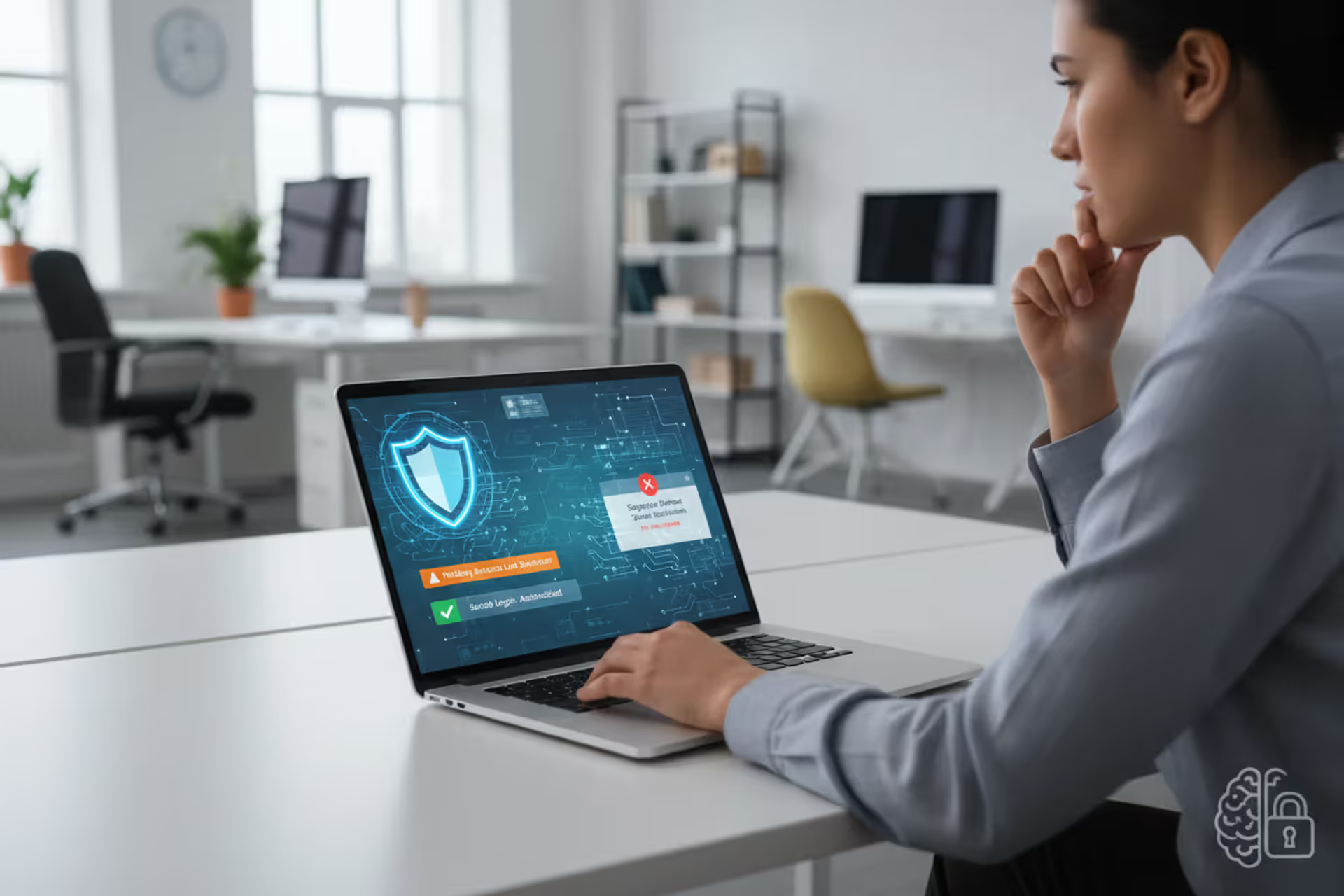
Employee learning cybersecurity awareness at a laptop in a modern workspace
Cybersecurity Awareness Guide

Cybersecurity awareness represents the knowledge and attitudes that employees, contractors, and stakeholders possess about protecting information assets within an organization. Unlike firewalls, encryption protocols, or intrusion detection systems, this concept focuses on the human layer of security—training people to recognize threats, understand their role in defense, and make decisions that reduce organizational risk.
The cybersecurity awareness explained simply: it's the practice of educating individuals about digital threats and safe computing habits so they become active participants in security rather than vulnerabilities waiting to be exploited. A person with strong security awareness can identify a phishing email before clicking, questions unexpected requests for sensitive data, and follows protocols that keep systems protected.
This cybersecurity awareness overview distinguishes it from technical controls. While antivirus software scans for malware automatically, awareness training teaches someone why they shouldn't insert unknown USB drives into company computers. Technical measures handle automated threats; awareness addresses the judgment calls humans make dozens of times daily—opening attachments, sharing credentials, accessing public Wi-Fi, or responding to urgent messages from "executives."
Organizations often invest millions in security infrastructure while overlooking that 82% of breaches involve a human element, according to 2025 Verizon Data Breach Investigations Report data. The strongest firewall becomes irrelevant when an employee hands over credentials to a convincing social engineer. Awareness transforms users from security's weakest link into a distributed defense system capable of detecting threats that slip past technical controls.
Why Cybersecurity Awareness Matters in 2026
The financial consequences of security failures have reached unprecedented levels. IBM's 2025 Cost of a Data Breach Report calculated the average breach cost at $4.88 million, with compromised credentials accounting for 19% of breaches. Organizations face direct costs—incident response, legal fees, regulatory fines—plus indirect damage including customer attrition, reputation harm, and competitive disadvantage.
Human error continues driving most successful attacks. Employees clicking malicious links, misconfiguring cloud storage, falling for business email compromise schemes, or using weak passwords create entry points that sophisticated technical defenses cannot prevent. A single employee reusing their password across personal and work accounts can expose entire networks when that credential appears in a dark web database.
Regulatory frameworks now mandate security awareness programs. GDPR, HIPAA, PCI DSS, and CMMC 2.0 all require documented training initiatives. The SEC's 2023 cybersecurity disclosure rules, fully enforced by 2026, demand that public companies report material incidents and describe their risk management processes—including how they train personnel. Non-compliance brings penalties: healthcare organizations face fines up to $1.5 million annually for HIPAA violations, while payment processors risk losing certification for inadequate PCI DSS training.
The threat landscape has evolved beyond traditional malware. Deepfake audio and video now enable convincing impersonation attacks. Attackers leverage generative AI to craft personalized phishing messages without grammatical errors that previously signaled fraud. Ransomware groups research targets thoroughly, timing attacks for maximum leverage—during mergers, financial reporting periods, or when IT staff are reduced.
Remote and hybrid work expanded the attack surface dramatically. Home networks lack enterprise-grade protections. Personal devices mix work and leisure. Video conferencing tools, collaboration platforms, and cloud applications multiply the opportunities for misconfiguration and social engineering. Without awareness training adapted to these realities, organizations operate with blind spots their technical tools cannot cover.

Author: Monica Ellery;
Source: elegantimagerytv.com
How Cybersecurity Awareness Works in Practice
Effective awareness programs operate through staged learning that builds knowledge, shapes attitudes, and reinforces behaviors over time. The process begins with baseline assessment—testing current knowledge through simulated phishing campaigns or surveys that reveal which threats employees recognize and which blind spots exist.
Initial training establishes foundational concepts: what constitutes sensitive data, how authentication works, common attack vectors, and organizational policies. This phase uses multiple formats—videos, interactive modules, scenario-based exercises—to accommodate different learning styles. A 45-minute annual video rarely produces lasting change; microlearning delivers bite-sized lessons regularly, maintaining engagement without overwhelming schedules.
Behavioral change principles underpin successful programs. Simply telling someone "don't click suspicious links" proves less effective than explaining how attackers craft convincing messages, showing real examples from attempted attacks on the organization, and walking through the decision process for evaluating unexpected emails. People need context, not just rules.
Continuous reinforcement prevents knowledge decay. Monthly security tips, quarterly refresher modules, and ongoing simulated attacks keep concepts fresh. When employees encounter simulated phishing attempts, immediate feedback explains what made the message suspicious—turning potential mistakes into learning opportunities without real consequences.
Organizational culture determines whether training translates into practice. If leadership ignores security protocols, employees follow that example. If reporting suspicious activity triggers blame rather than praise, people stay silent. Effective programs celebrate vigilance—publicly recognizing employees who report phishing attempts or identify vulnerabilities—and treat mistakes as learning moments rather than disciplinary issues.
Gamification increases engagement significantly. Leaderboards tracking who completes training fastest, badges for reporting threats, or team competitions identifying simulated attacks make security participatory rather than obligatory. One financial services firm reduced click rates on simulated phishing by 67% after implementing a points-based system where departments competed quarterly.
Common Cybersecurity Threats Employees Should Recognize
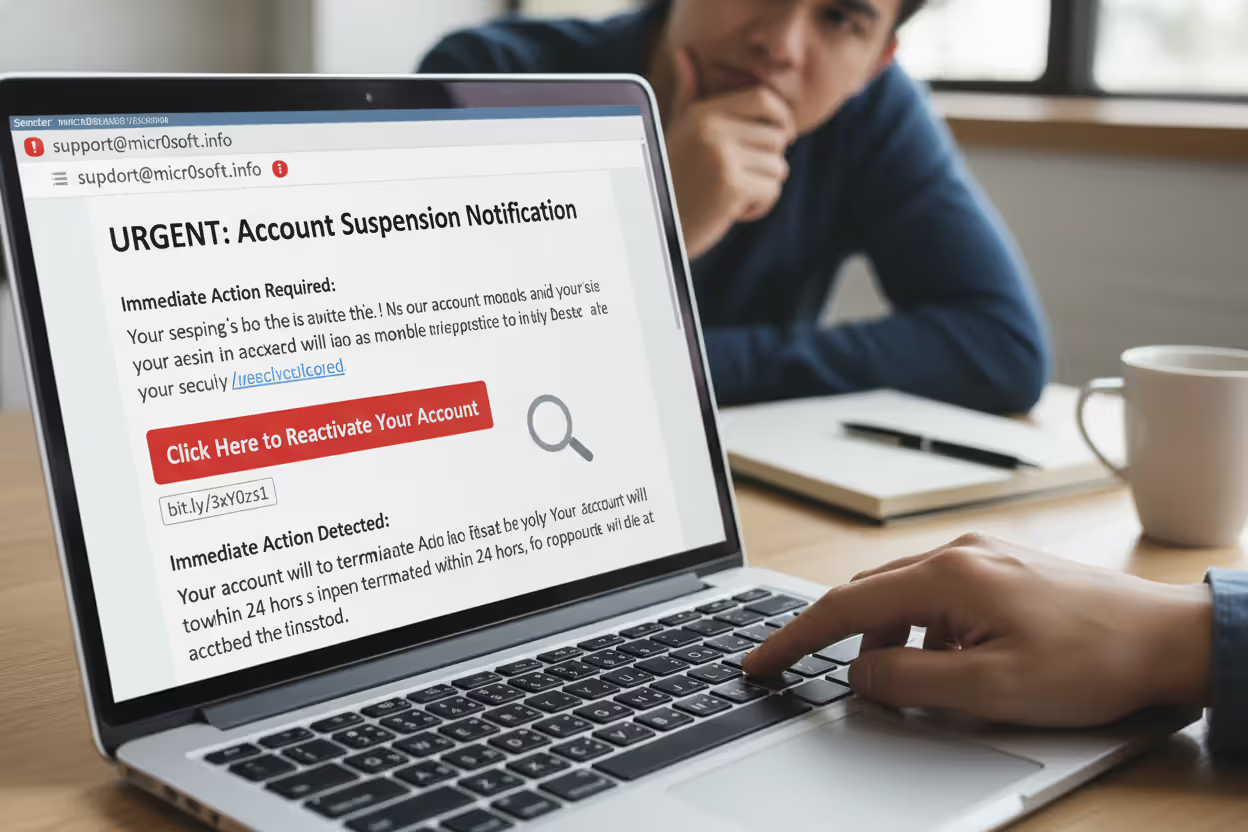
Phishing remains the most prevalent attack vector, accounting for approximately 36% of breaches in 2025. These fraudulent messages impersonate trusted entities—banks, executives, IT departments, vendors—to trick recipients into divulging credentials, transferring funds, or downloading malware. Modern phishing has evolved beyond obvious scams. Spear phishing targets specific individuals with personalized details gathered from social media and corporate websites. A controller might receive an email appearing to come from the CFO, using authentic communication style and referencing legitimate projects, requesting an urgent wire transfer.
Cybersecurity awareness examples include recognizing red flags: urgent language creating artificial time pressure, requests that bypass normal procedures, slight misspellings in sender addresses (cfo@companyy.com instead of company.com), or links where the displayed text doesn't match the actual URL revealed by hovering.
Author: Monica Ellery;
Source: elegantimagerytv.com
Social engineering exploits human psychology rather than technical vulnerabilities. An attacker might call the help desk claiming to be a remote employee who forgot their password, using publicly available information to establish credibility, then gaining access to systems. Pretexting involves creating fabricated scenarios—posing as an auditor requesting sensitive files or a technician needing physical access to server rooms.
Password attacks take multiple forms. Credential stuffing uses username-password pairs stolen from one breach to access accounts on other services, exploiting password reuse. Brute force attacks systematically try combinations until finding the right one—trivial against weak passwords like "Password123." Keyloggers capture everything typed on compromised devices, harvesting credentials invisibly.
Malware encompasses ransomware that encrypts files and demands payment, spyware that monitors activity and exfiltrates data, and trojans disguised as legitimate software. Employees encounter malware through infected email attachments, compromised websites, malicious advertisements, or infected USB drives. A seemingly harmless PDF invoice might execute code that installs ransomware across the network.
Insider threats originate from within the organization—employees, contractors, or partners with legitimate access who misuse it. Some act maliciously, stealing intellectual property or sabotaging systems. Others create risk through negligence: misconfiguring databases so they're publicly accessible, losing devices containing sensitive data, or falling victim to manipulation by external attackers.
Real-world example: In 2024, a major healthcare provider suffered a breach when an employee received a text message claiming to be from IT, stating their account would be suspended unless they verified credentials through a provided link. The employee complied, giving attackers access that led to 2.3 million patient records being compromised. The attack succeeded not through technical sophistication but by exploiting trust and urgency.
Building an Effective Cybersecurity Awareness Program
Key Components of Awareness Training
Comprehensive programs address multiple knowledge domains. Threat recognition training teaches employees to identify phishing, social engineering, and suspicious behavior. Data handling modules cover classification schemes, storage requirements, sharing protocols, and disposal procedures. Password security emphasizes creation of strong passphrases, unique credentials per account, and proper use of password managers.
Device security training covers physical controls—locking screens when away, preventing shoulder surfing, securing mobile devices—plus digital hygiene like applying updates promptly, avoiding untrusted applications, and connecting safely to networks. Incident response education ensures everyone knows how to report suspected compromises, what information to preserve, and whom to contact.
Role-based training customizes content to job functions. Finance staff receive enhanced training on business email compromise and wire fraud. Developers learn secure coding practices and API security. Executives get targeted education on whaling attacks and their responsibilities under disclosure regulations. Generic training misses opportunities to address role-specific risks.
Simulated attacks provide hands-on experience. Phishing simulations send realistic but harmless messages, tracking who clicks and measuring improvement over time. Physical security tests might involve leaving USB drives in parking lots to see if employees insert them. Social engineering assessments call employees with pretexts to evaluate their adherence to verification protocols.
Measuring Program Success
Quantitative metrics track behavioral changes. Phishing click rates—the percentage of employees who click links in simulated attacks—provide clear benchmarks, with leading organizations achieving rates below 5%. Time-to-report measures how quickly employees flag suspicious messages, with faster reporting indicating stronger awareness. Training completion rates and assessment scores reveal knowledge gaps.
Qualitative indicators assess cultural shifts. The volume of security incidents reported by employees—as opposed to discovered by technical tools—suggests growing vigilance. Exit interviews and surveys gauge whether employees understand their security responsibilities and feel empowered to act on concerns.
Business impact metrics connect awareness to outcomes. Reduced breach frequency, lower average cost per incident, decreased dwell time (how long attackers remain undetected), and improved audit results demonstrate program value. Compliance metrics track adherence to training requirements mandated by regulations or contracts.
Attribution remains challenging. When phishing attempts decline, is that due to training effectiveness or attackers shifting tactics? Leading organizations use control groups, A/B testing different training approaches, and statistical analysis to isolate program impact from confounding variables.
| Training Method | Best For | Frequency | Engagement Level | Cost Range |
| Computer-Based Training (CBT) | Foundational knowledge, compliance documentation | Annual or semi-annual | Low to Medium | $20-50 per user/year |
| Microlearning Modules | Continuous reinforcement, specific topics | Weekly or monthly | Medium | $30-60 per user/year |
| Simulated Phishing | Practical threat recognition, measuring behavior | Monthly | High | $15-40 per user/year |
| In-Person Workshops | Complex scenarios, team building, executive training | Quarterly or annual | High | $100-300 per user |
| Gamified Platforms | Long-term engagement, competitive environments | Ongoing | Very High | $40-80 per user/year |
| Lunch-and-Learn Sessions | Informal education, culture building | Monthly | Medium | $50-150 per session |
Cybersecurity Awareness Best Practices for Individuals and Organizations
Password hygiene forms the foundation of personal security. Create unique passphrases for each account—long combinations of random words prove both strong and memorable. "CorrectHorseBatteryStaple" exceeds "P@ssw0rd!" in security while being easier to recall. Password managers eliminate the burden of remembering dozens of credentials, generating and storing complex passwords while requiring only one master passphrase.
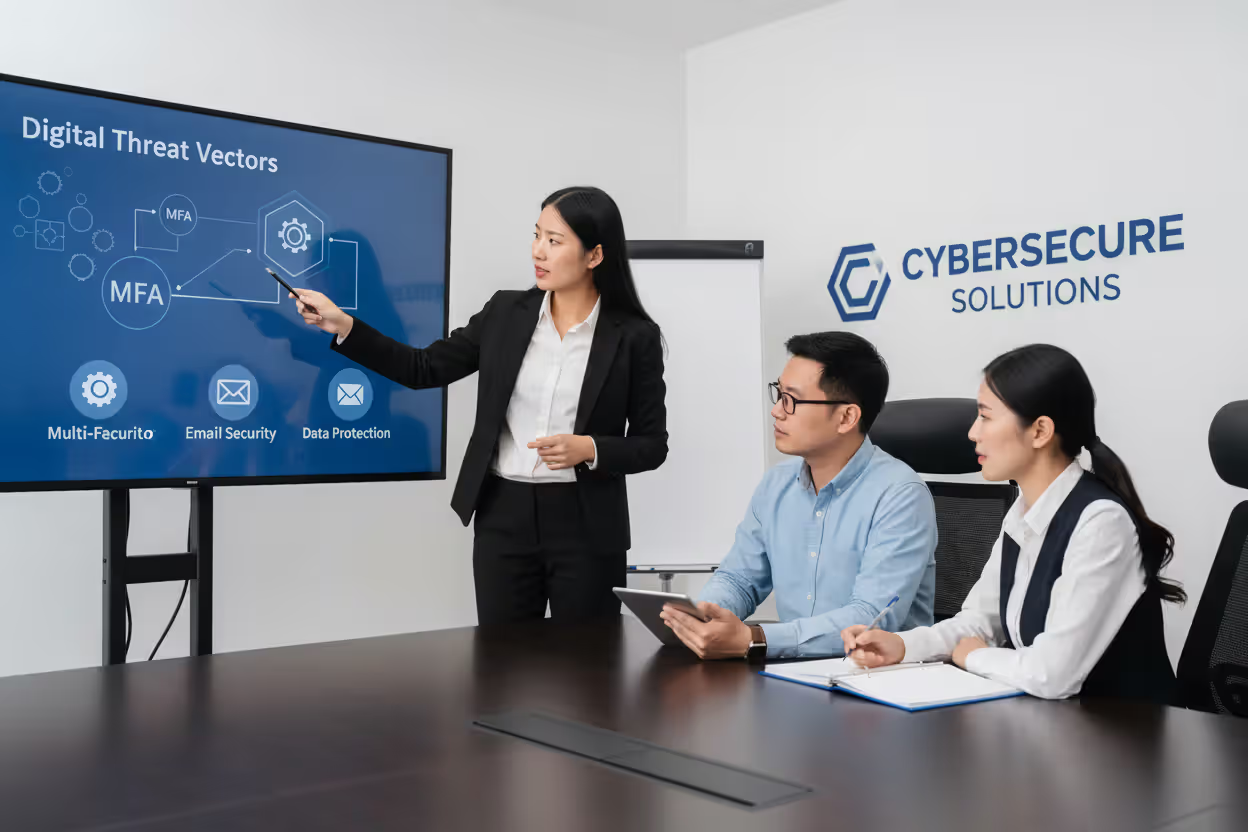
Multi-factor authentication (MFA) adds critical protection. Even if attackers obtain passwords, they cannot access accounts without the second factor—a code from an authenticator app, biometric verification, or hardware token. Enable MFA everywhere it's offered, prioritizing financial accounts, email, and work systems. Authentication apps like Authy or Google Authenticator prove more secure than SMS codes, which can be intercepted.
Email vigilance prevents most phishing success. Before clicking links, hover to reveal the actual destination URL. Verify sender addresses carefully—attackers register domains with subtle misspellings. Question unexpected requests, especially those creating urgency or requesting unusual actions. When in doubt, contact the supposed sender through a separate communication channel to confirm legitimacy.
Device security requires multiple layers. Enable full-disk encryption on laptops and mobile devices so lost or stolen hardware doesn't expose data. Install updates promptly—most patches address known vulnerabilities that attackers actively exploit. Use reputable security software, though recognize it's not infallible. Lock screens when stepping away, even briefly in trusted environments.
Network caution protects data in transit. Public Wi-Fi at coffee shops and airports is inherently insecure; attackers easily intercept traffic on these networks. Use VPNs when connecting to untrusted networks, encrypting data before it leaves your device. Avoid accessing sensitive accounts or conducting financial transactions over public Wi-Fi without VPN protection.
Reporting procedures must be clear and frictionless. Employees should know exactly how to report suspicious emails, potential compromises, or policy violations—ideally through a single, well-publicized channel. Organizations that make reporting complicated or punish good-faith mistakes discourage vigilance. Acknowledge reports promptly and provide feedback about outcomes when appropriate.
Author: Monica Ellery;
Source: elegantimagerytv.com
Physical security often gets overlooked in digital discussions. Shred documents containing sensitive information. Secure printed materials rather than leaving them on printers. Challenge unfamiliar people in secure areas politely but firmly. Lock file cabinets and offices containing confidential materials. The most sophisticated cyberattack becomes unnecessary when an attacker can simply walk in and access systems physically.
Social media awareness prevents information leakage. Attackers mine Facebook, LinkedIn, and Twitter for details used in spear phishing and social engineering. Avoid posting about work projects, travel schedules, or personal details that could be exploited. Review privacy settings regularly—platforms frequently change defaults, potentially exposing information you thought was private.
Technical controls can stop 95% of attacks, but that remaining 5% involves humans making decisions under uncertainty. Our analysis of breaches over the past three years shows that organizations with mature awareness programs detect and contain incidents 40% faster than those relying solely on technical defenses. The return on investment is clear: every dollar spent on effective training saves an average of $7 in breach costs
— Dr. Sarah Chen
Frequently Asked Questions About Cybersecurity Awareness
Cybersecurity awareness represents one of the highest-leverage investments organizations can make in their security posture. While technical controls address automated threats, humans remain the last line of defense against social engineering, phishing, and the countless judgment calls that determine whether an organization stays secure or suffers a breach.
Effective programs go beyond annual compliance training, creating cultures where security becomes everyone's responsibility. They combine foundational education with continuous reinforcement, role-specific content with universal principles, and measurement with adaptation. The goal isn't perfection—even well-trained employees occasionally make mistakes—but rather building resilience through multiple layers of human and technical defenses.
The threat landscape will continue evolving. Attackers will leverage new technologies, exploit emerging vulnerabilities, and refine social engineering techniques. Organizations that invest in awareness programs position themselves to adapt, creating workforces capable of recognizing novel threats and responding appropriately even when facing attacks they've never encountered before.
Whether you're an individual looking to protect personal information or a security leader building an enterprise program, the principles remain consistent: understand the threats, recognize your role in defense, practice good habits consistently, and maintain vigilance without paranoia. Security awareness isn't a destination but an ongoing journey, one that pays dividends in reduced risk, improved compliance, and organizational resilience against an ever-present array of threats.
Related Stories

Read more

Read more



The content on this website is provided for general informational and educational purposes only. It is intended to explain concepts related to cybersecurity awareness, online threats, phishing attacks, and data protection practices.
All information on this website, including articles, guides, and examples, is presented for general educational purposes. Cybersecurity risks and protection strategies may vary depending on individual behavior, technology usage, and threat environments.
This website does not provide professional cybersecurity, legal, or technical advice, and the information presented should not be used as a substitute for consultation with qualified cybersecurity professionals.
The website and its authors are not responsible for any errors or omissions, or for any outcomes resulting from decisions made based on the information provided on this website.