
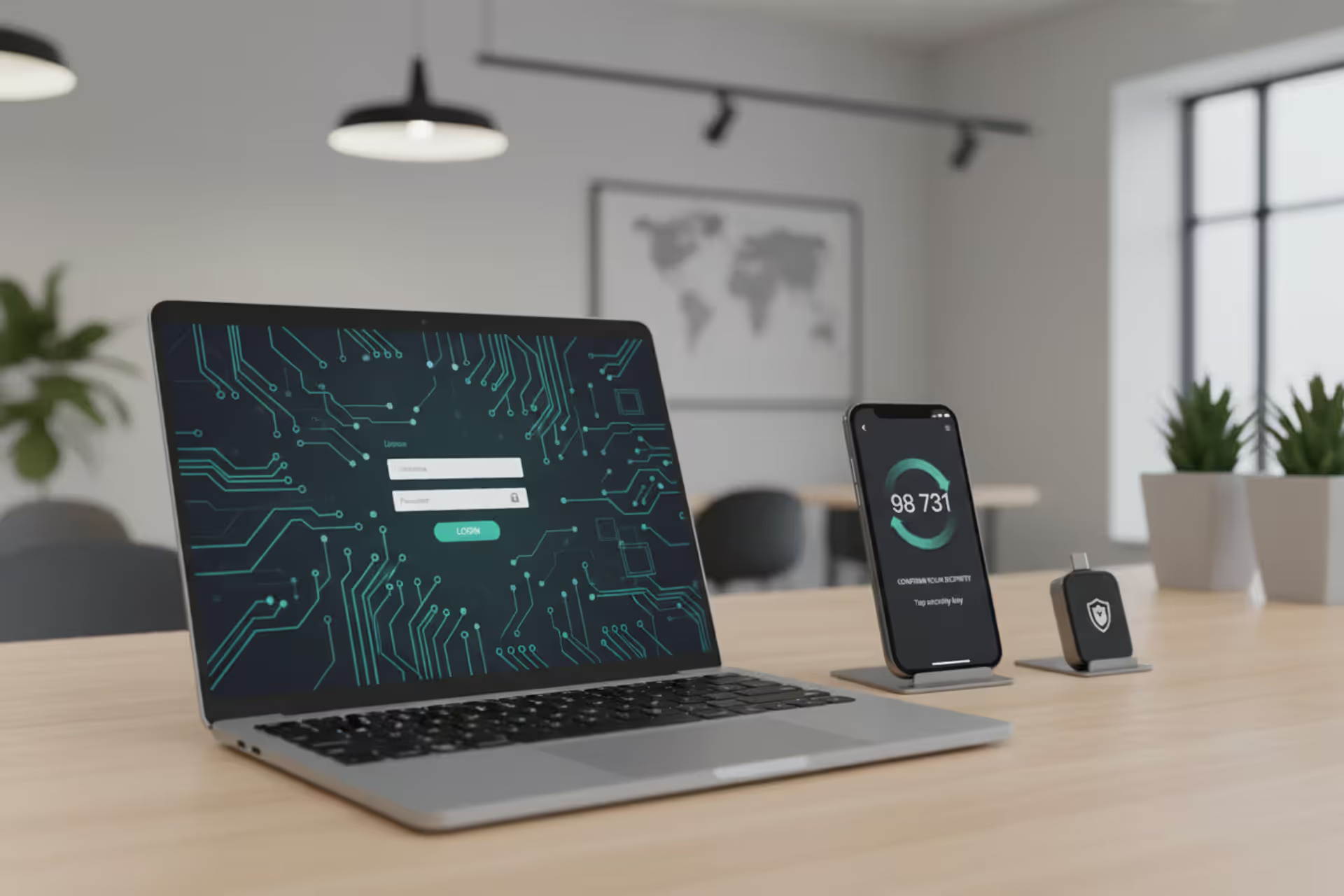
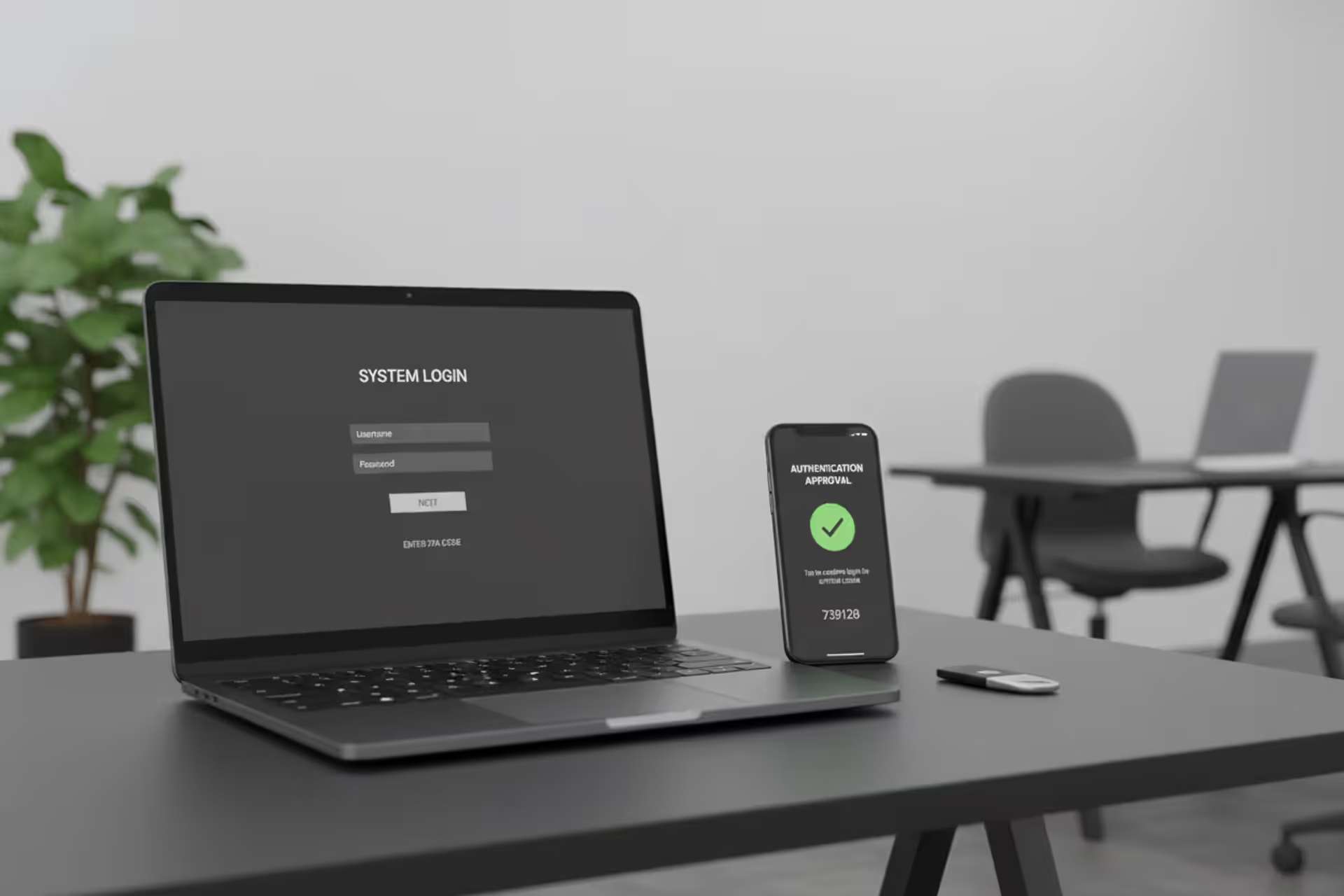
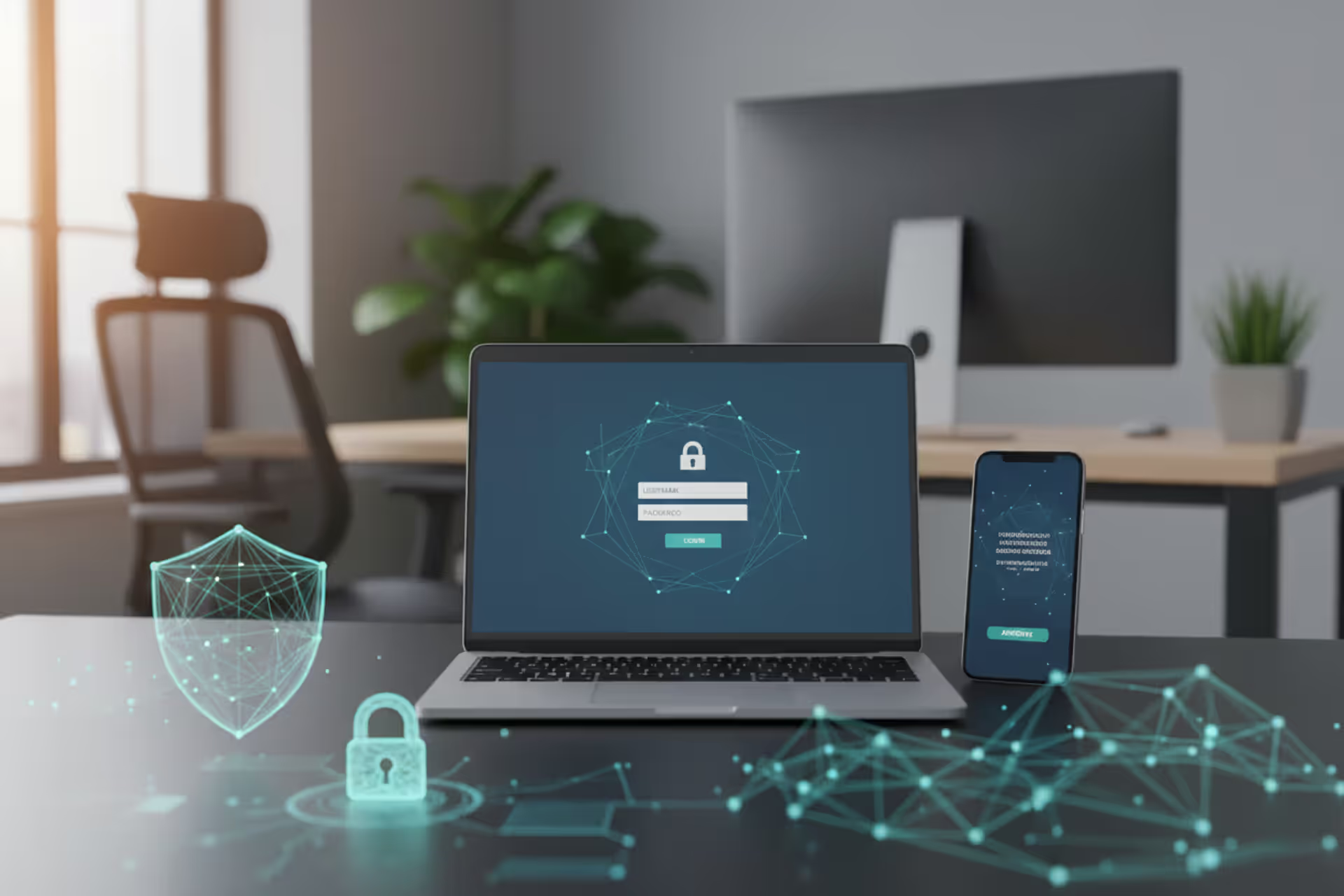
Password security concept with laptop, smartphone authentication, and hardware security key
Cyber Security Password Best Practices

Passwords protect nearly every digital interaction you'll have today, yet most people handle them in ways that make hackers' jobs ridiculously easy. One compromised password can drain bank accounts, expose private medical records, or hand over company secrets to competitors. At this point in 2026, treating password security as optional is like leaving your front door wide open because you think burglars won't bother with your neighborhood.
Why Password Security Matters in Cybersecurity
Here's the uncomfortable truth: roughly 61% of data breaches in 2025 started with stolen, weak, or reused passwords. Attackers don't waste time hunting for exotic software vulnerabilities when lazy password habits hand them the keys.
Brute force attacks have gotten frighteningly fast. With modern graphics cards, hackers can test billions of password combinations every second against stolen password databases. Got an eight-character password made entirely of lowercase letters? Current hardware cracks it in under two minutes. Not two hours or two days—two minutes.
Credential stuffing attacks exploit an even simpler human weakness. People manage an average of 168 online accounts as of early 2026. Who wants to remember 168 different passwords? So they reuse the same handful everywhere. When hackers steal passwords from one site's breach, they immediately test those same credentials against banking sites, email providers, and corporate VPNs. Jackpot.
Real companies lose real money this way. MGM Resorts paid over $100 million in damages after a 2023 breach that started with compromised employee credentials obtained through social engineering. The Colonial Pipeline ransomware attack—which caused gas shortages across the U.S. East Coast—traced back to a single reused password on an old VPN account that nobody had protected with a second authentication factor.

Author: Monica Ellery;
Source: elegantimagerytv.com
Understanding cyber security password best practices basics means recognizing that every password you create either locks attackers out or rolls out the welcome mat.
How Cyber Security Password Best Practices Works
Several technical principles work together to make passwords either frustratingly difficult or absurdly easy to crack.
Entropy measures randomness. High-entropy passwords contain enough unpredictable variation that guessing them becomes mathematically impractical within any reasonable timeframe. Adding characters and expanding your character palette (mixing lowercase, uppercase, numbers, symbols) creates exponentially more combinations for attackers to test.
Unpredictability means avoiding patterns that humans naturally create. Passwords like "Password123!" or "Summer2026!" might feel random to you, but they follow patterns that password-cracking dictionaries specifically target first. Hackers already know you substitute "@" for "a" and stick exclamation points at the end—their tools test these variations automatically.
Secure storage protects passwords when they're saved and when they travel across networks. Legitimate services never store your actual password. Instead, they store a cryptographic hash—a mathematical transformation that only works one direction. Properly hashed passwords remain nearly impossible to reverse even when attackers steal entire databases.
Additional authentication layers add protection beyond passwords alone. This typically means confirming you possess something physical (like your phone or a security key) or something biological (like your fingerprint). Even if your password leaks online, attackers still can't access your account without that second factor.
These principles explain how cyber security password best practices works at the technical level, but you need practical rules to implement them.
Core Password Creation and Management Rules
Length and Complexity Requirements
Password length beats complexity every single time. A 16-character password using only lowercase letters offers stronger protection than an 8-character password mixing uppercase, numbers, and symbols. Why? Each added character multiplies your total possible combinations, while adding character types only increases them incrementally.
Author: Monica Ellery;
Source: elegantimagerytv.com
Modern recommendations suggest 12-16 characters minimum for everyday accounts, but 16-20 characters for anything handling money, health data, or work information. Passphrases—random words connected together like "elephant-sidewalk-trumpet-Thursday"—give you both length and memorability.
Complexity should focus on genuine randomness rather than checking boxes on arbitrary rules. When systems force you to include symbols, users predictably capitalize the first letter and dump numbers plus symbols at the end. Instead, aim for true unpredictability throughout the entire password.
Skip dictionary words, personal names, important dates, or keyboard patterns like "qwerty" or "asdfgh." Cracking tools test these immediately. If you prefer word-based passwords, combine four or more completely unrelated random words with separators between them.
Avoiding Common Password Mistakes
Password reuse represents the single most dangerous mistake you can make. Using identical passwords for email, banking, and social media means a breach at any one service compromises everything else. Hackers specifically target email accounts first because password reset links for every other service flow through your inbox.
Personal information makes terrible password material. Your birthday, pet's name, favorite sports team, or childhood street name all appear in social media profiles or public records databases. Attackers building targeted attacks against specific individuals compile this information into custom password dictionaries.
Simple character substitutions don't fool modern cracking software. Swapping "o" for "0" or "a" for "@" might look clever to you, but these substitutions appear in every password dictionary that hackers use.
Sharing passwords through insecure methods creates permanent records. Texting passwords, writing them in emails, or posting them in chat windows means they exist in logs, backups, and archives that could be intercepted, hacked, or subpoenaed later.
Using Password Managers Effectively
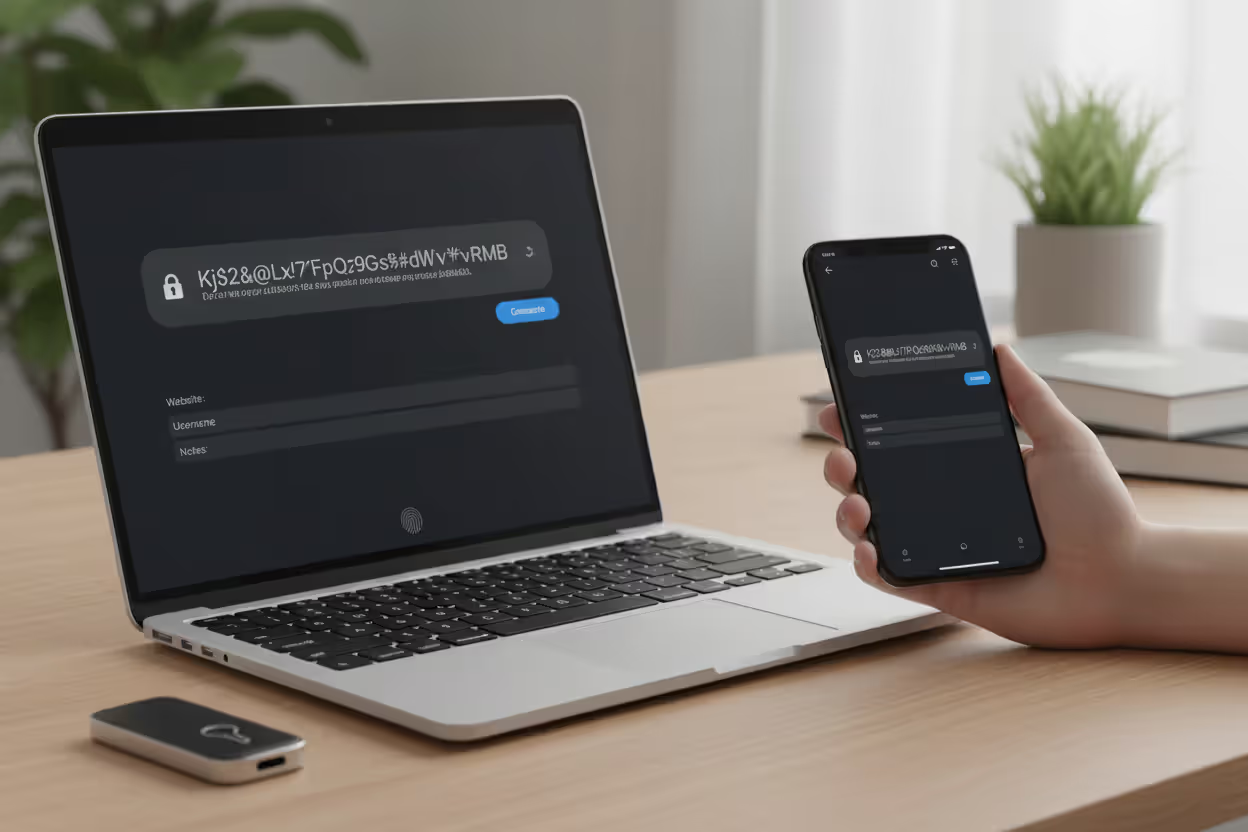
Password managers address the core problem: human brains weren't designed to remember dozens of unique, complex random strings. These tools generate passwords, store them encrypted, and automatically fill them into login forms so you don't carry that cognitive burden.
Quality password managers encrypt your entire vault using one master password—the single password you absolutely must remember. For this master password, use the passphrase approach: four or more random words totaling 20+ characters.
Turn on every security feature available: authentication apps or hardware keys to access your vault, built-in audits that flag weak or reused passwords, and monitoring services that notify you when your credentials appear in known breaches.
Password managers can generate passwords matching any site's specific requirements while storing associated information like security question answers or recovery codes. Use the random password generator for every new account—let the software create genuinely random 16-20 character passwords you'll never need to memorize or type.
Cyber Security Password Best Practices Explained for Different Scenarios
Workplace and Enterprise Environments
Corporate environments deal with security requirements that go beyond individual protection. Compliance frameworks like SOC 2, HIPAA, and PCI-DSS mandate specific password policies that companies must enforce by law or contractual obligation.
Enterprise password policies typically enforce 16+ character minimums, conduct regular security audits, and require authentication apps or hardware keys for anyone accessing sensitive data. Many companies have implemented single sign-on (SSO) systems that centralize authentication, which reduces the password burden on employees while improving security monitoring capabilities.
Privileged accounts—the ones with administrative access to systems or sensitive databases—demand extra protection. These accounts need 20+ character passwords, physical hardware security keys for authentication, and detailed access logging. Some organizations use privileged access management (PAM) systems that automatically rotate these passwords after every use.
Remote work has opened new attack vectors that didn't exist when everyone worked from secured office buildings. VPN access, cloud applications, and remote desktop connections all require robust authentication. Companies should require authentication apps or hardware keys on all remote access points and implement conditional access policies that evaluate login attempts based on location, device type, and historical behavior patterns.
Employee training continues to matter because technical controls fail when people write passwords on sticky notes, share credentials with coworkers, or fall for phishing emails. Regular security awareness training should cover password hygiene, phishing recognition, and reporting procedures for suspicious activity.
Personal Accounts and Home Use
Personal account security starts with prioritizing what matters most. Your primary email account is the crown jewel—it controls password resets for virtually every other service. Banking, healthcare portals, and government accounts also warrant maximum protection.
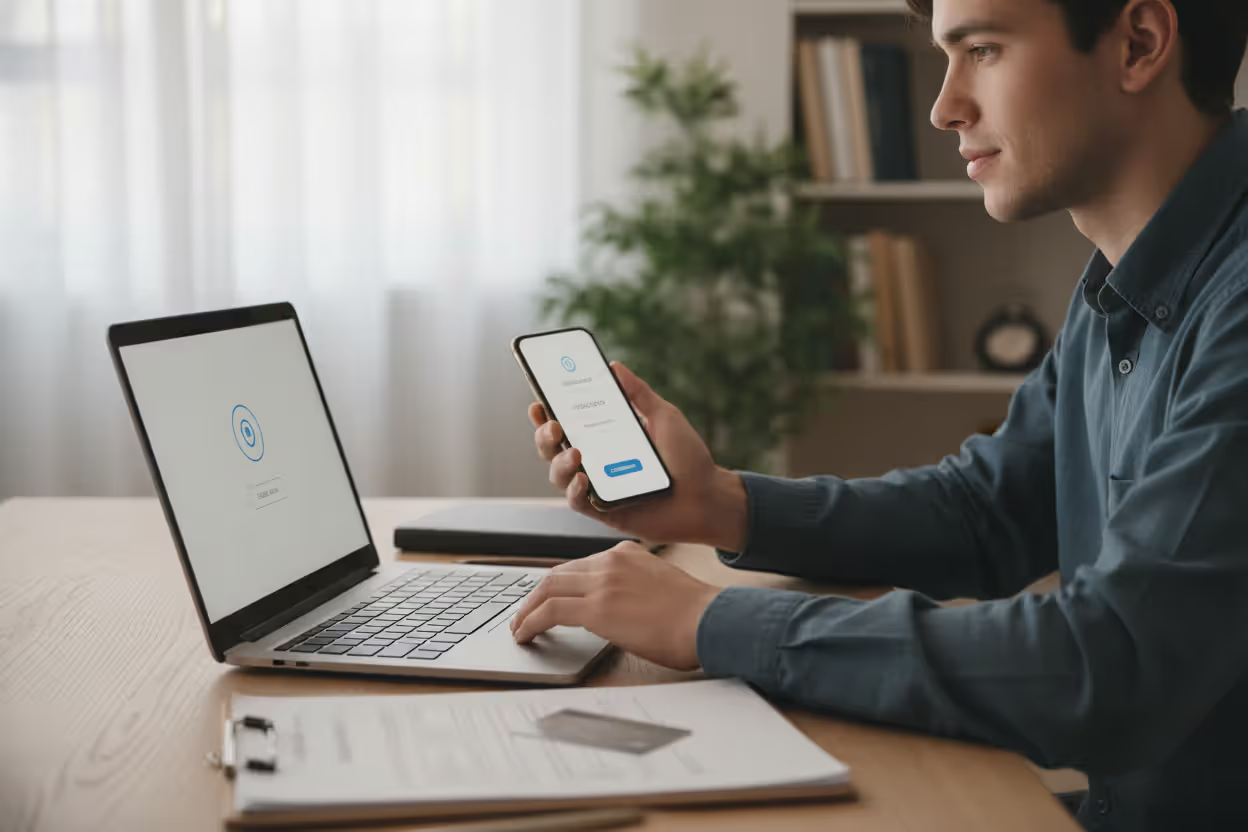
For critical accounts, generate unique passwords of 16+ characters and enable the strongest authentication available. Hardware security keys (like YubiKey or Titan) provide better protection than authenticator apps, which beat SMS codes by a wide margin.
Author: Monica Ellery;
Source: elegantimagerytv.com
Less critical accounts—shopping sites, forums, newsletter subscriptions—still need unique passwords, but you might accept shorter lengths like 12-14 characters generated by your password manager. Never reuse passwords from important accounts on these lower-priority sites.
Sharing passwords within families presents practical challenges. Password managers offer secure sharing features that grant access to specific passwords without revealing them in plain text. For shared accounts like streaming services, create a strong password stored in a shared vault rather than texting it around or scribbling it on paper.
Regular security checkups maintain good hygiene over time. Most password managers include audit features that identify weak, reused, or compromised passwords in your vault. Set a quarterly reminder to review and update any flagged credentials.
Cyber Security Password Best Practices Examples
Concrete examples clarify the difference between weak and strong password security.
Weak password: Fluffy2026!
Why it fails: Based on a pet name (personal information), follows predictable patterns (capital first letter, then word, then year, then symbol), only reaches 11 characters. Dictionary attacks crack this in minutes.
Moderate password: F!u7fY#2026$mYp3t
Why it's better but still problematic: Reaches 18 characters with mixed character types, but still derives from personal information using predictable substitutions. Targeted attacks using information scraped from social media profiles could succeed.
Strong password: k9#mL2$pQ7@nX4&bR8
Why it works: Contains 18 genuinely random characters mixing all available types, with no discernible patterns or personal information. Brute force attacks would take centuries using current technology.
Author: Monica Ellery;
Source: elegantimagerytv.com
Very strong passphrase: correct-horse-battery-staple-mountain-7
Why it excels: Spans 42 characters, remains memorable despite using random word combinations, easy to type accurately, provides extremely high entropy. Essentially uncrackable by any currently available methods.
Authentication setup varies based on account importance:
Email (critical priority): Password combined with hardware security key (FIDO2 standard). The physical key must be present during login, defeating both phishing attempts and remote attacks.
Banking (critical priority): Password combined with authenticator app generating time-based codes. These rotating codes from your phone provide robust second-factor protection.
Social media (moderate priority): Password combined with SMS verification codes. While SMS remains less secure than other authentication methods, it still offers significantly better protection than password-only authentication.
Password rotation policies have evolved significantly. Current guidance recommends changing passwords only when you have specific evidence suggesting compromise—after receiving breach notifications, detecting suspicious activity, or identifying potential exposure. Arbitrary rotation schedules (every 90 days) typically produce weaker passwords as users make minimal changes to meet requirements.
Common Password Security Mistakes to Avoid
The password problem fundamentally stems from asking humans to remember dozens of complex, unique strings that violate every principle of how memory actually works. Password managers combined with additional authentication factors don't just improve security—they make genuinely strong security practically achievable for ordinary users
— Dr. Lorrie Cranor
Understanding common failures helps you avoid repeating them in your own security practices.
Reusing passwords across multiple accounts remains the most dangerous habit you can develop. When hackers breach a low-security shopping site, they immediately test those credentials against high-value targets like email and banking. Your primary email password should be absolutely unique—never used anywhere else.
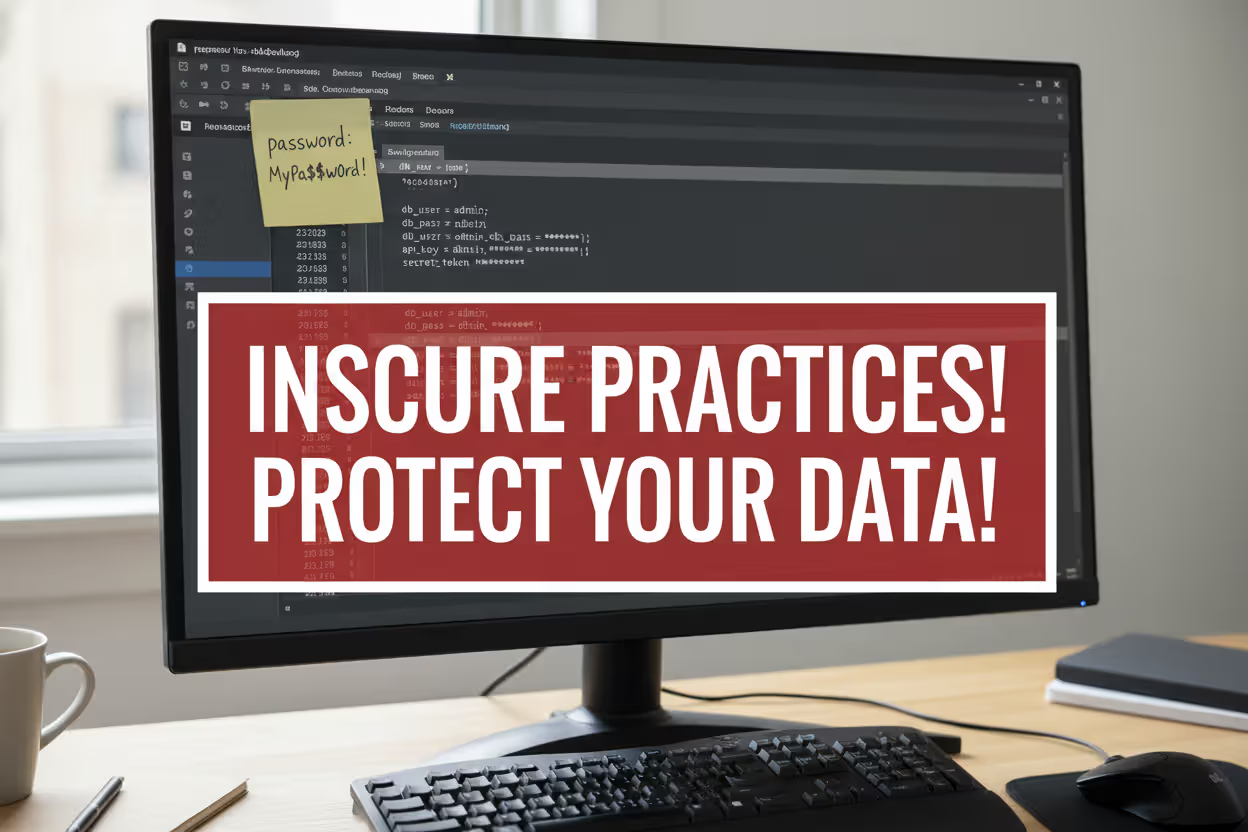
Storing passwords in plain text creates unnecessary exposure. Whether you save them in a text file, spreadsheet, or written note, unencrypted storage means anyone gaining access—physically or digitally—can read everything. Encrypted password managers provide dramatically better protection.
Sharing credentials without good reason multiplies your risk exposure. Each person who knows a password represents another potential leak point. For accounts requiring shared access, use your password manager's secure sharing features and immediately revoke access when no longer needed.
Ignoring available authentication options leaves accounts vulnerable even when you've created strong passwords. Phishing attacks, keyloggers, and database breaches all bypass password strength entirely. Additional authentication factors provide critical backup protection. Enable them on every account offering them, starting with email, banking, and work systems.
Incorporating personal information makes your passwords predictable. Birthdays, anniversaries, children's names, pet names, favorite teams—all this appears in your social media profiles or public records. Hackers building targeted attacks against specific individuals compile this information into custom attack dictionaries.
Trusting browser password storage without extra protection can backfire. While modern browsers encrypt stored passwords, they frequently decrypt automatically when you're logged into the device. Someone gaining access to your unlocked computer could extract all stored passwords. Password managers with independent authentication layers offer better security.
Falling for phishing attempts undermines even perfect password hygiene. When you enter credentials on a fake login page, attackers capture them in real time. Always verify URLs carefully before entering passwords, and implement additional authentication factors to limit damage if you do get fooled.
Password Strength Comparison
| Strength Level | Characteristics | Example (Partial) | Est. Time to Crack | Recommended Use |
| Weak | 6-8 characters, single case, dictionary word | fluffy | Seconds to minutes | Never acceptable |
| Moderate | 8-10 characters, mixed case, includes numbers | Fluffy20** | Hours to days | Never acceptable |
| Strong | 12-16 characters, random mix across all types | k9#mL2$p**** | Years to decades | Standard accounts when paired with additional authentication |
| Very Strong | 16+ characters random, or 4+ word passphrase | correct-horse-**** | Centuries | Critical accounts, master passwords |
Frequently Asked Questions About Password Security
Password security forms your digital safety foundation, but it doesn't demand perfection—just consistency in applying proven practices. Start using a password manager to generate and store unique, complex passwords for every account you maintain. Turn on additional authentication factors for all services offering them, prioritizing email, financial accounts, and work systems. Emphasize password length over arbitrary complexity requirements, targeting 16+ characters or multi-word passphrases.
The threat landscape keeps evolving, but these fundamental practices provide robust defense against current attack methodologies. Credential-based attacks succeed primarily because users take shortcuts—reusing passwords, choosing predictable patterns, or skipping additional authentication. Following the guidance in this cyber security password best practices guide eliminates the low-hanging vulnerabilities that attackers harvest first.
Begin with your most critical accounts: primary email, banking, and work systems. Update these to unique, strong passwords stored in a password manager with additional authentication enabled. Then systematically work through remaining accounts during scheduled security checkups. Initial setup requires effort, but maintenance becomes routine once your system operates smoothly.
Securing passwords isn't about memorizing dozens of complex strings—it's about constructing a sustainable system that protects you without constant mental strain. Allow tools to handle the complexity while you focus on the handful of practices delivering maximum impact: uniqueness, length, encrypted storage, and layered authentication.
Related Stories
Read more
Read more

The content on this website is provided for general informational and educational purposes only. It is intended to explain concepts related to cybersecurity awareness, online threats, phishing attacks, and data protection practices.
All information on this website, including articles, guides, and examples, is presented for general educational purposes. Cybersecurity risks and protection strategies may vary depending on individual behavior, technology usage, and threat environments.
This website does not provide professional cybersecurity, legal, or technical advice, and the information presented should not be used as a substitute for consultation with qualified cybersecurity professionals.
The website and its authors are not responsible for any errors or omissions, or for any outcomes resulting from decisions made based on the information provided on this website.