
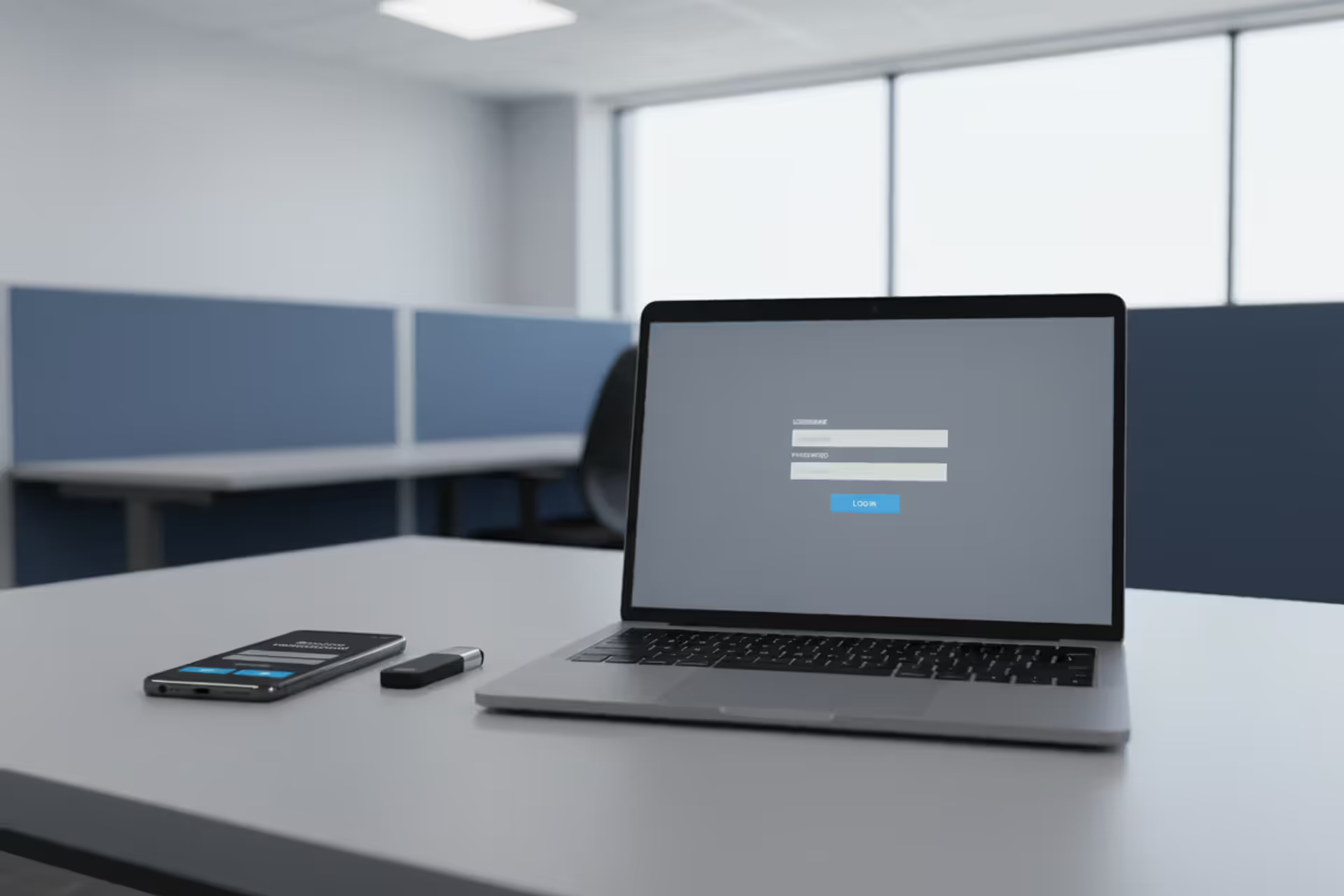
Cybersecurity workspace with laptop login screen and smartphone MFA prompt
Multi Factor Authentication Phishing Explained

When companies rolled out multi-factor authentication across their platforms, security teams breathed a sigh of relief. Password-only protection was finally getting the upgrade it desperately needed. But here's the uncomfortable truth: attackers didn't give up. They adapted. Today's cybercriminals have mastered techniques that slip right past MFA protections, and most users have no idea it's happening.
What Is Multi Factor Authentication Phishing?
Multi factor authentication phishing targets the very safeguards you've added to protect your accounts. Think about it—traditional phishing grabs your password and calls it a day. These newer attacks? They're after everything: your password, that six-digit code from your phone, the push notification you're about to approve, even your fingerprint confirmation.
Here's what makes the multi factor authentication phishing basics so concerning: people trust MFA completely. You enable two-factor authentication, and suddenly you feel bulletproof. That confidence becomes the vulnerability. Attackers count on users thinking, "I have MFA enabled, so I'm safe," right before those users hand over both their password AND their authentication code to a fake login page.
The attack methods vary, but they share common goals. Real-time credential relaying puts attackers in the middle—they grab your credentials and use them immediately on the real site while you're still typing. Session hijacking steals your authenticated browser session, skipping the login process entirely. Social engineering tricks you into approving authentication requests that grant attackers access.
Most MFA systems verify you possess something—a phone getting SMS codes, an authenticator app generating numbers, a device receiving notifications. But possession alone doesn't guarantee the authentication request is legitimate. That gap creates the opening attackers exploit.
How Multi Factor Authentication Phishing Works
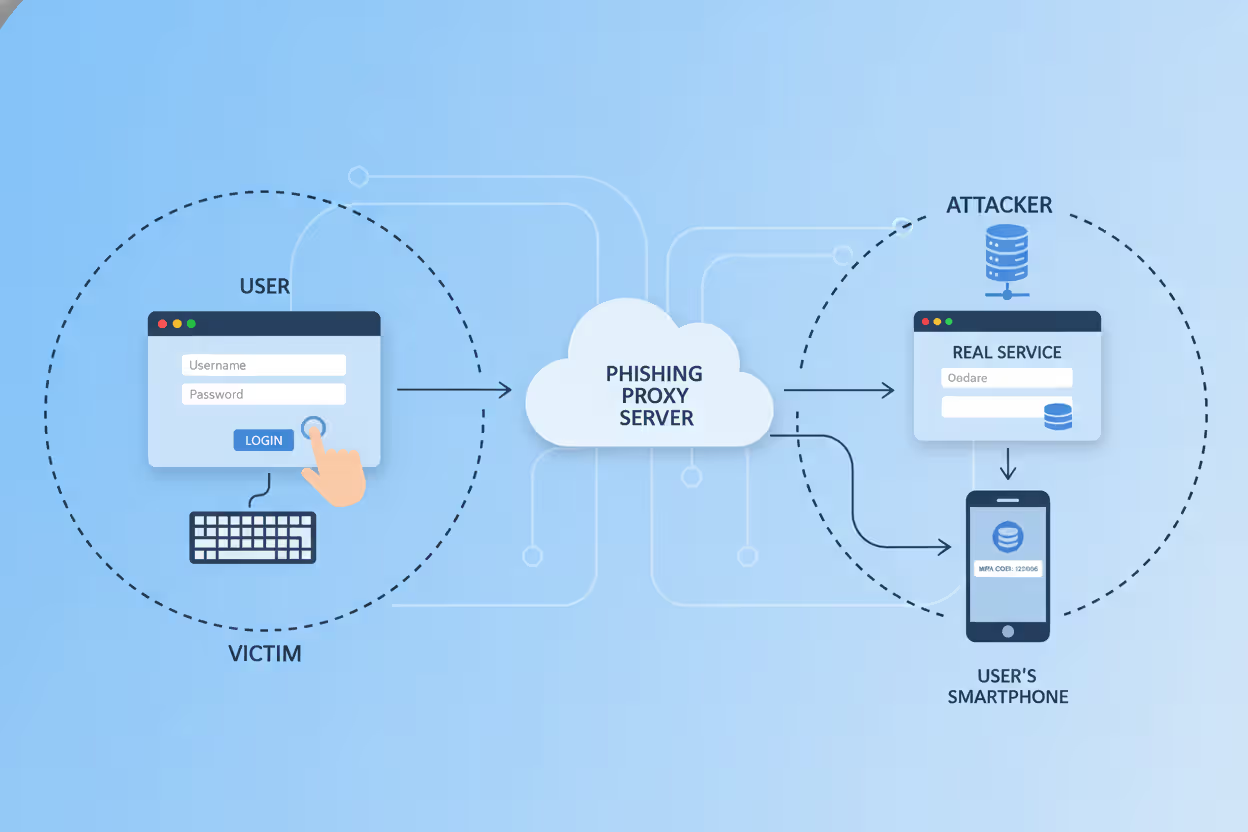
So how multi factor authentication phishing works comes down to split-second timing and convincing theater. Picture this: you receive an email claiming your account needs verification. You click the link, see a login page that looks exactly like the real thing, and enter your credentials. Behind that fake page, an attacker's automated system instantly submits those credentials to the actual service. The real service sends you a genuine MFA code or push notification. You enter it or approve it. Done. The attacker now has full access to your account.
Modern phishing toolkits handle this entire sequence automatically. The victim experiences what feels like a normal login—maybe slightly slower than usual, but nothing alarming. Meanwhile, the attacker's software is choreographing a synchronized dance between the fake site, the real service, and the victim's authentication app.
Author: Monica Ellery;
Source: elegantimagerytv.com
MFA Prompt Bombing Attacks
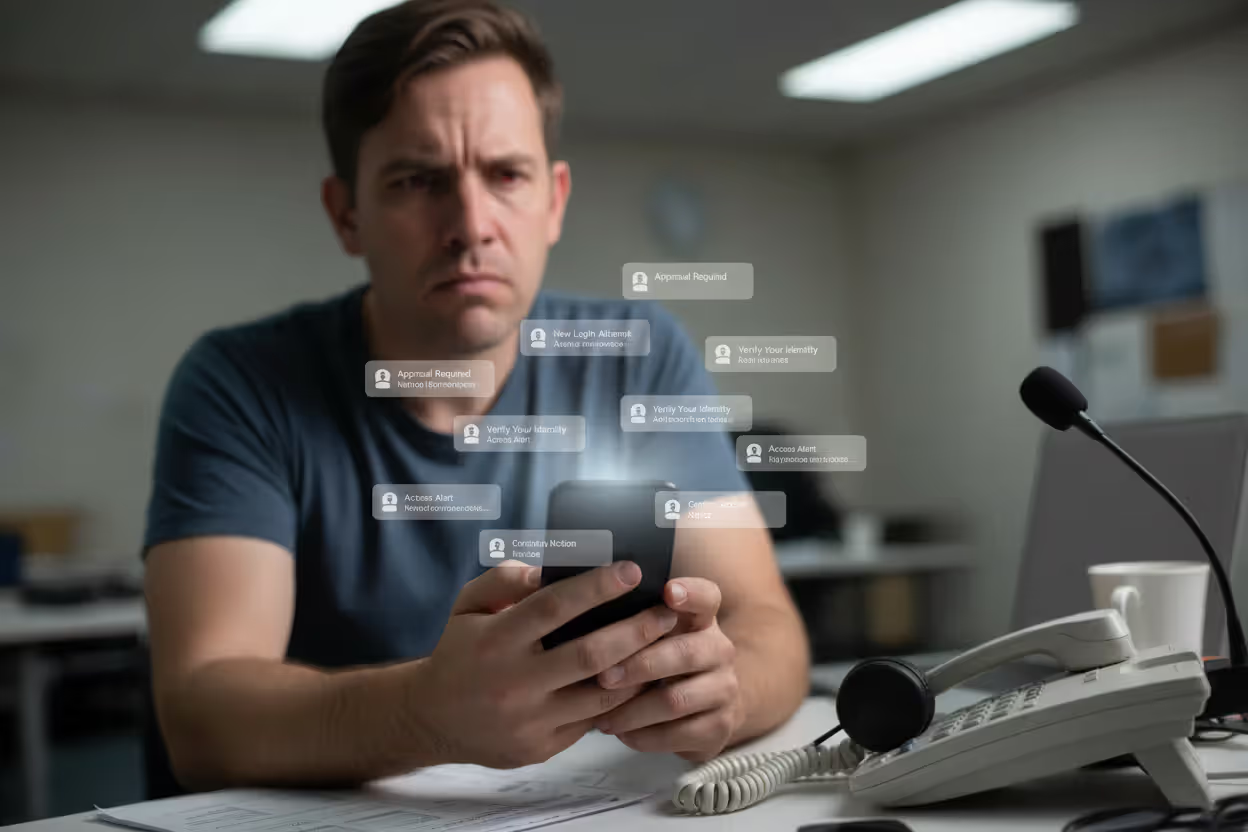
Prompt bombing takes advantage of human exhaustion rather than technical flaws. Attackers already have your username and password (maybe from an old data breach, maybe from malware). They trigger MFA requests over and over—twenty, fifty, a hundred times in an hour.
Your phone explodes with notifications. They arrive during dinner. During your kid's soccer game. At 2 AM when you're trying to sleep. Each one asking you to approve a login attempt. After the fortieth interruption, many people crack. They approve one just to make it stop.
Major tech companies lost data this way in 2025. One incident involved 174 consecutive push notifications sent over three hours. The employee, exhausted and confused, finally approved number 175. Fifteen minutes later, the attacker had created backdoor accounts and downloaded internal databases. Security teams didn't catch it for another six hours.
Sometimes attackers add a social engineering component. They'll call you, pretending to be IT support, saying "We're running system updates that trigger security alerts. Just approve them so they stop." You approve. They're in.
Author: Monica Ellery;
Source: elegantimagerytv.com
Man-in-the-Middle Phishing Attacks
Man-in-the-middle attacks represent multi factor authentication phishing explained at its most technically elegant. Attackers set up a reverse proxy server—essentially a relay station that sits invisibly between you and the real service.
Tools like Evilginx2 automate this setup. An attacker registers a domain that looks legitimate: "microsoft-account-security.com" or "goog1e-verification.com" (notice the number one instead of lowercase L). They configure their reverse proxy to forward all traffic to and from the real Microsoft or Google login page.
When you visit their fake domain, you're actually interacting with the genuine service through their proxy. Everything looks perfect because it IS the real login page—just with an attacker watching every keystroke. You see legitimate SSL certificates (for the attacker's domain). You enter valid credentials. The real service sends a real MFA code. You enter it. Authentication succeeds.
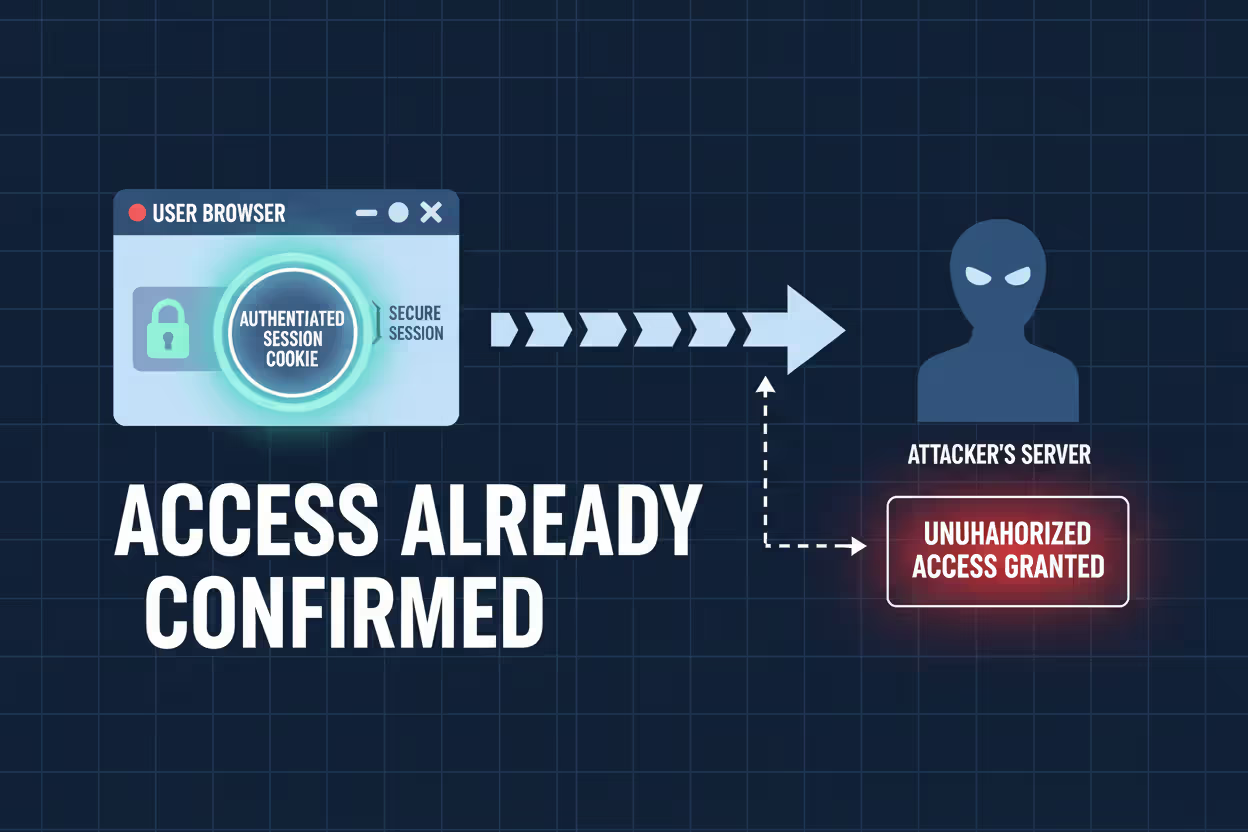
The proxy captures everything: your username, password, MFA code, and crucially, the session cookie the service creates after successful login. That cookie often stays valid for days or weeks. The attacker imports it into their browser and suddenly they ARE you, already logged in, no authentication required.
Author: Monica Ellery;
Source: elegantimagerytv.com
Session Cookie Theft
Session cookies have become the crown jewel for sophisticated attackers because they eliminate authentication entirely. Once you log in and complete MFA, services create a session cookie that essentially says, "This browser belongs to an authenticated user—no need to check credentials again."
Attackers grab these cookies through multiple channels. Malicious software installed on compromised devices can pull cookies directly from where browsers store them locally. Vulnerabilities in web applications sometimes leak cookies to attacker-controlled servers. Physical access to an unlocked laptop provides a few seconds to copy authentication tokens.
Cookie lifespan varies wildly. Consumer services might expire sessions after a few hours. Enterprise applications, prioritizing convenience for employees who hate repeated logins, might keep sessions alive for months. One stolen corporate cookie gave attackers access for 47 days before natural expiration. By then, they'd downloaded 3.2 terabytes of proprietary data.
Common Multi Factor Authentication Phishing Examples
Real multi factor authentication phishing examples from 2025 show how widespread these attacks have become. A regional healthcare provider lost patient data when attackers sent 47 employees fake IT security warnings. The phishing page—built on a reverse proxy—captured credentials and MFA codes from staff members who thought they were following legitimate security procedures.
Financial institutions get hammered constantly. One credit union hemorrhaged $2.3 million after an IT administrator entered credentials on a phishing site that perfectly mimicked their internal banking portal. The site even had valid SSL certificates and replicated the credit union's branding flawlessly. The administrator approved the MFA notification, assuming it corresponded to their login attempt happening simultaneously on another screen. Within twelve minutes, attackers initiated wire transfers to four overseas accounts.
Social media verified accounts—those with blue checkmarks and large audiences—attract targeted attacks. Scammers send fake copyright infringement notices from "Instagram Legal" or "TikTok Security," directing users to fraudulent login pages. Because these platforms often rely on SMS or app-based MFA (both vulnerable to real-time interception), attackers regularly succeed despite active security measures.
Corporate espionage campaigns now routinely start with MFA phishing. Aerospace industry employees received fake conference registration emails in March 2025. The registration portal looked legitimate, complete with speaker schedules and venue maps. It also captured corporate credentials and MFA codes from 23 engineers. Attackers maintained network access for four months, exfiltrating 12,000 technical documents before discovery.
Supply chains provide another entry point. Attackers target smaller vendors who maintain privileged access to larger customer networks. One manufacturing breach began when attackers phished a third-party HVAC maintenance contractor whose login—protected only by SMS-based MFA—provided VPN access into the manufacturer's production control systems. The contractor had no idea his credentials were compromised until FBI investigators contacted him three weeks later.
Warning Signs of MFA Phishing Attacks
URLs tell the story if you know where to look. Login pages at "account-verification-microsoft.com" or "secure-goog1e.com" should trigger immediate suspicion. But attackers have gotten cleverer. They exploit Unicode characters that visually match legitimate letters while technically representing different symbols. Your browser shows "microsoft.com" but the actual domain uses Cyrillic characters that look identical.
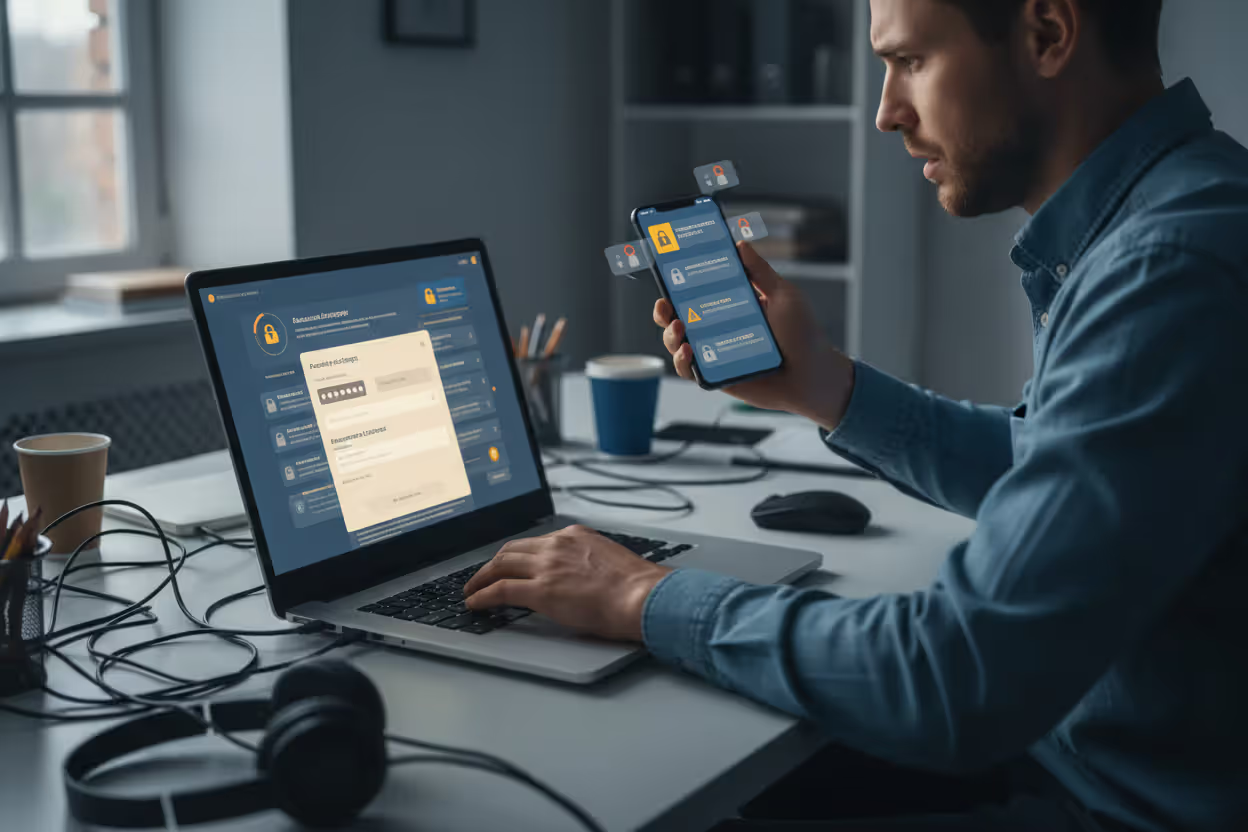
Unexpected MFA requests scream danger. Your phone buzzes with an authentication code while you're cooking dinner, not attempting any login. Someone else has your password and is trying to access your account RIGHT NOW. Never enter codes or approve notifications you didn't trigger yourself. Deny the request, change your password immediately, and contact support.
Login pages requesting unusual combinations of information often indicate phishing. Legitimate services rarely ask for multiple authentication factors simultaneously on one screen. A page wanting your password, current MFA code, and backup codes all together? That's an attacker trying to grab everything in a single interaction. Real services also don't ask you to "verify" information they already have on file.
Timing feels off during attacks. Legitimate MFA codes arrive within seconds of clicking "send code." If you experience delays of several minutes, an attacker might be manually relaying your credentials to the real service. Receiving multiple codes when you only requested one suggests repeated authentication attempts happening outside your control.
Browser security warnings deserve attention, even though legitimate sites occasionally trigger them due to configuration issues. If Chrome or Firefox displays warnings about invalid certificates or domain mismatches, stop immediately. Attackers sometimes use self-signed certificates or certificates issued for slightly different domain names hoping users will click "proceed anyway."
How to Protect Against MFA Phishing
The multi factor authentication phishing guide starts with a hard truth: not all MFA offers equal protection. SMS codes and basic push notifications provide minimal defense against determined attackers. Real security requires implementing authentication methods that can't be phished—technologies where the fundamental design prevents credential theft.
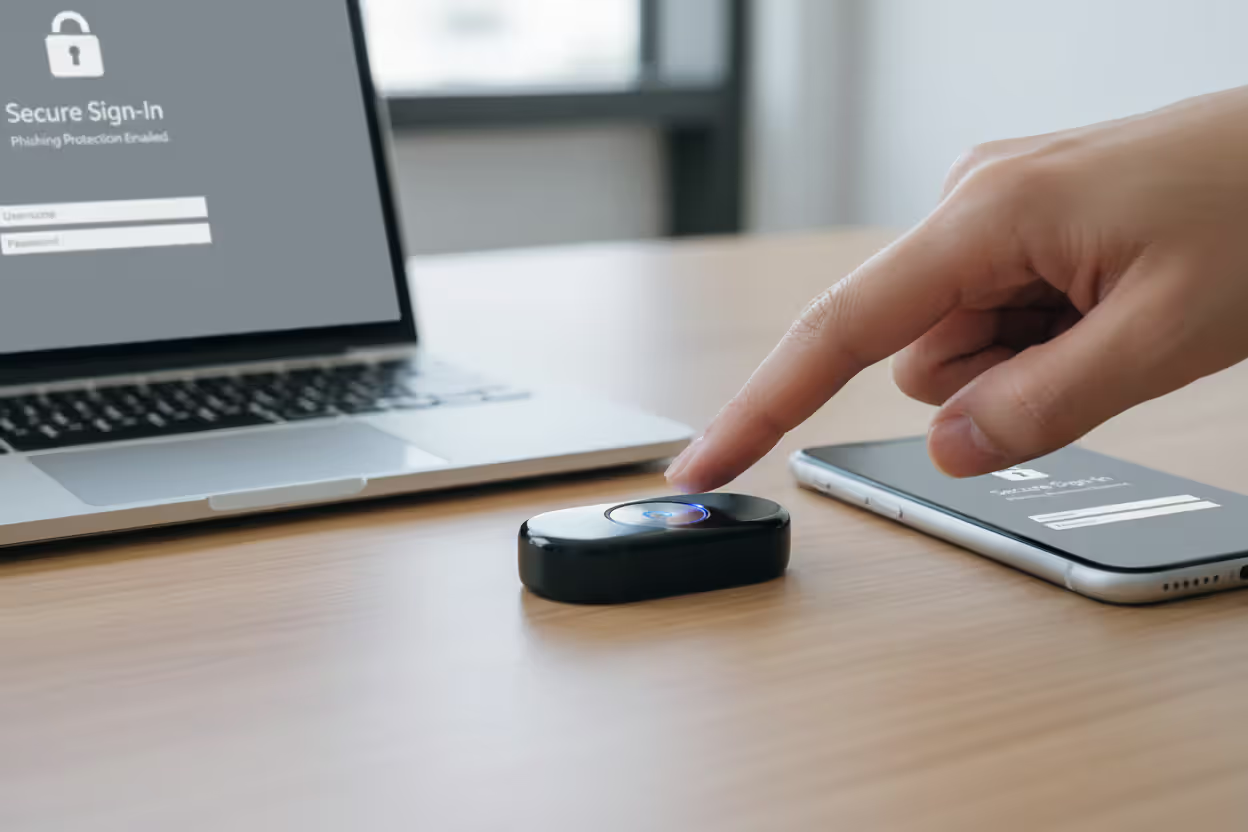
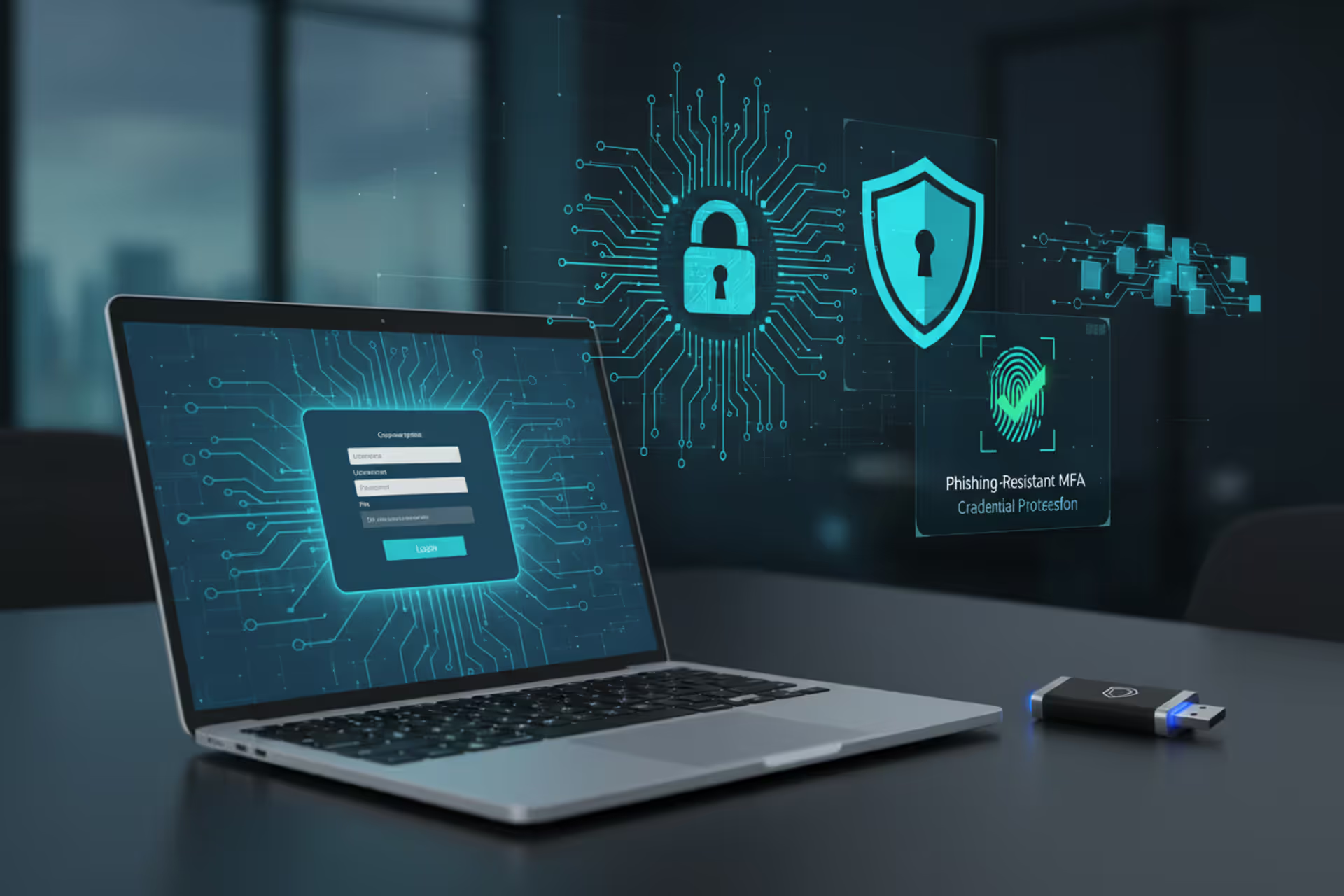
Hardware security keys using FIDO2 or WebAuthn standards provide the strongest available protection. These physical devices generate cryptographic signatures mathematically tied to specific domain names. Even if you try using your security key on a convincing phishing site, it physically cannot produce valid credentials because the domain doesn't match. The key verifies not just who you are, but WHERE you're authenticating.
Author: Monica Ellery;
Source: elegantimagerytv.com
Employee training needs specifics, not generalities. "Don't click suspicious links" doesn't cut it anymore. Staff need hands-on practice verifying login page authenticity, understanding exactly when MFA prompts should appear, and following verification procedures before approving ANY authentication request. Quarterly simulated phishing exercises identify who needs additional training while keeping security awareness fresh.
Organizations benefit from conditional access policies that evaluate context beyond just authentication factors. These policies can block or flag logins from unusual geographic locations, unrecognized devices, or IP addresses associated with VPNs and proxies. While sophisticated attackers sometimes circumvent these controls, they create friction and generate alerts that security teams can investigate.
Phishing-Resistant Authentication Methods
Different MFA approaches offer vastly different security levels:
| Authentication Type | Resistance to Phishing | User Convenience | Implementation Cost |
| Text Message Codes | Minimal—attackers intercept or relay easily | Very convenient | No additional cost |
| App-Generated Codes (TOTP) | Minimal—codes relayed during real-time attacks | Moderately convenient | No additional cost |
| App Push Approvals | Minimal—fatigue attacks exploit approval prompts | Very convenient | No additional cost |
| FIDO2 Security Keys | Maximum—cryptographic domain binding prevents phishing | Moderately convenient | $20-50 per physical key |
| Platform Biometrics (WebAuthn) | Maximum—device-bound credentials can't be stolen | Very convenient | Built into modern devices |
FIDO2 security keys earn their reputation as the authentication gold standard. Their cryptographic approach guarantees that credentials generated for one specific domain become mathematically useless on any other domain, even perfect replicas. A flawless phishing page can't extract usable credentials from a security key because the key itself verifies the destination.
Platform-integrated biometrics—Windows Hello, Apple Face ID, Android fingerprint sensors working through WebAuthn—deliver comparable protection. These systems combine biometric verification with cryptographic keys embedded in device hardware, generating authentication credentials that never leave your device and can't be intercepted or replayed.
Number matching improves push notification security dramatically. Rather than just tapping "approve," users must enter a number displayed on the login screen into their authenticator app. This requirement ensures users actually look at what they're approving while preventing automated acceptance of prompt bombing attacks.
MFA phishing evolution shows attackers shifting from breaking systems to manipulating people into legitimately authenticating malicious requests. Technical security measures must account for human psychology. Phishing-resistant authentication removes human judgment from credential validation—the technology itself verifies legitimacy before permitting authentication
— Cybersecurity researcher Rachel Tobac
What to Do If You've Been Targeted
Speed matters when you suspect you've fallen for multi factor authentication phishing. First priority: change your password using a completely different device and network than where you entered credentials. If attackers captured your current password, changing it blocks their ability to authenticate fresh sessions, though existing sessions might persist temporarily.
Terminate every active session through your account settings. Most platforms offer "sign out all devices" or similar session management features. This action invalidates stolen session cookies, forcing attackers to re-authenticate with credentials you've already changed. Some services lack this self-service option—you'll need to contact their support team directly for assistance.
Upgrade your authentication method immediately. If you were relying on SMS codes or standard push notifications, switch to hardware security keys or platform-integrated authenticators now. This prevents attackers from running the identical attack successfully even if they somehow obtain your new password.
Alert your organization's security team about work account compromises. Share specifics: the phishing site URL, what time you accessed it, exactly what information you entered. Security teams can scan for other compromised accounts, identify the broader attack campaign, and deploy protective measures across the organization before additional employees fall victim.
Watch your account activity closely for at least two weeks. Review login history daily. Check for unauthorized modifications to account settings, recovery email addresses, or phone numbers. Look for suspicious activity like unexpected emails sent from your account or unfamiliar devices appearing in your trusted device list. Enable every available security notification so the platform alerts you about login attempts and setting changes.
Report phishing sites to appropriate authorities. Forward phishing emails to reportphishing@apwg.org (Anti-Phishing Working Group). Report the fake domain to the service being impersonated—Microsoft, Google, etc. all have abuse reporting mechanisms. For financial account compromises, contact your bank's fraud department immediately. For work accounts, follow your organization's incident response playbook exactly.
Author: Monica Ellery;
Source: elegantimagerytv.com
FAQ
MFA phishing reveals an uncomfortable reality about cybersecurity: attackers don't break protections anymore—they simply work around them. While multi-factor authentication dramatically improves security over passwords alone, most implementations include exploitable weaknesses that determined attackers have learned to manipulate through real-time interception, psychological pressure, and session hijacking.
Effective protection demands moving beyond vulnerable methods like SMS codes and basic push notifications toward technologies specifically designed to resist phishing. FIDO2 hardware security keys and platform-integrated biometrics using WebAuthn represent current best practices because their cryptographic foundation makes credential theft technically impossible rather than merely difficult.
Organizations must pair technical controls with practical training that equips employees to recognize and properly respond to phishing attempts targeting their authentication methods. Generic awareness programs fall short—people need specific, actionable guidance for identifying fraudulent login pages, verifying authentication requests, and following proper verification procedures.
The security landscape continues evolving as both defensive technologies and attack methodologies advance. Staying informed about emerging threats, implementing current best practices, and maintaining organizational security awareness creates the foundation for protecting accounts and data against today's attacks while preparing for tomorrow's innovations.
Related Stories
Read more
Read more

The content on this website is provided for general informational and educational purposes only. It is intended to explain concepts related to cybersecurity awareness, online threats, phishing attacks, and data protection practices.
All information on this website, including articles, guides, and examples, is presented for general educational purposes. Cybersecurity risks and protection strategies may vary depending on individual behavior, technology usage, and threat environments.
This website does not provide professional cybersecurity, legal, or technical advice, and the information presented should not be used as a substitute for consultation with qualified cybersecurity professionals.
The website and its authors are not responsible for any errors or omissions, or for any outcomes resulting from decisions made based on the information provided on this website.