
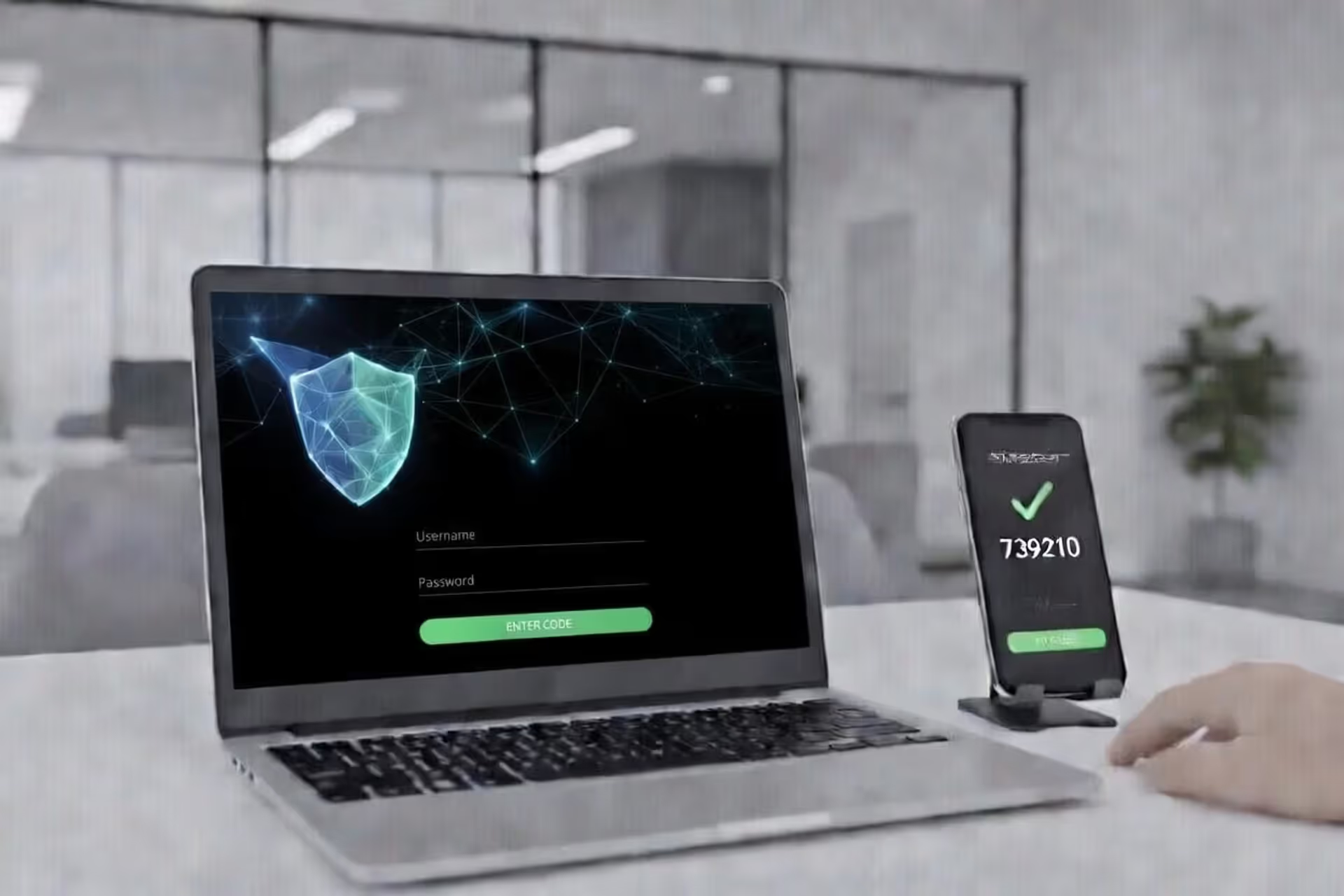
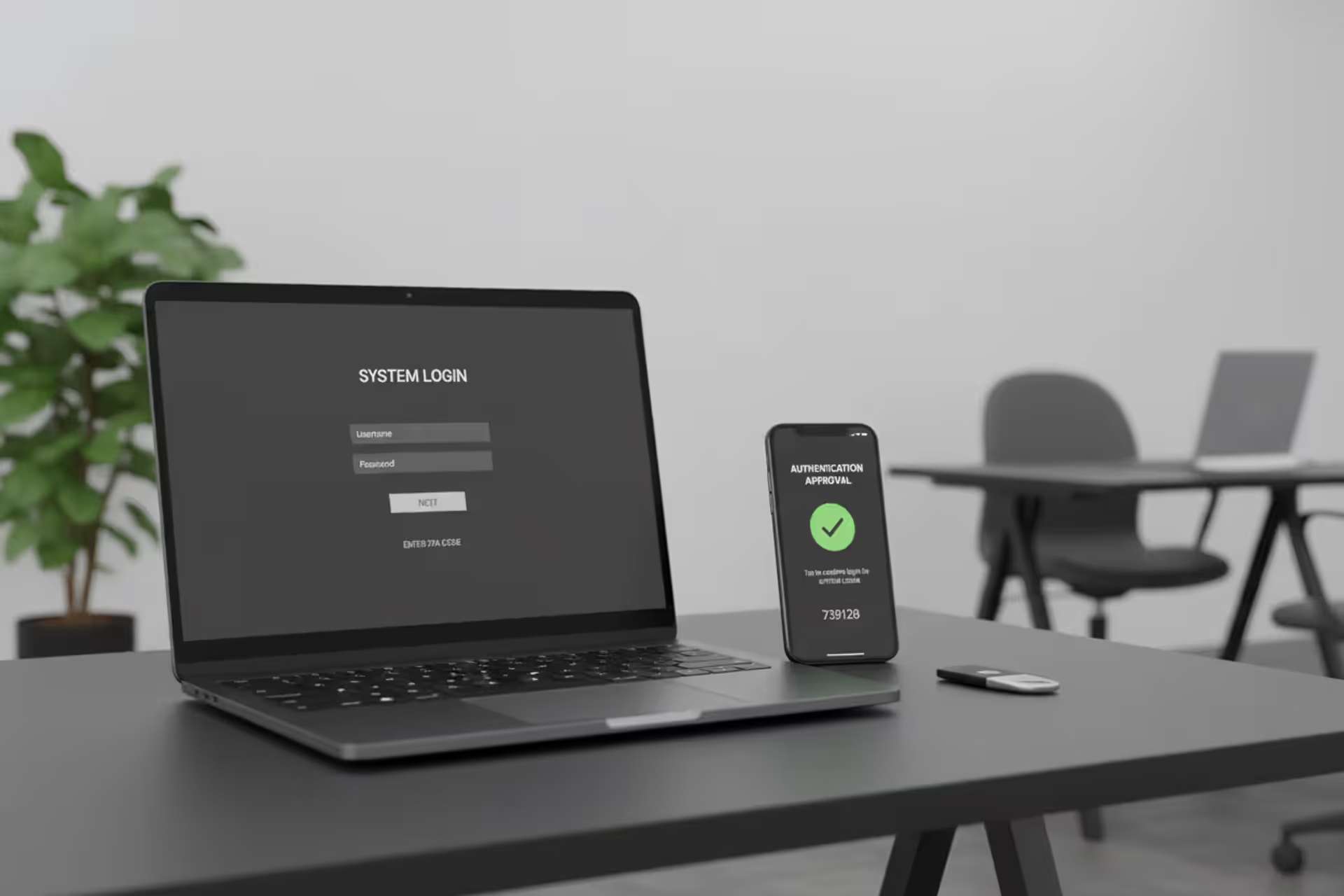
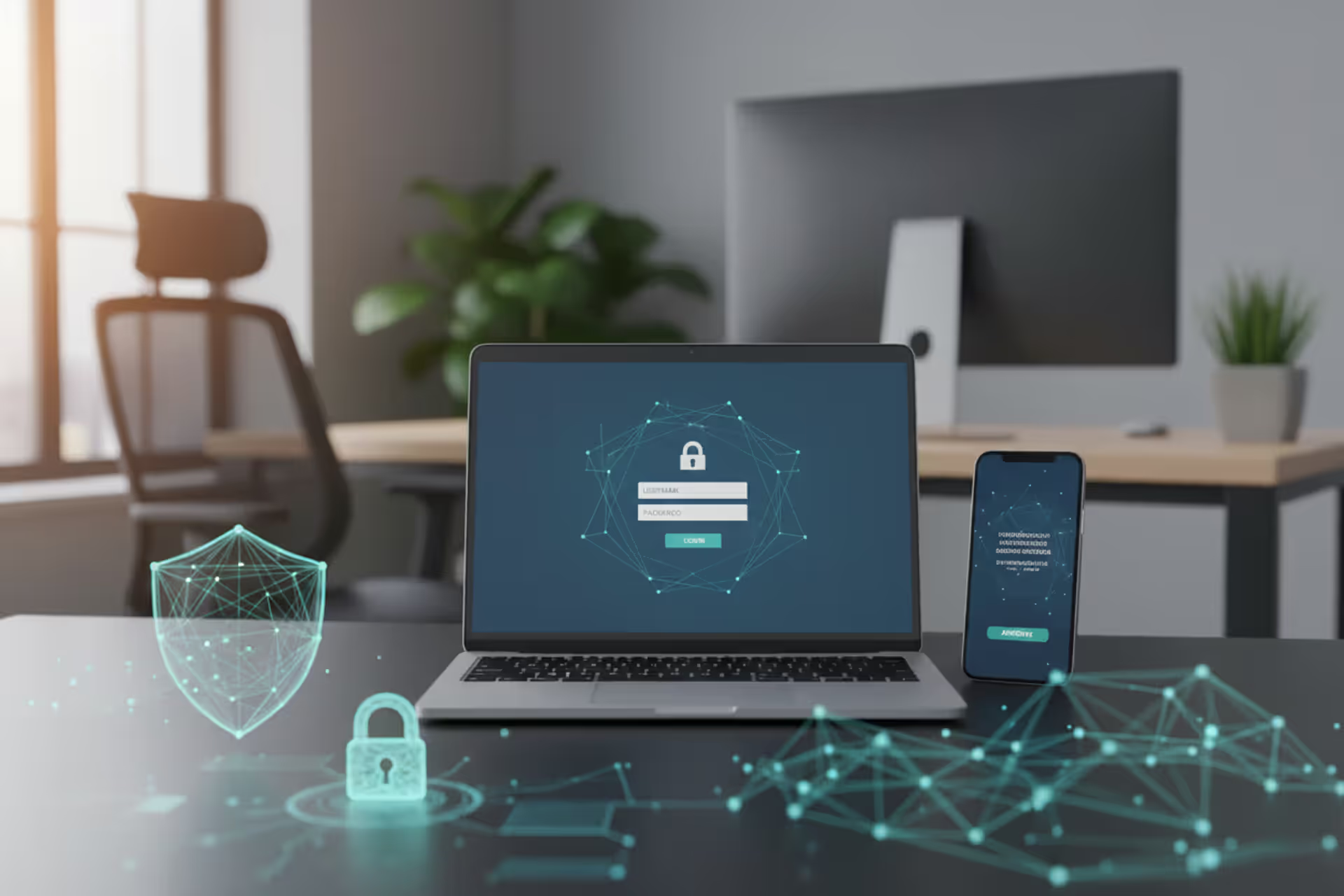
Laptop login screen with two-factor authentication and smartphone approval prompt
How Can 2FA Protect Users from Phishing Attacks?

Phishing remains one of the most effective weapons in a cybercriminal's arsenal. Every day, thousands of users receive fraudulent emails, texts, or messages designed to steal their login credentials. Once attackers obtain a username and password, they can drain bank accounts, hijack email addresses, or lock victims out of critical services. Two-factor authentication (2FA) adds a crucial barrier that can stop many of these attacks cold—but understanding exactly how it works and where it falls short is essential for anyone serious about digital security.
What Happens During a Phishing Attack Without 2FA
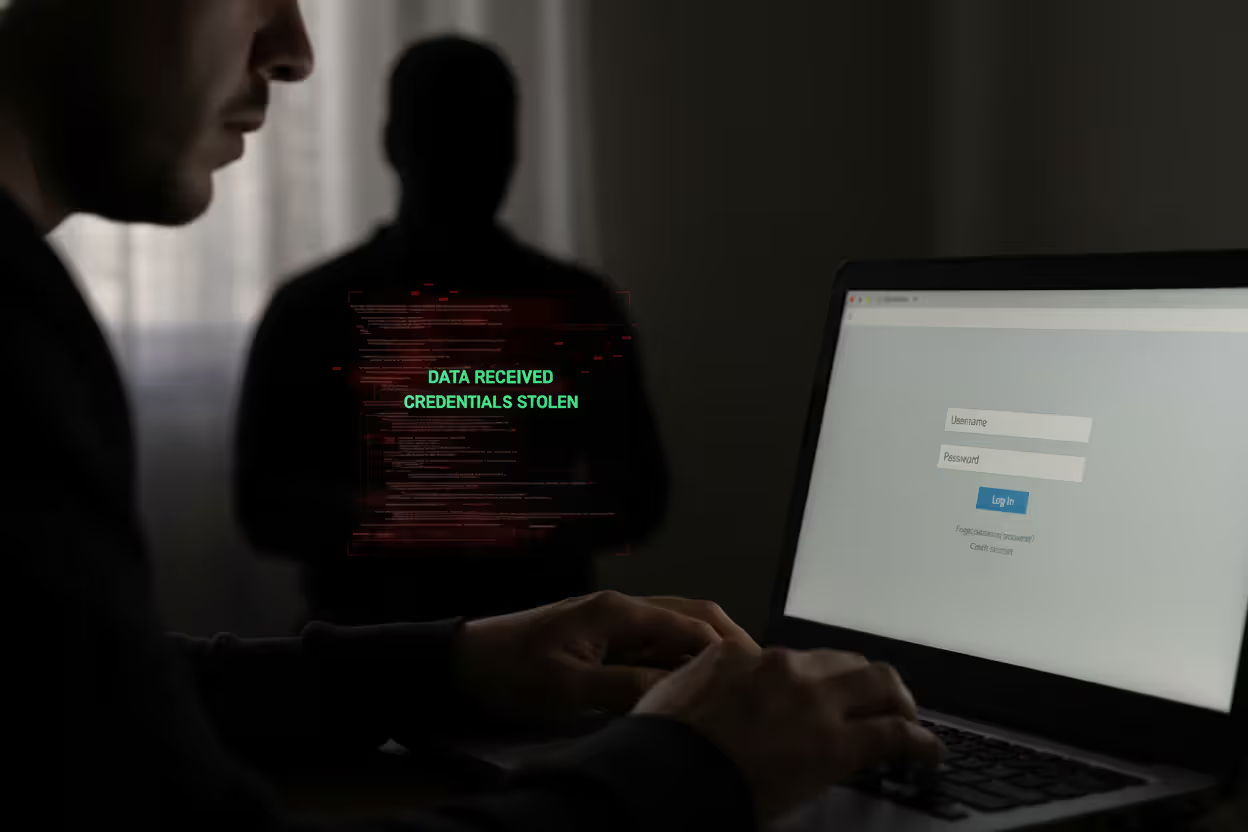
A traditional phishing attack follows a predictable pattern. The attacker sends a convincing email that appears to come from a bank, social media platform, or workplace portal. The message creates urgency: "Your account will be suspended," "Unusual activity detected," or "Action required within 24 hours." The victim clicks a link that leads to a fake login page—one that looks identical to the real thing.
When the user enters their credentials, those details transmit directly to the attacker. Within seconds, the criminal logs into the legitimate service using the stolen username and password. There's no delay, no additional verification, and no warning. The victim often doesn't realize anything happened until money disappears, sensitive emails get sent, or accounts get locked.
This scenario repeats millions of times annually because passwords alone provide zero protection once compromised. The attacker doesn't need to crack encryption or exploit software vulnerabilities. They simply walk through the front door using credentials the victim handed over voluntarily.
Author: Monica Ellery;
Source: elegantimagerytv.com
How 2FA Blocks Phishing Attacks
Two-factor authentication disrupts this attack chain by requiring proof beyond just knowing a password. Even when phishing succeeds in capturing login credentials, the attacker hits a wall at the second authentication step.
The core principle is simple: 2FA demands something you know (password) plus something you have (phone, security key, or biometric signature). When you log in, the system generates a time-sensitive code or push notification sent only to your registered device. The attacker sitting in another country with your stolen password cannot proceed without that second factor.
This creates a critical time window. Most 2FA codes expire within 30 to 60 seconds. Authentication app codes refresh constantly, and push notifications require real-time approval on your physical device. Unless the attacker can simultaneously intercept your second factor—which requires considerably more sophistication—the stolen password becomes worthless.
The mechanics of how 2FA blocks phishing attacks also introduce friction that alerts users to suspicious activity. When you receive an unexpected 2FA code or push notification, it signals that someone just tried logging in with your credentials. This early warning lets you change passwords, contact support, or take defensive action before damage occurs.
Types of 2FA and Their Phishing Protection Strength
Not all 2FA implementations provide equal 2fa phishing protection. The method you choose determines how resilient your accounts remain against various attack techniques.
| 2FA Type | Phishing Protection Level | Vulnerable To | Best Use Case |
| SMS Codes | Low-Medium | SIM swapping, interception, real-time phishing | Better than nothing; acceptable for low-value accounts |
| Authenticator Apps (TOTP) | Medium-High | Real-time phishing with proxy attacks | Good balance of security and convenience for most users |
| Hardware Security Keys | Very High | Only advanced physical theft or supply chain attacks | Critical accounts, enterprise environments, high-value targets |
| Biometric (device-based) | Medium-High | Device compromise, sophisticated spoofing | Convenient for personal devices with secure enclaves |
SMS-Based 2FA Limitations
Text message codes represent the most accessible 2FA option but also the weakest against determined attackers. SMS messages travel through cellular networks that weren't designed with security as a priority. Attackers can intercept codes through SIM swapping—convincing a mobile carrier to transfer your number to their device—or through SS7 protocol vulnerabilities that allow message interception.
Real-time phishing attacks also defeat SMS codes. An attacker sets up a proxy server that captures your credentials, immediately logs into the real service, receives the SMS code prompt, then asks you for the code on their fake page. When you enter it, they relay that code to the legitimate site within seconds. The entire transaction completes before the code expires.
Despite these weaknesses, SMS-based 2FA still stops opportunistic attacks and automated credential stuffing. It's substantially better than no second factor.
Authenticator Apps and Time-Based Codes
Applications like Google Authenticator, Microsoft Authenticator, or Authy generate time-based one-time passwords (TOTP) directly on your device using cryptographic algorithms. These codes don't travel through vulnerable cellular networks and can't be intercepted in transit.
The 2fa security against phishing improves significantly because attackers need real-time access to both your password and the ability to trick you into providing the current code. Automated phishing campaigns fail completely. Even sophisticated real-time attacks require more coordination and technical capability.
The main vulnerability remains real-time phishing where attackers relay codes immediately. However, the short time window (typically 30 seconds) and the need for precise timing make these attacks much harder to execute at scale.
Hardware Security Keys
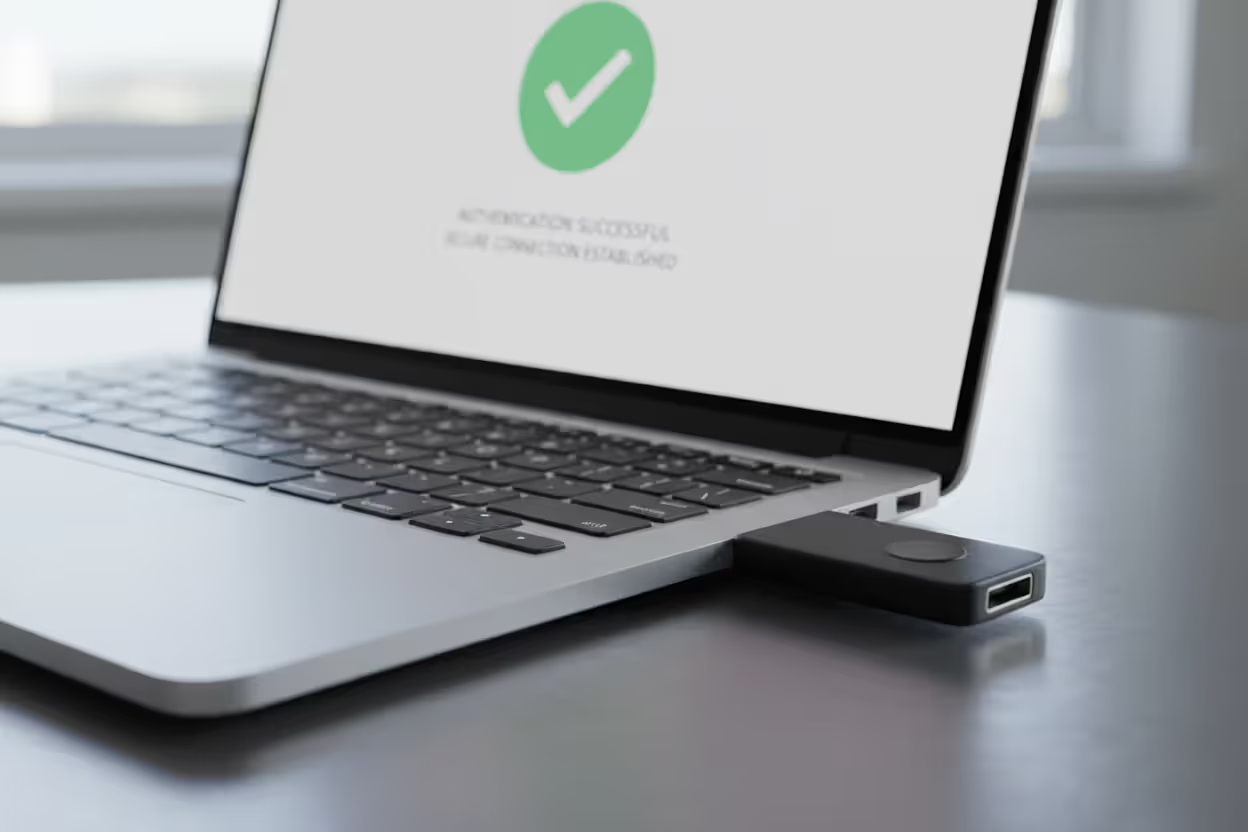
Physical security keys using FIDO2/WebAuthn protocols provide the strongest 2fa phishing protection currently available. These USB or NFC devices use public-key cryptography and verify the domain you're accessing. When you attempt to log in, the key checks that you're on the legitimate website—not a phishing clone.
If an attacker tricks you into visiting "g00gle.com" instead of "google.com," your security key simply won't respond. The cryptographic challenge-response happens between the key and the authentic domain only. This phishing-resistant design eliminates entire categories of attacks.
The trade-off is convenience and cost. Users must carry the physical key, and losing it can create account recovery headaches. Organizations deploying hardware keys also face distribution and management challenges.
Author: Monica Ellery;
Source: elegantimagerytv.com
Benefits of 2FA for Phishing Prevention
The benefits of 2fa for phishing prevention extend beyond just blocking immediate access attempts. The second authentication layer transforms the entire threat landscape in several meaningful ways.
Account takeover risk drops dramatically. Studies from major platforms show that enabling any form of 2FA reduces successful account compromises by over 99% compared to password-only authentication. Even weaker SMS-based codes stop the vast majority of attacks because most criminals target easy victims rather than investing resources in sophisticated bypasses.
Time becomes your ally. When phishing captures only your password, you gain precious hours or days to respond before attackers can monetize access. You might notice the suspicious 2FA prompt, receive alerts about failed login attempts, or discover the compromise through other means—all before irreversible damage occurs.
The deterrent effect matters too. Attackers conducting mass phishing campaigns automatically filter for accounts without 2FA. Why spend time and resources trying to bypass two-factor authentication when thousands of password-only accounts remain available? You essentially move yourself out of the easy-target category.
Recovery becomes simpler when breaches do occur. If an attacker never gained full account access, they couldn't change recovery emails, add backup authentication methods, or lock you out completely. You retain control and can secure the account by changing your password and reviewing settings.
When 2FA Against Phishing Can Still Fail
Understanding when 2fa against phishing falls short is just as important as knowing its strengths. No security measure provides absolute protection, and overconfidence creates dangerous blind spots.
Real-time phishing attacks with man-in-the-middle proxies represent the most common bypass technique. The attacker's fake site sits between you and the legitimate service, relaying credentials and 2FA codes in real time. From your perspective, you logged in successfully—you even see your actual account. Meanwhile, the attacker captured a valid session token that grants access without needing your password or 2FA code again.
These attacks work because they exploit the session that follows successful authentication rather than trying to replay codes or credentials. The attacker doesn't need to break 2FA; they just need to ride along while you complete it.
Social engineering can manipulate users into approving fraudulent authentication requests. "Push bombing" floods your device with dozens of 2FA approval requests, hoping you'll eventually tap "approve" just to stop the notifications. Or attackers impersonate IT support, calling to say they're "fixing a technical issue" and need you to read them the code you're about to receive.
Session hijacking through malware bypasses 2FA entirely. If malicious software runs on your device, it can steal session cookies after you've already authenticated. The attacker uses these cookies to impersonate your browser without needing passwords or codes.
Account recovery mechanisms sometimes create backdoors. If an attacker can answer security questions, access your recovery email, or convince customer support to reset your account, they might circumvent 2FA protections entirely. The authentication system works perfectly, but the recovery process undermines it.
Author: Monica Ellery;
Source: elegantimagerytv.com
Best Practices for Maximum 2FA Security Against Phishing
Maximizing your 2fa security against phishing and 2fa against phishing requires choosing appropriate methods and maintaining vigilant habits.
Prioritize phishing-resistant authentication whenever possible. Hardware security keys provide the strongest protection for critical accounts—banking, primary email, password managers, and work systems. The upfront cost and minor inconvenience pay dividends in security.
Avoid SMS codes for high-value accounts. Use authenticator apps as a minimum standard for anything important. Reserve SMS as a backup method rather than your primary second factor.
Recognize phishing attempts before entering credentials. Check URLs carefully—look for subtle misspellings or wrong domains. Bookmark important login pages rather than clicking email links. Be suspicious of urgent requests or unusual login prompts.
Never share 2FA codes with anyone. Legitimate companies never ask for authentication codes. If someone claiming to be from support requests a code, you're being scammed. Period.
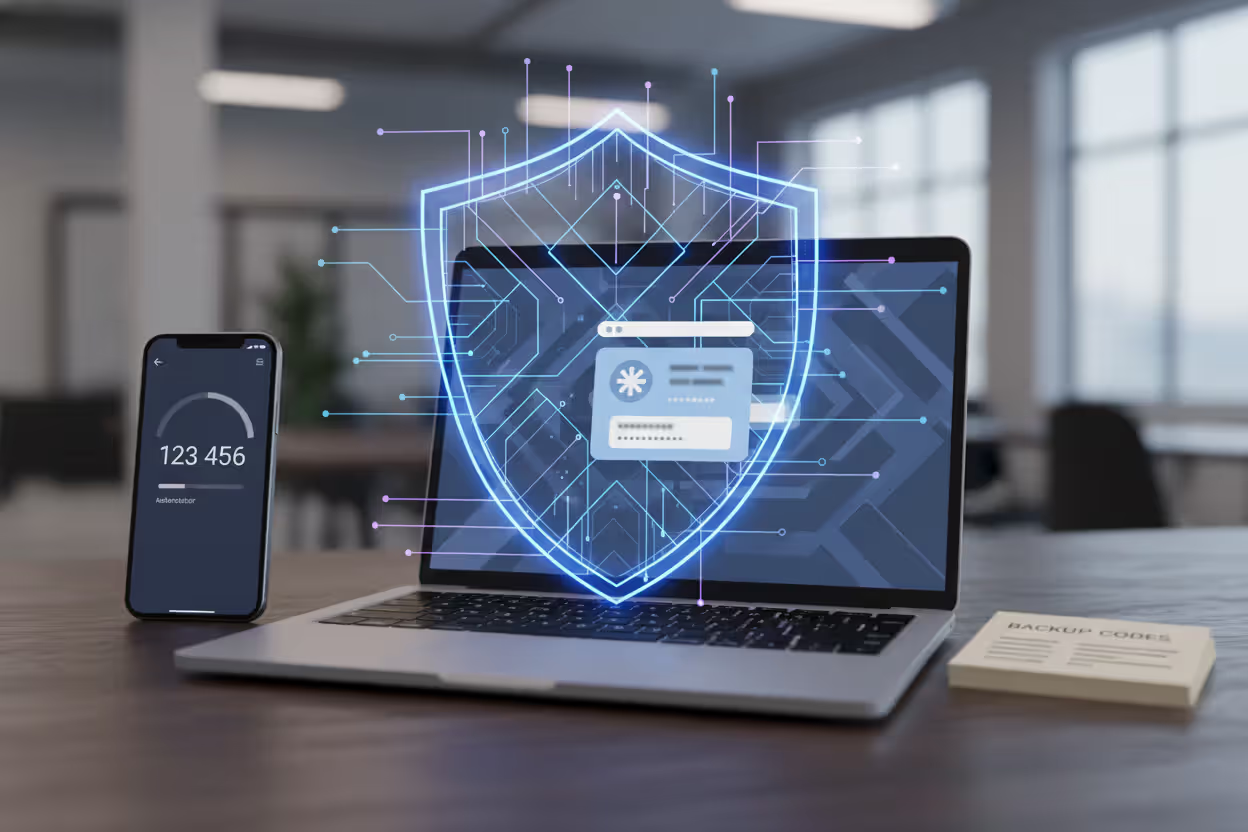
Configure multiple 2FA methods as backups. Register both an authenticator app and backup codes stored securely offline. This prevents lockouts if you lose your primary device but doesn't create easy bypasses for attackers.
Monitor account activity regularly. Review login history, active sessions, and connected devices. Unfamiliar locations or devices signal compromise even if the attacker bypassed 2FA.
Use 2FA as part of layered security, not a replacement for other precautions. Maintain strong, unique passwords through a password manager. Keep software updated. Think critically about suspicious communications.
Consider context when evaluating security trade-offs. A social media account might not justify hardware keys, but your email—which can reset every other account—absolutely does.
Phishing-resistant MFA significantly raises the bar for attackers and is one of the most effective defenses organizations and individuals can implement against credential-based attacks
— Cybersecurity and Infrastructure Security Agency
FAQ
Two-factor authentication transforms phishing from a nearly guaranteed success into a complex challenge that stops most attackers. While passwords alone offer no protection once stolen, 2FA creates a critical second barrier that requires real-time access to your physical devices or biometric signatures. The protection isn't absolute—sophisticated real-time attacks and social engineering can still succeed—but the security improvement is substantial enough that every important account should have it enabled.
The specific method matters. Hardware security keys provide phishing-resistant protection that defeats even advanced attacks by cryptographically verifying legitimate domains. Authenticator apps offer strong protection with better convenience. SMS codes, while weaker, still block the majority of threats. Choosing the right balance depends on the value of what you're protecting and your tolerance for inconvenience.
The phishing threat continues evolving, but 2FA remains one of the most effective countermeasures available. Implementing it across your critical accounts—especially email, banking, and password managers—dramatically reduces your risk profile and moves you out of the easy-target category that criminals prefer. Combined with vigilant recognition of phishing attempts and other security best practices, two-factor authentication provides a practical, proven defense that works.
Related Stories
Read more
Read more

The content on this website is provided for general informational and educational purposes only. It is intended to explain concepts related to cybersecurity awareness, online threats, phishing attacks, and data protection practices.
All information on this website, including articles, guides, and examples, is presented for general educational purposes. Cybersecurity risks and protection strategies may vary depending on individual behavior, technology usage, and threat environments.
This website does not provide professional cybersecurity, legal, or technical advice, and the information presented should not be used as a substitute for consultation with qualified cybersecurity professionals.
The website and its authors are not responsible for any errors or omissions, or for any outcomes resulting from decisions made based on the information provided on this website.