
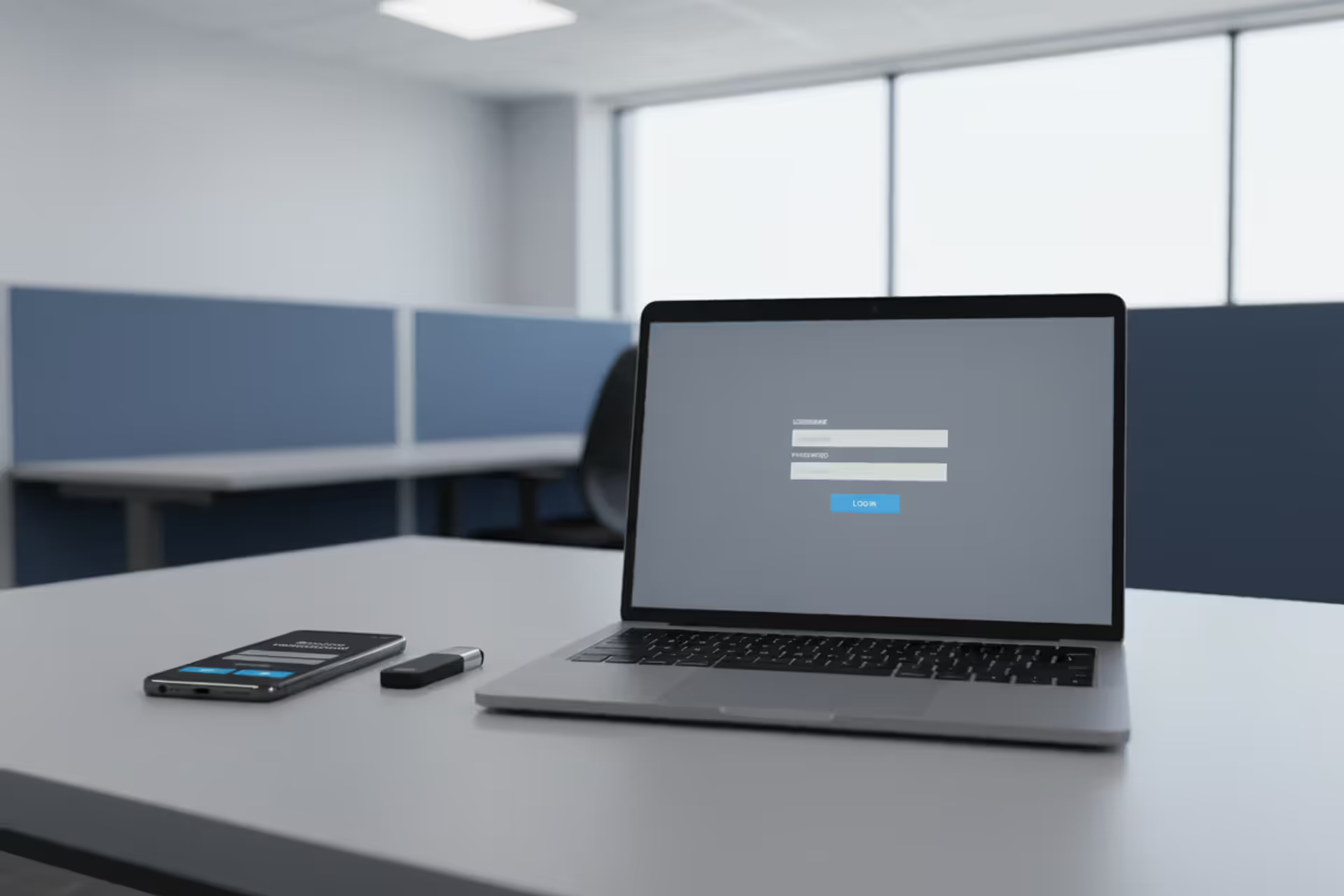
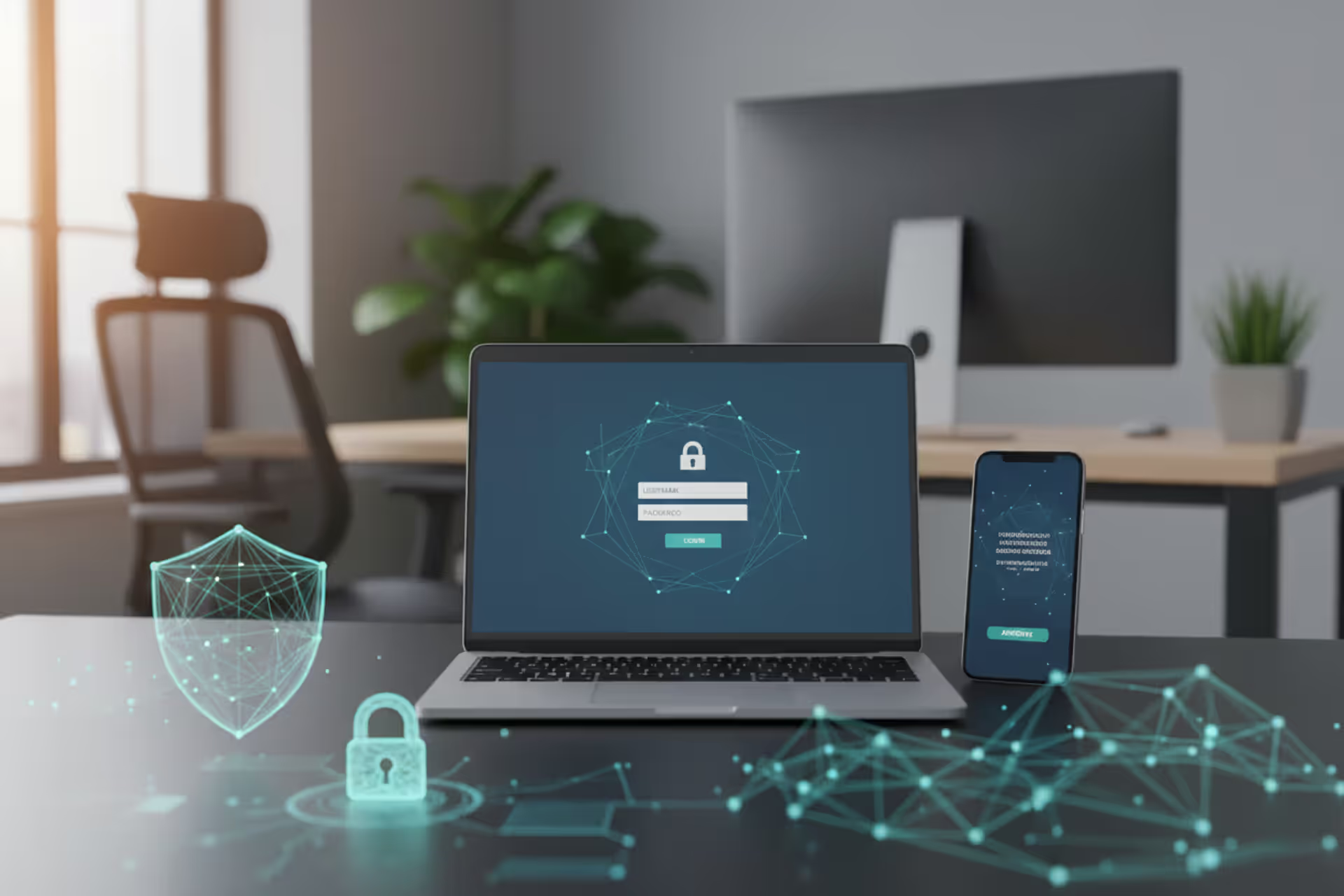
Multi-factor authentication concept with laptop login screen, smartphone verification prompt, and security key
MFA Cyber Security Guide

Content
Content
Think back to the last time you created an online account. You probably chose a password, maybe added a special character or two, and called it done. That approach stopped working around 2015. Today's attackers run software that tests 100,000 password combinations per second against leaked database dumps containing billions of usernames. Once they crack your LinkedIn password from the 2021 breach, they'll try it against your bank, email, and healthcare portal. Multi-factor authentication creates a barrier that stolen passwords can't cross—requiring proof beyond memorized text strings before opening the door to your accounts.
What Is MFA in Cyber Security
MFA cyber security builds a verification system requiring at least two separate proofs of identity before granting account access. The difference between traditional login flows and MFA comes down to insurance policies. A password by itself is like locking your front door but leaving your windows wide open—one breach, one phishing email, one keylogger, and intruders walk right in.
Authentication traditionally meant typing your email and password into a login form. That's single-factor authentication—one credential layer standing between attackers and everything you own digitally. Here's the uncomfortable truth: password databases get stolen constantly. Yahoo lost 3 billion account credentials. LinkedIn hemorrhaged 700 million records. Adobe exposed 153 million users. Those passwords wind up sold in underground forums for $2 per thousand.
MFA cyber security basics flip the script by demanding separate verification categories. Your password might leak in a breach, but the attacker still hits a wall without your fingerprint or the six-digit code on your phone. The security comes from independence—each factor operates through different channels, so compromising one doesn't automatically hand over the others.
Walk into any major corporation's security briefing and you'll hear MFA described as "table stakes" rather than advanced protection. Banks won't process transactions without it. Hospitals require it to access patient records. Cloud providers like AWS and Azure enforce it for administrative access. This shift happened because security teams watched password-only systems fail repeatedly while MFA-protected accounts survived the same attacks.
Author: Calvin Roderick;
Source: elegantimagerytv.com
How MFA Cyber Security Works
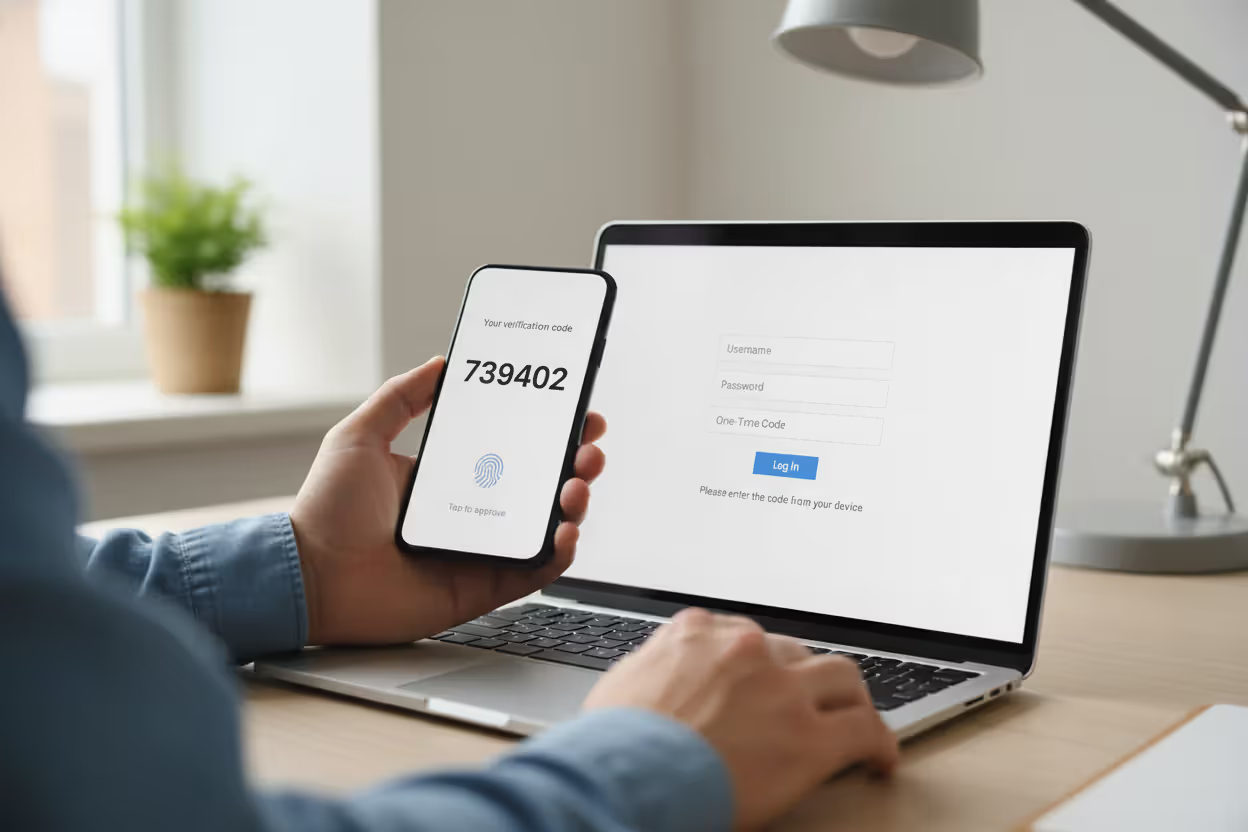
You enter your username and password on a login screen. The system checks those credentials against stored records—so far, identical to traditional authentication. Here's where things diverge: instead of dropping you into your account, the service throws up a second challenge. Maybe it texts a six-digit code to your phone. Maybe it asks you to press your finger against a scanner. Maybe it demands you insert a physical key into your laptop's USB port.
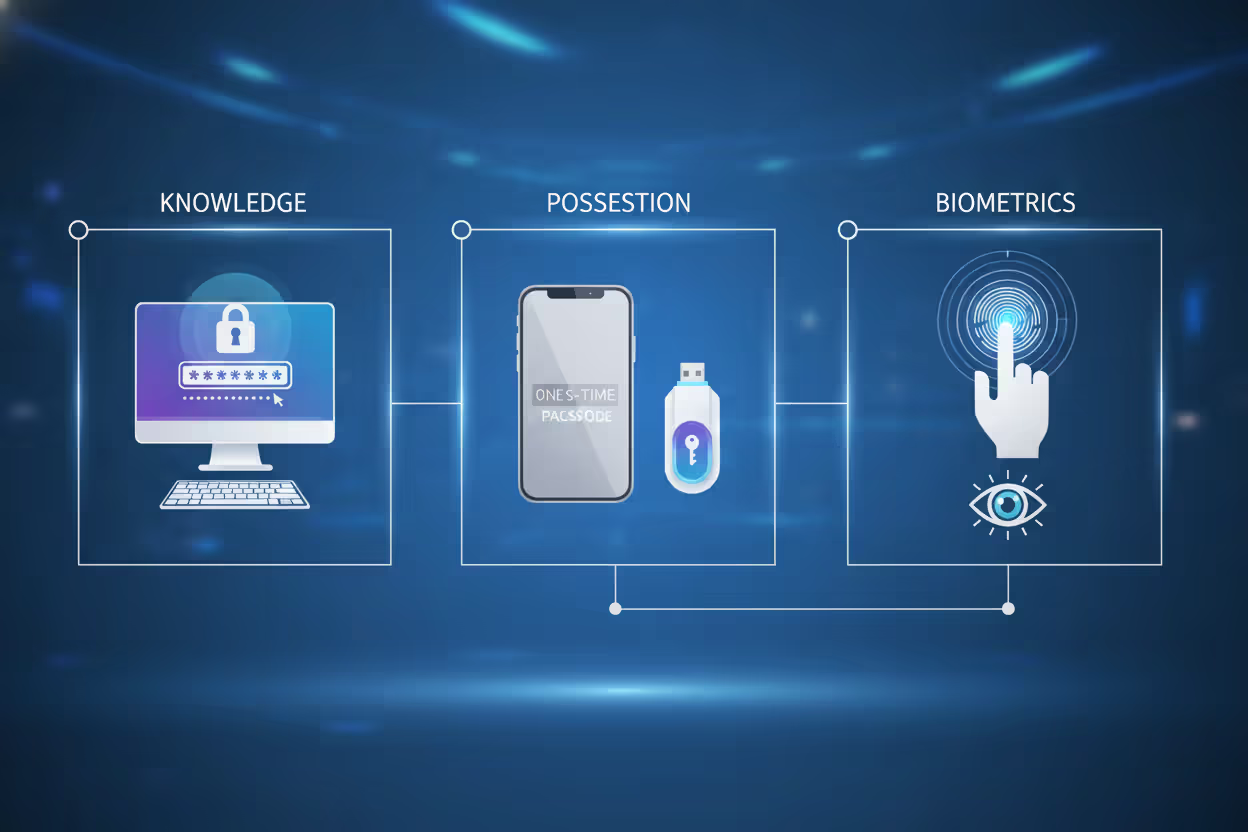
How MFA cyber security works breaks down into three verification categories that don't overlap:
Knowledge factors live inside your head. Your password qualifies, along with PIN codes and the answers to challenge questions (though security professionals have mostly abandoned questions after realizing everyone's "first pet" shows up in their Facebook photos). These factors cost nothing to implement but suffer from human memory limitations—we reuse them, write them down, and forget them constantly.
Possession factors require something tangible. Your smartphone counts. So does a physical security key, an employee badge with embedded chips, or that little keychain fob your bank mailed you in 2018. Stealing possession factors takes physical effort or technical sophistication beyond what most criminals bother with. If someone wants the authentication code on your phone, they need to either steal the device or compromise your cellular connection—exponentially harder than guessing "Password123."
Biometric factors measure your body's unique characteristics. Your fingerprint ridges form patterns no one else shares. Your face's bone structure creates a three-dimensional map distinct from all 8 billion people on Earth. Voice patterns, iris textures, even typing rhythm—all qualify as biometric identifiers that attackers can't easily replicate without Ocean's Eleven levels of planning.
During login, the system validates each factor sequentially. Password check passes? Great, now prove you control the registered phone number by entering this 347982 code we just texted you. You've got 60 seconds before the code expires, preventing attackers from using intercepted codes hours later. The system confirms the numbers match, stamps your session as authenticated, and finally lets you in.
This creates temporal constraints that destroy credential-stuffing automation. Bots testing stolen passwords can't simultaneously intercept real-time text messages or replicate your fingerprint. The attack must succeed at multiple stages simultaneously—technically possible but economically impractical for most criminal operations.
Author: Calvin Roderick;
Source: elegantimagerytv.com
Common MFA Methods and Examples
Knowledge-Based Factors
Passwords remain ubiquitous despite decades of security professionals declaring them broken. You already know the drill: mix uppercase, lowercase, numbers, and symbols into 12+ character combinations you can't remember, forcing you to reuse "Summer2024!" across 40 different websites. PINs compress this concept into four to six digits, convenient for smartphones but devastatingly weak against brute-force attacks.
Security questions supposedly add protection by asking for information only you know. Except your mother's maiden name appears in genealogy databases, and you posted about your "first car" (a 1999 Honda Civic) on Reddit three years ago. Modern security implementations avoid these questions entirely after recognizing they create vulnerability theater.
Passkeys represent knowledge factors evolving past memorization. Your device stores a cryptographic key that responds to login challenges without transmitting any reusable secret across the network. Sites supporting passkeys send mathematical puzzles only your key can solve, then verify the answer without ever learning the key itself. Phishing becomes impossible because there's no password to steal.
Possession-Based Factors
SMS verification sends one-time codes to your phone number—open your messages, see 738291, type it in the login form, done. Roughly 80% of MFA implementations use SMS because it requires zero setup beyond confirming your phone number. The simplicity disguises real vulnerabilities: SIM-swapping attacks let criminals social-engineer mobile carriers into transferring your number to their device, redirecting all your messages.
Apps like Google Authenticator or Microsoft Authenticator generate rotating codes locally on your phone using time-based algorithms. You scan a QR code during setup, establishing a shared secret between your app and the service. From that point forward, the app calculates six-digit codes changing every 30 seconds without needing internet connectivity. Authenticator apps eliminate interception risks since codes never travel through networks, though losing your phone creates recovery headaches.
Physical security keys—YubiKey dominates this market—contain cryptographic processors handling authentication challenges. You plug the key into your computer's USB port or tap it against your phone's NFC sensor, then press a button. The key verifies it's communicating with the legitimate website before responding, automatically defeating phishing sites mimicking your bank's login page. Major organizations protecting high-value accounts universally recommend hardware keys despite the $25-70 cost per key.
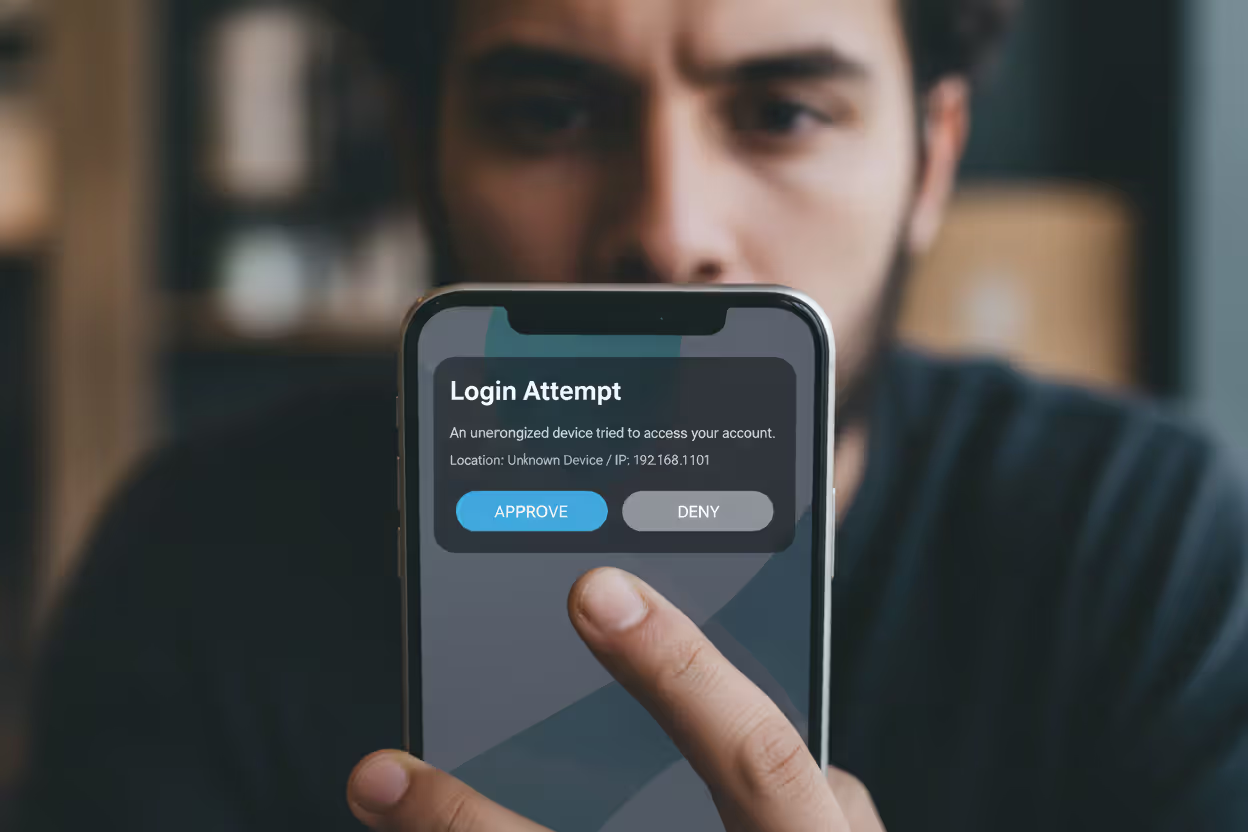
Push notifications simplify approval through dedicated apps. Your bank's app pings your phone showing: "Login attempt from Chrome on Windows in Chicago at 2:47 PM—approve or deny?" You review the details, recognize it's actually you, tap approve. This combines possession (your phone) with active verification. The weakness? Users develop notification fatigue and mindlessly approve without checking details, potentially authorizing attacker attempts.
Author: Calvin Roderick;
Source: elegantimagerytv.com
Biometric Factors
Fingerprint recognition scans the unique ridge patterns on your fingertips against templates stored during setup. Modern smartphones and laptops embed these scanners directly into power buttons or beneath screens. The convenience factor is unmatched—unlock with a touch—though dirt, moisture, or minor injuries can trigger false rejections. Security depends on where the fingerprint data lives: secure hardware enclaves resist extraction even when devices get compromised.
Facial recognition analyzes your face's geometry. Apple's Face ID projects 30,000 infrared dots creating depth maps that photos can't fool. Android implementations vary wildly—flagship models employ sophisticated multi-sensor systems while budget phones sometimes use front cameras vulnerable to high-resolution printouts. Implementation quality determines whether facial recognition provides genuine security or a convenient checkbox.
Voice authentication builds vocal fingerprints from characteristics like pitch, accent, and speech patterns. Call your bank, start discussing your account, and their system silently analyzes whether your voice matches enrollment samples. Airlines and financial services deploy voice biometrics heavily for telephone authentication, though effectiveness drops when you're sick or calling from noisy environments requiring fallback methods.
Iris scanning examines the intricate patterns in your eye's colored ring surrounding the pupil. Airport immigration uses iris scanners for traveler verification. High-security data centers deploy them for access control. The accuracy exceeds other biometric methods—your iris pattern contains more unique identifiers than fingerprints—but specialized cameras and controlled lighting limit deployment to scenarios where security requirements justify the $1,000+ per scanner investment.
Why MFA Matters for Cyber Security
Stolen credentials caused 61% of data breaches analyzed in Verizon's 2025 report—meaning nearly two-thirds of successful attacks started with compromised usernames and passwords. Attackers buy credential dumps on dark web marketplaces: $8 buys you 1,000 email-password combinations. They feed these into automated tools testing credentials across thousands of websites through credential-stuffing attacks hoping for reuse. Traditional defenses fail because the credentials are legitimate—just stolen.
MFA cyber security works because possession and biometric factors can't be purchased in bulk. An attacker with your password makes zero progress against MFA-protected accounts. This protection extends through phishing attacks where you're tricked into entering credentials on a fake website. Sure, the attacker captured your password, but they can't generate your authenticator app codes or replicate your fingerprint from across the internet.
Microsoft published data showing MFA blocks 99.9% of automated attacks targeting cloud accounts. That statistic reflects economic reality more than technical limitations. Most cybercriminals operate on volume—compromise 10,000 accounts using stolen credentials, monetize quickly, repeat. MFA breaks this model by forcing attackers to switch from automated tools to manual targeting, destroying the economics that make volume attacks profitable.
Financial impact data tells the ROI story clearly. IBM's 2025 Cost of a Data Breach Report calculated that organizations with comprehensive MFA deployment experienced breach costs averaging $1.4 million lower than companies without MFA. The savings come from prevented intrusions, faster detection when breaches occur, and reduced attacker dwell time since lateral movement requires additional authentication.
Regulations increasingly mandate MFA for sensitive data protection. CISA lists MFA among its cybersecurity performance goals for critical infrastructure operators. The latest PCI DSS version requires MFA across all systems handling payment card data. Healthcare organizations must implement MFA to satisfy HIPAA's security rule protecting electronic health records. Compliance frameworks treat MFA as foundational rather than optional.
Author: Calvin Roderick;
Source: elegantimagerytv.com
MFA Implementation Challenges and Limitations
User pushback creates the primary deployment obstacle. Employees racing to meet deadlines resent extra authentication steps as productivity barriers rather than protection. "It takes forever to log in now" becomes the cafeteria complaint, ignoring that "forever" means an additional 8 seconds. Organizations balancing security against user experience must choose methods minimizing friction while maintaining protection—push notifications generally hit this sweet spot better than typing codes.
Account recovery turns complicated when users lose access to their second factor. Your phone gets stolen with all your authenticator codes. Now what? Backup codes—ten single-use passwords generated during MFA setup—provide emergency access, assuming you printed them and stored them somewhere findable. Most users don't. Support teams fielding recovery requests face an impossible dilemma: verify identity rigorously enough to block social engineering attacks while helping legitimate users quickly enough to prevent productivity loss.
SMS-based MFA introduces specific attack vectors despite being better than nothing. SIM-swapping exploits weaknesses in mobile carrier identity verification. An attacker calls T-Mobile impersonating you, provides information harvested from data breaches, convinces the representative to activate your number on their SIM card, and suddenly all your text messages route to their device. Carriers have improved verification procedures after high-profile attacks, but determined criminals with sufficient personal information still succeed.
Cost calculations affect small business deployment decisions. Free authenticator apps minimize expenses, but hardware keys require upfront purchases ($30 per employee adds up quickly for 100-person companies) plus replacement inventory for lost keys. Enterprise MFA platforms offering adaptive authentication, risk-based policies, and centralized management charge per-user licensing fees that strain IT budgets. Small businesses must evaluate whether security improvements justify these ongoing expenses or whether simpler free solutions suffice.
Accessibility concerns impact users with certain disabilities. Blind users struggle with authentication flows requiring quick QR code scanning or reading small text displays. Biometric systems may not work for individuals with physical conditions affecting fingerprints or facial features. Compliant implementations must provide alternative verification methods accommodating diverse needs without compromising security—a challenging balance requiring thoughtful design.
Multi-factor authentication represents one of the most cost-effective security controls available. While no security measure is perfect, MFA dramatically increases the cost and complexity for attackers, shifting the economics of cybercrime in defenders' favor
— Chris Inglis
How to Choose the Right MFA Solution
Security requirements depend entirely on what you're protecting. Your Instagram account and your bank account shouldn't use identical authentication strategies. Financial applications handling real money warrant hardware keys or sophisticated biometric systems. Personal social media accounts function adequately with authenticator apps. Evaluate potential damage from unauthorized access before selecting protection levels—if compromise means identity theft and financial loss, invest in stronger methods.
User experience determines adoption rates and long-term compliance. Solutions adding minimal disruption to existing workflows gain acceptance; those creating significant friction face resistance, workarounds, and eventual abandonment. Push notifications requiring one tap balance security and convenience effectively. Hardware keys provide superior protection but demand users carry extra devices and remember to use them—great for IT administrators accessing critical systems, frustrating for marketing staff checking email.
Compliance requirements dictate authentication choices for regulated industries. Financial institutions must satisfy PCI DSS authentication standards and banking regulations specifying approved methods. Healthcare organizations need HIPAA-compliant MFA with audit logging and granular access controls. Government contractors face NIST 800-171 requirements listing acceptable authentication approaches. Verify your chosen solution meets applicable regulatory frameworks before deployment—retrofitting compliance later costs significantly more than starting correctly.
Scalability matters for growing organizations. Solutions working perfectly for 30 employees create administrative nightmares at 300. Enterprise MFA platforms offer centralized management dashboards, automated user provisioning, and integration with identity providers like Active Directory or Azure AD. Small businesses may prefer simpler solutions accepting higher administrative overhead in exchange for lower costs, even sacrificing advanced features like adaptive authentication.
| MFA Approach | Protection Strength | Typical Cost | User Friction | Main Weaknesses | Ideal Scenarios |
| Text message codes | Medium | Minimal | Very low | SIM hijacking, network interception | Consumer accounts, lower-risk systems |
| Authenticator applications | Strong | None | Medium | Lost devices, recovery complexity | Standard business use, personal accounts |
| Physical security keys | Very strong | $25-70 per key | Medium | Loss or damage, device compatibility | Privileged access, high-security environments |
| Biometric scanning | Strong | Free to expensive | Minimal | Replication attacks, false failures | Smartphones, physical building access |
Individual consumers and enterprise organizations need fundamentally different features. You want convenience and zero cost, making authenticator apps perfect for protecting personal accounts. Businesses need centralized policy enforcement, detailed audit trails showing who accessed what when, and compliance reporting justifying commercial MFA platform investments. Families might use built-in features like Apple's iCloud Keychain or Google's account protection, while corporations deploy specialized solutions from Duo Security, Okta, or Microsoft.
Integration capabilities determine whether your chosen solution fits existing technology ecosystems smoothly or creates friction. Verify support for your applications, operating systems, and device mix before committing. Standards-based protocols—SAML, OAuth, FIDO2—ensure broad compatibility across vendors. Proprietary solutions may offer advanced features but create vendor lock-in and integration headaches when you need to connect unsupported applications.
Frequently Asked Questions About MFA
Multi-factor authentication evolved from optional security enhancement to fundamental digital protection over the past decade. The authentication landscape continues advancing—passwordless methods and biometric technologies grow more sophisticated and accessible yearly. Organizations and individuals implementing MFA substantially reduce exposure to the credential-based attacks dominating current threat landscapes.
Choosing between MFA methods involves balancing security requirements against user experience, cost constraints, and technical compatibility. Hardware security keys provide strongest protection for high-value accounts and privileged system access. Authenticator apps deliver excellent security with minimal cost for general use. SMS codes, despite vulnerabilities, remain valuable for users who would otherwise implement no second factor whatsoever—imperfect protection beats none.
Successful MFA implementation requires addressing user resistance through education about real threats and demonstrating how additional authentication protects both organizational and personal interests. Clear communication explaining why MFA matters, combined with user-friendly method selection, drives adoption and sustained compliance. Recovery procedures must balance security rigor with accessibility, ensuring legitimate users regain access without creating backdoors for attackers exploiting support processes.
Threats will continue evolving, but MFA's fundamental principle—demanding multiple independent identity proofs—provides resilient protection against current and foreseeable attack methods. Organizations and individuals treating MFA as baseline security rather than optional enhancement position themselves to withstand the credential-based attacks compromising thousands of accounts daily. The question isn't whether to implement MFA, but which methods best fit your specific security needs and user population.
Related Stories
Read more
Read more

The content on this website is provided for general informational and educational purposes only. It is intended to explain concepts related to cybersecurity awareness, online threats, phishing attacks, and data protection practices.
All information on this website, including articles, guides, and examples, is presented for general educational purposes. Cybersecurity risks and protection strategies may vary depending on individual behavior, technology usage, and threat environments.
This website does not provide professional cybersecurity, legal, or technical advice, and the information presented should not be used as a substitute for consultation with qualified cybersecurity professionals.
The website and its authors are not responsible for any errors or omissions, or for any outcomes resulting from decisions made based on the information provided on this website.