

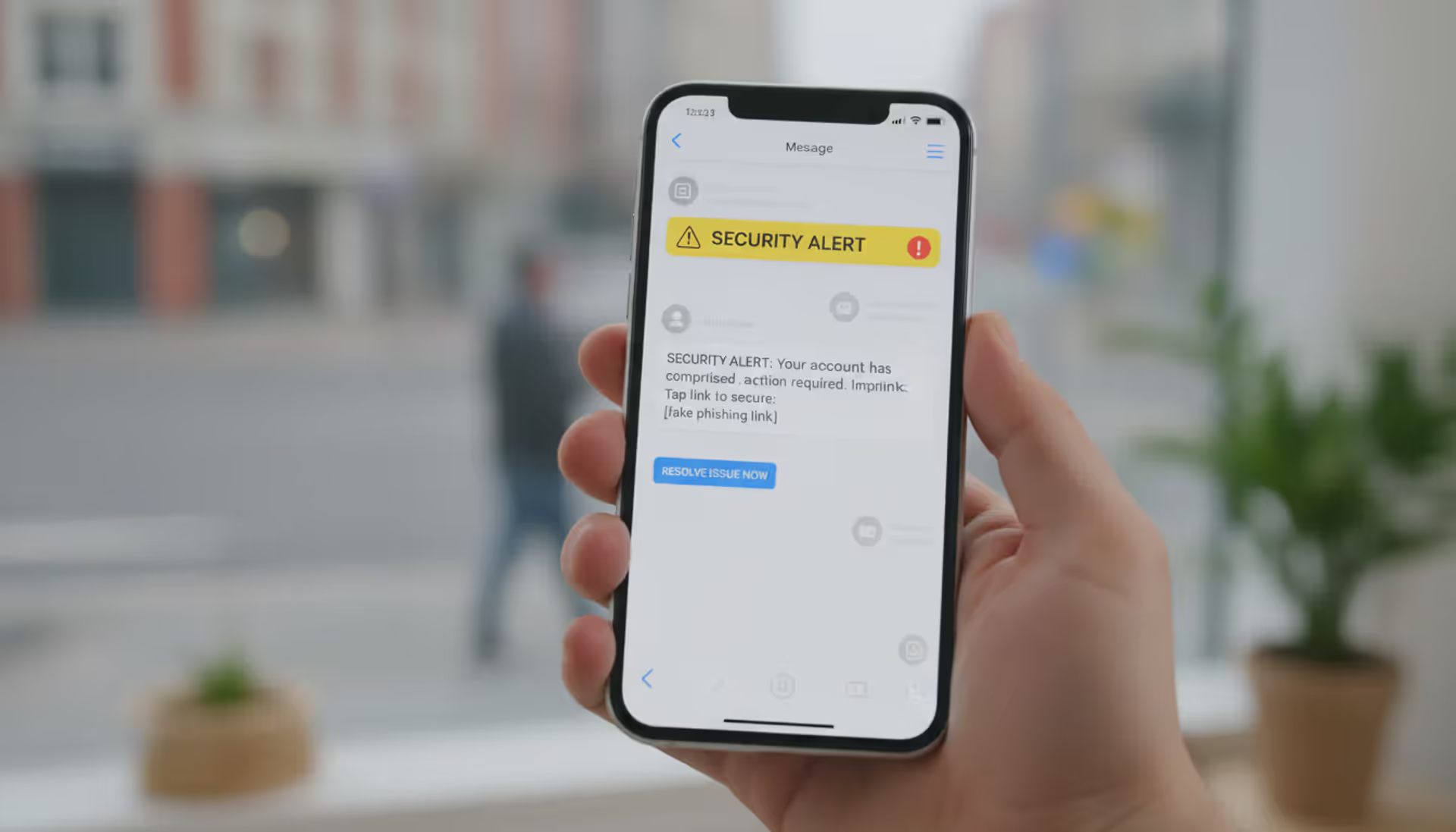
Employee reviewing suspicious email and text message on laptop and phone
Phishing Awareness Guide

Think of phishing awareness as your built-in scam detector. It's what helps you recognize when someone's pretending to be your bank, your boss, or even FedEx—but they're actually criminals after your passwords, money, or personal information.
Here's the uncomfortable truth: The FBI's Internet Crime Complaint Center reported Americans lost $12.5 billion to cybercrime in 2023. Roughly one-third? Phishing schemes. That's over $4 billion stolen through fake emails, texts, and websites designed to look legitimate.
Why do phishing awareness explained concepts matter so much? Because your company spent thousands on firewalls, antivirus software, and security systems. Yet one distracted click on a convincing fake email bypasses all of it. Attackers know this. They're not trying to hack through your technical defenses—they're betting on catching you during a busy Monday morning when you're juggling twelve browser tabs and three cups of coffee.
Companies hit by successful phishing attacks face brutal consequences. We're talking average costs around $4.9 million once you add up everything: ransom demands, forensic investigations to understand what happened, legal fees, regulatory fines (especially if customer data gets stolen), system restoration, and business disruption. That's not counting the reputation damage that makes customers close accounts and partners reconsider contracts.
Individual victims face different nightmares. Identity theft battles can consume years of your life and cost thousands to resolve. Healthcare organizations targeted through phishing have literally diverted ambulances and postponed surgeries while recovering from ransomware infections. One hospital system in Oregon spent three weeks operating on paper charts after attackers locked their electronic records in 2023.
The attacks keep getting smarter, too. Criminals now research targets thoroughly, craft messages referencing real projects and actual colleagues, and time their attacks during known busy periods like tax season or holiday shipping.
Author: Trevor Kingsland;
Source: elegantimagerytv.com
How Phishing Attacks Work
Forget the stereotype of hackers sending obviously fake "Nigerian prince" emails from basement apartments. Modern phishing operations function like professional marketing agencies with research departments, creative teams, and quality control.
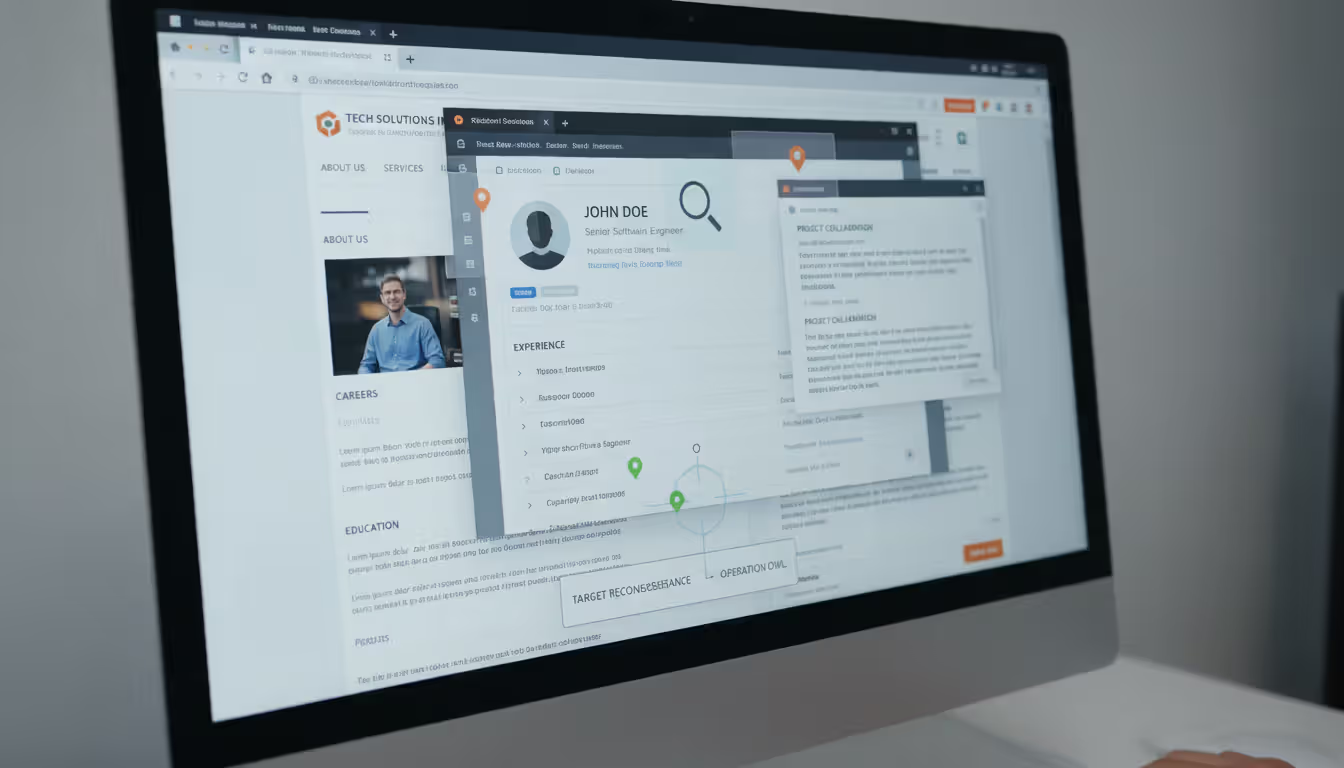
Attackers start by gathering intelligence. They'll study your LinkedIn profile noting where you work, your job title, who you report to, and what conferences you attended recently. They'll scan company press releases, check data broker sites, and search through information leaked in previous data breaches. One financial services company discovered attackers had spent six weeks mapping their organizational chart before launching targeted attacks.
Then comes message creation. Criminals now copy official email templates perfectly—logos, footers, legal disclaimers, everything. They'll register domain names with tiny variations that fool quick glances: "arnazon.com" (swapping 'rn' for 'm'), "secure-wellsfargo-alerts.com" (adding extra words that sound official), or "paypa1.com" (replacing 'l' with the number '1').
Email remains the most common delivery method, sure. But text message phishing jumped 47% last year, partially because everyone has smartphones now and partially because tiny screens make spotting fakes harder. Social media platforms see increasing exploitation—fake customer service accounts responding to complaints, malicious links in LinkedIn messages appearing professional, Instagram DMs impersonating brands.
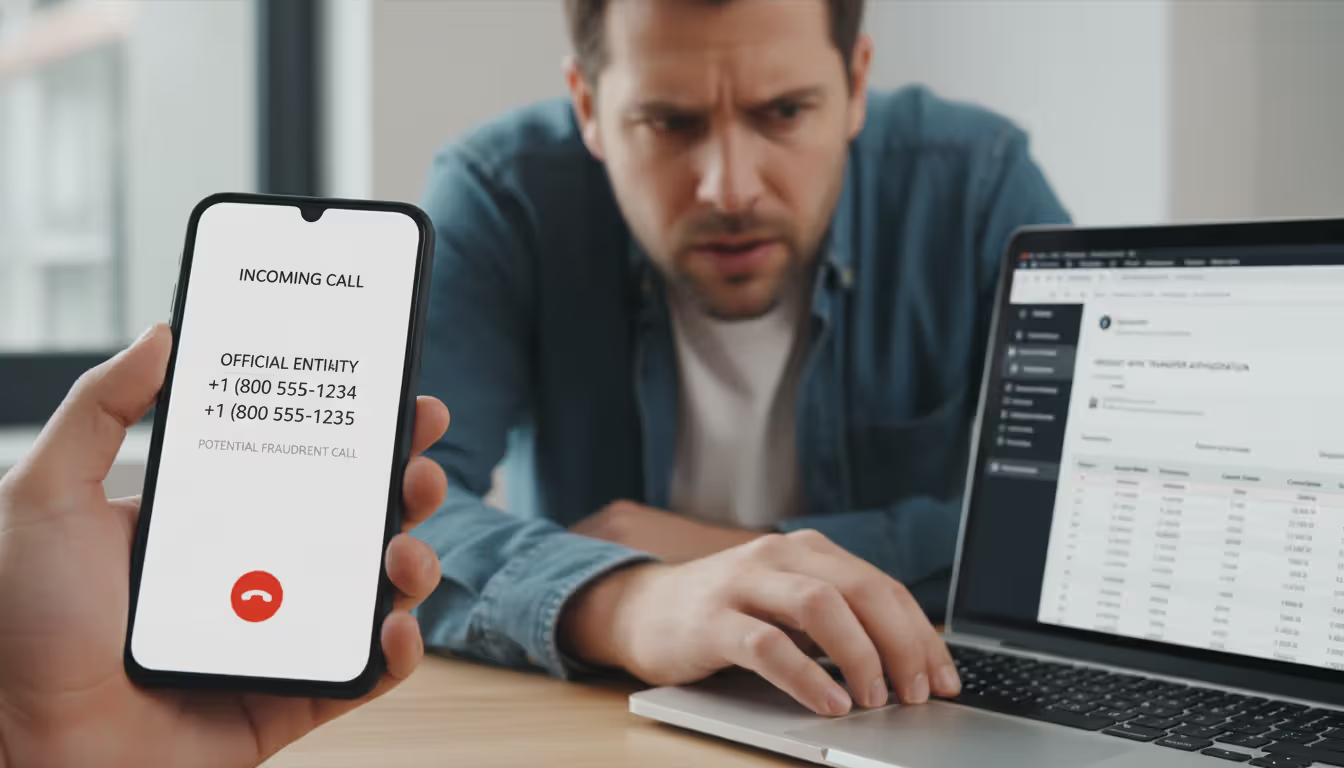
Voice calls are making a comeback with a high-tech twist. Attackers can spoof caller ID to display your bank's actual phone number. Some operations even use AI voice cloning, creating audio that sounds exactly like your CEO requesting an urgent wire transfer.
Author: Trevor Kingsland;
Source: elegantimagerytv.com
The psychological tactics behind how phishing awareness works deserve attention. Criminals manufacture artificial urgency: "Your account will be permanently closed in 90 minutes unless you verify immediately!" They impersonate authority figures—bosses, government agents, security teams. They exploit natural human responses like fear of punishment, desire to help colleagues, or curiosity about unexpected package deliveries.
Attack goals vary widely. Some campaigns deploy malware through infected attachments—Word documents prompting you to "enable macros" or compressed ZIP files hiding executable programs. Others use credential harvesting, redirecting you to fake login pages capturing whatever username and password you enter. Advanced operations treat initial compromises as reconnaissance missions, quietly exploring your network for weeks before deploying ransomware or stealing valuable data.
Common Types of Phishing You Should Know
Generic email phishing works through sheer volume. Send ten million messages impersonating Amazon, and even if 1.5% of recipients click through, that's 150,000 potential victims. These mass campaigns lack personalization—"Dear Customer, suspicious activity detected on your account"—but casting wide nets doesn't require sophistication to succeed.
Watch for messages claiming urgent problems with services you actually use. "Your Netflix payment failed, update billing information now." "Microsoft account requires immediate security verification." "IRS tax refund pending, confirm your information." These generic phishing awareness examples rely on statistical probability that some recipients genuinely use those services.
Spear phishing flips the script completely. Instead of millions of identical messages, attackers send carefully customized emails to specific targets after extensive research. I'm talking messages that reference your current projects by name, mention colleagues you actually work with, or discuss that merger your company just announced last week.
Real phishing awareness examples of spear phishing get scary sophisticated. Attackers researched a manufacturing company's planned expansion into Southeast Asia, then contacted their CFO impersonating the CEO with: "Need to secure our Thailand facility deposit before the deal falls through. Wire $470K to this account immediately—vendors threatening to back out." The CFO, knowing about the expansion and recognizing "the CEO's" writing style, transferred the money. Gone.
Whaling campaigns target the big fish—senior executives whose access and authority represent maximum payoff for attackers. These operations invest serious time and resources. We're talking attackers who'll study an executive's social media posts to mimic their communication style, research their business relationships, and even monitor their travel schedule to time attacks when they're overseas and distracted.
The 2023 attack against a Fortune 500 VP of Finance illustrates this perfectly. Attackers used a compromised colleague's email account, referenced confidential strategic initiatives, and mirrored the CEO's writing patterns so accurately the VP authorized eight separate fraudulent payments totaling $8.3 million before anyone noticed.
Smishing delivers scams through text messages—the term combines "SMS" and "phishing." "USPS: Package delivery problem, confirm address at [suspicious link]." "Your bank account has been locked due to suspicious charges, call this number immediately." The 160-character limit actually helps attackers by providing less space where errors might appear. Plus people trust text messages more intuitively than emails.
Vishing means voice phishing—actual phone calls from operators pretending to represent tech support, the Social Security Administration, or your credit card's fraud department. They'll spoof caller ID so your phone displays what looks like legitimate numbers. Then they build rapport, manufacture panic about supposed problems, and guide you through actions that compromise your security: reading two-factor authentication codes aloud or installing remote access software "so we can fix the issue."
Clone phishing duplicates previously-received legitimate emails with nearly identical copies, swapping in malicious attachments or altered links. Attackers claim they're "resending with corrections" or providing an "updated document." Since you remember getting the original message, you're less suspicious—exactly what they're counting on.
How to Spot a Phishing Attempt
Train yourself to pause whenever unexpected messages arrive asking you to click, download, or respond. Ask yourself: Was I expecting this? Did I initiate this interaction? Your actual bank doesn't send surprise emails demanding immediate password verification.
Email Warning Signs
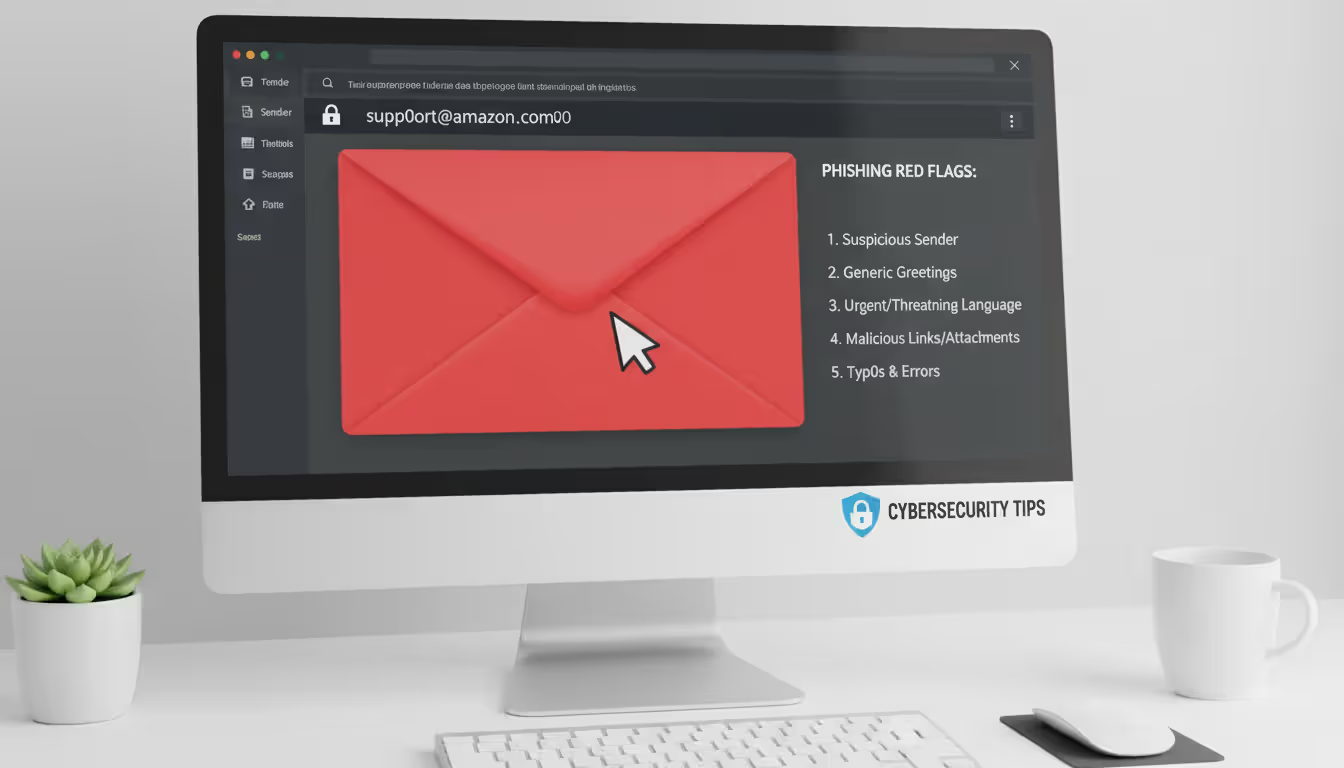
Display names lie constantly. Messages might show "Apple Security Team" or "PayPal Customer Service" while the actual sender address reads "support@appl3-security-alert.net" or similar garbage. Look beyond what's displayed prominently—examine the complete email address. Does it exactly match the company's real domain? A single character difference means fraud.
Generic greetings like "Dear Valued Customer" or "Attention Account Holder" appear because attackers don't know your name. Your genuine financial institution addresses you as "Hello, Marcus Johnson" or however you registered. However—and this matters—spear phishing includes accurate names through prior research. So generic greetings confirm phishing, but personalization confirms nothing.
Grammar problems and formatting inconsistencies pile up in phishing messages. Real companies employ professional writers and follow established brand guidelines. Multiple typos, weird spacing, mismatched fonts, or awkward phrasing suggesting machine translation from another language—these indicate potential fraud. Though honestly? Some legitimate companies occasionally send poorly-written emails, making this indicator work best combined with other warning signs.
Artificially manufactured urgency dominates phishing playbooks. "Respond within sixty minutes or permanently lose access!" "Account suspension imminent without immediate action!" "Legal action follows unless you click now!" Legitimate services provide reasonable timeframes through multiple communication channels for genuinely important matters. They don't manufacture artificial panic to bypass your judgment.
Unsolicited attachments deserve extreme caution unless you specifically requested files from this sender. Compressed archives (ZIP, RAR files), executable programs, Office documents requesting you "enable macros"—these frequently contain malware. Even PDFs can carry malicious code, though they generally present less risk than other formats.
Author: Trevor Kingsland;
Source: elegantimagerytv.com
Website and Link Indicators
Before clicking anything, preview where it actually goes. Desktop users can hover your mouse cursor over links without clicking—the target URL appears at your screen's bottom. The visible text might display "www.chase.com" while the genuine destination reads "www.chase-verify-security.phishing-domain.net." Mobile users face challenges since hovering doesn't work. Long-pressing sometimes reveals destinations, though honestly? Just avoid clicking unexpected mobile links entirely.
That padlock icon and "HTTPS" provide limited reassurance. Attackers easily obtain SSL certificates for their fraudulent domains currently, so encrypted connections don't guarantee legitimacy. Instead, scrutinize the actual domain name carefully. Can you spot extra words, misspellings, or incorrect extensions (.net when the real site uses .com)?
Shortened URLs from bit.ly, tinyurl, or similar services completely hide destinations. Financial institutions don't use these in official communications precisely because they understand the security implications. Receiving shortened URLs supposedly from your bank? Probably fraudulent.
Login pages demand extra scrutiny when learning how to spot phishing awareness threats. Bookmark frequently-used websites and access them exclusively through those bookmarks rather than email links. If messages direct you to login pages, manually verify URLs match perfectly. Watch for subtle misspellings or extra subdomains like "secure.login.bankofamerica.fraudsite.com."
Steps to Prevent Phishing Attacks
Email filters using machine learning intercept tons of phishing attempts before they hit your inbox. These systems analyze patterns, check sender reputations, and examine content characteristics to quarantine suspicious messages. But they're not perfect—attackers continuously adapt. Configure filters to hold questionable emails for review rather than automatically deleting them, since false positives happen.
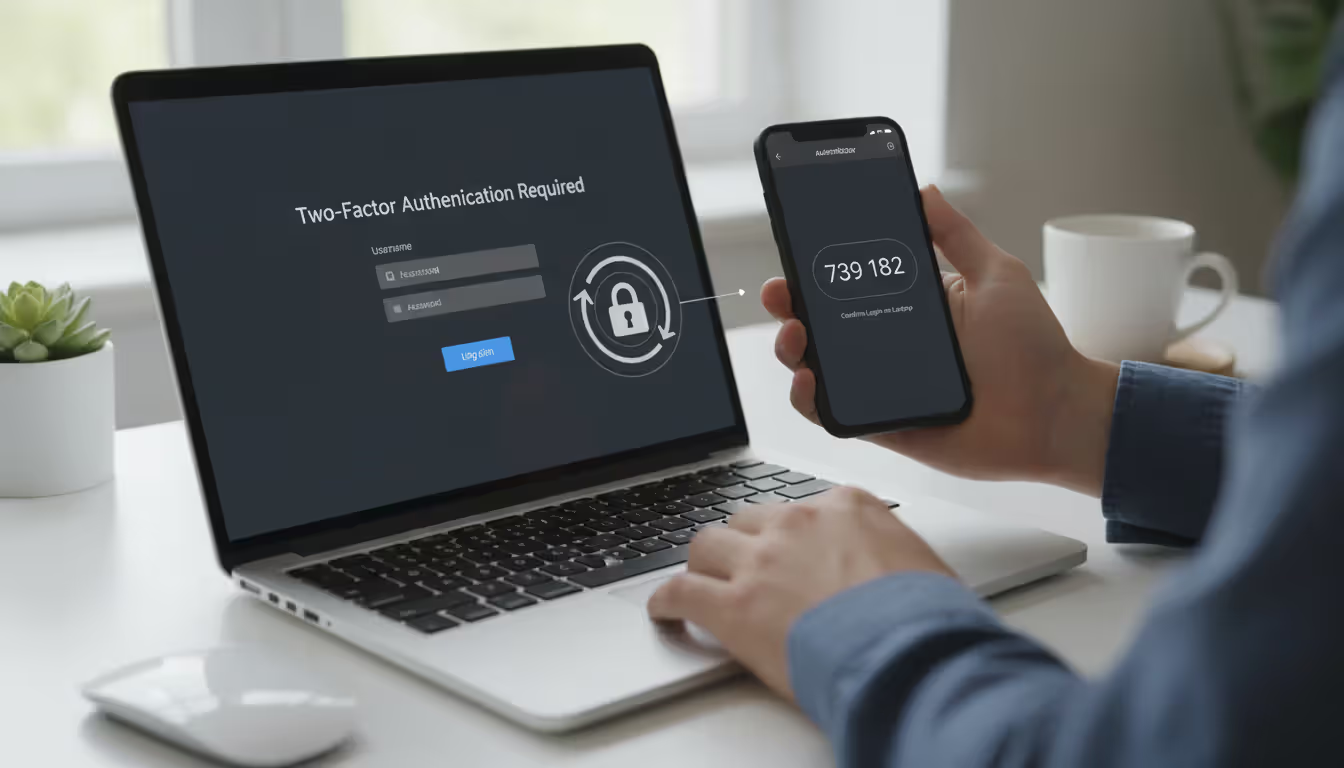
Multi-factor authentication (MFA) serves as your backup plan when credentials get stolen. Even when attackers successfully phish your password, they can't access your accounts without that second authentication factor—typically codes from authenticator apps, SMS texts, or hardware security keys. SMS-based MFA offers less security because criminals can hijack phone numbers through SIM swapping attacks, though any MFA dramatically outperforms passwords alone.
Author: Trevor Kingsland;
Source: elegantimagerytv.com
Security software including antivirus programs, anti-malware tools, and browser extensions creates additional protection layers. They identify known malicious websites, block dangerous downloads, and flag suspicious behaviors. Keep everything updated constantly—attackers exploit outdated software missing current security patches.
Organizational policies need clearly defined verification procedures for sensitive operations. Require verbal confirmation through known phone numbers—not numbers provided in suspicious emails—for wire transfers exceeding $5,000. Prohibit sharing passwords or authentication codes via email or messaging apps under any circumstances. Define which communication channels work for different request types. When employees understand these protocols, they can identify requests that violate established procedures.
Employee training programs represent your strongest defense since humans remain the primary attack surface. Annual training proves insufficient. Monthly ten-minute sessions covering emerging threats, recent attacks hitting your industry, and hands-on identification exercises maintain awareness. Vary formats—videos one month, interactive quizzes next, group discussions after that—sustaining engagement rather than passive attendance.
Understanding how to prevent phishing awareness breaches requires simple, actively encouraged reporting procedures. Employees need straightforward methods forwarding suspicious emails to security teams without fearing criticism for false alarms. Companies punishing people for reporting questionable messages create cultures where employees stay silent about potential threats. Some organizations reward employees who catch phishing attempts, reinforcing desired behaviors.
DMARC protocols help verify that incoming emails genuinely originate from claimed domains. Implementing DMARC for your own domain also prevents attacks where criminals forge your company's email addresses to target your customers or business partners.
What to Do If You Click on a Phishing Link
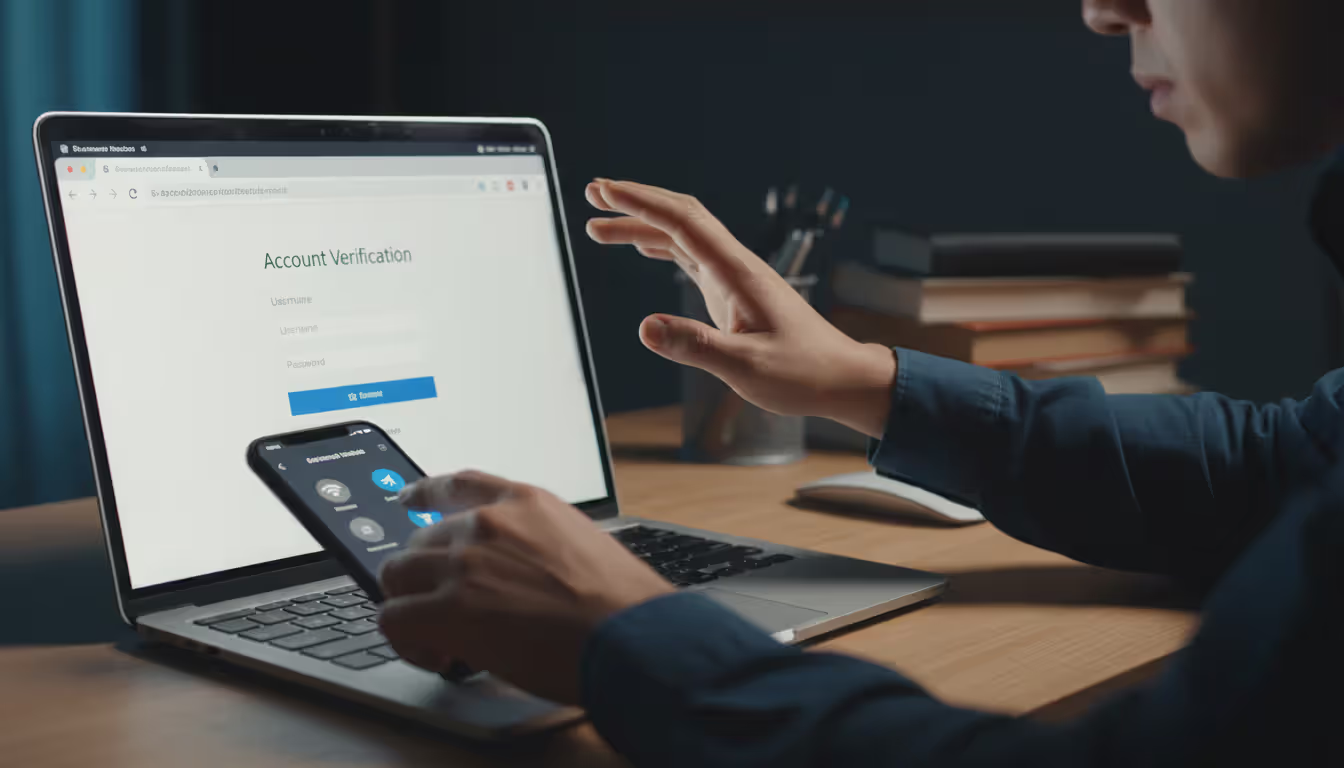
Stay calm but move fast. If you clicked a link but haven't entered information yet, close your entire browser immediately—not just the suspicious tab, but quit the complete application. This terminates any scripts potentially executing.
Author: Trevor Kingsland;
Source: elegantimagerytv.com
Disconnect from your network if you downloaded files or entered credentials anywhere. On work computers, physically unplug ethernet cables or disable WiFi. This prevents malware from spreading to other machines or communicating with attacker-controlled servers. On phones, switch to airplane mode right away.
Change passwords starting with email, ideally from a different device—one you're confident remains uncompromised. Why prioritize email? Attackers use compromised email accounts to reset passwords for every other service you use. Create strong, unique passwords for each account rather than slight variations on the same password.
Notify your IT or security team the moment you recognize what happened if this involved work devices or accounts. Tell them exactly what you clicked, what information you entered, and what occurred afterward. Quick notification allows security teams monitoring for suspicious activity, revoking attacker access, and preventing lateral movement throughout your network. Yes, it's uncomfortable admitting the mistake. Do it anyway—the consequences of staying silent are infinitely worse.
Monitor your accounts obsessively for several weeks following incidents. Check bank and credit card statements daily for unauthorized charges. Review login history on email and social media platforms for unfamiliar locations or devices. Consider placing fraud alerts with credit bureaus, forcing creditors to verify your identity before opening new accounts in your name.
Report the phishing attempt to relevant authorities regardless of whether you suffered losses. Forward phishing emails to reportphishing@apwg.org and to the abuse address of whatever organization got impersonated. File complaints with the FBI through their Internet Crime Complaint Center website at ic3.gov. If financial fraud occurred, contact local police and your bank's fraud department without delay.
Document everything: save copies of phishing messages, screenshot fraudulent websites before they disappear, note times and dates of every action taken. This documentation assists investigations and might prove necessary for insurance claims or legal proceedings later.
Building a Phishing Awareness Program
Effective training addresses three distinct components: knowledge (understanding phishing mechanics and consequences), skills (actually identifying threats in real-time), and motivation (why you personally should care beyond compliance checkbox completion). Knowledge-based content explains attacker tactics and real-world consequences. Skills training provides hands-on practice evaluating suspicious messages. Motivation comes from demonstrating relevant risks through relatable examples and building cultures where security matters organizationally.
Frequency beats duration consistently. Monthly ten-minute microlearning sessions outperform annual hour-long presentations people endure passively then immediately forget. Human memory responds far better to spaced repetition. Each session explores specific topics: one month covers email red flags, next addresses text message scams, another focuses specifically on executive-targeted attacks.
Simulated phishing tests measure whether training actually works while keeping phishing awareness fresh in people's minds. Send fake phishing emails to employees and track who clicks links or submits credentials. Frame these as learning opportunities, never "gotcha" moments designed to embarrass people. Employees falling for simulated attacks receive immediate, private feedback explaining what warning signs they missed. Track metrics over time identifying improvements and persistent vulnerabilities.
Role-specific training acknowledges different positions face different threats. Executives get targeted by whaling attacks and business email compromise schemes. Finance staff encounter invoice fraud and wire transfer scams. HR departments receive fake job applications hiding malware in resumes. Tailor scenarios to each group's actual threat landscape rather than generic examples feeling irrelevant to their daily work.
Measuring success requires looking beyond simple click rates. Are employees forwarding suspicious emails to security teams? Track reporting rates month over month. How quickly do people report simulated attacks after clicking? Measure that time-to-report metric. Survey employees about their confidence identifying threats and applying verification procedures. Most importantly, monitor real incidents: are successful phishing compromises against your organization decreasing over time?
Continuous improvement adapts training to evolving threats. Review recent phishing campaigns hitting your industry sector. Analyze attacks succeeding against your organization to understand why defenses failed. Update training content quarterly addressing new tactics attackers deploy. Share lessons learned from incidents without naming individuals: "Recently, attackers impersonated our CEO requesting gift cards. Here's how to recognize this specific scam."
Leadership participation signals that security matters at every organizational level. When executives discuss phishing in company meetings, complete training alongside everyone else, and share their own near-misses, it legitimizes security as everyone's responsibility rather than just the IT department's problem. Executive sponsorship also ensures adequate budget for tools, training programs, and appropriate staffing.
Integration with broader security culture prevents phishing awareness from existing in isolation. Connect it to password policies, access controls, incident response procedures, and privacy practices. Security should feel like a coherent framework rather than disconnected rules nobody remembers. When people understand how different security measures work together and reinforce each other, they're more likely following all of them consistently.
We're seeing phishing attacks in 2024 that most people simply cannot distinguish from real communications anymore. Criminals use artificial intelligence analyzing writing patterns and generating contextually appropriate messages. Some operations even deploy deepfake voice technology creating audio that perfectly mimics executives. Your only reliable protection is systematic verification—adopting a 'never trust, always verify' mindset. Receive an unexpected request involving money, credentials, or sensitive information? Contact the supposed sender through a known-good channel you find independently before taking any action. That thirty-second verification phone call could save your organization millions in losses
— Dr. Sarah Chen
Frequently Asked Questions
Phishing attacks will continue evolving as attackers adopt emerging technologies and refine their social engineering techniques. No technical solution alone eliminates this threat because phishing fundamentally exploits human psychology rather than just software vulnerabilities. Organizations and individuals treating phishing awareness as ongoing practice rather than one-time checkbox exercises will substantially reduce their risk.
The most effective defense layers multiple approaches together: technical controls automatically blocking many attacks, well-designed policies requiring verification for sensitive operations, regular training keeping threats top-of-mind, and cultures where reporting suspicious activity gets encouraged and rewarded. When people understand not just what warning signs to watch for but why these attacks work and what consequences follow successful ones, they transform from the weakest security link into your strongest defense.
Remember that even cybersecurity professionals occasionally fall for sophisticated phishing attacks—nobody achieves perfection. The goal isn't flawless performance but rather maintaining healthy skepticism about unexpected requests, systematically verifying suspicious communications through independent channels, and responding quickly when incidents occur. Those thirty seconds spent confirming an unusual email through a phone call could prevent months recovering from a successful attack. Stay skeptical, stay informed, and when doubt creeps in, verify before you click.
Related Stories
Read more
Read more

The content on this website is provided for general informational and educational purposes only. It is intended to explain concepts related to cybersecurity awareness, online threats, phishing attacks, and data protection practices.
All information on this website, including articles, guides, and examples, is presented for general educational purposes. Cybersecurity risks and protection strategies may vary depending on individual behavior, technology usage, and threat environments.
This website does not provide professional cybersecurity, legal, or technical advice, and the information presented should not be used as a substitute for consultation with qualified cybersecurity professionals.
The website and its authors are not responsible for any errors or omissions, or for any outcomes resulting from decisions made based on the information provided on this website.