
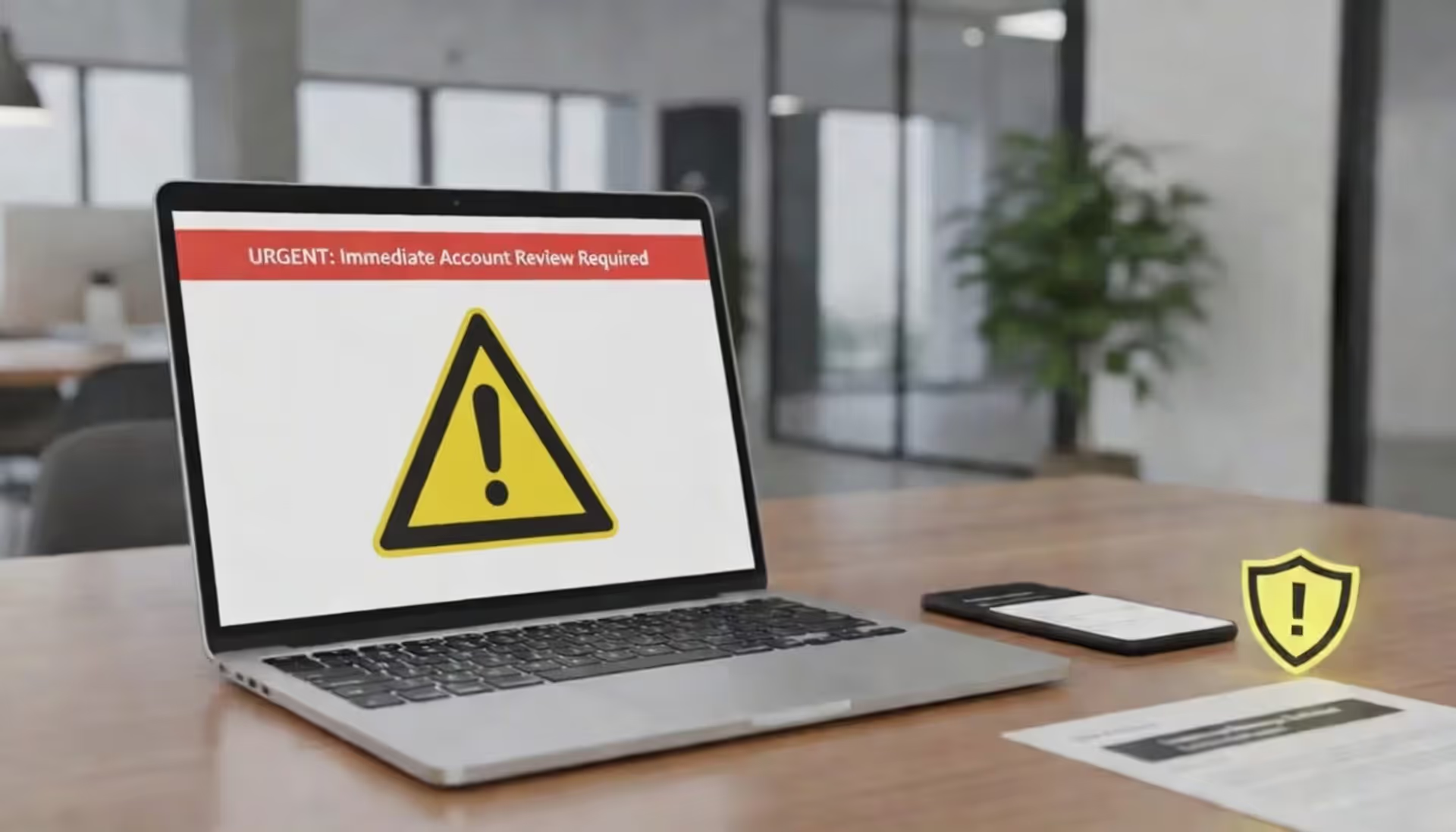
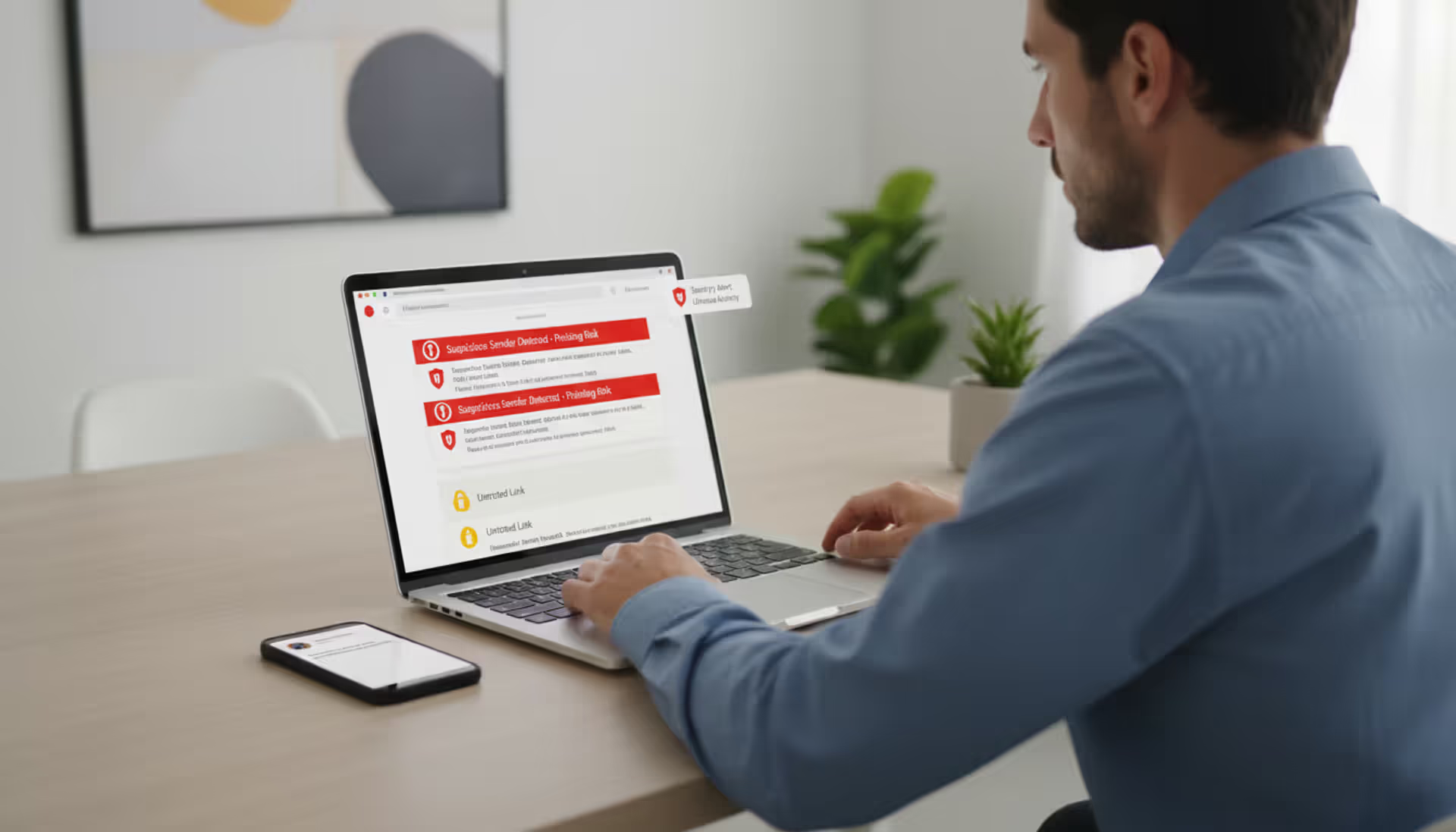
Phishing warning on laptop and smartphone at a modern office desk
Types of Phishing Explained With Examples

Think of phishing as digital con artistry. Criminals disguise themselves as someone you'd normally trust—your bank, your boss, even your colleague—to manipulate you into handing over passwords, financial details, or access to your computer. Unlike hackers who break through firewalls and crack encryption, phishers target something far easier to breach: human nature.
The financial toll keeps climbing. According to the FBI's Internet Crime Complaint Center, Americans lost over $12.5 billion to phishing schemes in 2025. That's billion with a "B." Small dental practices, Fortune 500 companies, hospitals, schools—nobody gets a pass.
Here's why learning about different phishing varieties matters: you might've trained yourself to scrutinize sketchy emails, but would you question a text message claiming to be from your bank? What about a phone call that looks like it's coming from Microsoft's support line? Scammers have diversified their playbook. Email's just one chapter in a much longer book of tricks, and each attack style uses different bait, different hooks, and different ways to reel you in.
Email Phishing
Email remains the favorite weapon in every scammer's arsenal—roughly 80% of phishing incidents start in your inbox. The reason's simple: it's cheap, fast, and you can send millions at once.
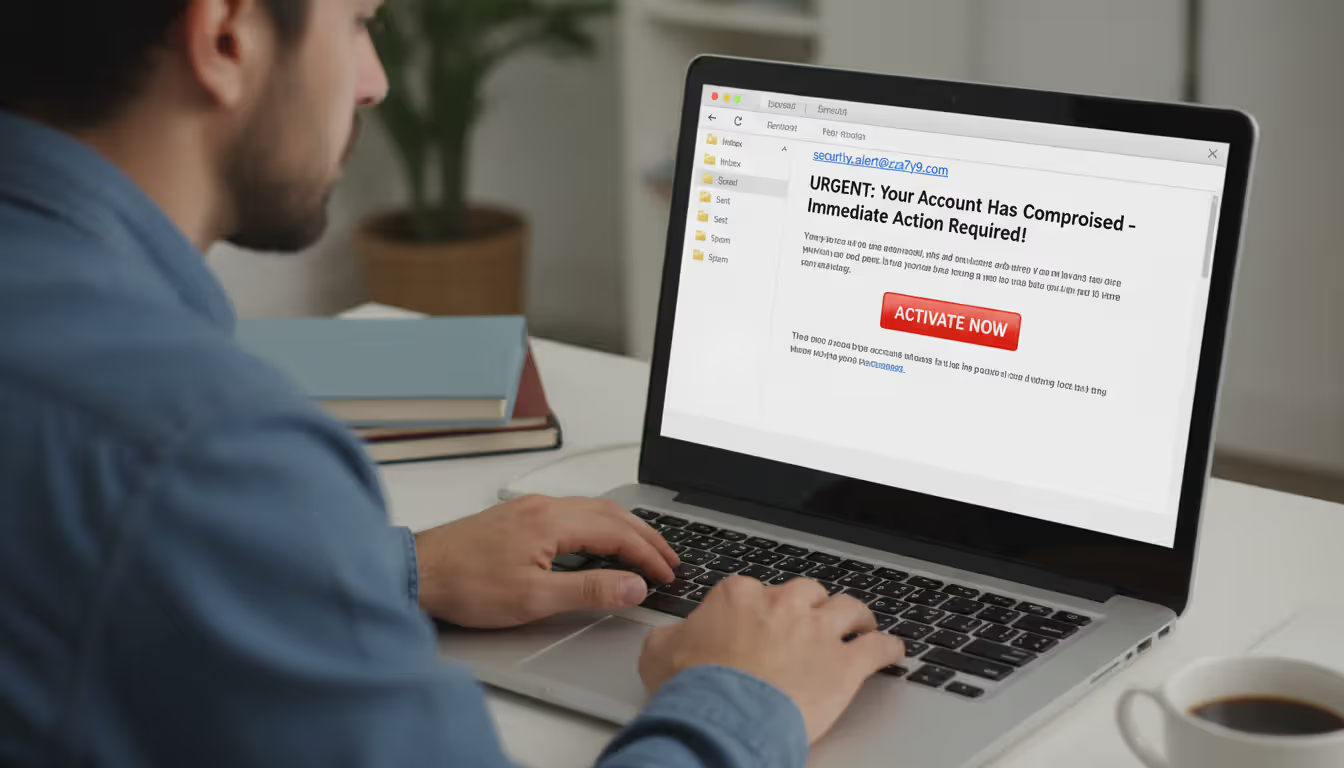
The typical setup goes like this. You get a message pretending to be from Chase, Amazon, the IRS, or FedEx. The subject line screams emergency: "URGENT: Verify your account within 24 hours" or "Suspicious login detected from Romania." There's always a link. Always a reason you need to click right now. That link dumps you on a fake website that looks convincingly real, where anything you type—usernames, passwords, credit card numbers—goes straight to the criminals.
Warning signs? Sure, there are plenty. Generic greetings ("Dear Valued Customer" instead of your actual name), sender addresses that look weird when you examine them closely (amazonn-security@gmail.com), obvious typos. But modern phishing emails have gotten scary good. Perfect grammar, slick designs, logos that match the real company pixel-for-pixel.
Here's a scenario that fools people constantly: You receive an email saying your package couldn't be delivered. Seems normal, right? You probably are waiting for something from Amazon or Target. The message includes a tracking number and asks you to click through to reschedule. Except that link either steals your login credentials or drops malware onto your device. FedEx and UPS are among the most impersonated brands precisely because package notifications feel so routine that our guard drops.
Author: Monica Ellery;
Source: elegantimagerytv.com
Another favorite trick mimics password reset alerts. "We noticed a login attempt from Ho Chi Minh City, Vietnam. If this wasn't you, reset your password immediately." Big scary button right there in the email. You click it, type in your current password and new password on what looks exactly like Google's login page, and congratulations—you just gave attackers everything they need.
Spear Phishing and Whaling Attacks
Mass email campaigns are like fishing with dynamite. Spear phishing is more like fly fishing—targeted, researched, personalized. And it works frighteningly well.
Spear Phishing
The difference here is homework. Before sending anything, attackers study their target. They'll scrape your LinkedIn profile, read your tweets, check company press releases, maybe even find information from old data breaches. Then they craft a message so specific to you, so relevant to your actual life, that your skepticism vanishes.
Let's say you work in accounts payable. An attacker notices on LinkedIn that your company just announced a partnership with a new vendor. You get an email from someone claiming to be that vendor's accounting manager, mentioning your CFO by name, referencing the partnership announcement, and asking to update payment routing information. The message hits every believable note because the scammer did their research.
These attacks frequently exploit workplace dynamics. An email appears to come from your department VP asking you to handle something urgently while she's in back-to-back meetings. Most employees won't push back on what looks like a direct order from senior leadership, especially when the message emphasizes time pressure and confidentiality.
Whaling
Whaling goes after the biggest fish in the pond—CEOs, CFOs, board members, anyone with substantial authority or access to crown jewel data. These campaigns involve weeks of reconnaissance and sophisticated social engineering.
Picture this: A CEO receives an email that looks like it came from the company's outside legal counsel. Subject line: "Confidential - Merger Document - Attorney-Client Privileged." There's a PDF attachment labeled "NDA_AcquisitionTarget_Draft.pdf." The timing makes sense (the company has been eyeing acquisitions), the sender seems right, the formality matches how lawyers actually communicate. Opening that attachment installs malware that gives attackers access to everything on the executive's computer.
Another whaling approach uses fake subpoenas or regulatory compliance documents. A general counsel receives what appears to be an official subpoena from a federal court requiring immediate document production. The urgency and legal implications pressure quick action without thorough vetting.

Author: Monica Ellery;
Source: elegantimagerytv.com
Smishing, Vishing, and Other Communication-Based Phishing
Criminals have figured out that people treat phones differently than computers. We're more trusting. More likely to act without analyzing. And that makes us vulnerable.
Smishing (SMS Phishing)
Smishing weaponizes text messages. These texts pretend to be your bank, a delivery company, the government, or sometimes even someone in your contacts whose phone got compromised.
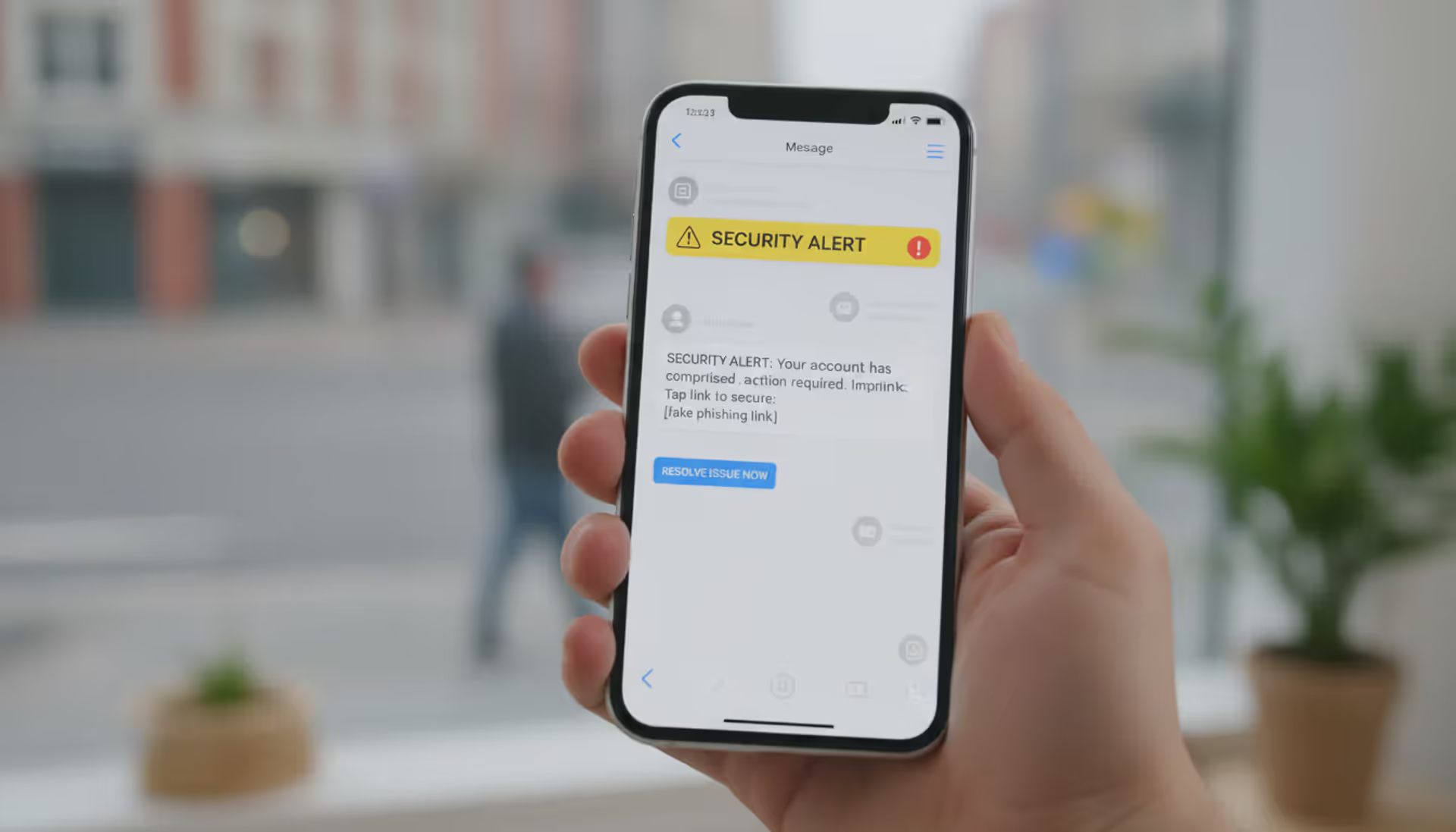
Classic example: "Your Bank of America account has been temporarily locked due to unusual activity. Confirm your identity here: [shortened link]." The link takes you to a mobile site that looks exactly like Bank of America's login page. You enter your username and password, maybe even your security code if they ask for it. Done. They own your account.
Package delivery smishing has become epidemic. "Your package is waiting. Pay $2.95 redelivery fee: [link]." Many of us are constantly expecting deliveries from Amazon, Chewy, Wayfair, wherever. The message hits when we're distracted, on our phones, maybe in line at Starbucks. Mobile browsers make it harder to spot fake URLs. We tap without thinking.
Around tax season, smishing messages explode with fake IRS communications. "You're eligible for a $847 tax refund. Claim here within 48 hours." Real talk: the IRS sends letters via postal mail. They don't text. They don't email. They definitely don't ask for personal information via text message. But people see "money owed to you" and logic takes a backseat.
Vishing (Voice Phishing)
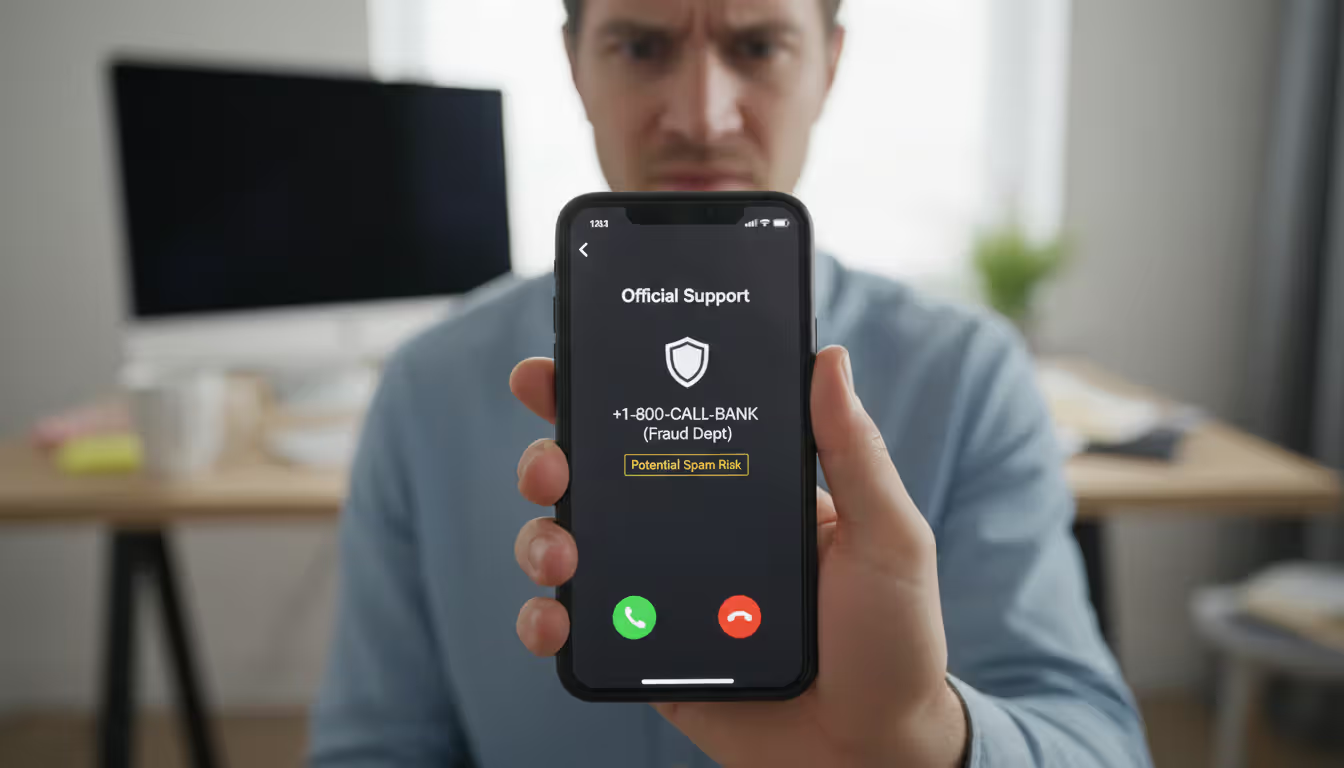
Vishing brings back the old-school phone scam, but with modern technology that makes it scarier. Attackers use caller ID spoofing to make their calls display legitimate company names and numbers. Your phone shows "Apple Support" or "Chase Fraud Department," so you answer thinking it's real.
Tech support vishing remains hugely popular. You get a call from someone claiming to work for Microsoft Security. "We've detected viruses on your Windows computer." They walk you through opening Event Viewer (which always shows harmless warning messages that look scary if you don't know what you're looking at), convince you there's a serious problem, then either charge you hundreds for fake fixes or trick you into installing remote access software that lets them steal data directly.
Bank fraud vishing often starts with information the scammer already has—maybe your name, partial account number, and recent transaction amounts obtained from a data breach. They call claiming to be your bank's fraud department, reference those real details to build credibility, then say they need to verify additional information to "protect your account." That additional information is what they're really after.
IRS impersonation calls use intimidation tactics. The caller, often with an accent and official-sounding demeanor, claims you owe back taxes and threatens arrest, deportation, or license suspension unless you pay immediately via wire transfer, cryptocurrency, or gift cards. (Pro tip: government agencies don't accept iTunes gift cards.) The fear and urgency overwhelm people's better judgment.
Author: Monica Ellery;
Source: elegantimagerytv.com
Messaging App Phishing
WhatsApp, Telegram, Slack, Microsoft Teams—attackers have moved into these platforms because we naturally trust messages from known contacts and internal company channels.
Account takeover is the main strategy here. Scammers compromise someone's WhatsApp account, then message everyone in that person's contact list: "Hey, I'm in an emergency situation. Lost my wallet traveling. Can you send $500 via Venmo? I'll pay you back Monday." The message comes from your friend's actual account, uses their name, feels plausible. People help friends without questioning.
Corporate messaging platforms face similar attacks. A compromised Slack account sends a message to the entire #general channel: "Updated employee handbook in this shared doc: [malicious link]." Since it's coming through internal systems from a coworker's verified account, employees drop their usual caution. They click thinking it's a legitimate internal resource.
Clone Phishing and Business Email Compromise
These represent the PhD-level courses in phishing school—sophisticated, high-effort attacks targeting big payoffs.
Clone phishing takes an email you actually received previously (a real newsletter, legitimate invoice, authentic shipping notification) and creates an exact duplicate with one key change: links or attachments get swapped for malicious versions. The attacker resends it with a note like "Resending—previous link was broken" or "Updated attachment with correct information." You recognize the original content, remember receiving it before, and your guard drops. After all, you trusted it the first time.
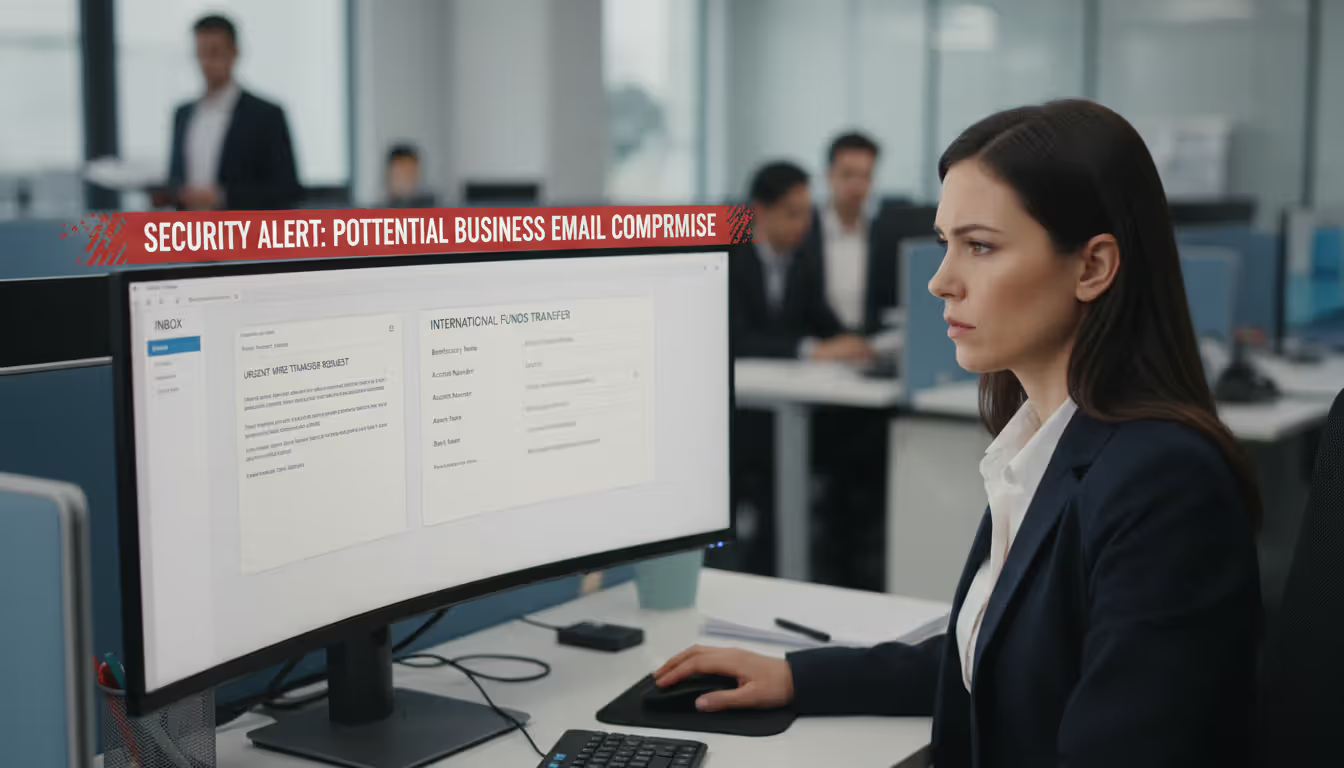
Business Email Compromise (BEC) causes the biggest financial damage in phishing's entire toolkit. The FBI estimates BEC scams account for over half of all cybercrime losses. Here's how it typically unfolds.
Attackers compromise an executive's email account (sometimes through earlier phishing, sometimes by guessing weak passwords, sometimes through technical exploits). Then they monitor email traffic, learning communication patterns, relationships, and business processes. Once they understand how things work, they strike.
The CFO's email account sends a message to the accounts payable manager: "I'm in meetings all afternoon with the acquisition team. Need you to wire $280,000 to our new legal counsel for the transaction. Details attached. Keep this confidential until we announce publicly next week. Thanks." The request seems plausible—there is an acquisition in progress. The amount seems reasonable for legal fees. The secrecy makes sense. And questioning the CFO feels awkward, especially with time pressure. The money gets sent. By the time anyone realizes it was fraud, those funds have bounced through six countries and disappeared forever.
Author: Monica Ellery;
Source: elegantimagerytv.com
Invoice manipulation is another BEC variant. Criminals monitor email conversations between your company and legitimate vendors. When they see an invoice coming due, they send a fake invoice that looks identical to the real vendor's format but includes updated wire transfer details. Since the timing and amount match expectations, the invoice gets paid without scrutiny. The real vendor eventually asks where their money is, and that's when everyone discovers the problem.
How to Spot Phishing Attempts Across All Types
Regardless of whether the attack arrives via email, text, voice call, or carrier pigeon, certain warning signs appear consistently.
Urgency is the biggest red flag. Real businesses give you time. Scammers demand action now—account closing in 4 hours, package returning to sender tomorrow, arrest warrant being issued today. This manufactured panic shuts down critical thinking. Whenever you feel rushed into a decision about money or credentials, take that as your cue to slow down and verify.
Unexpected requests for sensitive information should trigger immediate suspicion. Banks will never email asking for your password. Microsoft won't call asking for remote access. Your boss won't text requesting your W-2 via reply message. Government agencies don't collect payments through gift cards or Bitcoin. If the request feels unusual, that's because it is.
Verification is your superpower. Don't reply to suspicious emails. Don't call back numbers provided in unexpected messages. Instead, look up the official contact information independently and reach out through verified channels. If "your bank" texts about account problems, hang up and call the number on the back of your debit card. If "your boss" emails a weird request, walk to their office or call their known work number.
Before clicking links, inspect them carefully. On desktop computers, hover your mouse over links to preview where they actually point. On mobile, press and hold links to see the full URL. Watch for subtle misspellings (paypa1.com using the number 1 instead of letter L), extra words (paypal-secure-login-verify.com), or completely different domains (paypal.account-security.xyz).
Grammar and formatting used to be reliable indicators—broken English and Comic Sans screamed "scam." Not anymore. Today's phishing campaigns often feature flawless writing and professional design. But inconsistencies still slip through. Logos might have wrong colors. Formatting might not match the company's usual style. Email signatures might lack normal contact details.
Listen to that little voice saying "something's off." Legitimate organizations will never punish you for verifying. If someone pressures you NOT to check independently, that's confirmation you're dealing with fraud.
Modern email services and browsers include built-in phishing detection. Gmail, Outlook, Yahoo—they all analyze incoming messages against known threat databases and warn you about suspicious content. Don't ignore these alerts. Also, keep your software updated. Those annoying update notifications patch security holes that attackers exploit.
How to Prevent Phishing Attacks
The human element remains both the greatest vulnerability and the strongest defense against phishing. No technical solution can completely eliminate these attacks. Success requires creating a security-conscious culture where people feel empowered to question suspicious communications and report potential threats without fear of embarrassment or punishment
— Kevin Mitnick
Defense against phishing requires layers—like medieval castles with moats, walls, towers, and guards. One layer fails? The others still protect you.
Multi-factor authentication (MFA) is your castle's moat. Even if attackers phish your password successfully, they still can't access your account without that second authentication factor. Use authenticator apps like Google Authenticator or Microsoft Authenticator rather than SMS codes (which can be intercepted through SIM swapping attacks). Better yet, use hardware security keys like YubiKey for accounts containing important data.
Email filtering catches a huge volume of garbage before it reaches your inbox. Enterprise email security solutions from Proofpoint, Mimecast, or Microsoft analyze sender reputation, message content, link destinations, and attachment characteristics. Consumer email services have similar protections built in—make sure they're enabled in settings.
Keep everything updated. Operating systems, browsers, PDF readers, office software—all of it. Those updates aren't just adding features; they're fixing vulnerabilities that phishing attacks often exploit as part of their payload. Turn on automatic updates. Yes, the restarts are annoying. Know what's more annoying? Recovering from ransomware.
Security awareness training actually works when done right. Annual 30-minute compliance videos don't work. What does? Regular, bite-sized training covering current threats with realistic examples. Run simulated phishing campaigns quarterly to test awareness and identify people who need additional coaching. Make it okay to report potential phishing without fear of embarrassment—create a culture where "I wasn't sure, so I checked" is praised rather than mocked.
Establish verification requirements for high-risk actions. Wire transfers over certain amounts require voice confirmation from a known phone number. Payroll changes need in-person or video verification. Credential resets require multiple approvals. And critically, use different communication channels for verification—if you get an email request, verify by phone, not by replying to that email.
Deploy email authentication standards (SPF, DKIM, DMARC) to prevent attackers from spoofing your domain and to help you identify spoofed emails claiming to come from legitimate organizations. This is technical stuff that IT teams handle, but if you're running a business, make sure these protections are configured.
Report phishing attempts every single time. Tell your IT security team. Forward suspicious emails to your email provider's abuse team. In the United States, send phishing emails to reportphishing@apwg.org (Anti-Phishing Working Group) and file reports with the FBI's Internet Crime Complaint Center at ic3.gov. These reports feed threat intelligence databases that protect everyone.
Back up critical data regularly to storage that's disconnected from your network. If phishing leads to ransomware infection, reliable backups mean you can restore everything without paying criminals. Test those backups periodically—a backup you can't restore is worthless.
Comparison of Phishing Types
| Type | Primary Channel | Target Specificity | Common Tactics | Example Scenario |
| Email Phishing | Email messages | Blasted to thousands of random targets | Counterfeit login pages, manufactured urgency, brand impersonation | Message threatening account suspension unless you verify credentials immediately |
| Spear Phishing | Email messages | Aimed at specific individuals using personal details | Customized content referencing real information, context-aware requests | Accounts payable receives invoice from researched vendor mentioning active projects by name |
| Whaling | Email or telephone | High-ranking executives exclusively | Impersonating C-suite leaders, exploiting confidential business contexts, extensive advance research | General Counsel receives realistic-looking legal document about pending acquisition |
| Smishing | Text messages | Both mass campaigns and personalized attacks | Shortened URLs, delivery failure alerts, account security warnings | Text claiming package delivery failed with link to "reschedule delivery" |
| Vishing | Phone conversations | Ranges from robocalls to highly targeted | Spoofed caller ID displaying legitimate numbers, authority impersonation, fear tactics | Call appearing to be from IRS demanding immediate payment to avoid arrest |
| Clone Phishing | Email messages | Targeted at people who received the original message | Duplicating authentic emails with swapped links, referencing previous correspondence | Newsletter you received last month resent with malicious link replacing legitimate one |
| BEC | Email messages | Meticulously targeted at specific roles with financial access | Compromised executive accounts, urgent financial transfers, confidentiality requirements | Email from CFO's account requesting urgent international wire transfer for confidential project |
Frequently Asked Questions About Phishing Types
Phishing attacks aren't going anywhere. If anything, they're becoming more frequent, more sophisticated, and more diverse in their methods. Attackers leverage artificial intelligence to write more convincing messages, research targets more efficiently, and even clone voices for vishing attacks. New communication platforms create new opportunities for exploitation.
Understanding different phishing varieties—from mass email campaigns to surgical-strike executive targeting—gives you the foundation for protection. But knowledge alone doesn't prevent attacks. You need to translate that understanding into habits: pausing before clicking, verifying unexpected requests through independent channels, questioning urgency and authority, maintaining healthy skepticism.
Defense requires multiple layers working together. Email filters block many attacks but can't catch everything. Security training helps people recognize threats but doesn't eliminate human mistakes. Multi-factor authentication adds crucial protection when credentials get stolen despite other precautions. Verification procedures catch requests that slip through other defenses. No single solution provides complete protection. The combination does.
Here's the most important principle: verify before trusting. Got an unexpected request for sensitive information? Verify through a different channel. Urgent financial transfer from the boss? Call to confirm using a number you already had, not one provided in the message. Email claiming your account needs attention? Close it and log in through your browser or app directly. That verification might feel inconvenient in the moment. It's far less inconvenient than recovering from a successful attack.
Phishing works by exploiting how humans naturally think. We trust familiar brands, help people who seem like colleagues or friends, defer to authority figures, and want to avoid problems. Recognizing these psychological manipulation tactics matters as much as spotting technical warning signs like suspicious URLs. When you understand not just what phishing looks like but why these tactics successfully manipulate people, you develop resilience against attacks regardless of their specific format.
Stay informed about emerging threats through security blogs and news sources. Maintain reasonable suspicion toward unexpected communications. Remember that legitimate organizations will always accommodate verification—they'd rather you double-check than get scammed. Your vigilance, multiplied across your awareness and habits, creates the strongest possible defense against an ever-evolving threat.
Related Stories
Read more
Read more

The content on this website is provided for general informational and educational purposes only. It is intended to explain concepts related to cybersecurity awareness, online threats, phishing attacks, and data protection practices.
All information on this website, including articles, guides, and examples, is presented for general educational purposes. Cybersecurity risks and protection strategies may vary depending on individual behavior, technology usage, and threat environments.
This website does not provide professional cybersecurity, legal, or technical advice, and the information presented should not be used as a substitute for consultation with qualified cybersecurity professionals.
The website and its authors are not responsible for any errors or omissions, or for any outcomes resulting from decisions made based on the information provided on this website.