
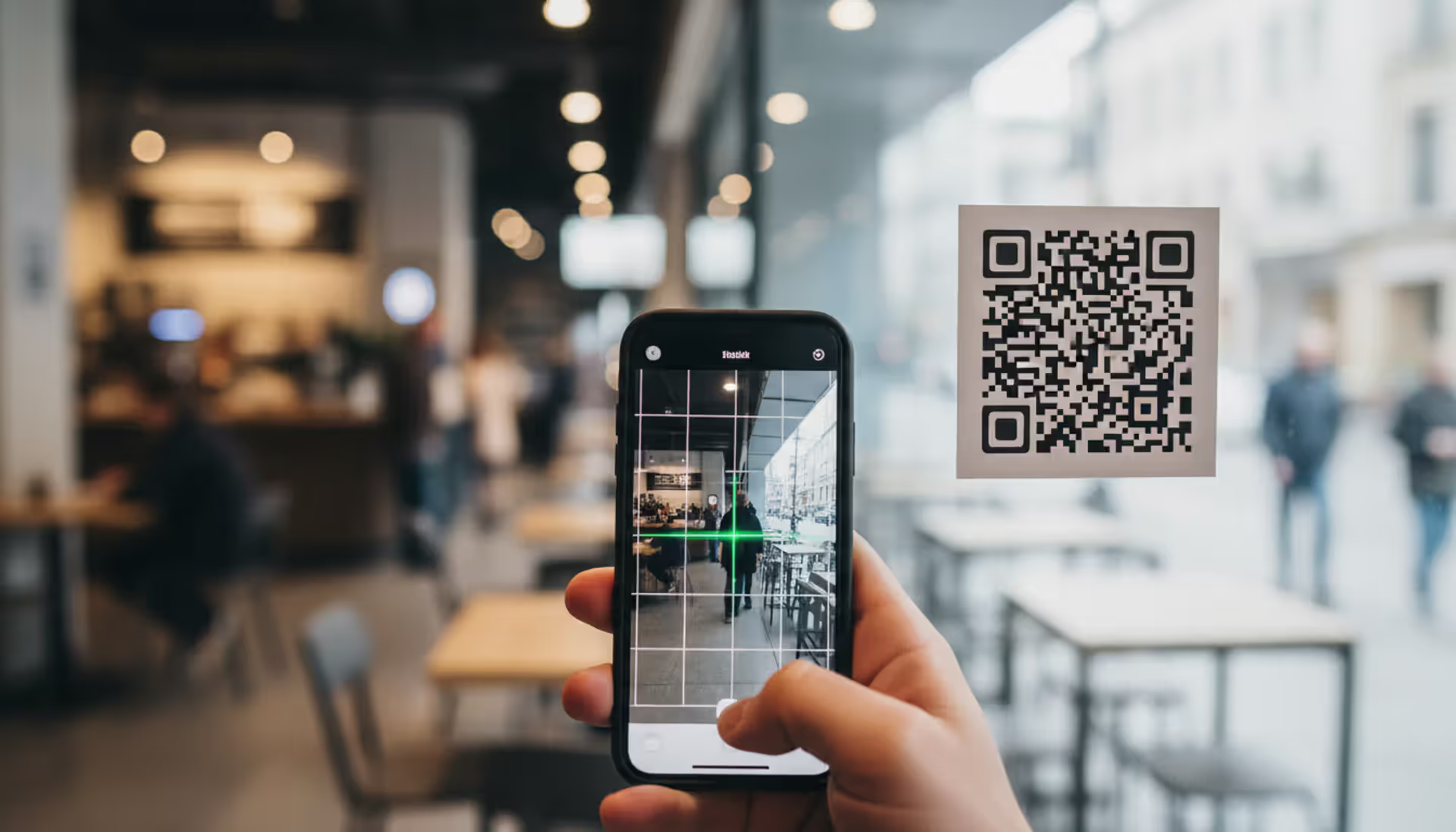
Smartphone scanning a QR code in a public place with cybersecurity risk concept
QR Phishing Explained

Content
Content
Walk into any restaurant today and you'll spot those black-and-white squares on tables. Need to pay for parking? There's a QR code on the meter. Check your email? Probably a few codes in there too. We're scanning these things dozens of times a week without much thought—and that's exactly what scammers are counting on. These seemingly innocent pixelated patterns have become one of cybercriminals' favorite tools for stealing passwords, draining bank accounts, and grabbing personal details.
What Is QR Phishing?
Here's the deal with QR phishing (some people call it "quishing"): criminals make fake QR codes that send you to bogus websites built specifically to swipe your information. What makes this sneaky? Traditional phishing emails get caught by spam filters pretty often. QR codes? They slip right past those defenses because the sketchy URL stays invisible until after you've scanned.
Why do attackers love these codes so much? Three big reasons. First, your phone typically opens whatever link it finds within seconds of scanning—no pause, no full URL display, just straight to the site. Second, people generally trust QR codes more than a random link someone texts them. Third, criminals can slap sticker versions over real codes in parking lots or on restaurant tables, creating physical attacks that are tough to track back to them.
The numbers tell a concerning story. Between 2023 and 2025, the FBI's Internet Crime Complaint Center saw QR code fraud reports jump 587%. People lost more than $89 million to these scams in 2025—that's about $3,400 per victim on average. These aren't simple attacks anymore either. Criminals now target corporate employees who scan codes daily for things like building entry, tracking inventory, or pulling up shared documents.
How QR Phishing Works
Let's walk through how one of these attacks actually unfolds. The scammer creates a QR code containing a link to their fake website—maybe it looks like your bank's login page, a payment system, or your company's internal portal. Then comes distribution. Sometimes they print stickers and cover up legitimate codes on parking meters. Other times they email the codes, post them on social media, or even mail physical letters that look official.
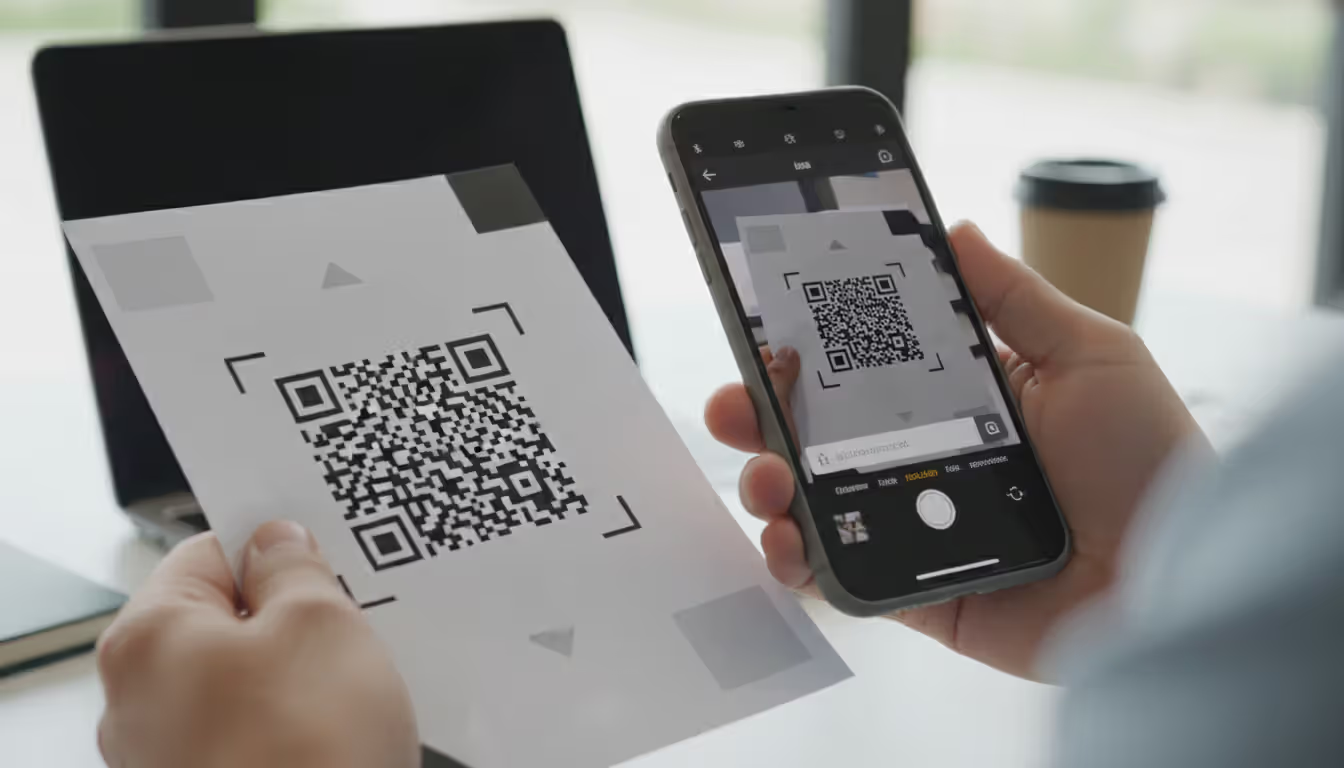
You scan the code with your phone's camera or a scanner app. The software reads the embedded URL and—here's the problem—usually opens it right away. You might see a quick preview if you're lucky, but often there's barely time to register what's happening before the browser loads. The fake site appears, looking pretty convincing, and asks you to type in credentials, credit card numbers, or personal information. More sophisticated versions ask for a little bit of data at a time across several pages. Clever trick—small requests don't trigger as much suspicion.
Author: Calvin Roderick;
Source: elegantimagerytv.com
Common QR Phishing Tactics
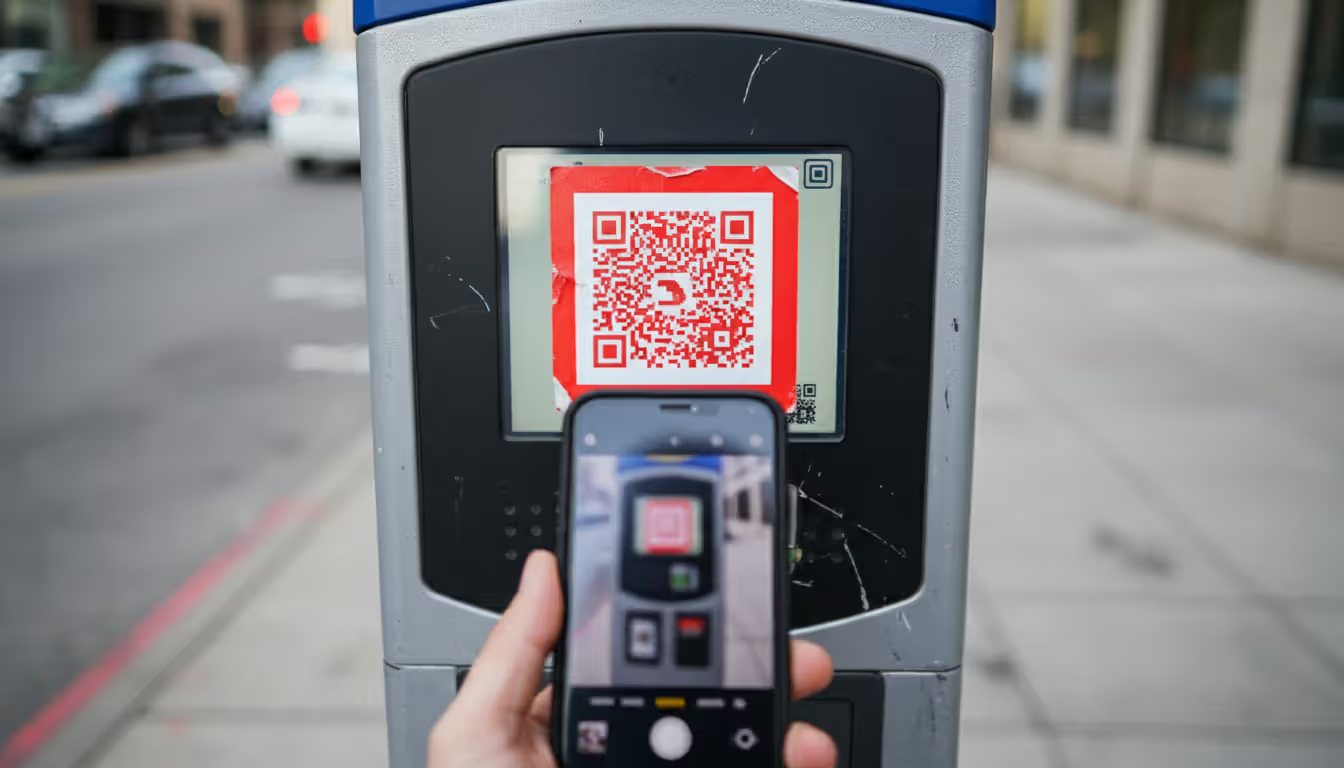
Parking meter scams dominate the physical attack landscape. Criminals stick phony QR code labels over the actual payment codes on meters throughout city centers. You scan what looks like the official payment system, punch in your credit card info, get a fake confirmation message—and your payment details just got stolen. Bonus nightmare: your parking never actually gets paid, so you get a legitimate ticket on top of the fraud.
Restaurants got hit hard with QR menu attacks after the pandemic normalized contactless ordering. Bad actors place fraudulent codes on tables or cover existing menu codes. Diners scan them, land on fake ordering platforms that look legit enough, and enter payment information. Some sophisticated versions actually pull real menu items from the restaurant's legitimate website and even process your order correctly—all while copying your card details in the background.
Corporate email campaigns work differently. Attackers send messages pretending they're from your IT department, HR, or the security team. "Scan this code for a mandatory security update." "Enroll in benefits here." "Set up your new multi-factor authentication." These codes dump employees onto credential-stealing pages designed to look exactly like corporate login screens.
Cryptocurrency scams use QR codes for wallet addresses. Attackers create codes that appear to belong to legitimate investment platforms, NFT markets, or crypto exchanges. You scan, send funds to what you think is your new investment account—nope, straight into the scammer's wallet. And cryptocurrency transactions? You can't reverse those.
Author: Calvin Roderick;
Source: elegantimagerytv.com
What Happens After You Scan a Malicious QR Code
What comes next depends on what the criminal's after. Sites designed to grab credentials capture your username and password, which attackers then test across multiple platforms through automated tools. Financial phishing pages steal payment card information for fraudulent purchases or to sell on dark web forums. Some codes actually install malware on your device, giving attackers ongoing access to spy on you and steal data continuously.
More advanced attacks use session hijacking. You enter your credentials on the phishing site, and the attacker immediately logs into your real account using those details. They capture session tokens—basically digital keys that let them stay logged in even after you wise up and change your password. This works especially well against accounts with weak multi-factor authentication or places where it's not properly configured.
Real-World QR Phishing Examples
San Antonio discovered a major problem in early 2025—over 400 fake QR code stickers on downtown parking meters. The operation ran for six weeks before anyone caught on. Roughly 2,100 credit cards got compromised, generating $87,000 in bogus charges. The stickers looked professional too: high-quality laminated prints matching the city's official design almost perfectly. If you weren't looking carefully, you'd never notice the difference.
A national restaurant chain identified coordinated attacks across 37 locations late in 2025. Someone placed fraudulent codes on tables during busy meal times. The fake ordering system they linked to? Pretty impressive, honestly. It displayed actual menu items with correct prices and even processed orders through the real kitchen system so restaurants wouldn't notice anything wrong. Meanwhile, 1,800 customers' payment card details got harvested over three weeks.
The "Microsoft Security Alert" campaign went after corporate employees throughout 2025. Emails with convincing Microsoft branding told recipients to scan a QR code and "verify their identity" following a supposed security breach. That code sent people to an extremely convincing fake Microsoft 365 login page. Over 5,000 corporate accounts got compromised before Microsoft's security team identified the campaign and shut it down.
Here's a particularly nasty cryptocurrency scam: direct mail pieces sent to 50,000 homes in wealthy neighborhoods, promoting a "limited-time Bitcoin investment opportunity" with QR codes supposedly linking to secure investment portals. People who scanned found sophisticated fake platforms showing fabricated market data and returns that looked incredible. The scam pulled in over $4.2 million before authorities finally stopped it.
How to Spot QR Phishing Attempts
Physical location tells you a lot. Legitimate QR codes get printed directly onto official materials—think professionally designed posters, permanently mounted signs, or materials that clearly belong to the business. See a sticker slapped over an existing code? Red flag. Notice edges peeling up or slight misalignment? Warning sign. Random codes on loose flyers taped to walls in parking structures or public bathrooms? Yeah, don't scan those.
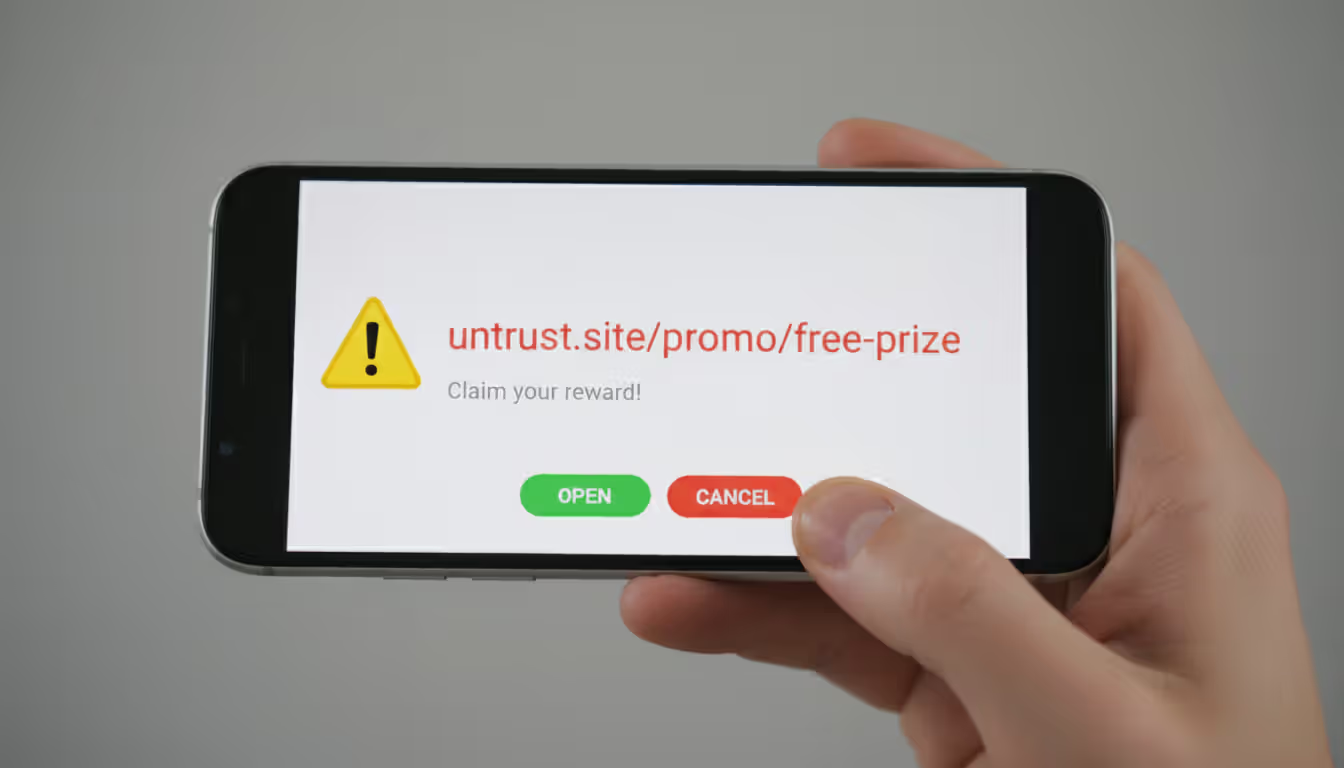
URL previews give you your best shot at catching these before trouble starts. When your scanner shows the destination, look at the domain carefully. Your bank's QR code should point to their actual website—not something like "secure-bankname-verification.com" or weird addresses ending in unusual extensions like .tk or .xyz. Scammers often hide destinations behind URL shorteners (bit.ly, tinyurl.com, that sort of thing). Legitimate companies rarely use those for customer-facing codes.
Context matters enormously. Paying for parking shouldn't require your Social Security number. Restaurant ordering systems have no business asking for passwords. Your IT department requesting "security verification" through a QR code? That contradicts basic security practices—real IT teams don't collect credentials through scannable codes, period.
Visual quality sometimes gives away cheap scams. Professional QR codes maintain sharp resolution with clear scanning zones. Codes that look fuzzy, have wonky borders, or don't match the color scheme of surrounding materials often indicate hastily created frauds. Legitimate codes typically include nearby text explaining where they go or what they do. Just "Scan here" with no other context? Suspicious.
Author: Calvin Roderick;
Source: elegantimagerytv.com
How to Prevent QR Phishing Attacks
Download QR scanner apps that show you complete URLs before opening anything. Apps like Kaspersky QR Scanner, Norton Snap, and Trend Micro QR Scanner display full destination addresses and cross-check them against databases of known malicious sites. Here's an easy fix: turn off your phone's automatic link-opening setting. That single change forces a manual review step that catches most attacks.
Verify codes through separate channels when stakes are high. See a QR code on a parking meter? Pull up the city's official parking app or website to check the legitimate payment method. Restaurant using QR codes for ordering? Call them to confirm. Get a security-related QR code request supposedly from your IT department? Walk over there or call through the company directory—not any number provided in the message itself.
Set up device-level protections. Turn on multi-factor authentication for every account—preferably using authenticator apps or physical security keys rather than text message codes. Keep your phone's operating system current and security software updated. Modern mobile security increasingly catches QR code threats. Consider using a separate browser specifically for scanning QR codes versus accessing sensitive accounts. This limits potential session hijacking.
Businesses need employee training programs that cover QR phishing recognition. Run simulated attacks using safe test codes that redirect to educational pages instead of actual phishing sites. Create clear policies prohibiting QR code use for collecting credentials or sensitive data. Set up network-level security that flags suspicious domains when accessed through mobile devices on corporate networks.
| Feature | Legitimate QR Codes | Phishing QR Codes |
| Placement | Directly printed on official materials; professionally integrated into permanent signage | Adhesive stickers covering other codes; temporary flyers; loose attachments |
| Context | Purpose clearly explained nearby; appropriate for the business function | Generic instructions like "Scan here"; asks for unexpected information types |
| URL Characteristics | Official company domain; secure HTTPS; recognizable web address | Shortened link services; misspelled domain names; uncommon extensions (.xyz, .tk); insecure HTTP |
| Visual Quality | Sharp resolution; matches surrounding design aesthetic; professional appearance | Blurry or pixelated; mismatched colors; irregular borders; low-quality printing |
| Verification Methods | Confirmable through official company channels; appears on company website | Can't verify through alternative means; creates urgency or pressure |
What to Do If You've Scanned a Malicious QR Code
Just scanned but didn't enter anything or click further? Your risk stays pretty low. Immediately close the browser and wipe your browsing history along with cached data. Have mobile security software? Launch a threat check to look for anything that might've downloaded automatically.
Entered credentials before realizing something was wrong? Change passwords right now on every account where you use that same login or similar ones. Start with email accounts—attackers often exploit compromised email to reset passwords everywhere else. Turn on multi-factor authentication if you haven't already, or upgrade to stronger methods if you have. Check your account login history on major services. Most platforms show recent access attempts with device types, locations, and timestamps.
Gave up payment information? Contact your financial institutions immediately—report potential fraud and request replacement cards. Set up fraud monitoring alerts through the three major credit bureaus: Equifax, Experian, and TransUnion. Go through recent transaction lists thoroughly and flag anything unauthorized. A credit freeze blocks new accounts from being opened in your name—worth considering in serious cases.
Document everything you can. Screenshot the QR code if it's still accessible. Write down where and when you scanned it. Save emails or messages that contained codes. Record exactly what information you provided. This documentation becomes crucial for fraud investigations and potential identity theft recovery.
Report through multiple channels. File with the FBI's Internet Crime Complaint Center at IC3.gov—they track QR phishing trends and coordinate with law enforcement nationwide. Submit reports to the Federal Trade Commission at IdentityTheft.gov. Did the attack impersonate a specific company? Notify their fraud department. For physical code tampering on meters, transit systems, or other infrastructure, contact local police plus whoever owns or manages that property.
QR codes create a perfect storm for social engineering attacks. They bypass our trained skepticism about clicking links because they feel physical and legitimate. The codes themselves look trustworthy—just black and white squares—but they can hide the same malicious URLs we've learned to avoid in emails. Consumers need to apply the same critical thinking to QR codes that they would to any unsolicited link
— Rachel Tobac
Frequently Asked Questions About QR Phishing
QR phishing exploits the exact trust and convenience that made these codes popular in the first place. Attackers count on people scanning first and questioning later—particularly in situations where QR codes have become routine parts of daily life. Paying for parking, checking restaurant menus, accessing office buildings—these activities feel so normal now that we don't pause to consider risks.
Strongest defense? Combine technical safeguards with situational awareness. Use scanner apps showing URLs before opening them. Examine physical codes for signs someone tampered with them. Verify unexpected requests through separate channels you know are legitimate. Question any QR code requesting sensitive information, especially credentials or payment details in contexts that seem off.
QR code convenience isn't disappearing, and neither are criminals exploiting them. Staying informed about evolving attack techniques and maintaining healthy skepticism toward unexpected codes helps you benefit from the technology while avoiding its risks. Trust your instincts. When something feels wrong—a sticker that doesn't align quite right, payment requests asking for weird information, urgent security messages delivered through scannable codes—verify through official channels before proceeding. That extra thirty seconds of caution beats hours of cleanup after falling for a scam.
Related Stories
Read more
Read more


The content on this website is provided for general informational and educational purposes only. It is intended to explain concepts related to cybersecurity awareness, online threats, phishing attacks, and data protection practices.
All information on this website, including articles, guides, and examples, is presented for general educational purposes. Cybersecurity risks and protection strategies may vary depending on individual behavior, technology usage, and threat environments.
This website does not provide professional cybersecurity, legal, or technical advice, and the information presented should not be used as a substitute for consultation with qualified cybersecurity professionals.
The website and its authors are not responsible for any errors or omissions, or for any outcomes resulting from decisions made based on the information provided on this website.