
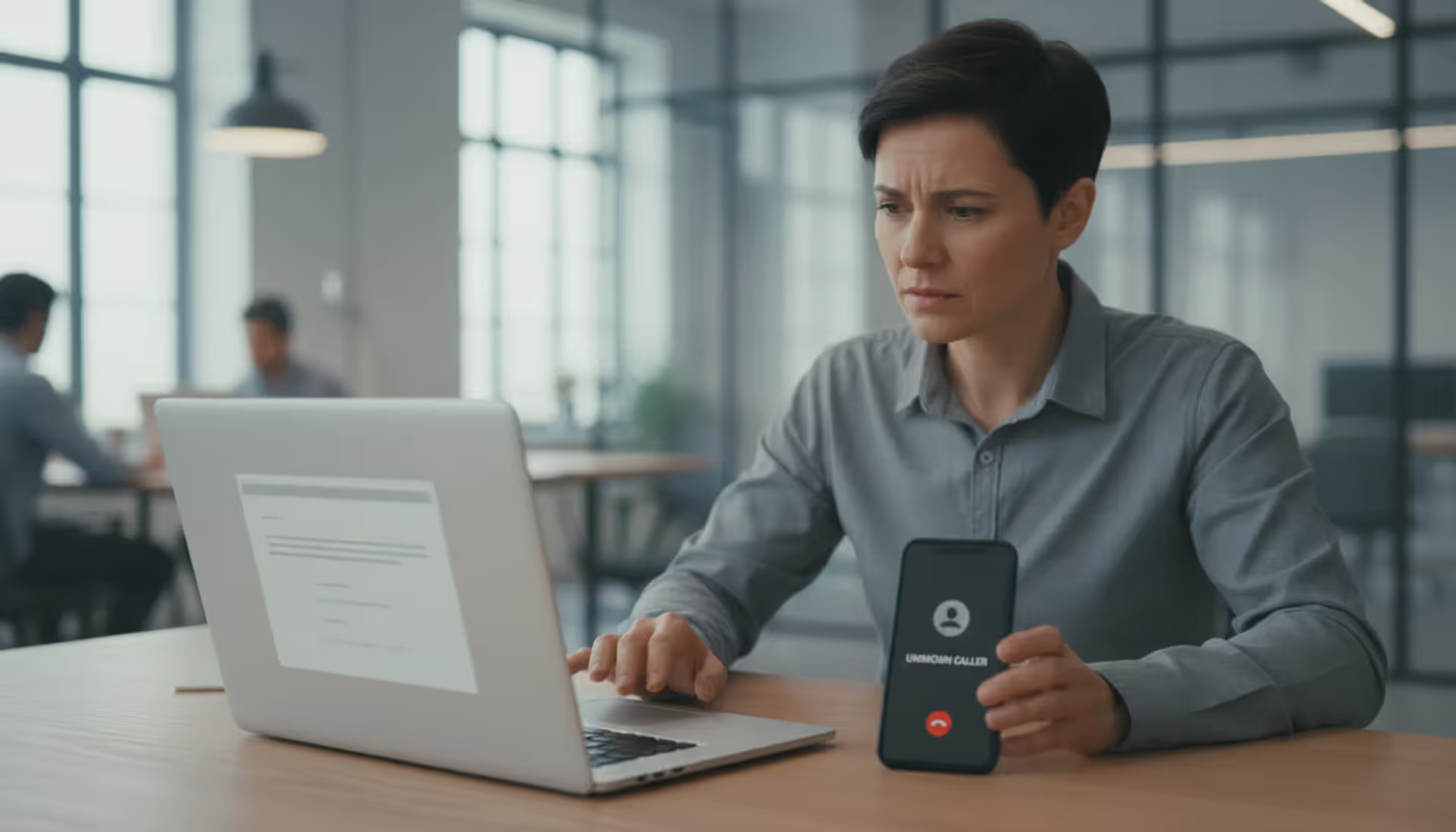
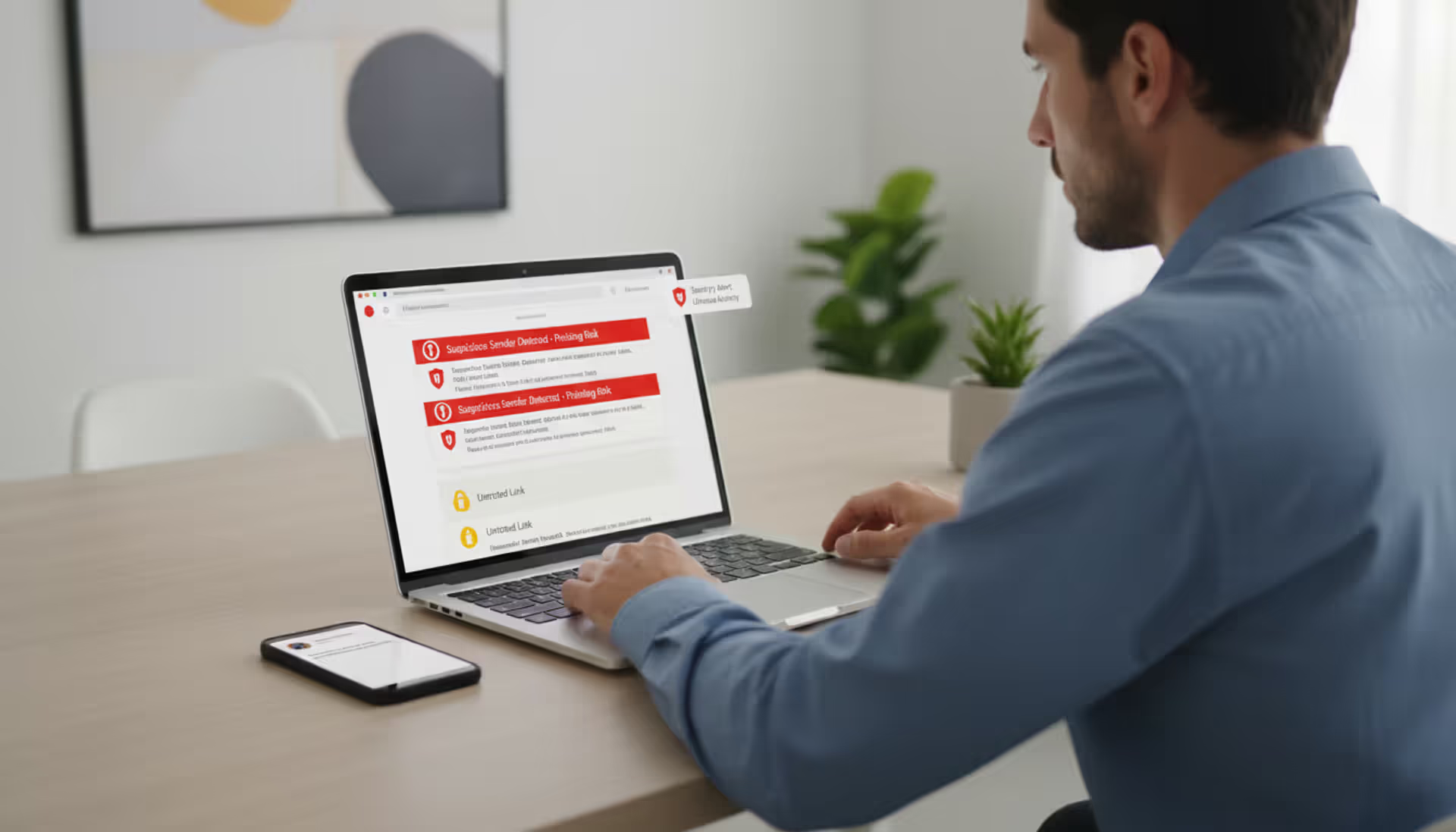
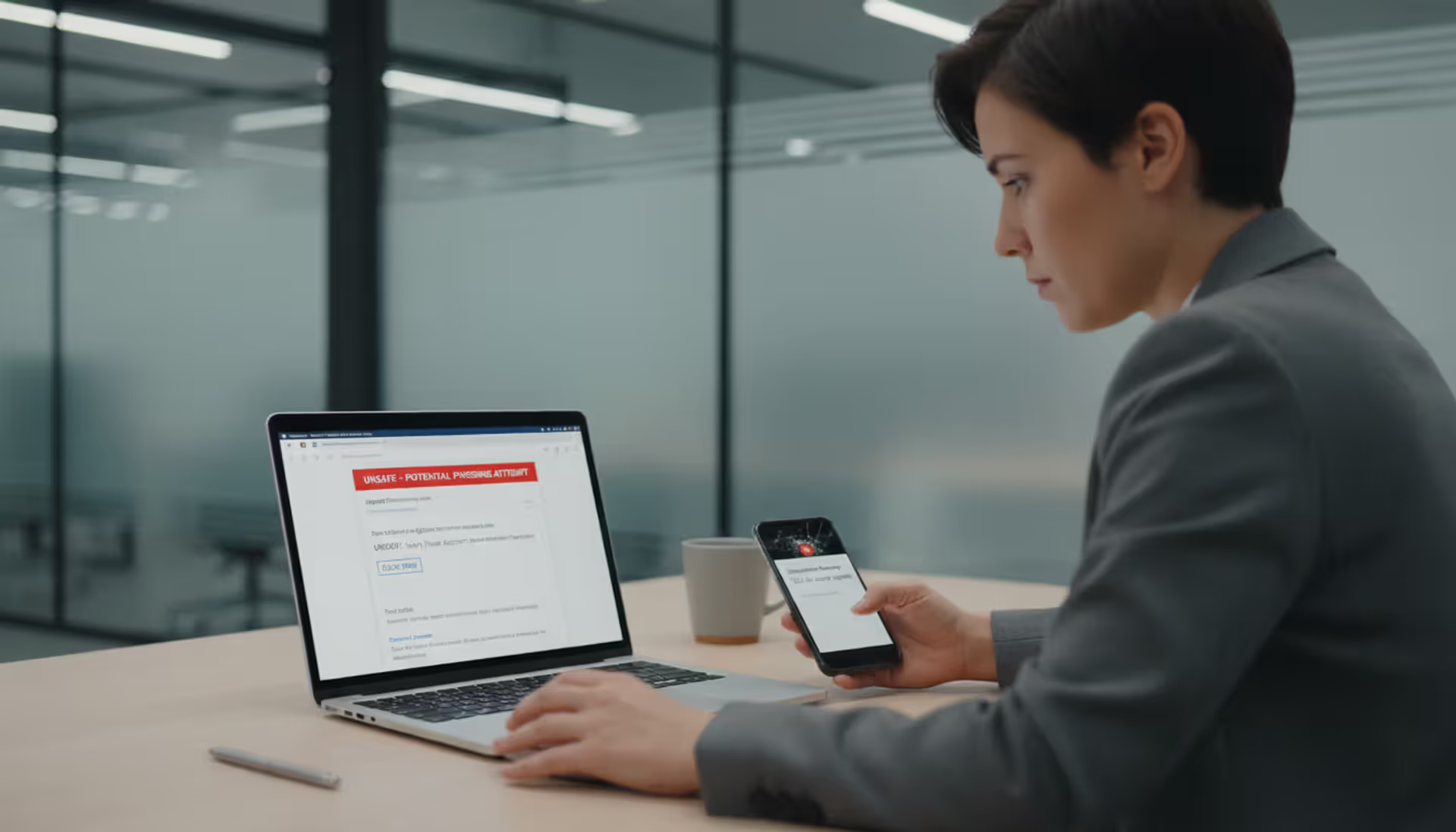
Office worker looking at laptop email and smartphone call, illustrating callback phishing risk
What Is Callback Phishing?

You've gotten pretty good at ignoring those "Click here now!" emails, right? You hover over links, check for typos, maybe even forward the sketchy ones to your IT team.
But here's the twist: What if the scam doesn't want you to click anything?
Callback phishing throws out the whole playbook you've learned. There's no suspicious link to inspect, no weird attachment to avoid. Just an alarming message and a phone number. The catch? When you dial that number to "fix" the problem, you're calling scammers who've been waiting for you.
Picture this: Your email pings with a message about a $799 charge to your account. No links. No attachments. Just a customer service number to dispute the charge. You pick up your phone—because that feels safer than clicking something—and suddenly you're talking to criminals who sound exactly like helpful support staff.
That shift from "click this link" to "call this number" changes everything. You initiated the contact. You chose to call. That psychological flip makes your guard drop in ways a suspicious email never could.
The FBI's Internet Crime Complaint Center documented callback phishing schemes that drained over $150 million from victims in 2025 alone. Medical practices, accounting firms, and technology companies have all traced security breaches back to a single employee who thought they were just calling their IT help desk.
This attack method isn't just another flavor of phishing—it's a completely different beast that requires its own defenses.
How Callback Phishing Works
Breaking down these attacks step-by-step shows you exactly where the trap gets set.
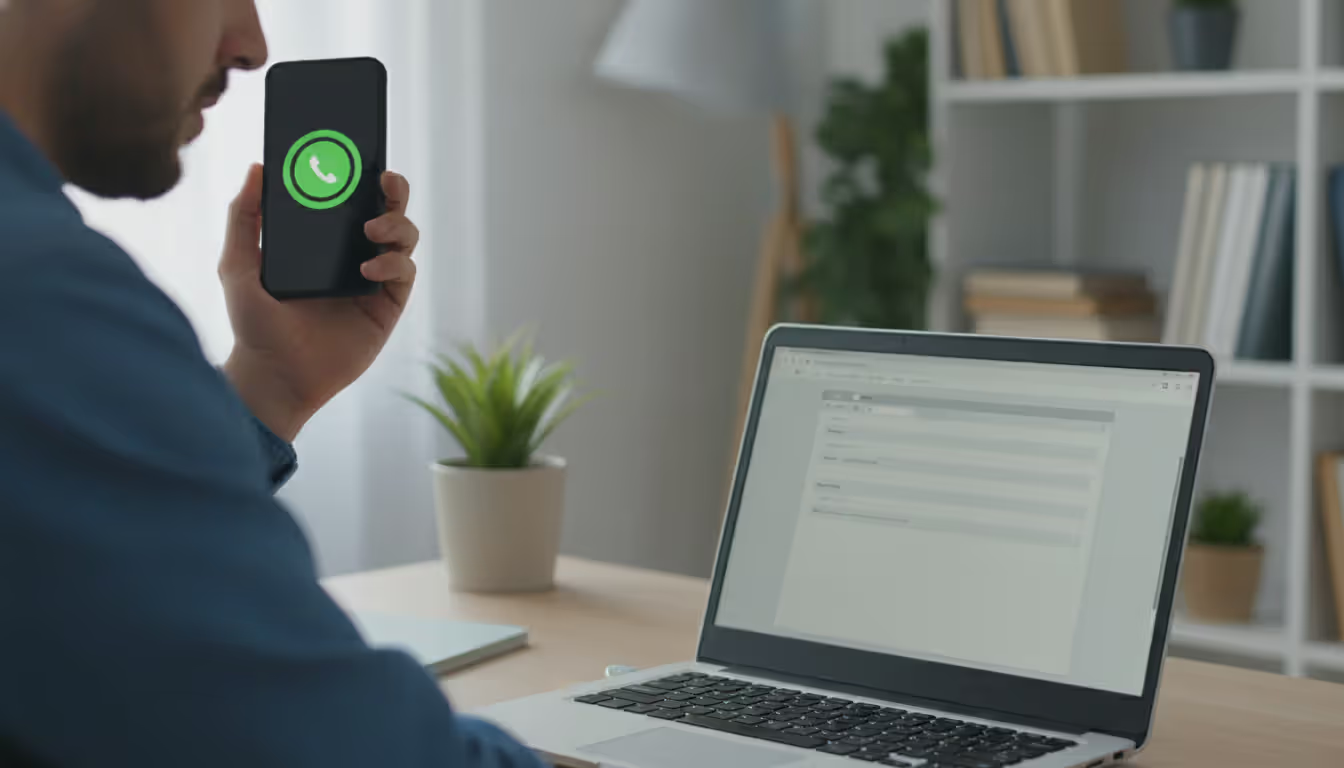
Author: Monica Ellery;
Source: elegantimagerytv.com
Stage 1: The Message Lands
Something appears in your inbox or texts—often from a service you actually subscribe to. Could be Netflix, PayPal, your antivirus software, even your company's internal systems. The email looks clean. No attachments that could hide malware. No hyperlinks that might route to phishing sites. Nothing your spam filter or security training taught you to flag.
Just plain text. And a phone number.
Stage 2: Fear Kicks In
The message hits you with something that demands immediate attention. Here's one that circulated through dental offices last summer:
"BILLING ALERT: Your practice management software subscription payment of $1,247.50 failed due to expired card information. Service suspension begins in 4 hours. Contact billing support at (844) 555-0167. Authorization reference: PM-8841-DDS."
See how that works? Specific dollar figure. Tight deadline. Reference number that looks official. If you run a dental practice and actually use practice management software, this feels real enough to act on right away.
Stage 3: You Pick Up the Phone
Dialing that number connects you to someone who answers like they've been expecting your call—because they have. They're professional, friendly, maybe even apologetic about the "billing error" or "security issue." The conversation feels completely normal.
Stage 4: The Scam Unfolds
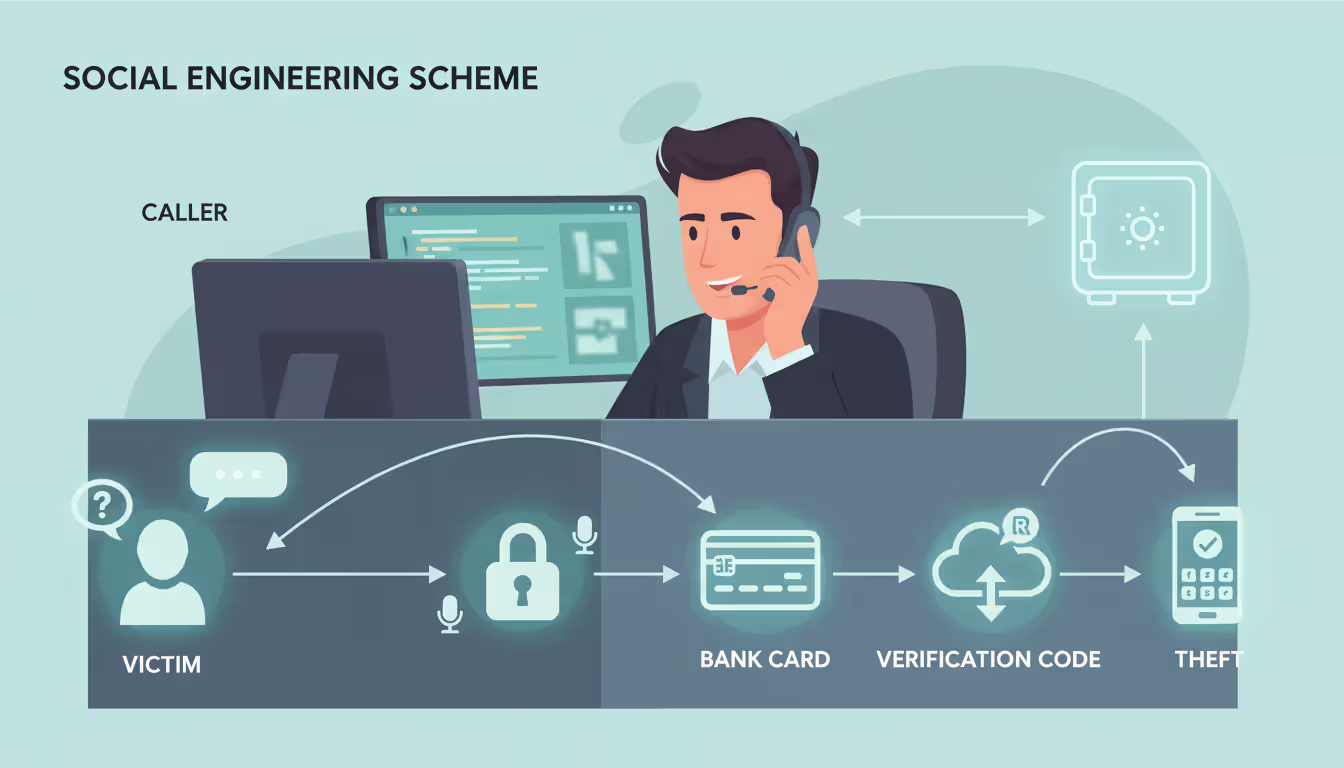
Now they go after what they really want:
- Your login credentials: "Let me pull up your account—I'll need your username and password to verify your identity"
- Financial information: "To process this refund, I need to confirm the payment method we have on file"
- Remote system access: "I'm seeing the security alert here—download this diagnostic tool so I can investigate what happened"
- Security bypass: "For your protection, I'm going to send you a verification code—just read me that six-digit number when it arrives"
Author: Monica Ellery;
Source: elegantimagerytv.com
What Happened to Marcus in October 2024
Marcus handles procurement for a manufacturing plant. An email that looked identical to their usual vendor invoices claimed a $2,800 payment had bounced and their account was on credit hold. Standard stuff—payment processing hiccups happen.
He called the number. The rep knew their company name, referenced their account history (all public information from their website and LinkedIn), and explained a "system migration" had caused the payment failure. Could Marcus just confirm the company card details so they could reprocess it manually?
He did. Before Marcus left work that day, someone had run up $18,000 across electronics stores in three different states. The thieves moved fast, knowing they had maybe a two-hour window before anyone noticed.
Marcus described the call as completely ordinary. Nothing felt off because he'd made the decision to call, the person sounded legitimate, and the problem seemed reasonable given their regular business operations.

Author: Monica Ellery;
Source: elegantimagerytv.com
Common Callback Phishing Examples
These scenarios keep appearing in fraud reports across different industries and demographics.
Subscription Renewal Scares
Your inbox shows a receipt: McAfee just auto-renewed your antivirus for $389.99. Strange, since you don't remember subscribing. The email includes what appears to be an invoice number, transaction timestamp, even a fake confirmation code. To cancel and get your money back, you need to contact their billing department at the listed number within 24 hours.
When you call to dispute this phantom charge, the "billing specialist" asks for your bank details to "locate the original transaction." More sophisticated crews actually push through a small legitimate refund first—maybe $50—using stolen payment information from other victims. This builds your trust. Then they claim they accidentally refunded $500 and desperately need you to return the difference via Zelle or gift cards because they'll get fired if their boss discovers the "mistake."
Account Breach Warnings
"SECURITY NOTICE: Unusual login detected on your Google Workspace account from IP address 185.220.101.44 in Romania at 2:14 AM EST. If you did not authorize this access, call our incident response team at 1-888-555-0143 immediately to secure your data."
That foreign IP address triggers instant alarm. The specific timestamp makes it feel like monitoring software caught something real. Calling that number connects you to a "security analyst" who walks you through steps that actually involve sharing your current password, disabling your two-factor authentication, or downloading "security patches" that are really remote access trojans.
Delivery Failures
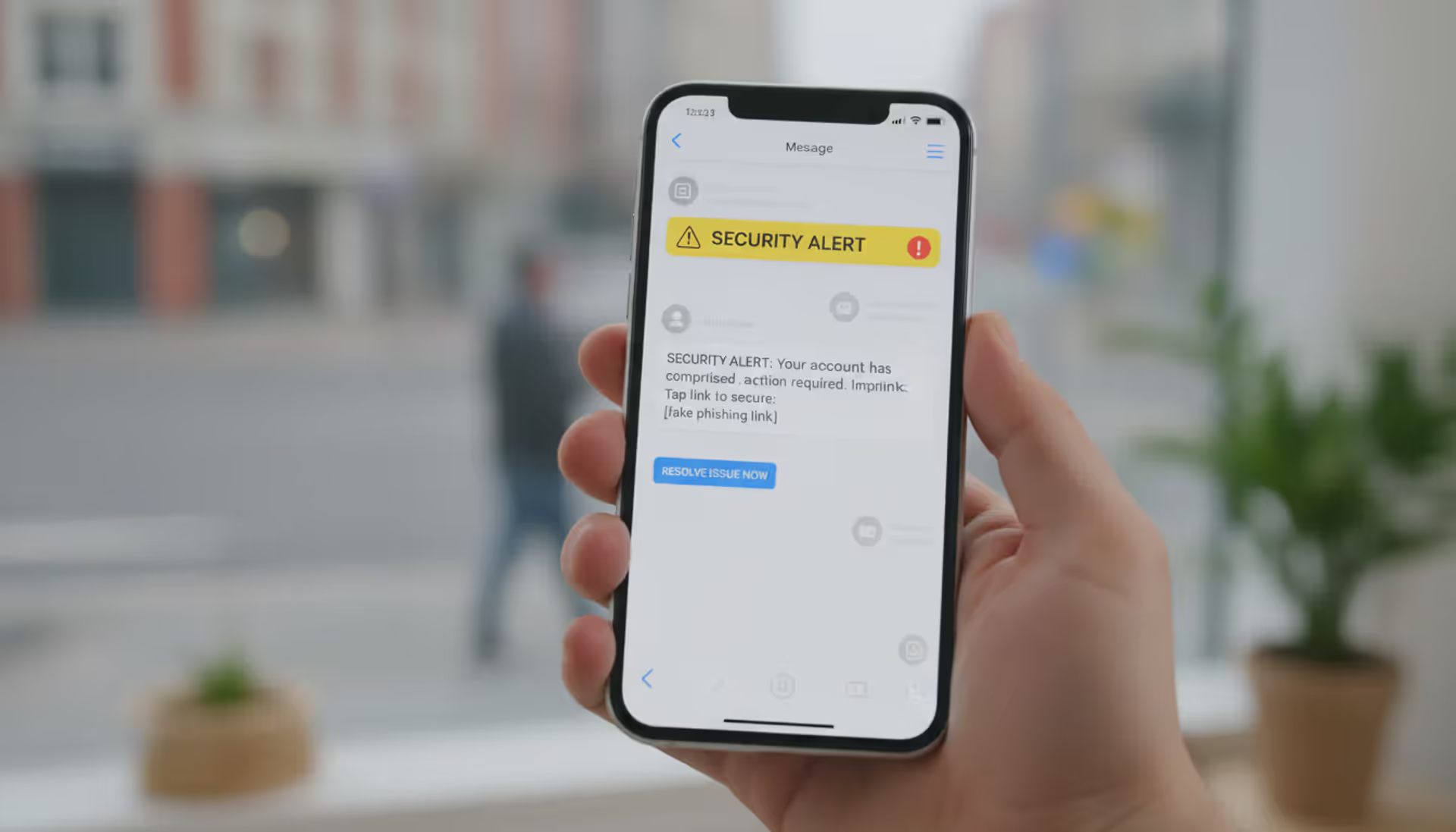
A text pops up on your phone: "UPS attempted delivery at 9:22 AM but needs apartment number for package tracking 1Z9Y46830395712088. Call 1-866-555-0191 by end of business day or package returns to sender."
Works especially well during holidays when package volume peaks and everyone's expecting deliveries. The callback number leads to requests for "address confirmation" (fishing for personal details), bogus redelivery fees, or instructions to install a "mobile tracking app" that's actually spyware.
Internal IT Spoofing
Employees get what looks like a message from their own help desk: "Your network password reaches expiration today at 5:00 PM. Call IT support at extension 4-8822 to update your credentials or access will be locked." That internal extension format looks right, but it actually forwards to external attackers.
When staff members call, the fake technician asks them to provide their current password "so the system can verify before resetting," or talks them into installing "mandatory security updates" that grant attackers permanent network access.
Warning Signs of Callback Phishing Attacks
Catching these red flags before you make the call saves you from days of damage control.
Pressure Tactics That Create Panic
Real companies don't demand you fix account problems within hours via an unexpected email. Watch for language like "must respond before 6 PM," "immediate action required to avoid," or "last chance before suspension." These phrases exist to override your logical thinking.
When something's genuinely urgent, legitimate businesses contact you through multiple verified channels—not just one surprise message with a phone number.
Numbers Appear Out of Nowhere
Ask yourself: Did I request help with anything? Did I start a transaction that would need follow-up? If the answer's no, why is this company suddenly demanding I call them?
Sure, your bank might print their customer service number on monthly statements. But they won't send random messages about emergencies you knew nothing about.
Check the Sender's Real Address
The name might display as "Apple Support" while the actual address reads support@app1e-security.info or customersvc@outlook.com.
Focus on the email address itself—anyone can fake the display name. That's not a security feature; it's just a label attackers can set to anything they want.
Text messages work similarly. Legitimate companies typically send from short codes (think 262966) or verified business names. Random ten-digit numbers texting you about account problems? Almost always fake.
Remote Access Software Demands
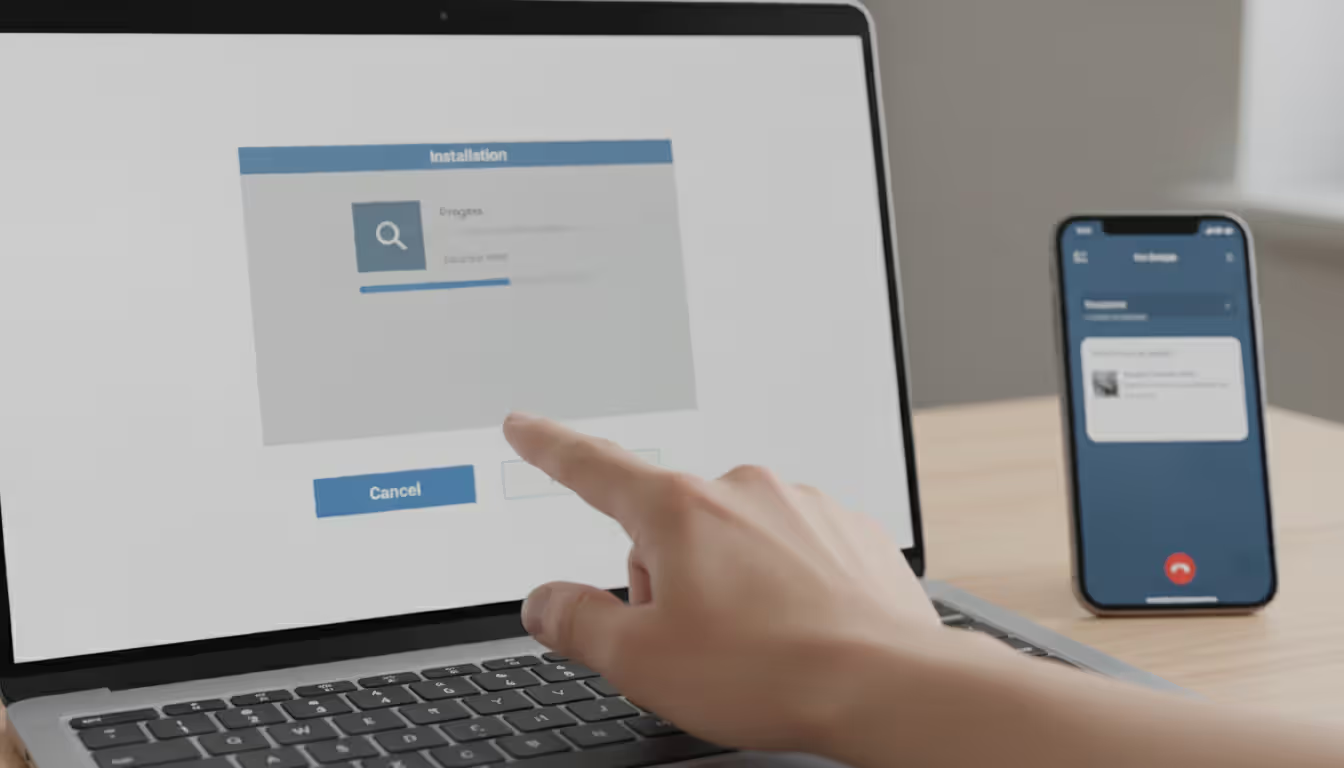
Here's your clearest warning signal: legitimate support teams will never, under any circumstances, tell you to install TeamViewer, AnyDesk, or similar remote desktop programs during a call you made based on an unsolicited message. Period. If they ask for this, you're talking to criminals.
Once they control your screen, they install keyloggers, copy your password manager, access your files, and create backdoors that persist even after you think the call ended.
Payment Through Untraceable Methods
Someone's telling you to pay fees, cover taxes, or "correct a refund error" using gift cards, cryptocurrency, wire transfers, or peer-to-peer payment apps? Scam. Zero legitimate businesses operate this way because these payment methods can't be reversed or traced.
Details That Are Close But Not Quite Right
The email might mention your employer or city (scraped from your LinkedIn profile), which makes it feel personalized. But they address you as "Dear Customer" instead of your actual name. Or they reference a service you use but get terminology wrong—like calling it "Amazon Select" instead of "Amazon Prime."
These small misses reveal you're one target in a mass campaign.
Author: Monica Ellery;
Source: elegantimagerytv.com
How to Prevent Callback Phishing
Stopping these attacks means changing how you respond to phone numbers in emails and texts.
Skip the Number in the Message Entirely
This single habit blocks most callback phishing attempts dead. Got an email claiming your bank account has a problem? Ignore the number in that email. Grab your debit card and call the number printed on it. Or open your banking app and use the support contact displayed inside your logged-in account.
Worried about your Microsoft subscription? Navigate directly to microsoft.com yourself, log into your account, and find support contact information there.
Yes, this takes an extra 90 seconds. Those 90 seconds prevent hours of fraud recovery work.
Implement Email Authentication Standards
Business owners should deploy DMARC, SPF, and DKIM protocols to stop criminals from spoofing your actual domain. While this won't prevent lookalike domains (micros0ft.com versus microsoft.com), it blocks emails that appear to originate from your legitimate domain when they don't.
Enable Two-Factor Authentication Across Everything
Even if scammers trick you into revealing your password during a callback attack, strong MFA prevents them from accessing your account. Use authenticator apps like Authy or Microsoft Authenticator instead of SMS codes—text messages can be intercepted through SIM swapping attacks.
Establish Verification Protocols
Organizations need explicit policies: When someone calls claiming to represent IT, management, or accounting and requests sensitive actions, employees must end that call and dial the person back at their confirmed, known number.
Make this procedure mandatory in training and enforce it without exceptions. Your finance department should never wire money based solely on phone instructions without verification through an independently confirmed contact method.
Use Advanced Email Filtering
Modern security tools can identify callback phishing patterns—messages containing phone numbers without links, urgency language paired with contact demands, sender impersonation signals. These filters can quarantine suspicious messages before employees ever see them.
Practice Callback Phishing Scenarios
Security awareness programs usually hammer link-based phishing but skip callback variations entirely. Include callback phishing simulations where staff receive fake urgent messages containing phone numbers.
Track who calls those numbers (which route to your security team, not actual attackers). Use the results as teaching moments to reinforce that initiating contact doesn't automatically make something legitimate.
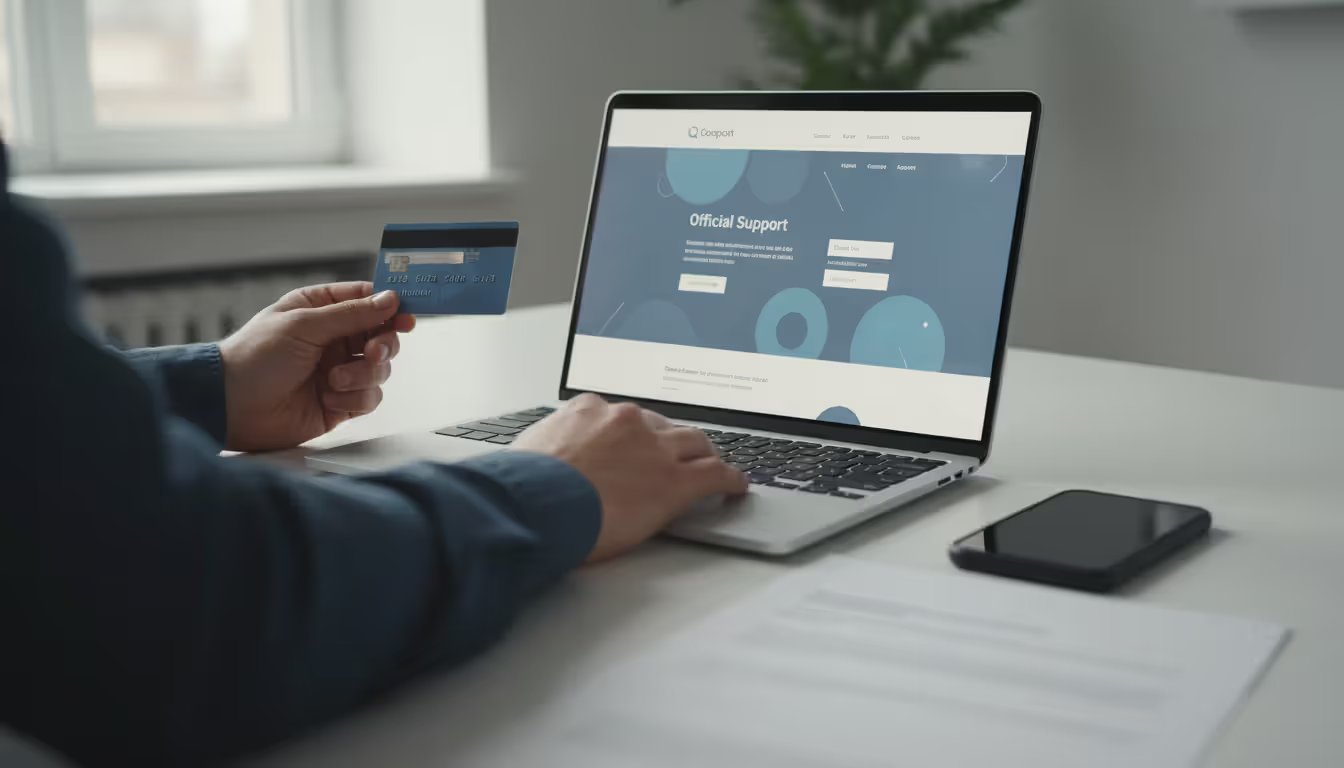
Restrict Remote Desktop Applications
Block or heavily monitor tools like TeamViewer, AnyDesk, and Chrome Remote Desktop at your network perimeter. If your business legitimately needs these tools, require approval workflows and maintain detailed logs to spot unauthorized installations.
Many callback phishing attacks collapse at the final stage when victims can't install the remote access software criminals are requesting.
Author: Monica Ellery;
Source: elegantimagerytv.com
What to Do If You've Been Targeted
Quick response after realizing you've been scammed limits the damage significantly.
Disconnect From the Internet Right Now
If you installed remote access software at an attacker's direction, sever your internet connection immediately. Yank the ethernet cable out or disable Wi-Fi. This prevents attackers from maintaining access to your system while you clean up.
Change Every Password Using a Different Device
Grab your phone, tablet, or another computer to change passwords for any account you discussed during that call. Also update credentials for email, banking, and critical accounts even if you didn't mention them—assume that if attackers captured one password, they'll test it everywhere.
Call Your Bank This Minute
If you shared credit card numbers, bank account details, or any financial information, contact those institutions now. Explain you've been scammed and need accounts frozen plus any unauthorized transactions disputed.
Most banks limit fraud liability based on how fast you report, and earlier reporting typically produces better outcomes.
Notify Your IT Security Team
If this involved a work device or work-related accounts, alert your IT security staff before doing anything else. They need to evaluate whether attackers penetrated your network, revoke compromised credentials, and watch for lateral movement across systems.
Skip the embarrassment—security teams much prefer immediate notification over discovering breaches weeks later.
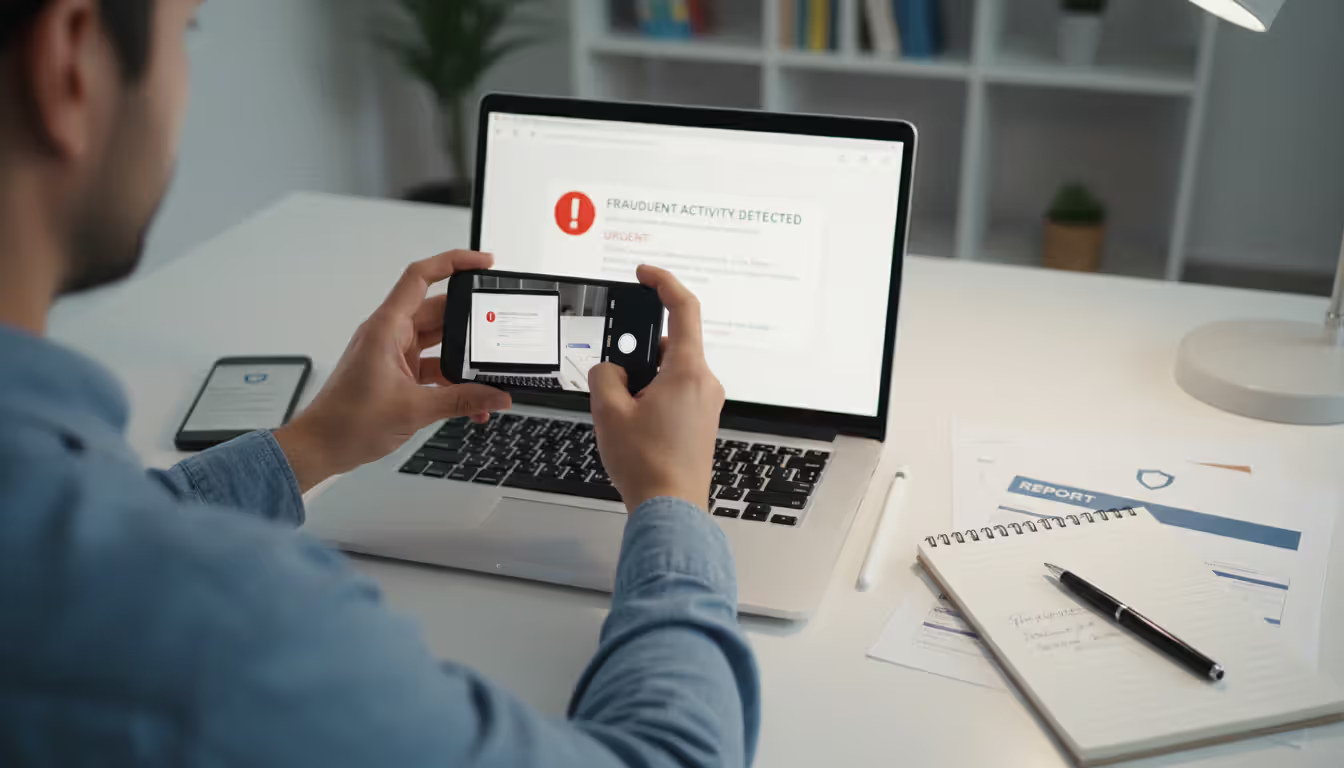
Document Everything
Don't delete the original message. Screenshot the email or text, write down the phone number you called, note the exact date and time of your call, and record everything you remember about the conversation.
This documentation helps investigators track criminal operations and supports your fraud reports with financial institutions.
Submit Official Reports
File reports with: - FBI Internet Crime Complaint Center at ic3.gov - Federal Trade Commission at reportfraud.ftc.gov - Your state attorney general's consumer protection office - The company being impersonated (major companies maintain dedicated fraud reporting channels)
These reports help authorities spot active campaigns and potentially dismantle the infrastructure criminals are using.
Run Complete Security Scans
Execute thorough malware scans on affected devices using trusted antivirus software. If you installed remote access applications at the attacker's request, consider that device fully compromised even after uninstalling those programs—criminals frequently install additional backdoors while they have access.
Author: Monica Ellery;
Source: elegantimagerytv.com
Stay Vigilant for Months
Keep watching for suspicious activity across financial accounts, email, and other services. Consider credit monitoring subscriptions and file fraud alerts with the three credit bureaus (Equip, Experian, TransUnion).
Attackers frequently sit on stolen data for weeks or months before exploiting it, betting you'll stop monitoring by then.
Callback Phishing vs. Traditional Phishing
Grasping what separates callback phishing from other scams explains why it works against people who've learned to dodge traditional attacks.
| Attack Method | Delivery Channel | Victim Action Required | Success Rate Factors | Primary Goal |
| Callback Phishing | Email or text containing only phone numbers | Victim initiates phone call to attacker | Bypasses link-based security habits; phone conversations build trust; real-time manipulation | Credential theft, remote access acquisition, financial fraud |
| Traditional Phishing | Email or text with fraudulent web links | Victim clicks link and enters credentials on spoofed site | Effectiveness depends on fake website quality; defeated by careful URL inspection | Credential harvesting, malware distribution |
| Vishing | Unsolicited inbound phone call | Victim answers and engages with caller | Depends on caller ID spoofing and voice impersonation quality | Information extraction, wire transfer fraud |
Callback phishing reverses the typical attack pattern. Rather than criminals contacting victims (which triggers suspicion), victims contact criminals. This psychological inversion creates false feelings of control and security.
Traditional phishing depends on crafting convincing fake websites and hoping enough targets fall for them. Callback phishing introduces human conversations where skilled fraudsters adjust their approach mid-stream. When you express doubt, they address it. When you demonstrate technical knowledge, they match your sophistication. When you hesitate, they reassure you.
Recent tracking data from security companies monitoring these campaigns reveals callback phishing achieves 15-30% higher success rates than traditional phishing. Multiple factors explain this increased effectiveness:
Fewer Technical Warning Signs: No suspicious URLs to examine, no SSL certificates to verify, no attachments to scan for malware. The entire attack surface consists of a phone number.
Personal Interaction: Speaking with a "concerned" person builds rapport and trust. Questioning them feels socially awkward, particularly when they're maintaining politeness and professionalism.
Dynamic Response: Attackers answer questions, counter objections, and resolve concerns in ways static fake websites never could. When you hesitate, they apply pressure. When you doubt one approach, they pivot to another.
Security Technology Blind Spots: Email security platforms have become highly effective at catching malicious links and attachments. They're still developing capabilities to flag plain-text messages containing only phone numbers and urgency language.
We've invested years training people to avoid clicking suspicious links. Callback phishing exploits that exact training by eliminating links completely. Now attackers conduct real-time conversations where they modify tactics instantly based on each victim's responses. It's adaptive manipulation that static phishing sites simply cannot replicate
— Sherrod DeGrippo
Frequently Asked Questions About Callback Phishing
Callback phishing works because it exploits the gap between what we've trained ourselves to avoid (suspicious links and attachments) and what we haven't yet learned to distrust (phone numbers in emails). Companies invest heavily in email filters, endpoint protection, and network security, yet a simple act of an employee dialing a phone number sidesteps every one of those technical defenses.
Protection demands rethinking your response to any message requesting you call. Regardless of how legitimate it appears, regardless of whether the company seems familiar, regardless of how urgent it sounds—pause and verify through independent channels. Find the official contact number yourself using sources you trust.
The evolution from link-based phishing to callback phishing demonstrates criminals constantly adapt to our defenses and training. Maintaining protection means updating your mental security framework. "Don't click suspicious links" isn't sufficient anymore. Add "don't call suspicious numbers" and maintain skepticism toward any unsolicited message demanding rapid action, no matter how it's delivered.
Those extra minutes you invest in verification could spare you from months of fraud cleanup, credit restoration, and identity theft recovery. The inconvenience is trivial. The potential damage is catastrophic.
Related Stories
Read more
Read more

The content on this website is provided for general informational and educational purposes only. It is intended to explain concepts related to cybersecurity awareness, online threats, phishing attacks, and data protection practices.
All information on this website, including articles, guides, and examples, is presented for general educational purposes. Cybersecurity risks and protection strategies may vary depending on individual behavior, technology usage, and threat environments.
This website does not provide professional cybersecurity, legal, or technical advice, and the information presented should not be used as a substitute for consultation with qualified cybersecurity professionals.
The website and its authors are not responsible for any errors or omissions, or for any outcomes resulting from decisions made based on the information provided on this website.