
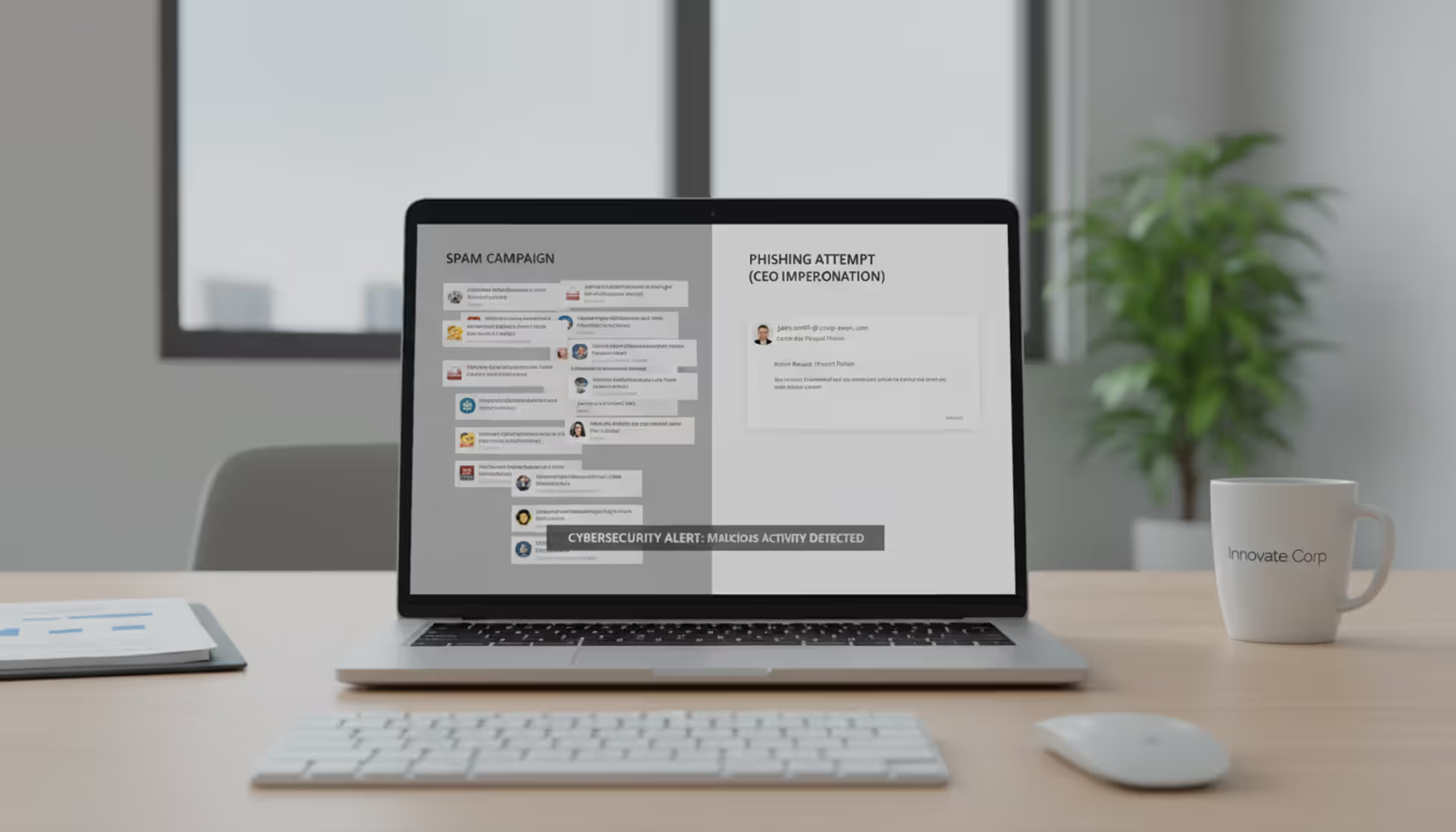
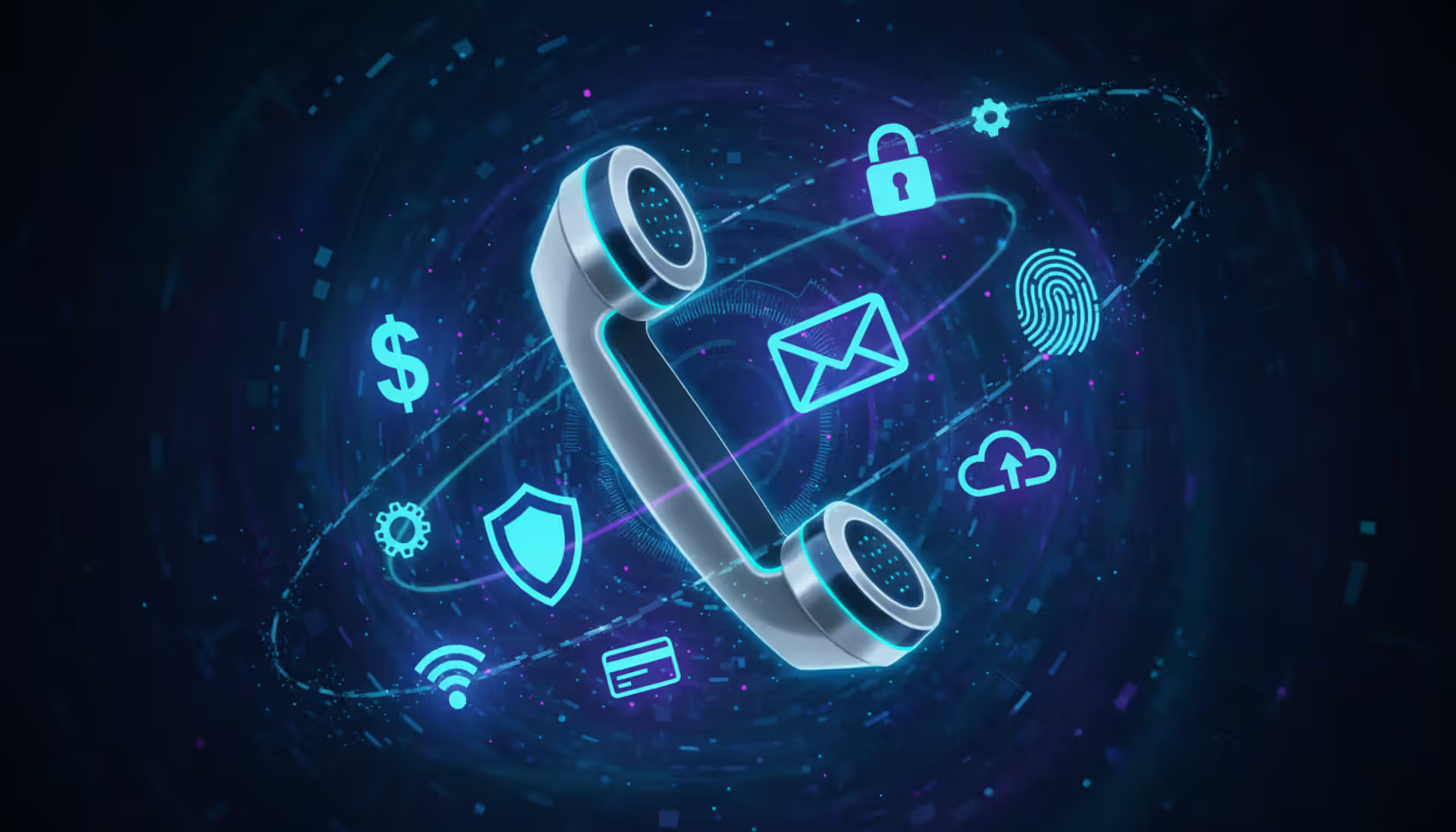
Corporate email security concept showing phishing and business email compromise comparison
Business Email Compromise vs Phishing Explained

Content
Content
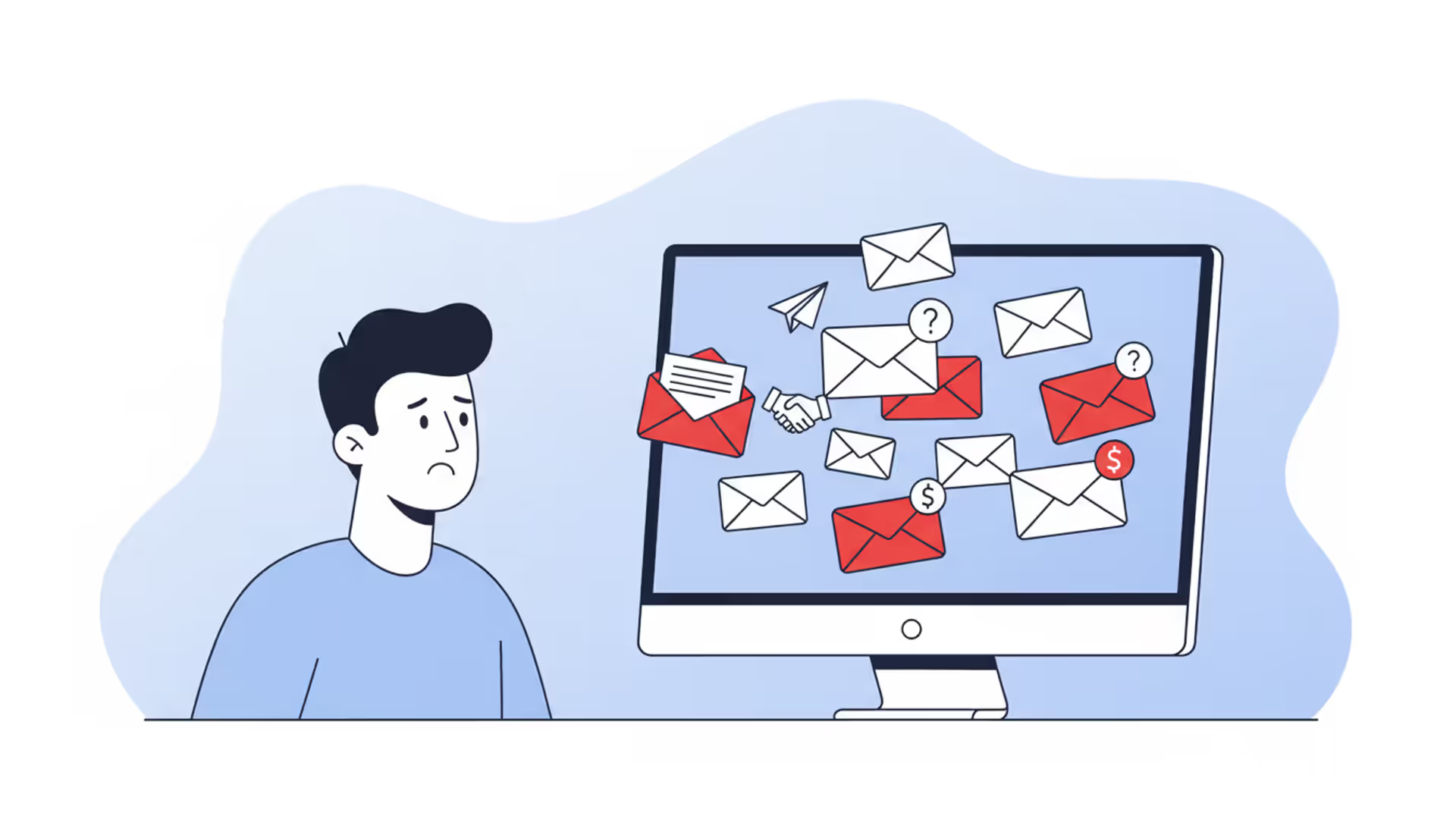
Corporate inboxes face two dramatically different threats that security teams frequently lump together. Yes, phishing and business email compromise both arrive as emails. But treating them as the same problem? That's like preparing for a pickpocket when you're actually facing an organized heist crew.
Here's what's actually happening: Phishing attackers send 100,000 identical emails hoping 0.1% of people click. BEC attackers spend three weeks studying your company, then send one carefully crafted email to your CFO. Same delivery method. Completely opposite strategies.
The financial damage tells the story. According to the FBI's Internet Crime Complaint Center, BEC schemes drained over $3.1 billion from organizations in 2025. Phishing? Still the number-one way ransomware gets through your door and the leading cause of credential theft. Get the threat wrong, and you'll waste money on defenses that don't match the attack you're facing.
What Is Phishing and How Does It Work?
Think of phishing as the spam call of cybercrime. Attackers send massive volumes of fraudulent emails, texts, or fake websites designed to steal your information or install malware. They're not picky about victims—they want numbers.
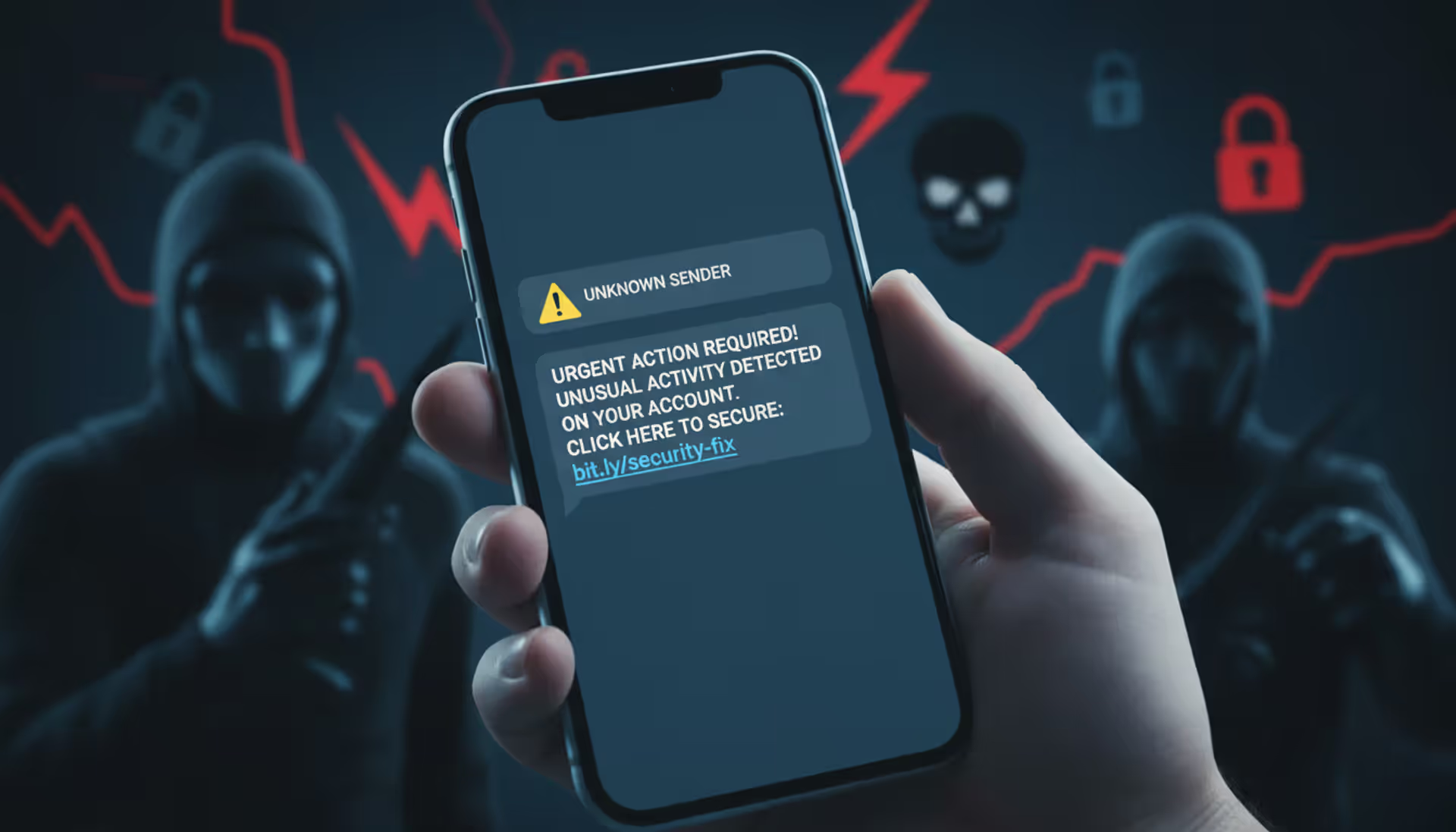
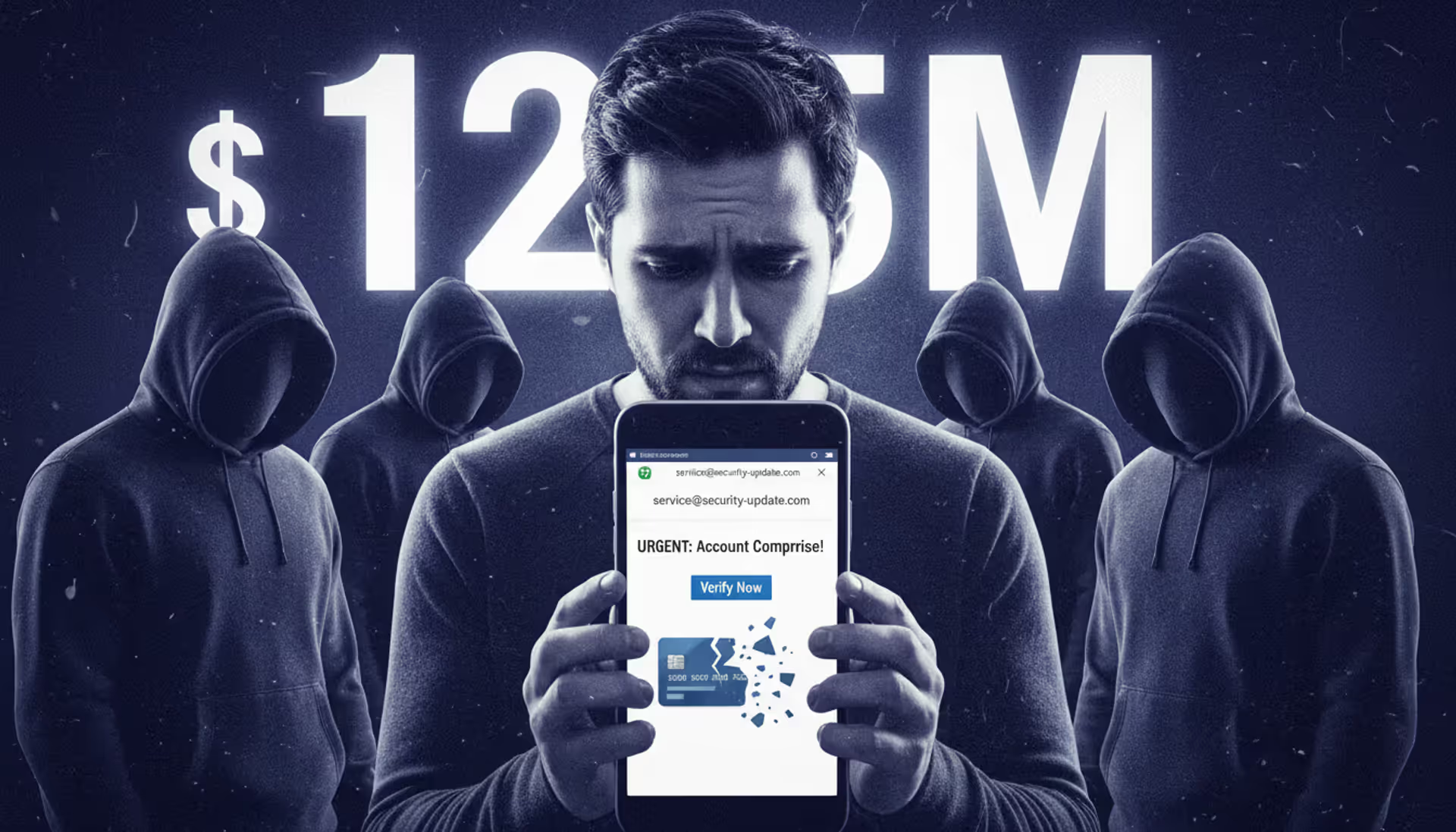
Here's how a standard phishing operation unfolds. Criminals grab or buy email lists (sometimes millions of addresses). They build a fake login page that looks like Microsoft 365, your bank, or Amazon. Then they blast out emails claiming "Your package is delayed" or "Suspicious activity detected on your account."
The message contains a link to that fake login page. You enter your credentials thinking you're accessing your real account. Instead, you just handed over your username and password.
Attackers use several proven approaches:
Credential harvesting: Those fake Microsoft 365 or Gmail login pages aren't always obvious fakes. Modern phishing kits replicate every detail—logos, fonts, even the loading animations. You enter your credentials, get an error message, and the page redirects to the real service. You might not realize anything happened until fraudulent charges appear or someone starts sending emails from your account.
Malware delivery: An email arrives claiming to be an invoice from a vendor you work with. The attached PDF looks legitimate. But opening it triggers a download—maybe a keylogger recording everything you type, or ransomware that encrypts your entire network within hours.
Gift card scams: "Hey, I'm stuck in a meeting but need to send client gifts urgently. Can you grab $500 in iTunes cards and send me the codes?" The display name says "CEO John Smith." The actual sender? A Gmail account the attacker set up five minutes ago.
Phishing works because of volume. Send 50,000 emails claiming "Your Netflix payment failed," and statistically, several thousand recipients actually have Netflix accounts. If just 0.2% fall for it, that's 100 compromised accounts from one afternoon's work.
The technical side runs mostly on autopilot. Criminals buy phishing kits for $50-$200 on forums. These pre-built packages include fake login pages, email templates, and systems that automatically collect stolen credentials. Someone with basic computer skills can launch campaigns targeting thousands of people within a couple hours.
Author: Calvin Roderick;
Source: elegantimagerytv.com
What Is Business Email Compromise and How Does It Operate?
BEC takes the opposite approach—precision over volume. Criminals research specific companies for weeks, then manipulate employees into sending money or sensitive data through pure social engineering. No malware needed. No suspicious links that antivirus can catch.
These attacks succeed through careful preparation. Before sending a single email, attackers study your organization like they're writing a dissertation about it. They map your org chart from LinkedIn. They identify who manages finances, who travels frequently, which vendors you work with. They monitor your company's social media to learn about ongoing projects and business relationships.
Sometimes they compromise an employee's email account through an earlier phishing attack. Then they just watch. For months. Reading emails, learning communication styles, understanding business processes. When they finally strike, the fraudulent email looks absolutely legitimate because they've been studying the template for weeks.
Common BEC scenarios you'll encounter:

Author: Calvin Roderick;
Source: elegantimagerytv.com
CEO fraud: Your finance director receives an email from the CEO's account (or what looks like it). "I'm closing an acquisition—need you to wire $380,000 to our attorney's escrow account by end of business today. This is confidential until we announce publicly, so don't mention it to anyone." The urgency, the confidentiality demand, the authority figure making the request—it all creates pressure to comply without verifying.
Invoice manipulation: Attackers compromise your vendor's email system or create a look-alike domain. You receive what appears to be a normal invoice for a legitimate outstanding payment. Everything matches—amount, description, invoice number. Just one detail changed: the bank account where you're supposed to send payment.
Attorney impersonation: A lawyer you've never heard of contacts your finance team. There's a time-sensitive legal matter—maybe a settlement, a regulatory filing, or acquisition paperwork. They need an urgent wire transfer to a trust account. The email looks professional, uses proper legal language, and references real business situations your company is dealing with.
Account compromise: Rather than impersonating someone, attackers gain actual access to a real employee's email. They use the compromised account to request gift cards, change direct deposit information for payroll, or ask HR for W-2s for the entire company (perfect for filing fraudulent tax returns).
The sophistication varies wildly. Low-effort BEC might use a free Gmail account with the display name set to "John Smith CEO." Check the actual sender address and the scam falls apart immediately. High-effort BEC? They've compromised a real account or registered a nearly identical domain (replacing a lowercase "L" with an uppercase "i" in your company name). The email matches your CEO's writing style perfectly because they've read hundreds of her actual emails.
Key Differences Between Business Email Compromise and Phishing
BEC represents the highest-cost cybercrime category affecting American businesses. Traditional email security that relies on detecting malicious code or suspicious links typically fails against BEC because the attack vector is human manipulation rather than technical exploitation
— FBI
These attacks both arrive in your inbox, but that's where similarities end. Understanding business email compromise vs phishing differences determines whether your defenses actually work.
Target selection and research:
Phishing casts the widest net possible. Attackers don't research victims—they grab any email list they can find and blast away. A campaign targeting "everyone with an Amazon account" might hit 20 million people. The attacker has no idea who you are, what you do, or whether the fake urgent message even applies to you.
BEC attackers might target only your company. Or even just one person in your finance department. They'll spend weeks on LinkedIn mapping your organizational structure. They'll note when your CFO posts about traveling to a conference. They'll identify which vendors invoice you regularly. They've done their homework before writing a single word.
Sophistication and personalization:
Phishing relies on templates. "Dear Valued Customer, your account has been compromised. Click here immediately to verify your identity." Same message to millions of recipients. The grammar might be slightly off. The sender address—when you actually look—is obviously fake.
BEC messages reference real projects by name. They mention specific colleagues. They arrive when contextually relevant (like when your CEO actually is traveling). The language matches how the impersonated person actually writes—their typical greeting, sign-off, even whether they use exclamation points. When attackers compromise a real account, the sender address passes every technical check because it's legitimate.
Attack objectives:
Phishing wants volume. Steal 10,000 sets of credentials, sell access on criminal forums, or use those accounts for ransomware attacks later. The individual victim value doesn't matter—success comes from scale.
BEC targets high-value transactions. Wire transfers worth $200,000. Entire employee tax records. Confidential acquisition details worth millions. A single successful BEC attack often nets more than a phishing campaign that compromises hundreds of accounts.
Technical indicators:
Phishing emails contain elements security tools can scan: malicious URLs, suspicious attachments, sender addresses that fail authentication checks. Your email gateway can block or quarantine phishing based on these technical signals.
BEC emails are often plain text. No links. No attachments. Nothing for security tools to flag. The entire threat exists in the social engineering—the manipulation of trust and authority. Technical defenses miss it completely because technically, there's nothing malicious to detect.
Here's a breakdown showing business email compromise vs phishing key distinctions:
| Factor | Phishing | Business Email Compromise |
| How attacks deploy | Automated campaigns sending identical messages to thousands | Manually crafted emails targeting specific individuals |
| Who they target | Anyone with an email address (consumers, random employees) | Specific roles with financial authority or data access |
| Message customization | Generic templates applicable to broad audiences | Deep personalization using organizational research |
| What attackers want | Credentials, malware installation, personal information | Wire transfers, payroll changes, confidential business data |
| Typical losses | $500-$5,000 per successful attack | $120,000-$500,000 per successful attack |
| How hard to detect | Moderate—malicious links and attachments provide signatures | High—plain text with no technical red flags |
| Primary defenses | Spam filtering, malware scanning, link analysis | Verification procedures, business process controls, awareness training |
How to Identify Business Email Compromise Attacks
Since BEC avoids technical red flags, you're looking for behavioral anomalies and contextual inconsistencies. Your antivirus won't catch this. You need to actually think about what you're reading.
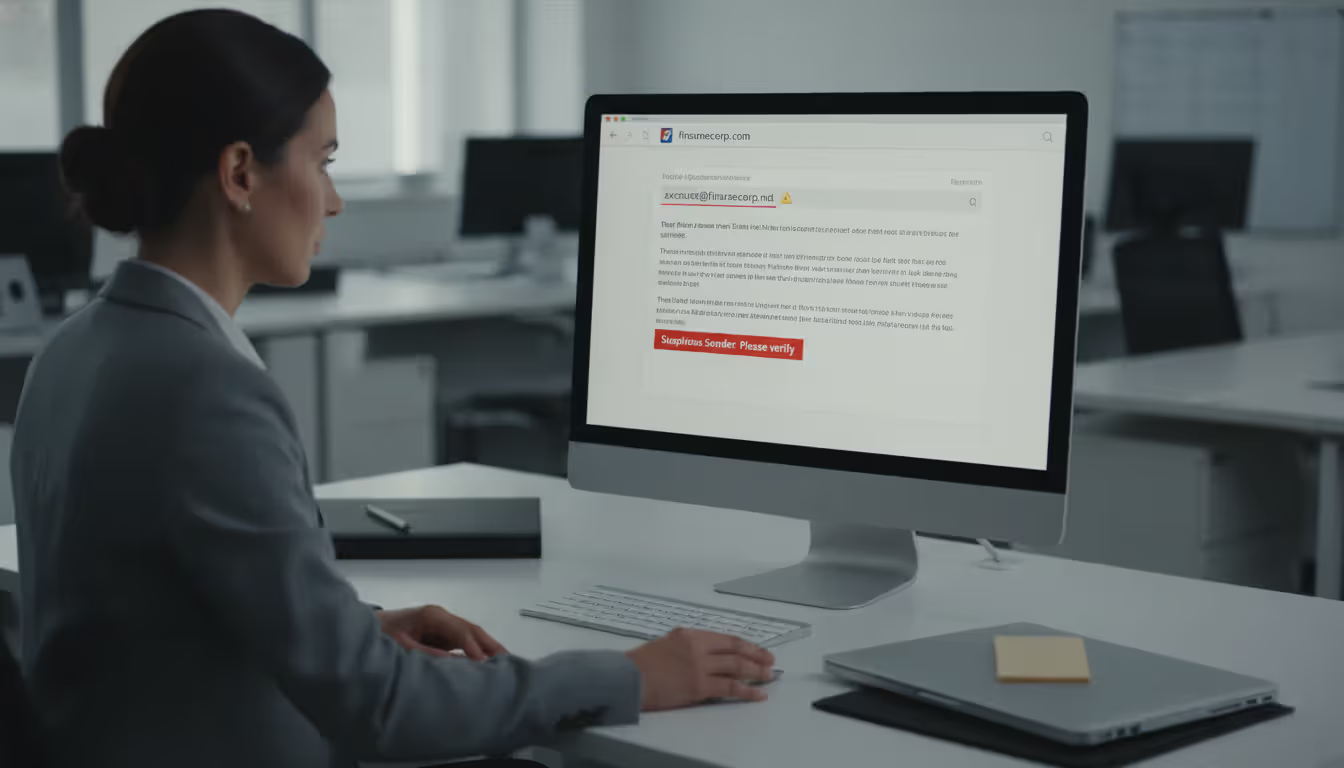
Sender address discrepancies: Don't just glance at who the email says it's from. Actually check the address. Click or hover over the sender name to see the full email address underneath. Your CEO's name appearing as the sender means nothing if the actual address is "johnsmith8834@gmail.com." Look for domains that almost match yours—"acmecorp.co" instead of "acmecorp.com," or creative character substitutions humans barely notice.
Requests that break normal procedures: Your CFO emails directly asking for an urgent wire transfer? Does she normally do that, or does she route requests through her assistant? Why would your CEO personally ask an accounting clerk to buy gift cards? When authority figures request things outside established workflows, pause. The unusual procedure is often the point—attackers want you to bypass normal verification steps.
Manufactured urgency and secrecy: BEC messages pile on pressure. "Need this by 3 PM today." "Don't mention this to anyone—it's confidential until we announce." "I'm in back-to-back meetings—just handle it." These tactics discourage exactly what you should do: verify the request through another channel. Real executives rarely demand complete secrecy about legitimate business operations from employees who need to execute tasks.
Payment details suddenly changing: A vendor you've worked with for years sends an email announcing new banking information for future invoices. Maybe it's legitimate. But it might be an attacker who compromised their email or spoofed their domain. Before updating payment information, call the vendor using a phone number from your records—not one provided in that email—and confirm the change.
Communication that feels off: You've exchanged emails with your boss for three years. You know how she writes—formal or casual, brief or detailed, perfect grammar or occasional typos. An email that doesn't match that pattern deserves scrutiny. An executive who never writes more than two sentences suddenly sending a paragraph? Someone who always signs off "Thanks, John" now using "Best regards"? Small details matter.
Verification protocols: Here's the critical rule: any email requesting financial transactions, sensitive data, or credential sharing requires independent verification. Call the supposed sender using a number you already have. Walk to their office. Send a separate email to an address you know is correct. Don't reply to the suspicious message. Don't use contact information the email provides. Open a new channel and confirm through that.
Author: Calvin Roderick;
Source: elegantimagerytv.com
How to Identify Phishing Attacks
Phishing identification focuses on technical tells and generic content that reveals mass distribution.
Sender addresses that don't match: An email claiming to be from Chase Bank arrives from "security-alert@chase-banking-verify.com." Your Microsoft password reset comes from "microsoftonlinesecurity@gmail.com." Legitimate companies send from their actual domains. Phishing uses sound-alike domains, free email services, or completely unrelated addresses hoping you won't check.
Impersonal greetings: "Dear Customer." "Attention Account Holder." "Valued User." Banks, retailers, and services you actually use know your name and typically address you by it. Phishing templates use generic greetings because attackers are sending the same message to millions of people whose names they don't have.
Language issues: While improving, phishing still frequently contains awkward phrasing that native speakers wouldn't use. "Your account has been temporarily suspending." "Please to verify your credential immediately." "We are noticed suspicious activity." Professional companies employ copywriters and editors—their official communications don't sound like poorly translated instruction manuals.
Emotional manipulation: "Your account will be closed within 24 hours unless you verify immediately!" "You've won $5,000—claim your prize now!" "Suspicious login detected—reset your password or lose access!" Phishing relies on fear, greed, or artificial urgency to override your critical thinking. Legitimate companies don't conduct business through threats and panic.
URLs that don't match claims: Hover over links without clicking to see where they actually lead. A "password reset" link supposedly from your bank leads to "account-verify-secure-79834.com"? That's phishing. Pay attention to URL shorteners (bit.ly, tinyurl, etc.) that hide the real destination. When in doubt, don't click—navigate directly to the service by typing the URL yourself.
Unsolicited attachments: Banks don't email you unexpected PDFs. Amazon doesn't send invoices as .zip files. The IRS doesn't deliver tax documents as Word macros. Attachments you weren't expecting—especially with file extensions like .exe, .scr, .zip, or Office documents requesting you enable macros—are malware delivery vehicles.
Requests for information companies already have: Your bank already knows your Social Security number, account number, and password. They'll never email asking you to provide or verify them. Payment processors don't request credit card details via email. Any message asking you to reply with sensitive information is fraudulent.
Independent verification: When uncertain, don't interact with the email at all. Open your browser and type the company's website address directly. Log into your account through the official site or app. If there's really an urgent issue, you'll see it there. Contact the company through official channels listed on their website—not through links or phone numbers provided in the suspicious email.
Prevention Strategies for Both Attack Types
Stopping phishing and BEC requires combining technology that catches technical threats with procedures that prevent human manipulation. When to use business email compromise and phishing defenses depends on understanding how each attack type actually works.
Security awareness training that doesn't bore people: Forget annual 45-minute compliance videos everyone clicks through while checking their phone. Break training into monthly 5-minute scenarios using real examples from recent attacks. Show your actual employees what a phishing email looks like. Walk through how BEC attacks unfold step-by-step.
Run simulated phishing campaigns, but not as gotcha games. When someone clicks the test link, immediately provide education explaining what they missed. Track metrics to identify who needs additional support, then actually provide that support rather than just shame them in a report to management.
Make training role-specific. Your finance team needs deep knowledge about payment fraud schemes. HR should understand W-2 phishing and payroll redirection scams. Executives need to know attackers will impersonate them. Generic training doesn't work because the threats each group faces are different.
Email authentication that blocks spoofing: Set up SPF, DKIM, and DMARC for your domain. These protocols verify that emails claiming to come from your domain actually originate from your mail servers. When configured properly, they prevent attackers from sending spoofed emails that appear to come from your company.
Don't just enable these protocols—configure DMARC to actively reject messages that fail authentication, not just flag them. Monitor DMARC reports to see when attackers attempt to spoof your domain, whether targeting your customers, partners, or employees.
Multi-factor authentication everywhere: Require MFA for all email accounts, financial systems, and business applications. When phishing steals a password, MFA prevents attackers from actually accessing the account without the second factor. This single control eliminates most account-compromise-based BEC attacks.
Use authenticator apps or hardware tokens instead of SMS codes. Attackers can intercept SMS messages through SIM swapping attacks, but they can't remotely compromise a physical security key or authenticator app without already having access to your device.
Mandatory verification for financial transactions: Build verification into your payment workflows at a policy level. Wire transfers above $5,000 require dual approval with verbal confirmation through a separate channel—no exceptions. Payment account changes for vendors must be verified by calling the vendor at a known number before processing.
Make verification procedures easy enough that employees will actually follow them even when under time pressure. If your verification process involves filling out three forms and waiting two days, people will skip it during urgent situations—exactly when BEC attacks strike.
Create a culture where questioning unusual requests earns praise rather than accusations of insubordination. Employees need to feel safe saying "This request seems unusual, so I'm going to verify it first" without fear of upsetting executives or appearing distrustful.

Author: Calvin Roderick;
Source: elegantimagerytv.com
Domain monitoring and defensive registration: Register common misspellings and variations of your domain (replacing letters with similar-looking numbers, common typos, alternative TLDs). This prevents attackers from using these look-alike domains for impersonation. Use domain monitoring services that alert you when new domains similar to yours get registered—often an early warning that attackers are preparing a BEC campaign.
Advanced email security beyond spam filters: Deploy email security solutions using machine learning to detect communication pattern anomalies. Modern tools can flag emails from external addresses impersonating internal executives, identify messages deviating from normal payment request patterns, or catch subtle domain spoofing that basic filters miss.
But remember: technology can't catch text-only BEC emails with no technical red flags. Human judgment remains your final defense layer.
Incident response plans tested regularly: Everyone should know exactly what to do when they receive a suspicious email or realize they've been compromised. Who do they contact? What information do they provide? How quickly can you freeze potentially fraudulent wire transfers?
For BEC incidents involving money transfers, speed determines whether you recover funds. Establish relationships with your bank's fraud department now, not after an incident occurs. Understand wire transfer recall procedures for domestic and international transfers—they're different and time-sensitive.
The FBI's Recovery Asset Team assists with BEC fund recovery, but effectiveness depends on rapid reporting. Know how to file an IC3 complaint and contact local FBI field offices before you need to.
Executive account hardening: Apply extra security controls to accounts frequently impersonated in BEC attacks. Enable external email warnings that flag messages originating outside your organization—making it obvious when "CEO" emails actually come from external addresses.
Monitor executive accounts for compromise indicators: unusual login locations, new inbox rules forwarding emails externally, suspicious sent items, or contacts being exfiltrated. Consider requiring additional authentication steps for executive accounts even when MFA is already enabled.
Frequently Asked Questions
Phishing and business email compromise represent fundamentally different threats demanding distinct defensive approaches. Phishing relies on automation, technical exploitation, and generic social engineering—making it vulnerable to spam filters, malware scanning, and basic awareness training. BEC employs targeted research, sophisticated impersonation, and context-aware manipulation that slips past technical controls, requiring strong business processes and advanced employee vigilance.
The most effective defense layers technology addressing phishing's technical signatures with procedures and culture preventing BEC's human manipulation. Deploy SPF, DKIM, and DMARC to block domain spoofing. Implement MFA across all systems to contain credential theft damage. Add payment verification procedures that require confirmation through separate channels. Conduct role-specific training that prepares employees for the actual attacks they'll face.
Neither threat is going away. Attackers continuously evolve techniques, and remote work has amplified email's role in business operations while reducing face-to-face verification opportunities. Organizations that understand the business email compromise vs phishing comparison guide and deploy appropriate defenses for each threat will dramatically reduce their risk of appearing in next year's FBI cybercrime statistics.
Start by honestly assessing current defenses against both threat types. Can your email security catch modern phishing that bypasses basic spam filters? Would your finance team verify an urgent wire transfer request that appears to come from your CEO? Do your executives know attackers will impersonate them? Those answers reveal where your security investments deliver the highest return.
Related Stories
Read more
Read more

The content on this website is provided for general informational and educational purposes only. It is intended to explain concepts related to cybersecurity awareness, online threats, phishing attacks, and data protection practices.
All information on this website, including articles, guides, and examples, is presented for general educational purposes. Cybersecurity risks and protection strategies may vary depending on individual behavior, technology usage, and threat environments.
This website does not provide professional cybersecurity, legal, or technical advice, and the information presented should not be used as a substitute for consultation with qualified cybersecurity professionals.
The website and its authors are not responsible for any errors or omissions, or for any outcomes resulting from decisions made based on the information provided on this website.