
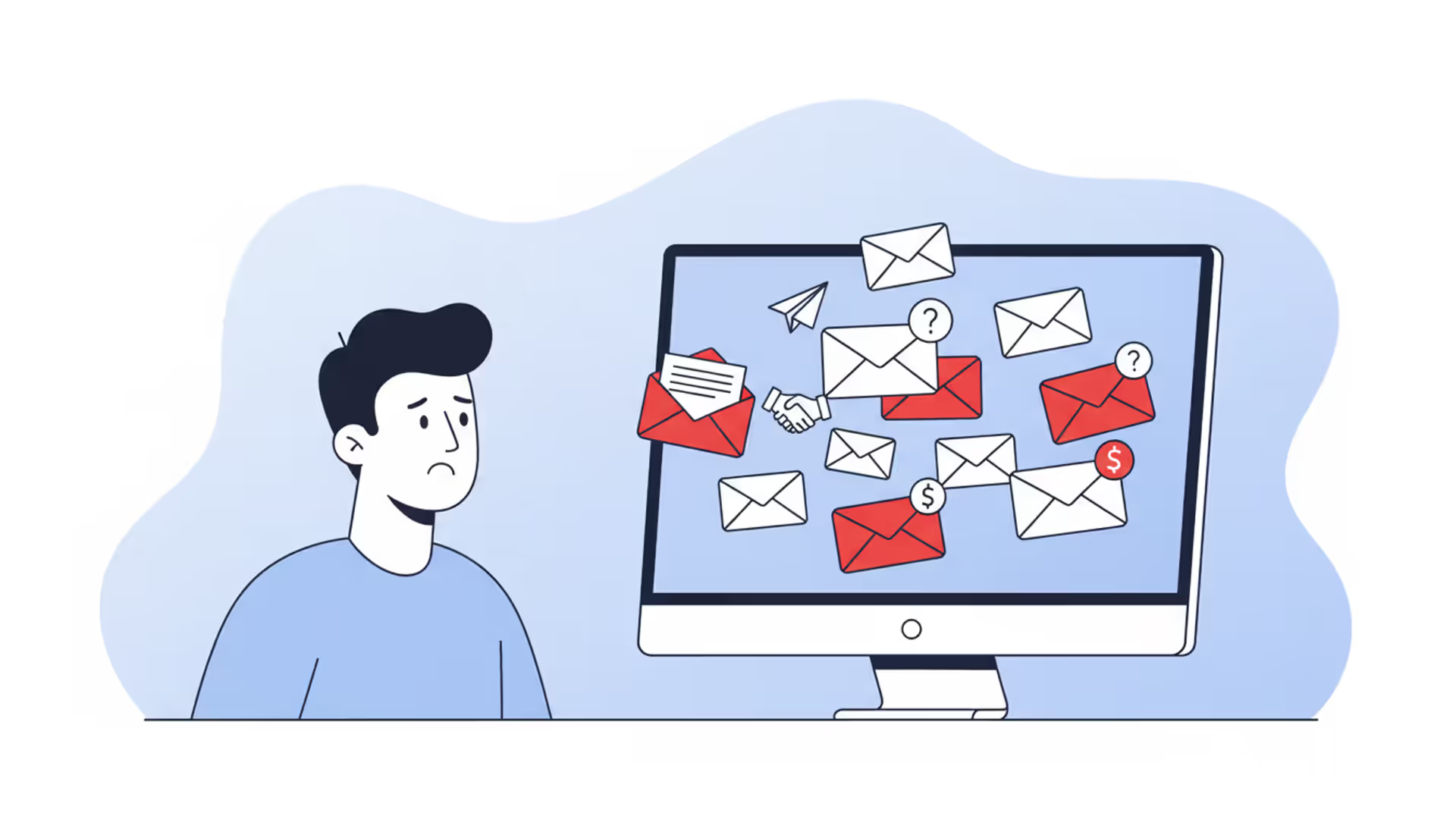
man or woman looking at a computer, alert email icons, some marked red, facial expression wary, no text in Russian
What Is Unsolicited Email?

Check your inbox right now. Chances are, at least three messages sitting there came from senders you never invited. Maybe it's a sketchy "investment opportunity," possibly a fake Amazon receipt, or perhaps someone claiming you've inherited money from a relative you didn't know existed.
These messages aren't just annoying—they're often dangerous. Some will try stealing your bank details. Others install hidden software that spies on everything you type. A few might actually be legitimate businesses, just really bad at email marketing.
Knowing the difference could save you thousands of dollars and countless headaches.
What Is Unsolicited Email
Think of unsolicited email as the digital version of a stranger showing up at your door uninvited. You didn't ask them to come. You don't know how they got your address. You certainly didn't give them permission to knock.
That's exactly what happens with these messages. Someone sends you an email even though you never signed up for their list, bought their products, or gave them your email address in any form.
Here's what separates unsolicited messages from legitimate ones: permission and relationship. When you buy something from Target and they email you a receipt? That's expected—you interacted with them. When you check a box agreeing to receive newsletters from a blog? You gave explicit consent. When you get an email from "Discount Pharmacy Online" and you've never heard of them? That's unsolicited.
Real marketing emails operate differently. Companies that respect email laws maintain subscriber lists where people voluntarily joined. You'll see their actual brand logos. There's always an unsubscribe button that actually works. They follow the CAN-SPAM Act requirements—which means truthful subject lines, a real physical address listed, and immediate honor of opt-out requests.
Put simply: Can't remember how they got your email? That's unsolicited.
Spammers get your address through sketchy methods. They buy email lists from data brokers. They scrape addresses off public websites. They guess common combinations (like john.smith@gmail.com). Sometimes they steal entire databases when companies get hacked.
The numbers tell the story. Security researchers estimate nearly half of all emails sent globally in 2026 are unsolicited. That's billions per day. Thankfully, modern filters catch most before you see them.
Author: Alyssa Norwood;
Source: elegantimagerytv.com
Common Types of Unsolicited Email
Not every unwanted message poses the same threat level. Some just waste your time. Others could drain your savings account.
Marketing Spam vs. Phishing Attempts
Marketing spam sits at the less-dangerous end. These are bulk promotional emails from companies trying to sell stuff—weight loss pills, cheap electronics, sketchy dating sites. Annoying? Absolutely. Dangerous? Usually not.
These senders want you to buy something. They're not trying to hack your bank account. A company blasting out emails about their new cryptocurrency course or debt consolidation services fits this category.
Phishing attempts are a completely different beast. These messages pretend to be from banks, government agencies, or popular companies. The goal? Trick you into handing over passwords, credit card numbers, Social Security details, or banking credentials.
You might see an email that looks like it's from PayPal saying there's suspicious activity on your account. Click the link, and you land on a fake login page that captures whatever you type. Or maybe it's supposedly from the IRS demanding immediate payment for back taxes. These criminals create fake urgency—"Act now or your account closes!" "Respond within 24 hours or face penalties!"
Why does this distinction matter? Your response strategy should be completely different. Spam gets deleted or filtered. Phishing attempts need reporting to your email provider and the company being impersonated.
Cold Outreach and Business Solicitations
Business-to-business cold emails exist in a gray zone. A recruiter reaching out about a job opening technically sent you unsolicited email. So did that marketing consultant offering services to your company.
But there's a difference between genuine professional outreach and scams. Real business emails show specific knowledge about you or your company. A recruiter mentions your particular skills and a relevant position. A vendor references your industry and explains why their service fits your needs.
Compare that to mass-mailed "business opportunities" promising $5,000 weekly for two hours of work. Or messages about joining a new "investment platform" with guaranteed returns.
Chain letters and pyramid schemes haven't disappeared—they've just evolved. Now they involve cryptocurrency schemes, NFT "opportunities," or multi-level marketing disguised as entrepreneurship. Forward this to ten people and prosperity will find you. Recruit three people who each recruit three more and you'll be financially free. Same scam, different packaging.
Warning Signs of Dangerous Unsolicited Email
Spotting red flags before clicking anything could prevent disaster. Here's what to watch for.
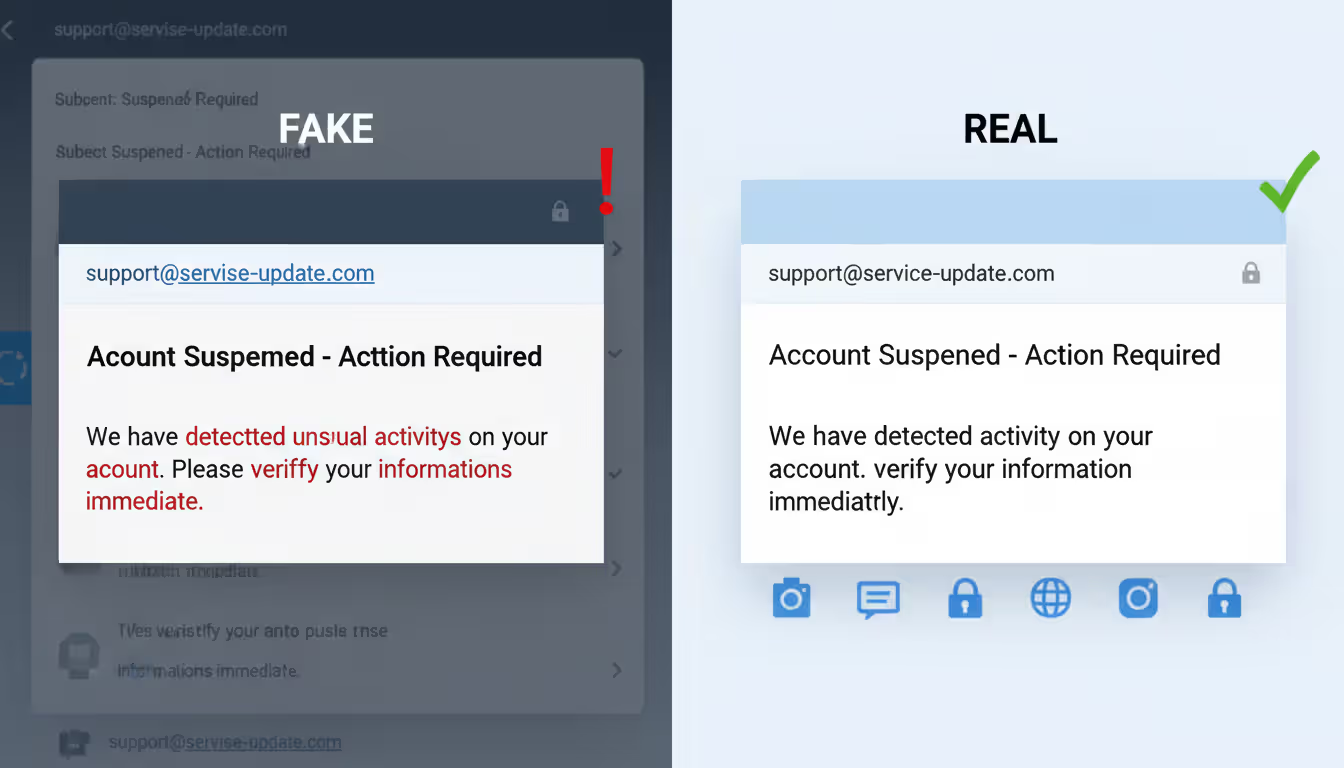
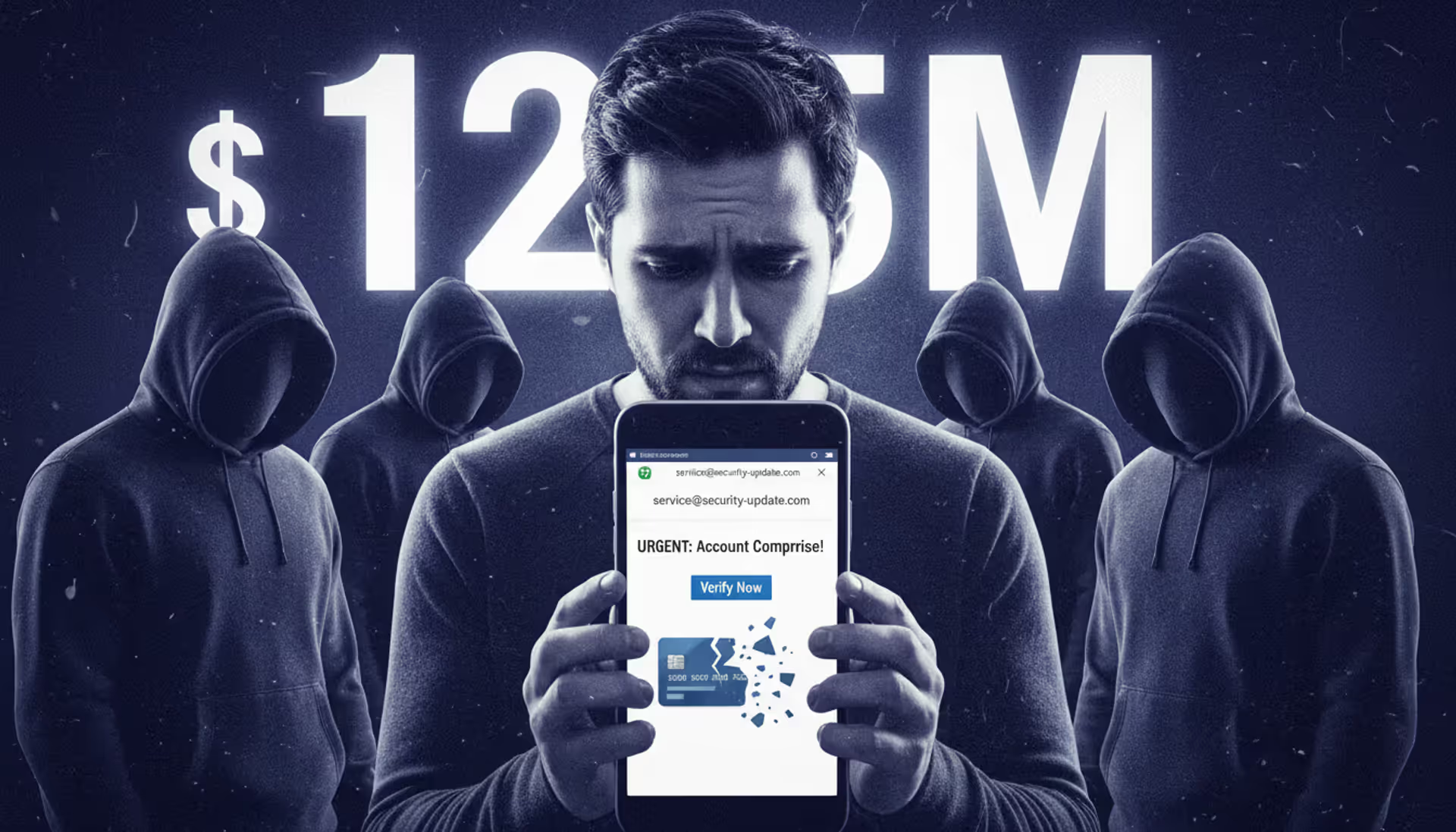
Sender addresses often reveal the fraud immediately. An email claiming to be from Microsoft but sent from "micrsoft-security@random-server-2846.biz"? Fake. Scammers register domains that mimic legitimate companies—they swap letters for numbers, add extra words, or use similar-looking character combinations.
Always check the actual email address, not just the display name shown. Display names can say literally anything ("Apple Support," "Your Bank," "Netflix Billing"). The real address tells the truth.
Urgent or threatening language manipulates your emotions. "Act now or lose access!" "Immediate response required to avoid suspension!" "Final notice before legal action!" Real companies don't operate this way. They don't threaten to close your account in 24 hours or demand immediate action on critical security issues.
This tactic works by triggering panic. When you're scared, you skip the logical evaluation process and just react.
Requests for personal information through email should trigger immediate suspicion. Your bank already has your account number—why would they email asking for it? The Social Security Administration doesn't request your SSN via email. PayPal won't ask for your password.
If you're genuinely a customer of these companies, they already have your information in their systems.
Grammar and spelling problems used to be reliable indicators, but that's changed. Scammers have improved their writing skills. Still, professional organizations use editors and proofreaders. Messages with obvious errors suggest amateur operations.
Unexpected attachments carry major risk. You weren't expecting a file from this sender? Don't open it. Malware hides in documents that look harmless—PDFs, Word files, Excel spreadsheets, ZIP archives. Even file types that seem safe can contain malicious code.
Offers that sound impossible usually are impossible. You won a lottery in a country you've never visited. A distant relative left you millions. A government grant awaits if you just pay processing fees. An investment opportunity guarantees 40% monthly returns.
Real life doesn't work this way. You can't win contests you didn't enter. Legitimate investments carry risk and never guarantee returns. Government agencies don't award surprise grants requiring upfront payment.
Generic greetings reveal mass mailing. "Dear Valued Customer" or "Hello Friend" or "Greetings User" mean the sender doesn't actually know you. Companies you do business with use your actual name because it's in their customer database.
Author: Alyssa Norwood;
Source: elegantimagerytv.com
Real Examples of Unsolicited Email
Looking at actual scam scenarios helps you recognize similar attempts in your own inbox.
Lottery and Prize Scams: The email announces you've won £850,000 in the UK National Lottery. To claim your prize, you need to provide personal information and pay $250 in "processing fees" or "tax clearance." The message might include official-looking logos and reference numbers.
Reality check: You can't win lotteries you didn't enter. Legitimate prize organizations never require upfront payment. Taxes on winnings get deducted from the prize amount, not paid separately beforehand.
Fake Invoice Emails: Your inbox receives a receipt for a $349.99 Norton antivirus subscription renewal. Problem is, you don't have Norton. The message includes a phone number to call "if you didn't authorize this purchase."
When you call that number, the scammer on the other end tries gaining remote access to your computer or collecting your payment details. They might claim they need to "verify your identity" or "process a refund."
Banking Phishing Attempts: An official-looking email from "Wells Fargo Security Department" warns that suspicious login attempts were detected on your account. A bright red button says "Verify Your Identity Now" and links to what appears to be the Wells Fargo website.
The fake login page looks identical to the real thing. But check the URL carefully—it's actually "wellsfargo-secure-verify.net" or something similar. Anything you enter gets captured by criminals.
Unsolicited Job Offers: A message arrives about a remote data entry position paying $4,500 monthly for 15 hours of work weekly. After a brief email interview, they "hire" you and send a check for $3,800 to purchase office equipment. They ask you to buy supplies from their "preferred vendor" and wire the remaining money back.
The check is fake and will bounce after a few days. But your wired money is gone forever. Real employers never send checks before you start work or ask you to handle financial transactions as part of hiring.
Romance and Relationship Scams: Someone messages claiming they saw your profile on a dating site (that you've never used) and found you attractive. After weeks or months of building an emotional connection through email, they face a crisis—medical emergency, travel problem, business deal gone wrong—and need financial help temporarily.
These scams exploit loneliness and emotional vulnerability. The person on the other end might not even be the gender they claim. Sometimes it's organized groups working multiple victims simultaneously.
Tech Support Scams: An email warns that your Windows license has expired or malware was detected on your device. A phone number promises technical support to fix the issue. Microsoft doesn't send unsolicited warnings about your computer. Antivirus companies communicate through their installed software, not random emails about infections.
How to Identify Unsolicited Email in Your Inbox
Use this systematic evaluation process when you're unsure about a message's legitimacy.
Step 1: Verify the sender's actual domain. Click or hover over the sender's display name to see the complete email address. Focus on everything after the @ symbol—that's the domain. Does it exactly match the official website of the supposed sender?
Look up the company's real website yourself through a search engine. Don't trust domains in the email. An email from "support@paypa1-secure.com" is fraudulent because PayPal's actual domain is "paypal.com" (notice the number 1 replacing the letter l in the fake version).
Step 2: Search for previous correspondence. Check your inbox history for other messages from this sender. Can you find any record of creating an account, making a purchase, or signing up for anything?
Legitimate companies reference specific past interactions in their emails—recent orders, account activities, previous support tickets. If there's no history and no explanation for how they got your address, that's a problem.
Step 3: Check links carefully before clicking. Hover your mouse over any links to preview where they actually lead. The displayed URL should match the official website of the supposed sender. Watch for subtle misspellings or suspicious domains.
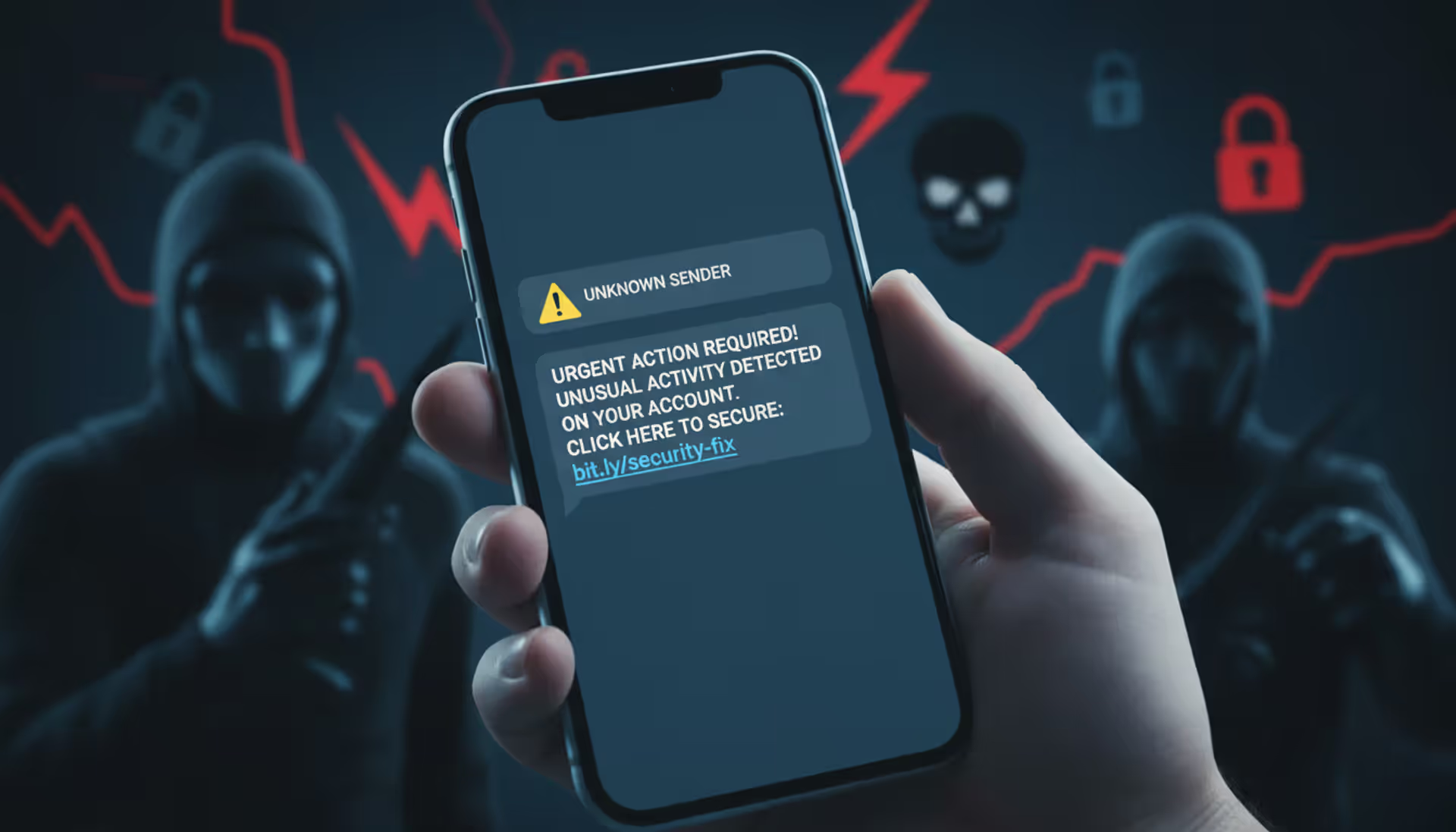
Shortened links (bit.ly, tinyurl, etc.) hide the real destination. Legitimate companies rarely use link shorteners in important communications because they reduce transparency.
On mobile devices, press and hold the link to preview the destination URL before tapping.
Step 4: Review email headers for technical authentication. This requires some technical knowledge but provides definitive proof. Most email programs let you view full message headers containing information about the email's journey and authentication status.
Look for SPF, DKIM, and DMARC authentication results. Failed checks indicate the sender address was spoofed. Gmail shows this information when you select "Show original" from the message menu.
Step 5: Trust your email provider's security warnings. Gmail, Outlook, Yahoo Mail, and other major providers analyze billions of emails daily. When they flag a message as suspicious or potentially dangerous, take that warning seriously.
These systems identify patterns across millions of users. They're not perfect, but they catch a lot of threats.
When something feels off, contact the supposed sender through official channels you find independently. If an email claims to be from your credit card company, call the number on the back of your card or type the web address yourself. Don't use phone numbers or websites provided in suspicious emails.
Author: Alyssa Norwood;
Source: elegantimagerytv.com
How to Avoid and Block Unsolicited Email
Prevention strategies dramatically reduce unwanted messages reaching your inbox.
Configure spam filters aggressively. Your email provider offers filtering options, but you might need to adjust the sensitivity. Don't just delete unwanted messages—mark them as spam. This teaches the filter to recognize similar patterns and catch future messages automatically.
Check your spam folder occasionally to ensure legitimate emails aren't caught incorrectly, especially in the first few weeks after changing filter settings.
Never respond to unsolicited messages. Not even to complain. Not even to say "stop contacting me." Replies confirm your address is active and monitored, making it more valuable. Spammers sell active addresses for higher prices than unverified ones.
Responding might actually increase the volume of unwanted mail you receive.
Keep your email address private whenever possible. Posting your address publicly on websites, social media profiles, or forums makes it easy prey for harvesting bots. These automated tools scan the internet constantly, collecting any email addresses they find.
Use contact forms instead of displaying your address directly. Or create a separate email specifically for public use, keeping your primary address private.
Create disposable addresses for signups and purchases. Many email services let you generate alias addresses that forward to your main inbox. Gmail users can add plus signs to their address (yourname+shopping@gmail.com) to track where messages originate.
Use these temporary addresses when signing up for services, especially ones you're unsure about. If an alias starts receiving spam, you can delete it without affecting your primary address.
Think carefully about unsubscribe links. For recognizable companies where you might have legitimately signed up, clicking unsubscribe usually works fine. For obvious scams or completely unknown senders, avoid clicking anything in the message.
Unsubscribe links in malicious emails might confirm your address is active, direct you to malware sites, or trigger downloads. When you're uncertain about the sender, mark as spam and delete rather than clicking any links.
Report persistent problems to your email provider. Most providers offer ways to report spam and phishing. These reports improve filtering for everyone and might result in action against the sender's infrastructure.
Reporting takes seconds and helps protect other users from the same threats.
Enable two-factor authentication on every account. This won't stop unwanted email, but it protects you if scammers somehow obtain your password. Even with your credentials, attackers can't access accounts protected by two-factor authentication without the second verification step.
This is your safety net for when other protections fail.
Consider email masking services. Several services generate unique, random email addresses for each website you use. All messages forward to your real inbox, but each site only knows the unique address you gave them.
This approach makes it impossible for data breaches or list sales to expose your primary address. Popular options include Apple's Hide My Email, Firefox Relay, and SimpleLogin.
Guard your email address like a password. Before entering it on any website, ask yourself whether the service genuinely needs it. Many sites request email addresses primarily for marketing purposes rather than functional requirements.
Can you complete the transaction or use the service without providing your email? Often the answer is yes, even if the form suggests it's required.
What to Do If You Respond to Unsolicited Email
Modern email scams in 2026 look nothing like the obvious Nigerian prince emails from years ago. Criminals now use artificial intelligence to write grammatically perfect messages, pull personalized details from your social media profiles, and create domains that fool even careful observers. The traditional advice about checking for spelling mistakes doesn't cut it anymore. People need to verify every unexpected request through separate channels, no matter how convincing the email looks. When in doubt, pick up the phone and call the company using a number you find yourself, not what's in the message
— Marcus Rodriguez
Mistakes happen. Quick action reduces the damage.
Change passwords immediately. Start with any account where you used the compromised credentials. If you reuse passwords across multiple sites (stop doing this), change them everywhere. Prioritize financial accounts, email access, and anything containing sensitive personal information.
Use unique, strong passwords for each account. Password managers make this manageable.
Watch your accounts like a hawk. Check bank statements, credit card transactions, and login histories daily for at least two weeks. Look for unauthorized purchases, unfamiliar login locations, or suspicious activities.
Set up transaction alerts through your bank. Many institutions let you receive text notifications for purchases over certain amounts or any unusual activity.
File official reports immediately. Submit a complaint to the FBI's Internet Crime Complaint Center at ic3.gov and the Federal Trade Commission at reportfraud.ftc.gov. If the scam impersonated a specific company, contact their fraud department too.
These reports might not recover your money, but they help authorities track patterns and potentially catch criminals.
Run complete malware scans. If you downloaded attachments or clicked links in the suspicious email, malware might have infected your device. Use reputable antivirus software to scan every device you used to access that message.
Don't assume you're safe just because everything seems normal. Some malware operates silently in the background.
Contact your bank if you shared financial details. Call immediately if you provided credit card numbers, bank account information, or made payments to scammers. Speed matters—many fraud protections have time limits.
Credit cards typically offer stronger fraud protection than debit cards or wire transfers. Wire transfers are nearly impossible to reverse once completed.
Lock down your credit. If you disclosed your Social Security number or other identity information, place fraud alerts or credit freezes on your credit reports. Contact all three bureaus—Equifax, Experian, and TransUnion—to restrict access to your credit file.
This prevents scammers from opening credit cards, loans, or other accounts in your name.
Save everything related to the incident. Keep copies of fraudulent emails (forward them to yourself or take screenshots). Record dates, times, and details of your response. Save confirmation numbers from reports filed with authorities.
This documentation becomes crucial if you need to dispute charges or prove fraud to financial institutions.
Alert people in your contact list. If the scam involved your email account being compromised, warn friends and family. Scammers often send messages from hacked accounts to contacts, knowing those people trust emails from someone they know.
Comparing Legitimate Marketing vs. Unsolicited Messages
| What to Check | Real Marketing Email | Unsolicited/Scam Email |
| Who sent it | Domain matches the company's official website; authentication passes security checks | Domain looks suspicious or tries mimicking a real company; fails authentication tests |
| How they address you | Uses your actual name; mentions specific things you bought or did | Says generic things like "Dear Customer" or "Hello Friend"; no personal details |
| Can you unsubscribe | Every message has a working unsubscribe link that actually stops emails | No unsubscribe option, or the link goes somewhere sketchy |
| Quality and appearance | Professional design; correct spelling and grammar; real company branding | Poor formatting; typos and errors; logos look off or mismatched |
| What they want | Selling products/services related to your interests; providing account updates | Stealing your information; installing malware; promoting obvious scams |
| Legal compliance | Lists a real physical address; stops emailing when you ask; honest subject lines | Violates email laws; fake return addresses; misleading subject lines |
Frequently Asked Questions
Unsolicited email costs Americans billions annually through fraud, stolen identities, and wasted time. The messages clogging spam folders range from harmless annoyances to sophisticated attacks orchestrated by international criminal networks.
Your strongest defense combines technology with healthy skepticism. Turn on aggressive spam filtering, but understand some threats will still get through. Approach unexpected emails with caution regardless of how official they look. Always verify through independent channels before clicking, downloading, or sharing information. Build barriers between your primary email address and the wider internet using aliases and temporary addresses.
The core principle is straightforward: Didn't request it? Can't verify it independently? Don't trust it. Delete suspicious messages without guilt. The legitimate email you might rarely miss is nothing compared to the malicious one you might mistakenly trust.
Scammers constantly evolve their tactics, but underlying patterns stay recognizable once you know what to look for. Artificial urgency, unbelievable offers, requests for sensitive data, and unexpected attachments signal danger regardless of the specific story being told.
Share this knowledge with less tech-savvy family members and friends. Your elderly parents might not recognize phishing attempts. Your teenager might fall for fake job offers. Your colleague might click a malicious attachment thinking it's work-related.
Your email address connects to your bank accounts, personal information, and digital identity. Protecting that connection through awareness, verification, and appropriate caution isn't optional anymore—it's a necessary survival skill for modern digital life.
Taking a few minutes to evaluate a suspicious message might prevent months of dealing with fraud consequences, identity theft recovery, or financial losses. That's time well spent.
Related Stories
Read more
Read more


The content on this website is provided for general informational and educational purposes only. It is intended to explain concepts related to cybersecurity awareness, online threats, phishing attacks, and data protection practices.
All information on this website, including articles, guides, and examples, is presented for general educational purposes. Cybersecurity risks and protection strategies may vary depending on individual behavior, technology usage, and threat environments.
This website does not provide professional cybersecurity, legal, or technical advice, and the information presented should not be used as a substitute for consultation with qualified cybersecurity professionals.
The website and its authors are not responsible for any errors or omissions, or for any outcomes resulting from decisions made based on the information provided on this website.