

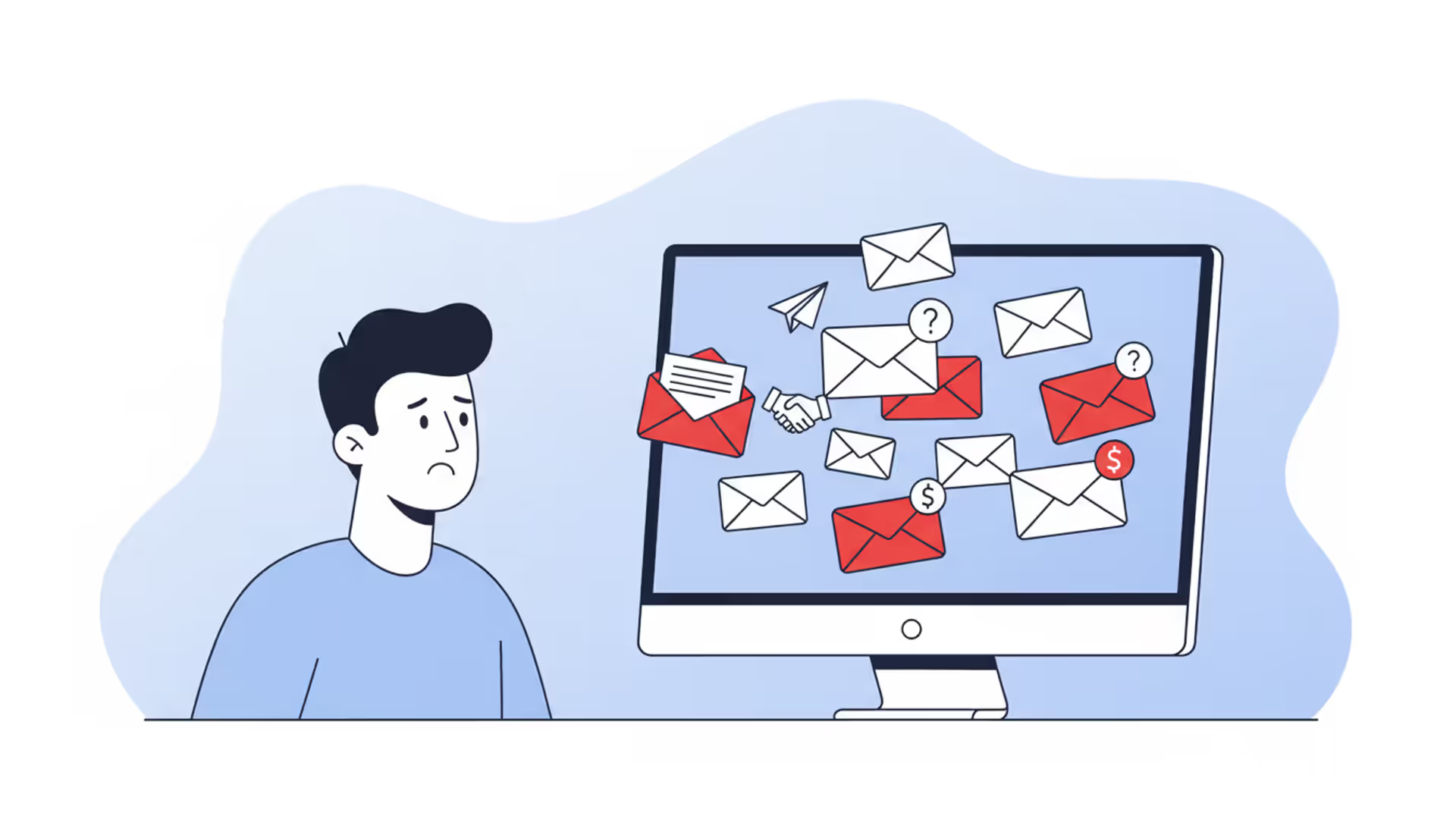
Office worker reviewing a suspicious phishing email on a laptop
Email Phishing Explained

Content
Content
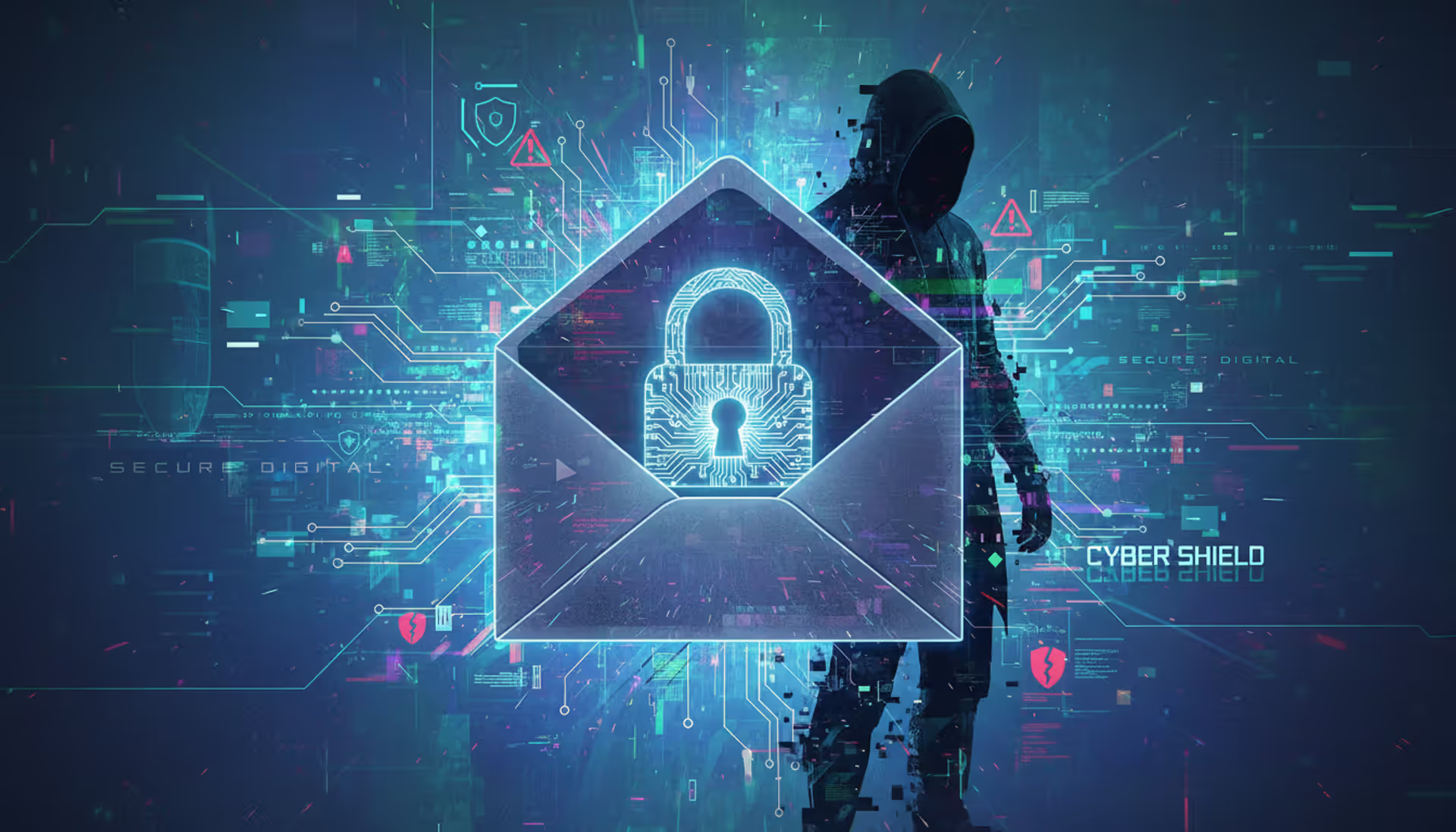
Walk into any corporate IT department and ask what keeps them up at night—email phishing consistently tops the list. These scams don't rely on Hollywood-style hacking montages with lines of green code scrolling across black screens. Instead, they work because someone crafted a message that looked legitimate enough, arrived at the right psychological moment, and pushed the exact emotional buttons needed to override your common sense.
You're probably wondering if you're actually vulnerable. The honest answer? Everyone is. Security professionals with decades of experience still occasionally get fooled by well-crafted phishing attempts. The difference between becoming a victim and dodging a bullet often comes down to pausing five seconds before clicking, asking a couple of verification questions, and trusting your gut when something feels slightly off.
What Is Email Phishing?
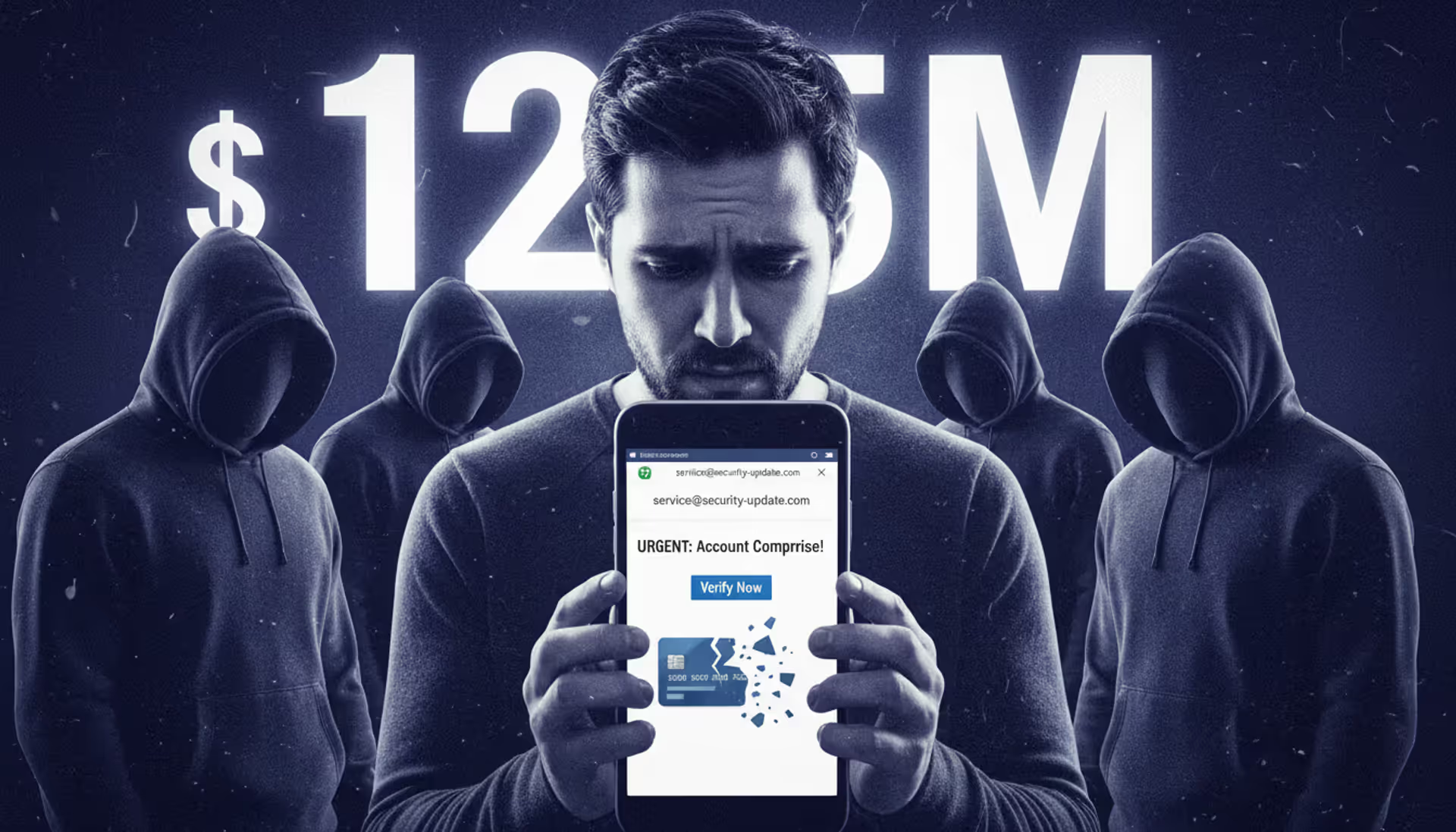
Think of email phishing as confidence fraud adapted for the internet age. Scammers send messages disguised as communications from organizations you recognize—Wells Fargo, Microsoft, your employer, sometimes even your colleague down the hall. They're after your passwords, financial details, Social Security number, or in business settings, wire transfer authorization.
Back in 1996, hackers started targeting America Online subscribers with fake messages requesting account verification. They borrowed "ph" from phone phreaking (remember when people hacked telephone networks?) and created "phishing"—fishing for private information in the vast sea of internet users. Those primitive scams were comically bad. Spelling disasters. Ridiculous claims about Nigerian princes. Anyone with basic skepticism could spot them instantly.
Fast forward to 2024. Modern phishing emails can replicate your bank's communication style with frightening accuracy. I'm talking perfect logos, matching fonts, identical layouts—sometimes even legitimate-looking https:// addresses. IT professionals who handle security full-time occasionally get tricked.
Why do criminals keep running phishing campaigns? Economics. Someone in Eastern Europe can send 250,000 emails for about $50 total. If even 0.5% of recipients fall for it, that's 1,250 compromised accounts. Individual victims might lose hundreds or thousands. One successful business email compromise? Companies have wired $750,000 to criminals before realizing their CFO never actually sent that urgent payment request.
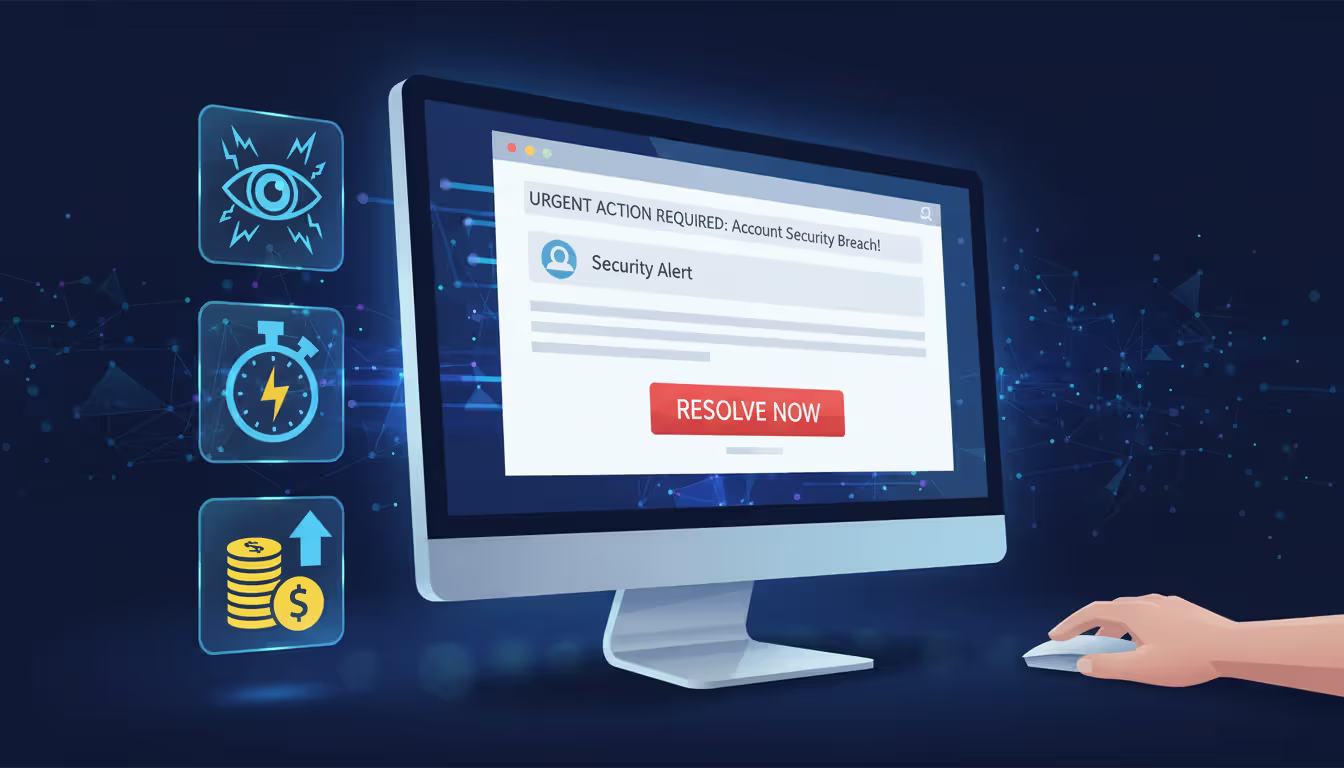
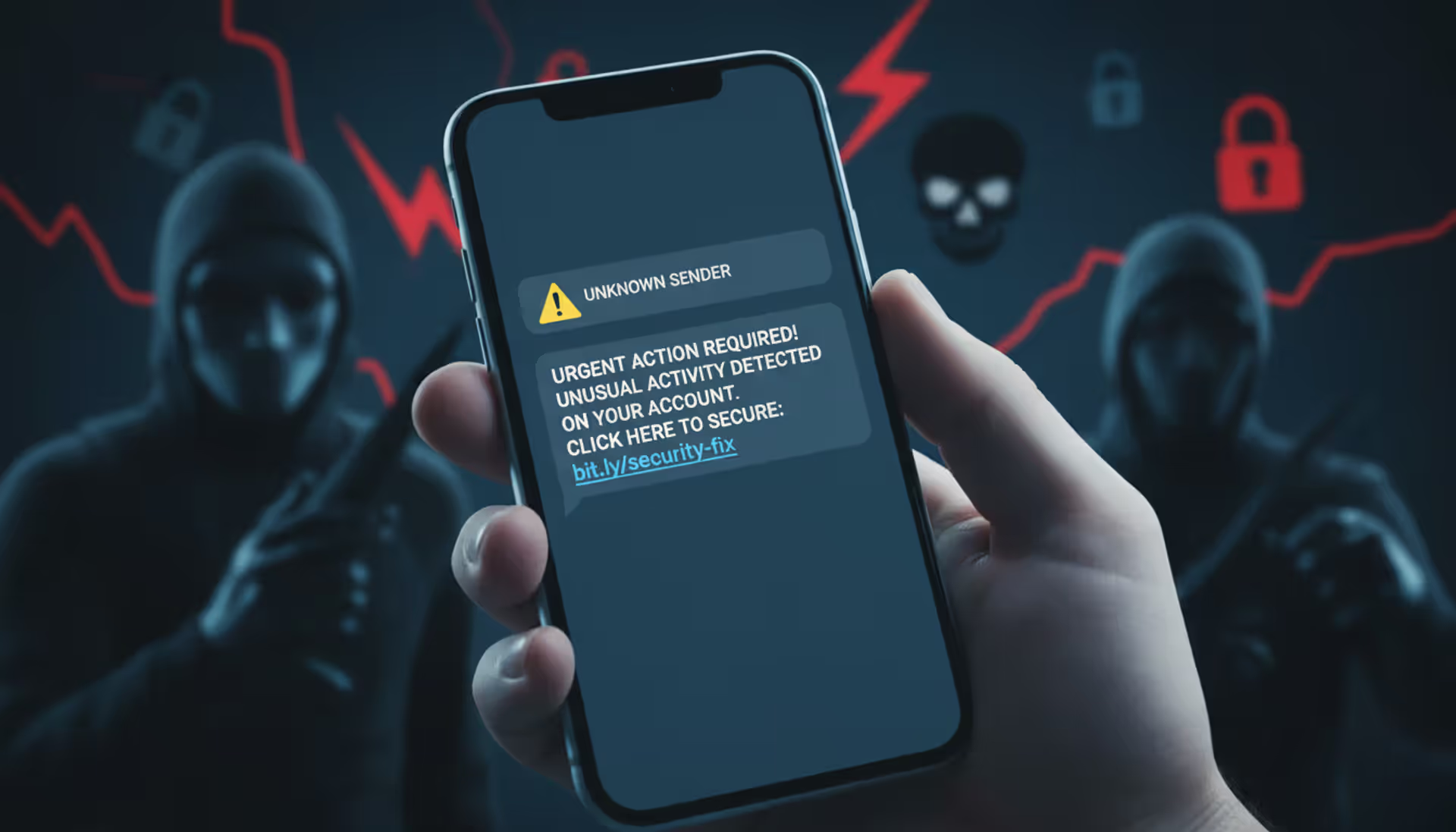
The psychology behind these attacks targets specific emotional vulnerabilities. Fear works great: "Unusual activity detected—your account will be locked!" So does greed: "Tax refund pending—claim your $847 now!" Urgency short-circuits careful thinking: "Respond within 2 hours or lose access permanently!" These emotional triggers bypass the rational brain that would normally question suspicious requests.
Author: Monica Ellery;
Source: elegantimagerytv.com
How Email Phishing Attacks Work
Building a phishing campaign starts with collecting targets. Criminals harvest email addresses from multiple sources—data breaches happen constantly (major retailers, healthcare providers, social media platforms all leak customer data), scraping public websites, buying lists on dark web marketplaces, or simply trying common name patterns like john.smith@gmail.com or sarah.johnson@yahoo.com. For attacks targeting specific companies, they'll spend hours researching employees on LinkedIn, reviewing organizational charts, studying company announcements to understand internal operations.
Next comes the creative phase—designing messages that look authentic. High-effort campaigns perfectly replicate legitimate communications. They'll study hundreds of real emails from the company they're impersonating, matching every design element. Domain registration follows: they'll buy website addresses that look almost identical at casual glance. Maybe amazоn.com (that's a Cyrillic 'o' instead of standard English). Or account-verification-paypal.com, which sounds official but isn't actually PayPal's domain.
Every phishing message drives toward one specific action. Click this link. Download this attachment. Reply with your password. The links redirect to counterfeit websites—fake login pages that capture whatever credentials you enter. These impostor sites sometimes look absolutely perfect, down to that green padlock symbol browsers display (which only means the connection is encrypted, not that the site is legitimate). Attachments deliver malware that might record your keystrokes, lock your files for ransom, or create backdoor access criminals can exploit later.
Once they've captured login credentials, exploitation moves fast. Banking credentials let them drain accounts within hours. Email access allows them to impersonate you in messages to your contacts. Corporate network access enables them to lurk undetected for weeks, mapping systems and identifying valuable targets before striking. Business email compromises culminate in fraudulent wire transfers—by the time finance realizes something's wrong, the money's already bounced through three countries.
Attackers continuously test different approaches. They rotate sender addresses to evade spam filters. They time campaigns strategically—tax phishing spikes in March and April, shipping notification scams flood inboxes during November and December holiday shopping. They A/B test subject lines to see which phrasing generates more opens.
Warning Signs of a Phishing Email
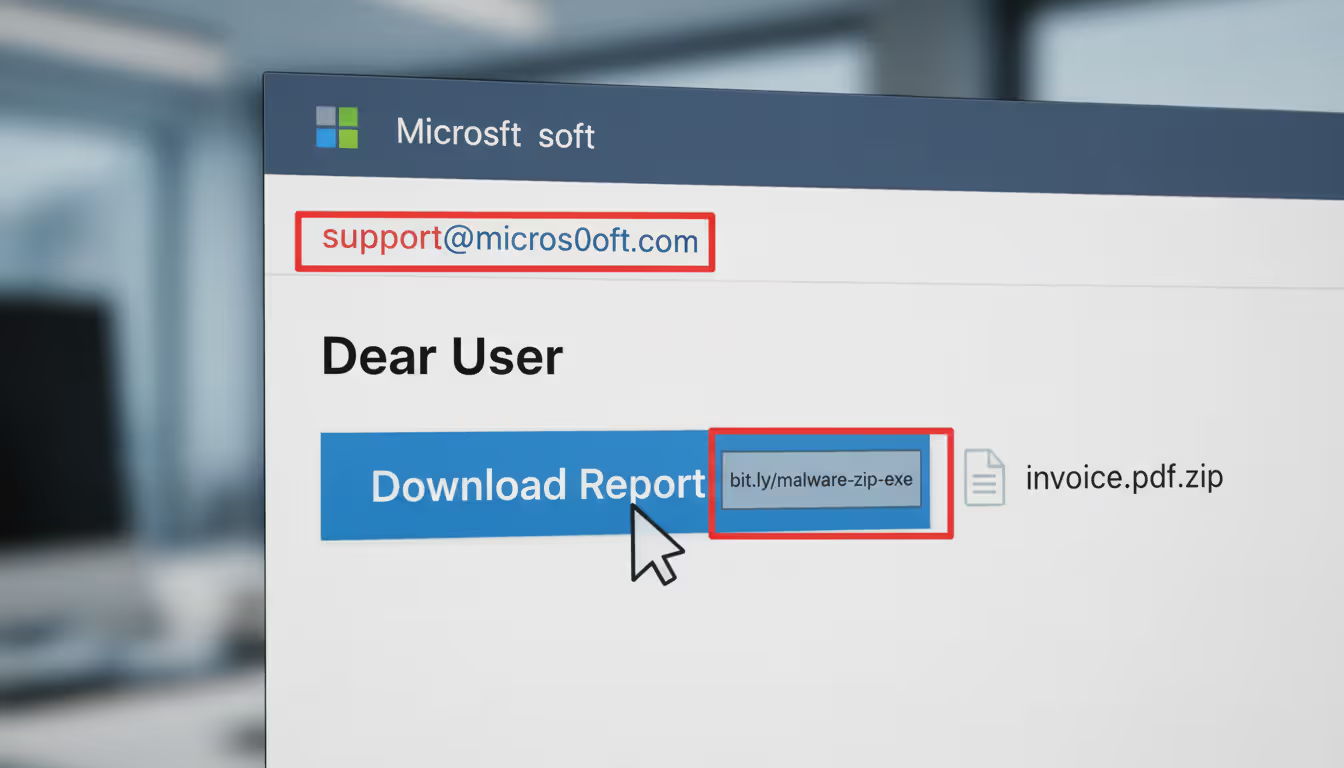
Email addresses deserve your closest scrutiny—not the friendly display name shown prominently, but the actual sending address. Here's what I mean: your inbox shows "Apple Security Team" as the sender, which looks reassuring. Except clicking to view the full email headers reveals it actually came from verification@app1e-services.biz (notice that's the number 1, not the letter L). Apple doesn't send security alerts from .biz domains registered in overseas territories.
Messages manufacturing panic follow predictable patterns. "Your Amazon account will be suspended in 6 hours unless you verify payment information immediately." "Unusual login detected from Russia—click here NOW to secure your account." "Final notice: IRS legal action pending—respond today to avoid prosecution." Real companies understand customers need time to verify suspicious requests. They won't threaten you for taking security precautions. Any email demanding instant action without allowing verification time should trigger immediate suspicion.
Generic greetings reveal mass campaigns. "Dear Customer" or "Attention Account Holder" indicate the sender doesn't actually know you. Banks and services you use typically address you by name. That said—don't assume personalized greetings guarantee legitimacy. Sophisticated attackers pull names from breached databases, so "Hello Jennifer Martinez" doesn't prove anything anymore.
Language quality varies wildly but often provides clues. Major financial institutions employ professional communications teams. They don't send customer emails with subject lines reading "You're Account Need Verify Now." That said, phishing quality has improved dramatically. Some campaigns are grammatically flawless, forcing you to rely on other indicators. Look for subtle formatting inconsistencies—mismatched fonts, blurry logos, odd spacing that doesn't match typical communications from that company.
Links require extreme caution. Here's your move: hover your mouse pointer over any link without clicking to preview the actual destination URL. Maybe the text displays "www.chase.com/account-security" but the preview reveals "www.chase-verify-account.net." That mismatch screams fraud. URL shorteners (bit.ly, tinyurl, etc.) appearing in supposed official communications should raise red flags since they obscure the true destination. Legitimate companies typically use their full official domains in customer communications.
Attachments from unexpected sources need scrutiny, particularly files capable of executing code. Anything ending in .exe, .zip, .scr, .js gets special suspicion. Watch for double extensions like "invoice.pdf.exe" designed to fool casual observation. Even Word documents or PDFs can contain embedded macros that install malware when opened. Question why any company would randomly email executable files to customers—the answer is they wouldn't.
Requests for sensitive information via email violate standard security practices. Your bank will never email asking you to confirm your password. Credit card companies don't request CVV codes through email. The IRS explicitly states on their website that they never initiate contact about tax issues via email—any such message is automatically fraudulent. Social Security Administration doesn't email about benefit payments. If an email asks for passwords, PINs, Social Security numbers, or full credit card details, you're looking at a scam regardless of how official it appears.
Author: Monica Ellery;
Source: elegantimagerytv.com
Real Email Phishing Examples
Fake Package Delivery Notification
You're expecting several deliveries this week, so the FedEx notification doesn't raise immediate flags. Proper logo placement, tracking number included, formatting matches previous legitimate delivery confirmations you've received. The message explains a delivery attempt failed because nobody answered your door. "Reschedule delivery now or your package returns to sender within 48 hours." That urgency pushes you toward the link.
Click it, and you're downloading malware disguised as an "updated shipping label PDF." Or maybe you land on a fake FedEx site requesting personal information to reschedule. Criminals run these campaigns heaviest during November and December when everyone's drowning in package notifications. Success rates during holiday season can hit 15-20% compared to 2-3% during slower months.
Fraudulent Bank Security Alert
This one gets sophisticated fast. The email mimics your actual bank's security department with disturbing accuracy—correct fonts, matching color schemes, even that reassuring "we're protecting you" tone banks use. It flags suspicious activity: attempted $3,247 purchase at a Best Buy in Phoenix (you live in Ohio), plus a login attempt from Manila.
Transaction details are specific enough to seem credible. They list the exact time, attempted purchase amount, partial credit card number (last four digits showing your actual card). A red button dominates the message: "Verify Your Identity—Protect Your Account." That button sends you to what looks pixel-perfect like your bank's real login page. Same URL structure (wells-fargo-security.com looks official at quick glance). Enter your username and password, and congratulations—criminals now have direct access to your actual account. Many victims don't realize anything happened until they check their balance three days later and find $8,000 missing.
CEO Fraud (Business Email Compromise)
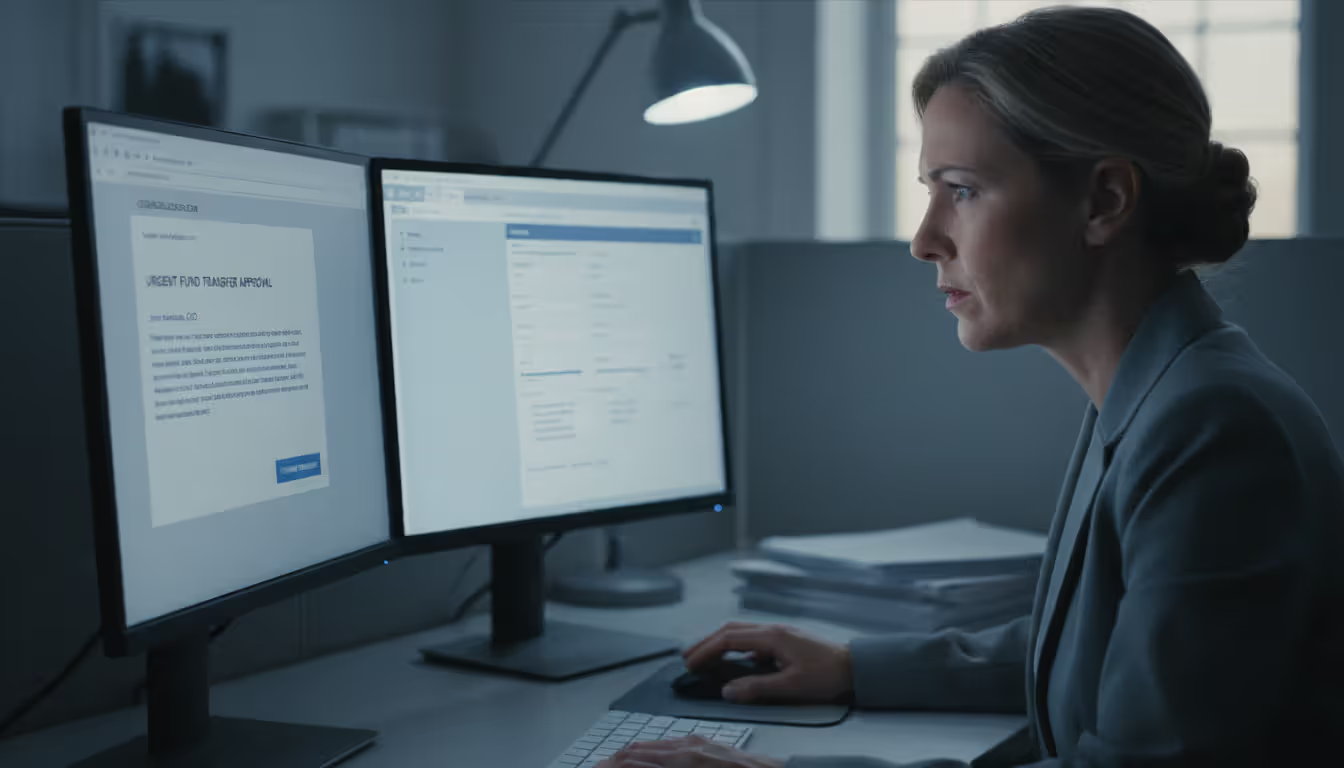
These targeted attacks focus on employees authorized to handle financial transactions. An email appears from your company's CEO—display name, signature block, even writing style all match. It arrives Friday afternoon when the executive is traveling (information gleaned from their public LinkedIn posts about attending a conference).
"Need you to process an urgent wire transfer for the acquisition we discussed at the board meeting. Legal needs this completed today before markets close. Keep it confidential until the official announcement Monday. Here are the receiving bank details—$180,000 to this account. Thanks for handling this quickly."
Employees hesitate to question apparent executive directives, especially about confidential deals. They process the transfer. Criminals withdraw the funds within hours, laundering them through multiple international accounts. By Monday when someone asks questions, the money's gone forever. The FBI tracks business email compromises that have collectively stolen over $50 billion globally.
IRS Tax Scam
March through April, these flood everyone's inbox. The message claims to come from "IRS Refund Processing Department" or similar official-sounding source. It references your specific tax year, mentions form numbers to add credibility, and notifies you about a pending refund—maybe $1,847 waiting for processing.
"Verify your identity to release your refund payment. Processing delayed pending confirmation." A link promises to expedite your refund. Here's the thing making this work: the IRS explicitly warns on their actual website that they never, under any circumstances, initiate contact about refunds or bills via email. Any such message is automatically fraudulent. Yet the combination of authority (it's the IRS!), financial incentive (get your money!), and confusing tax complexity makes people click despite what they might otherwise know.
Author: Monica Ellery;
Source: elegantimagerytv.com
How to Verify If an Email Is Legitimate
Something feels off about an email? Stop before clicking anything. Position your cursor over links to preview their destination without actually following them. Real companies consistently use their official domains throughout all communications. Look past whatever text displays and examine the actual URL. Seeing mismatches or unfamiliar domains means you need further verification before proceeding.
Study sender addresses with care—specifically the domain portion after the @ symbol. Be alert for characters that look similar but aren't: rn side-by-side can resemble m, capital I looks identical to lowercase L in many fonts, the number 0 versus letter O. "support@paypai.com" isn't PayPal. Some phishing spoofs the display name prominently while the actual sending address is completely unrelated—your email shows "Chase Bank Customer Service" in big letters while the real address reads "no-reply@suspicious-random-domain.net."
Contact companies directly using information you find independently—never through details provided in the suspicious email itself and definitely not by replying. Open your browser, manually type the company's web address (or use a bookmark you created previously), locate their customer service contact information, and call. Ask their representative whether they sent the email. Yes, this requires an extra three minutes. Those three minutes might save you $3,000 or prevent identity theft.
Check for authentication warnings your email program displays. Modern services like Gmail and Outlook flag messages failing technical verification protocols (SPF, DKIM, DMARC)—systems designed to confirm whether senders are really who they claim. Failed authentication doesn't guarantee phishing (legitimate emails sometimes fail these checks due to misconfiguration), but it's definitely concerning. Passing these tests isn't proof of safety either since attackers occasionally compromise legitimate authenticated accounts.
Verify sensitive requests through completely separate communication channels. Email supposedly from your colleague requests confidential data or financial transactions? Pick up the phone and call them using a number you already have—not one provided in the email. Send them a Slack message or text. Never rely exclusively on email verification when stakes involve money or private information.
Search the email's subject line or distinctive phrases online. Many phishing campaigns are widespread enough that security researchers, news outlets, or previous victims have already posted warnings. Googling "IRS refund processing verification email" might immediately show forum discussions from hundreds of people reporting the identical scam you just received.
Author: Monica Ellery;
Source: elegantimagerytv.com
Steps to Avoid Falling for Email Phishing
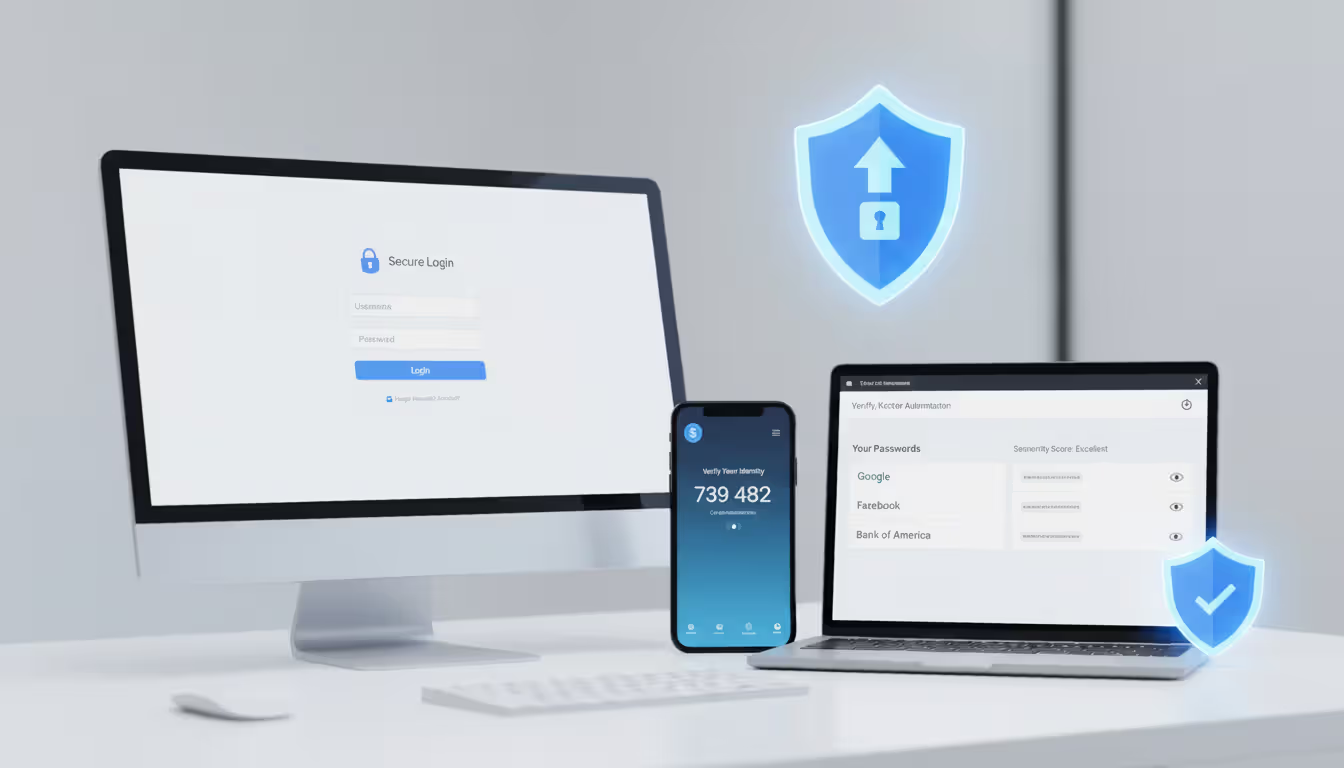
Start protecting yourself by activating two-factor authentication on every single account offering it. Banks, email providers, social media, shopping sites—all of them. With 2FA active, even if phishing steals your password, criminals still can't access your account without that second verification factor (typically a code texted to your phone or generated through an authenticator app). This single measure stops the overwhelming majority of credential-theft attacks dead. I'm talking 99%+ effectiveness.
Configure aggressive email filtering, then actually use it properly. Gmail, Outlook, and other major services include phishing detection, though they're far from perfect. Most people don't do this: when you receive obvious phishing, actually mark it as spam instead of just deleting it. This trains the filter to recognize similar future attempts. Dig into your email settings—most services offer advanced filtering options that can quarantine suspicious messages for manual review before they hit your main inbox.
Keep everything updated. Everything. Operating system, web browser, email program, security software, everything. Those update notifications interrupting your workflow? They patch security vulnerabilities phishing attacks actively exploit. Turn on automatic updates wherever possible. Plenty of successful phishing campaigns rely on malware specifically targeting known vulnerabilities in outdated software versions that patches fixed months ago.
Organizations need regular, ongoing security awareness training for all employees. Run simulated phishing exercises—send fake (but safe) phishing emails to staff and track who clicks. This identifies who needs additional training while teaching recognition skills in a controlled environment where mistakes don't have real consequences. Don't make this annual training. Phishing tactics evolve monthly, so training needs to be continuous.
Use a password manager to generate and store unique, complex passwords for every account. This prevents password reuse—a massive vulnerability when phishing compromises one account. Password managers offer an additional protective benefit: they won't autofill credentials on fake login pages because the URL doesn't match the legitimate site stored in their database. If your password manager isn't offering to fill your login details, that's a warning the site might be fraudulent.
Make skepticism your default reaction to unsolicited messages requesting action. Got an unexpected email asking you to sign in somewhere or verify something? Don't use links from that email. Instead, manually type the company's address into your browser or use a bookmark you created previously. This completely eliminates link-based phishing risks. Is this slightly less convenient than clicking? Yes. Is that minor inconvenience worthwhile protection? Absolutely.
Whenever an email screams urgency, deliberately slow down. Real organizations understand that security-conscious customers verify suspicious requests. They won't punish you for taking time to confirm legitimacy. Any email demanding action right this second without allowing verification time is suspicious by design.
What to Do If You Click on a Phishing Email
Email phishing remains the initial access vector in the majority of successful cyberattacks we investigate. The sophistication has increased dramatically—attackers now conduct extensive reconnaissance and craft highly personalized messages that even trained security professionals find difficult to distinguish from legitimate communications
— Bryan Vorndran
This assessment explains why email phishing persists despite decades of public awareness efforts. The tactics evolve as quickly as defensive measures improve, creating an endless arms race where human judgment remains the critical final defense layer.
Clicked a link but didn't enter information? You're probably okay, but take precautions anyway. Immediately clear your browser's cache and cookies. Run a complete antivirus scan checking whether anything downloaded in the background. While simply clicking poses less danger than entering credentials, some attacks exploit browser vulnerabilities installing malware without further interaction.
Entered credentials on a fake site? Change your password right now—start with the compromised account, then change passwords for any other accounts where you unfortunately reused the same password. (Using unique passwords everywhere like you should be? Only the targeted account faces risk.) Try changing passwords from a different device if possible, in case your primary computer is compromised.
Downloaded and opened an attachment? Disconnect from the internet immediately. This prevents malware from contacting attacker-controlled servers or spreading across your network. Run antivirus scans while offline, or better yet, have IT professionals examine the device thoroughly. Don't reconnect until you're confident the system is clean.
This happened on a work device or involves business accounts? Notify your IT or security team instantly. Speed matters tremendously—fast action might prevent attackers from moving laterally through your company network or stop fraudulent wire transfers before they process. Don't let embarrassment delay reporting. Security teams vastly prefer hearing about potential breaches immediately rather than discovering them weeks later after massive damage occurred.
Monitor your accounts closely for unusual activity. Check bank statements daily, review credit card transactions, examine account access logs if available. Set up alerts for suspicious activity through your bank's mobile app. If the phishing specifically targeted financial accounts, call your bank immediately to flag potential fraud. They might issue replacement cards or temporarily add extra verification requirements.
Add additional security to compromised accounts. If you hadn't already activated two-factor authentication, enable it immediately on every account you have. Review account recovery options (backup email addresses, security questions, phone numbers) ensuring criminals can't exploit them to regain access. Check for newly linked devices or authorized third-party applications that might have been added without your knowledge.
Report the phishing attempt to help protect others. Forward the email to reportphishing@apwg.org (Anti-Phishing Working Group) and spam@uce.gov (Federal Trade Commission). Send it to the abuse department of whichever company was being impersonated. File a report with the FBI's Internet Crime Complaint Center at ic3.gov if you suffered financial loss. These reports help law enforcement track campaigns and potentially warn other potential victims.
Consider credit monitoring services if the phishing potentially exposed your Social Security number or other identity information. You can freeze your credit with all three major bureaus, which stops anyone from opening new accounts in your name. It creates inconvenience when you legitimately need credit, but it's highly effective protection against identity theft following information compromise.
Legitimate Email vs. Phishing Email: Key Differences
| Characteristic | Legitimate Email | Phishing Email |
| Sender Address | Official company domain only (like @chase.com) | Domains with misspellings or suspicious variations (@chase-security.net, @ch4se.com) |
| Greeting Style | Uses your actual name | Often generic greetings like "Dear User" (sophisticated attacks might include names from stolen databases) |
| Tone and Urgency | Professional language, reasonable response timeframes | Creates artificial panic with countdown timers, account closure threats, or unbelievable offers |
| Links and URLs | Point to official domains when hovering to preview | Redirect to mismatched domains, hide behind URL shorteners, or contain character substitutions |
| Information Requests | Will never request passwords, PINs, Social Security numbers, or complete credit card details via email | Asks you to "confirm" or "verify" sensitive data like passwords, account numbers, or personal identification information |
| Grammar and Formatting | Professional quality matching company branding standards | May show spelling mistakes, awkward phrasing, formatting problems, or low-quality images |
Frequently Asked Questions
Email phishing won't disappear anytime soon—not while email remains our primary digital communication tool for both personal and business purposes. Attackers continuously adapt their methods, exploiting breaking news events, technological shifts, and fundamental aspects of human psychology that haven't changed much in thousands of years. The widespread shift to remote work has expanded vulnerability significantly, with employees accessing company systems from home networks and personal devices offering weaker security than corporate environments provided.
Effective protection requires multiple defensive layers working together. Technical measures—spam filters, authentication protocols, endpoint security software—catch many attacks but never every single one. Human awareness fills those inevitable gaps. Train yourself to pause before clicking anything, verify before trusting requests, and question manufactured urgency. This creates a mental security perimeter complementing technical defenses rather than replacing them.
The consequences of falling for phishing extend well beyond immediate financial loss. Compromised login credentials can lead to identity theft, fraudulent tax returns filed in your name, or unauthorized access that continues undetected for months while criminals map your digital life. Business email compromises damage professional reputations and strain client relationships built over years. The time and psychological stress involved in recovery far outweighs the brief moments needed for verification before clicking that suspicious link.
Developing a security-first mindset transforms email phishing from a dangerous threat into a manageable risk you can navigate successfully. Approach unsolicited emails with appropriate skepticism as your default reaction rather than starting from a position of trust. Verify independently before acting on any requests involving money or sensitive information. Deploy technical safeguards like two-factor authentication and password managers consistently across all your accounts. Stay informed about evolving phishing tactics by following security researchers or subscribing to cybersecurity newsletters from reputable sources.
When you're uncertain about an email's legitimacy, the safest response is always to verify through alternate channels or simply ignore it. Real organizations will reach you through multiple methods if something genuinely requires your attention. No authentic urgent situation depends entirely on you clicking a specific link in an unsolicited email within the next ten minutes. That manufactured sense of urgency pressing you to act immediately without time for verification? Often the clearest warning sign something isn't legitimate.
Related Stories
Read more
Read more

The content on this website is provided for general informational and educational purposes only. It is intended to explain concepts related to cybersecurity awareness, online threats, phishing attacks, and data protection practices.
All information on this website, including articles, guides, and examples, is presented for general educational purposes. Cybersecurity risks and protection strategies may vary depending on individual behavior, technology usage, and threat environments.
This website does not provide professional cybersecurity, legal, or technical advice, and the information presented should not be used as a substitute for consultation with qualified cybersecurity professionals.
The website and its authors are not responsible for any errors or omissions, or for any outcomes resulting from decisions made based on the information provided on this website.