
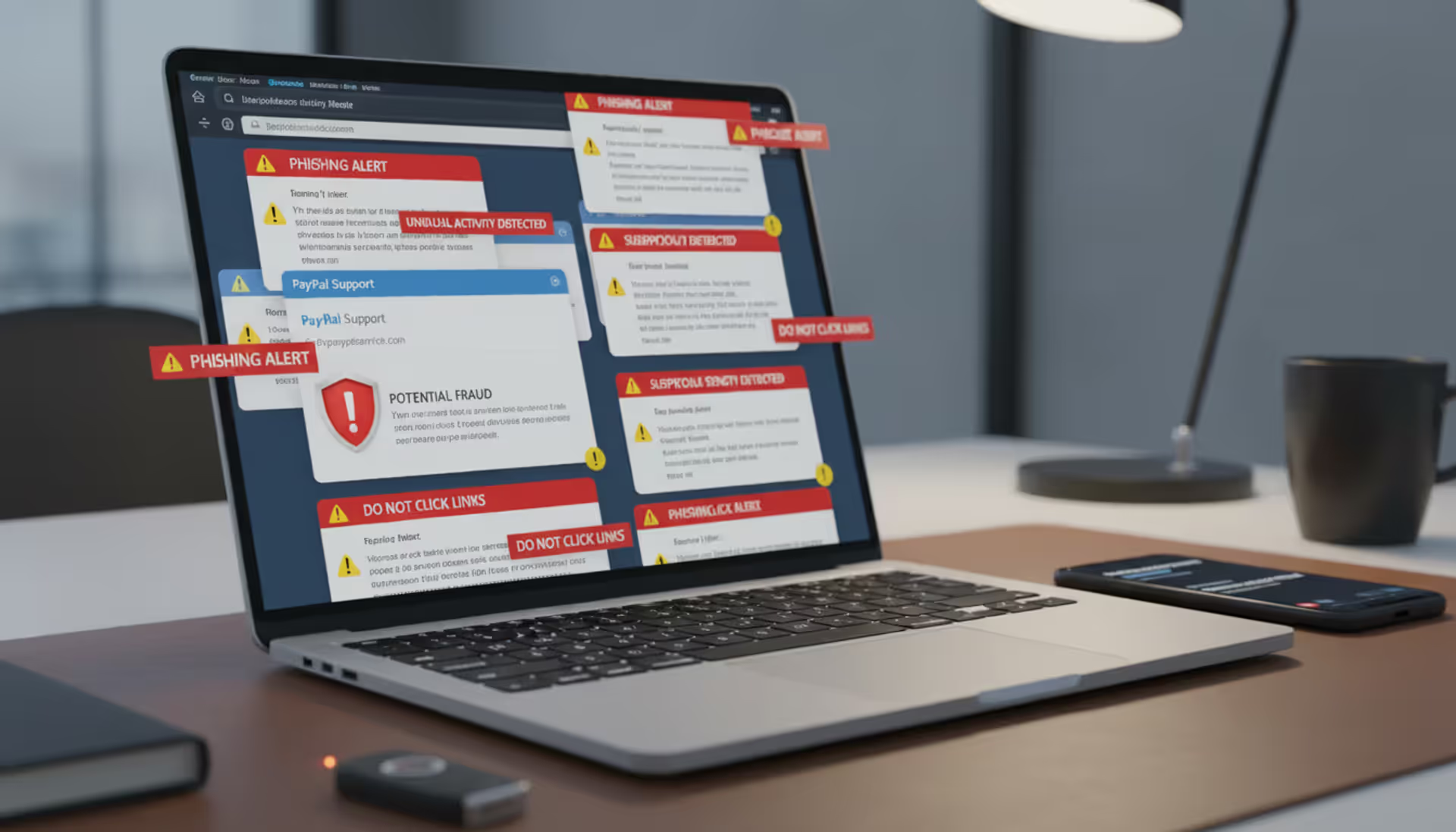
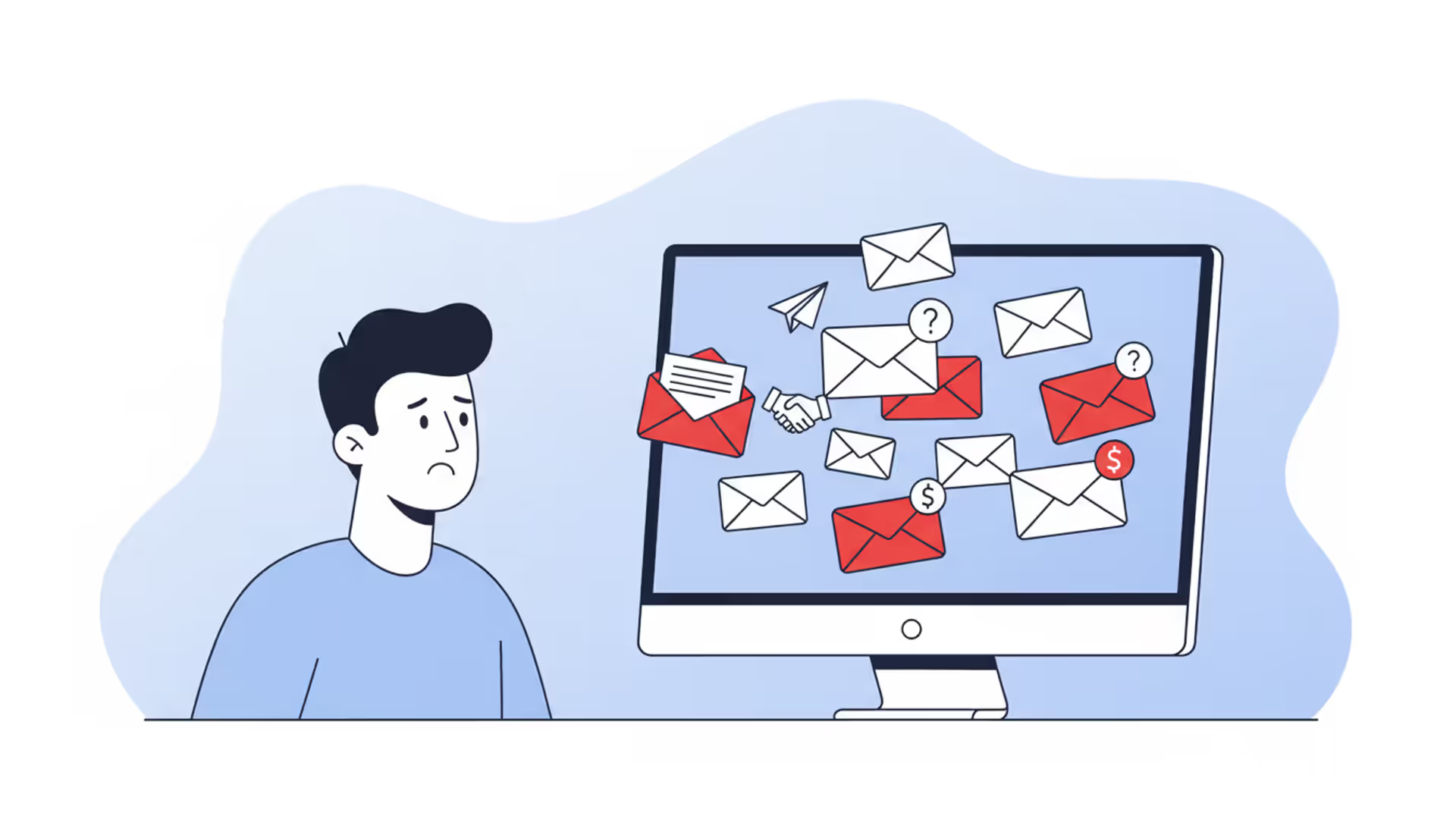
Cybersecurity email inbox with phishing warnings on a laptop screen
Email Spam Attack Guide

In 2026, your inbox isn't just cluttered—it's a battlefield. Cybercriminals launch billions of malicious email campaigns annually, and you're likely receiving several right now without realizing it. These aren't just annoying newsletters you forgot to unsubscribe from. We're talking about calculated attacks designed to empty your bank account, lock your files behind ransomware, or steal your identity.
Here's what you need to know to protect yourself.
What Is an Email Spam Attack
Think of email spam attacks as digital con artists operating at massive scale. They send malicious messages crafted specifically to compromise your computer, steal your passwords, or trick you into wiring money to criminals.
This differs completely from standard spam. Regular promotional emails hawk weight loss pills or questionable investment opportunities. Annoying? Sure. Dangerous? Not really. Email spam attacks, however, deliver real threats—ransomware that encrypts your wedding photos, keyloggers that record your online banking credentials, or fake invoices that redirect payments to offshore accounts.
Why do attackers bother? Money tops the list. A single successful business email compromise can net six or seven figures. Ransomware payments average $200,000 per incident according to 2025 industry reports. Stolen credentials sell for $5-$50 each on underground markets, and attackers harvest millions at a time.
Beyond financial theft, some attackers pursue corporate secrets—engineering blueprints, customer databases, merger plans. Nation-state actors conduct espionage campaigns. Hacktivists target organizations whose policies they oppose. Some attackers just want chaos.
Modern attack campaigns resemble legitimate businesses. Criminal groups maintain help desks for "customers" locked by their ransomware. They run affiliate programs where junior criminals earn commissions. They A/B test message templates and analyze conversion rates. Some even guarantee refunds if the malware doesn't work.
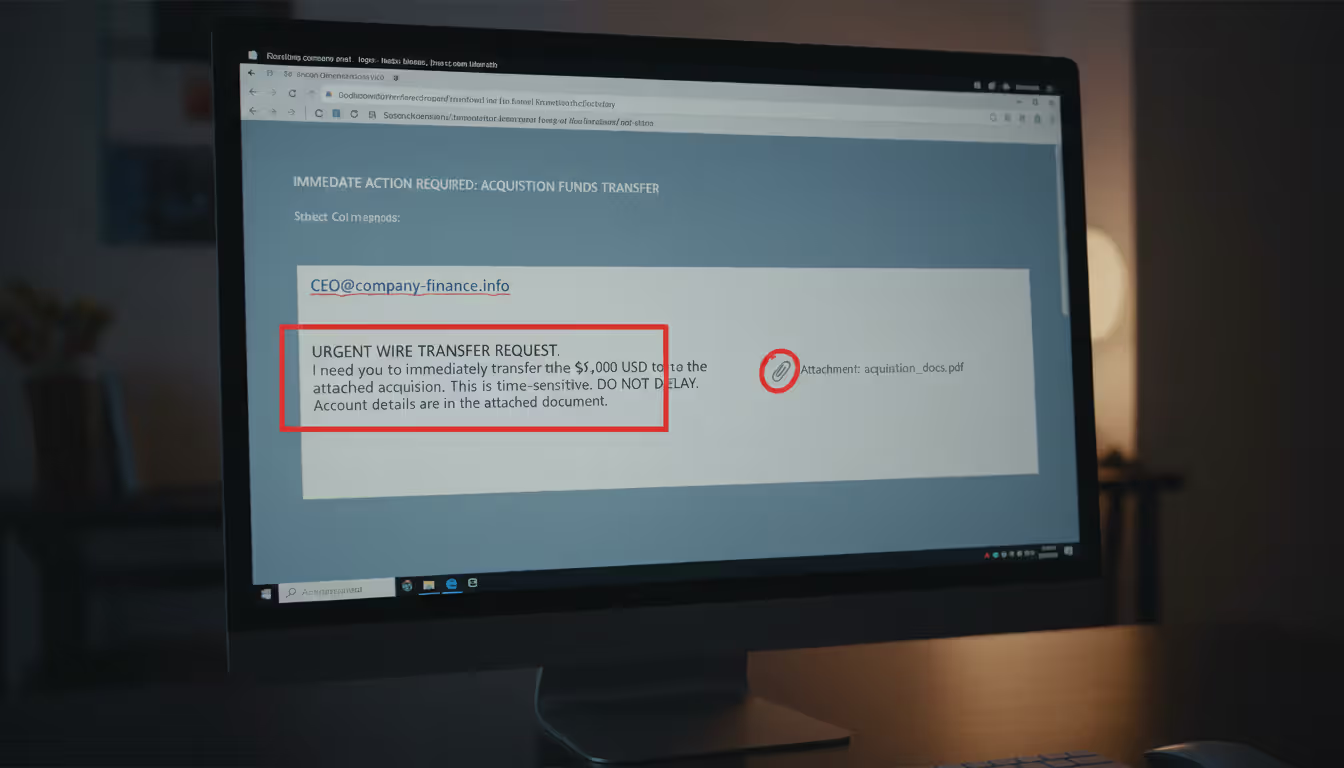
Their methods evolve constantly. Today's attackers impersonate your company's CEO requesting an urgent wire transfer. They forge shipping notifications from FedEx containing malware. They replicate your bank's login page pixel-for-pixel, stealing credentials the moment you type them.
Author: Trevor Kingsland;
Source: elegantimagerytv.com
How Email Spam Attacks Work
Most attacks follow a predictable pattern, though sophistication varies wildly.
First comes reconnaissance. Mass campaigns buy leaked email lists containing millions of addresses—remnants from old data breaches traded in criminal forums. More targeted operations scour LinkedIn, company websites, and news articles. They note who reports to whom, what projects are underway, and when quarterly deadlines loom. This intelligence makes their pretexts believable.
Message creation happens next. Low-effort campaigns blast identical templates to everyone: "Your package is waiting! Click here!" Advanced operations customize each email. They reference your actual projects, mention real colleagues, or comment on recent company announcements. The personalization builds false trust.
Delivery techniques determine whether messages reach inboxes or get caught by filters. Amateur attackers send from obviously suspicious servers. Their messages trigger spam filters immediately. Professionals compromise legitimate business email accounts or rent space on reputable mail servers. Some register domains one character different from real companies—"arnazon.com" instead of "amazon.com." Quick glances miss these substitutions.
Once your email client displays their message, psychology takes over. Attackers manufacture urgency: "Respond within 24 hours or face penalties." They invoke authority: "The CEO needs this immediately." They offer rewards: "Claim your refund now." These tactics short-circuit rational thinking.
Common Attack Vectors
Phishing links remain incredibly effective. Click one, and you're transported to a convincing replica of your email provider's login page. Type your password, and it's instantly transmitted to criminals who'll use it within minutes. Many phishing sites now implement HTTPS encryption—that padlock icon everyone trusts—making them harder to spot.
Some links redirect to exploit kits. These automated attack platforms probe your browser for unpatched vulnerabilities, then silently install malware without any visible warning. You visit what looks like a normal webpage, and behind the scenes, your computer gets infected.
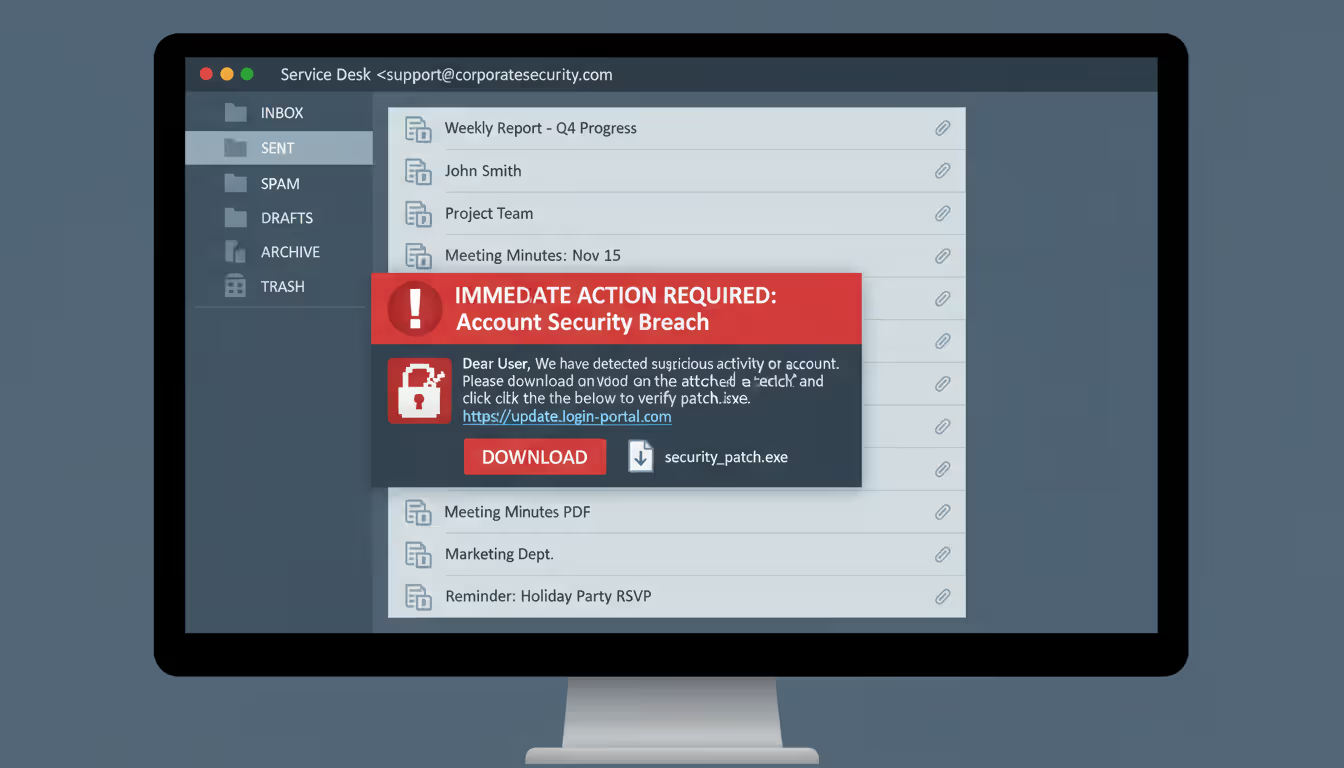
Malicious attachments come disguised as everyday business documents. An "invoice.pdf" that's actually "invoice.pdf.exe"—a trick that works because Windows hides file extensions by default. Word documents containing macros that download ransomware when you click "Enable Content." ZIP files with names like "PO_45782.zip" that businesses receive hundreds of daily.
Modern malware uses polymorphic code that changes each time it spreads, evading signature-based antivirus detection. Some lies dormant for weeks, activating only after establishing persistence on your network.
Business email compromise skips technical exploits entirely, relying purely on impersonation. Attackers monitor email traffic after compromising one account, learning communication patterns and business processes. Then they strike—an email from the CFO's address (either spoofed or compromised) requesting an urgent wire transfer to a "new vendor account" that's actually controlled by criminals.
These attacks target finance departments on Fridays or during quarter-end rushes when large transactions seem routine and scrutiny decreases. Success rates hover around 3-5%, but with average takes exceeding $100,000, the math works out nicely for criminals.
Thread hijacking injects attacks into ongoing email conversations. Compromise one account in a legitimate discussion thread, then reply with a malicious attachment or link. Recipients trust it because the conversation context appears authentic and the sender is known.
Author: Trevor Kingsland;
Source: elegantimagerytv.com
Why Spam Attacks Succeed
Your brain works against you. We're hardwired to trust familiar patterns—a CEO's name, your bank's logo, a colleague's email address. When stressed or hurried, we default to automatic responses rather than careful analysis. An urgent message from the boss triggers immediate action, not suspicious scrutiny.
Authority bias makes us defer to perceived superiors. Scarcity mindset—"limited time offer!"—overrides caution. Reciprocity norms mean we feel obligated to respond to requests. Attackers weaponize these cognitive shortcuts.
Technical gaps provide additional openings. Many companies never implemented DMARC email authentication, allowing trivial sender spoofing. Mobile email clients hide sender details and make hovering over links to check destinations difficult. Legacy systems lack modern threat detection.
Then there's volume. Finance departments process hundreds of invoices weekly. IT staff handle dozens of password reset requests daily. HR reviews countless resumes. One malicious message among hundreds of legitimate ones blends in perfectly, especially when attackers time delivery for busy periods.
Warning Signs of an Email Spam Attack
Spotting attacks requires examining multiple elements. Individual red flags might have innocent explanations, but combinations should trigger alarm bells.
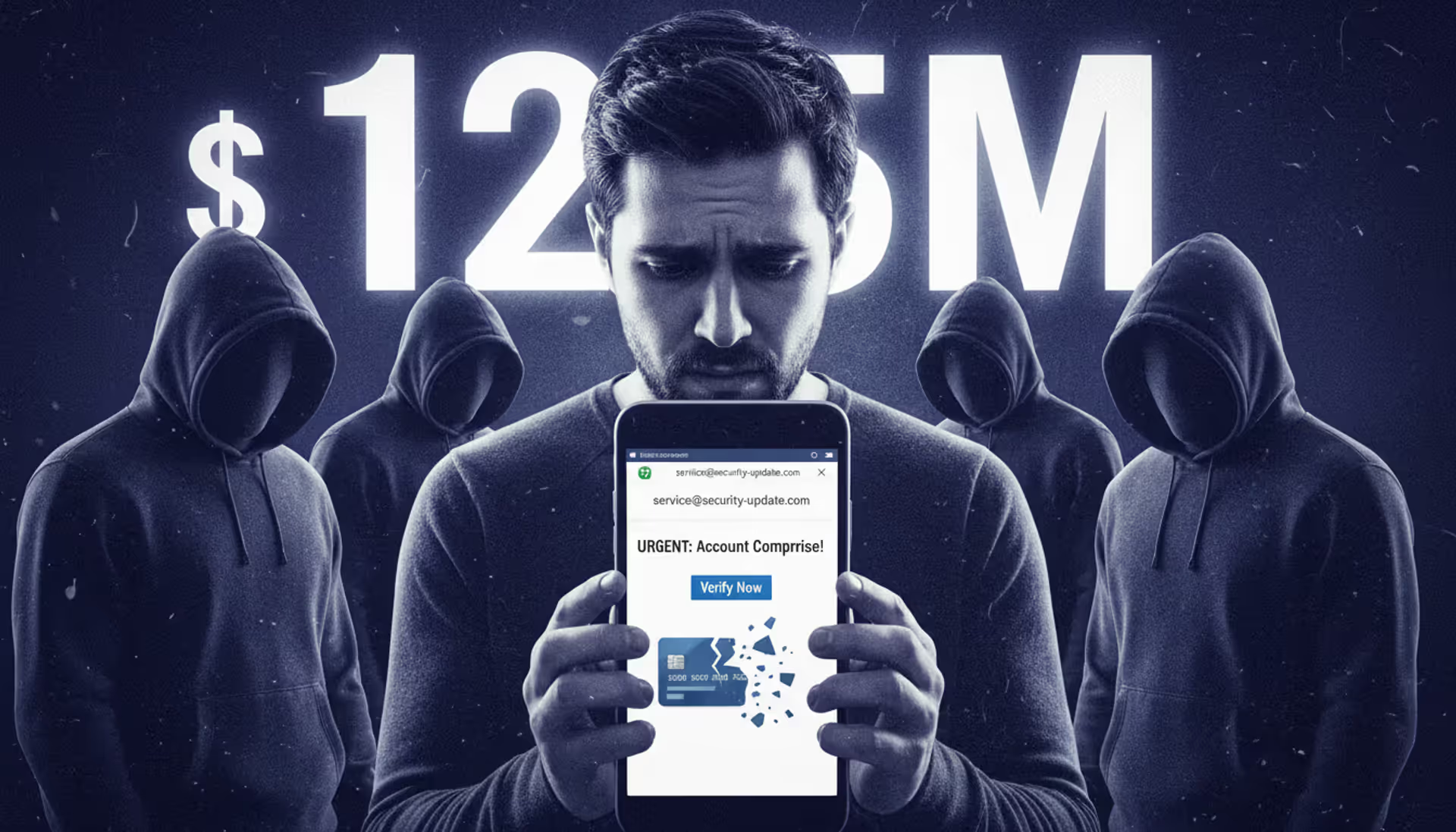
Sender inconsistencies manifest in various ways. The display name says "John Smith - CFO" but the actual address is johns2847@gmail.com. Your colleague's address looks correct, but they're suddenly using different vocabulary or sentence structure. A major corporation supposedly emails you from a free Yahoo account. The domain resembles your bank's but includes an extra hyphen or substitutes a zero for the letter O.
Real example: An employee received mail from "microsoft-security@micros0ft-account.com." The zero replacing the second "o" was nearly invisible in standard fonts.
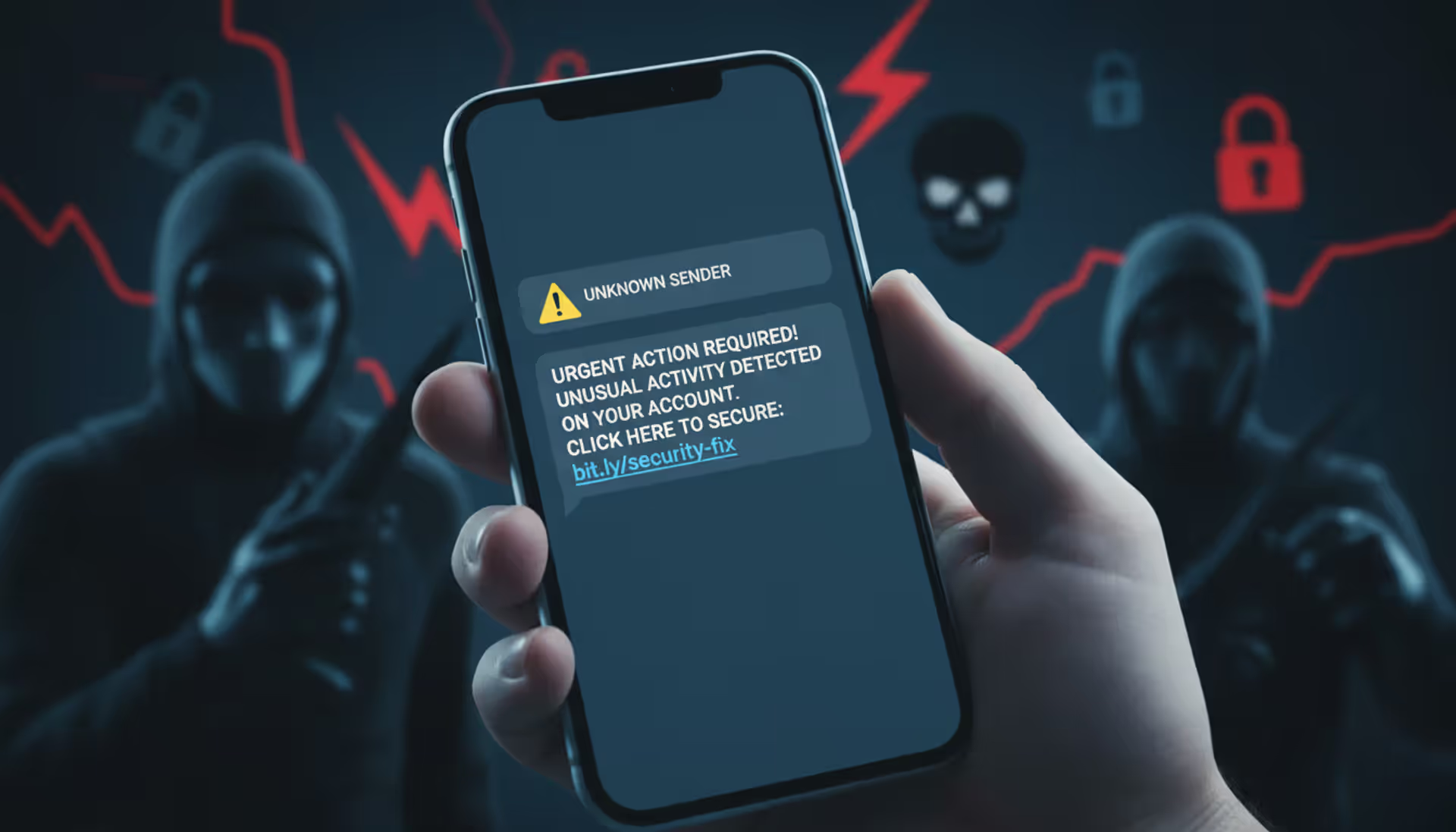
Link manipulation reveals itself through inspection. Hover your cursor over any hyperlink without clicking. The destination URL appears in your browser's status bar. If the displayed text says "yourbank.com" but hovering shows "yourbank-secure.tk," that's an attack. Shortened URLs (bit.ly, tinyurl) in unsolicited business emails deserve suspicion—legitimate companies use their full domains.
Pressure tactics attempt to bypass your judgment. Subject lines like "IMMEDIATE ACTION REQUIRED" or "FINAL NOTICE - RESPOND TODAY" create artificial panic. Messages threaten account closure, legal consequences, or missed opportunities unless you act now. Real organizations rarely demand instant responses via email for critical matters.
Unexpected attachments warrant extra caution. You receive executable files from unknown senders. Office documents arrive with instructions to "enable macros" or "enable editing"—actions that activate malicious code. Files use double extensions: "report.pdf.exe." Password-protected ZIPs where the password is provided in the email body (a tactic to bypass security scanners).
Language problems sometimes signal foreign attackers using translation software. Watch for awkward phrasing, inconsistent formatting, or strange word choices. However, AI writing tools now help attackers produce grammatically perfect English, making this indicator less reliable than it once was.
Information requests from supposedly trusted sources should always raise questions. Banks don't ask you to verify passwords via email. The IRS doesn't request Social Security numbers through messages. Your IT department won't ask for credentials in unsolicited emails. Payment processors don't need you to "confirm" credit card details.
Impersonal greetings signal mass campaigns. Your credit card company knows your name—they won't address you as "Dear Cardholder" in supposedly important security notifications.
Types of Email Spam Attacks With Examples
| Attack Style | How It Works | Who Gets Targeted | What Attackers Want | Complexity | Real-World Example |
| Standard Phishing | Bulk messages with fake login pages sent to millions | Anyone with an email address | Usernames, passwords, payment details | Simple | Supposed Netflix message about payment decline, directing to fake login portal that captures credentials |
| Spear Phishing | Customized messages using researched personal details | Chosen individuals based on role or access | Specific account access, confidential data | Moderate to Advanced | Message to accounting staff mentioning legitimate vendor by name, requesting "updated W-9 form" via malicious download link |
| Whaling | Extensively researched attacks on high-value targets | Executives, senior decision-makers | Large wire transfers, sensitive business intelligence | Advanced | Fabricated legal document appearing to come from law firm involved in real merger, sent to CEO |
| Malware Distribution | Messages carrying infected files or exploit links | Broad targeting across industries | Ransomware installation, botnet recruitment | Simple to Moderate | Fake UPS delivery notice with attached ZIP file containing executable ransomware |
| Business Email Compromise | Impersonation using spoofed or hacked executive accounts | Finance teams, accounts payable, HR | Direct theft via fraudulent wire transfers | Moderate to Advanced | Email appearing from CFO address requesting immediate payment to "updated vendor banking details" controlled by criminals |
Standard phishing operates on volume. Send ten million fake Apple ID security alerts, get 30,000 people to enter credentials—that's 0.3% success, which translates to massive profits when credentials sell for $15 each. During 2025, fake tax refund notifications from supposed IRS addresses tricked thousands into providing Social Security numbers and banking information on cloned government websites.
Spear phishing takes time but yields higher returns. Attackers identified a university department applying for a specific NIH grant (public information). They crafted an email appearing to come from the grant administrator, referencing the exact grant number and requesting supplemental documentation via what appeared to be a SharePoint link. That link led to a credential harvesting site perfectly mimicking the university's authentication portal. Once compromised, attackers accessed sensitive research data.
Whaling hunts the biggest targets. A healthcare system's CEO received what appeared to be a sealed court filing regarding a merger the company had publicly announced weeks earlier. The attached PDF exploited a reader vulnerability to install keylogging software, giving attackers access to confidential acquisition negotiations and executive communications for weeks before discovery.
Malware spam exploits predictable patterns. Tax season brings fake accounting software and IRS forms. Shipping season generates millions of fake delivery notifications. The "TaxAssist Pro" campaign in early 2026 distributed what appeared to be legitimate tax preparation software through professional-looking emails. Users who installed it found their files encrypted within hours, with ransom demands for three Bitcoin.
Business email compromise cost victims $2.9 billion in 2025 according to FBI Internet Crime Complaint Center data. One typical case: attackers compromised a construction supplier's email, monitored communications for three weeks learning billing cycles and payment procedures, then sent fraudulent invoices to five major customers with "updated banking information." Four customers paid before the fraud was discovered, transferring nearly $800,000 total to criminal-controlled accounts.
Credential stuffing campaigns follow data breaches like sharks following blood. When a gaming platform leaked 40 million user credentials in January 2026, within 48 hours attackers launched password reset emails to those addresses claiming "suspicious login attempts require immediate verification." Links led to phishing sites capturing both old and new passwords, which criminals immediately tested against banking, email, and social media platforms where victims had reused passwords.
How to Identify a Spam Attack Email
Systematic checking stops most attacks cold. Make this your standard process whenever anything feels slightly off.
First: Scrutinize the sender address. Don't just read the display name—anyone can set that to "Bill Gates" if they want. Click or tap the sender's name to reveal the full email address. Does the domain actually belong to the organization they claim? Search the sender's address online—security forums and social media often discuss addresses used in active campaigns. Does the writing style match previous emails from this person? Would they normally contact you about this topic?
Second: Examine links carefully before clicking. Desktop users: hover your mouse pointer over any link and watch the destination URL appear in your browser's bottom-left corner. Mobile users: press and hold the link to preview it. Compare what you see to what the link text displays. Legitimate organizations conducting important business use their primary domain, not random shortened URLs or character soup domains. When sites substitute similar-looking characters (rn instead of m, 0 instead of O), that's nearly always malicious.
Third: Consider context and content. Were you expecting this message? Does the request align with normal procedures? Would your mortgage company really threaten foreclosure via a single email? Does the urgency match reality, or is someone manufacturing crisis to trigger hasty action? Is the message personalized with specific details only the real sender would know, or could it apply to millions of people?
Fourth: Investigate attachments thoroughly. Verify file extensions—the letters after the last period in a filename. Windows computers hide these by default (change this setting immediately), allowing "document.pdf.exe" to display as just "document.pdf." Office documents from unknown senders requesting you enable macros are red flags. Legitimate businesses conducting normal operations rarely send executable files (.exe, .scr, .bat) through email.
Fifth: Check email headers for routing information. Most email programs let you view full headers through options or properties menus. Look for mismatches between "From," "Reply-To," and "Return-Path" addresses—these should match for legitimate mail. Check authentication results: "SPF: fail" or "DMARC: none" indicates spoofing attempts. Compare the originating IP address to the sender's claimed organization using free IP lookup tools.
Sixth: Leverage verification tools. VirusTotal lets you scan URLs and files against 70+ security vendor databases without opening them. Browser extensions like Netcraft or Web of Trust provide safety ratings for links. Many email clients now highlight suspicious messages automatically, though you shouldn't rely solely on automated detection.
Seventh: Listen to your gut. Something feels wrong? It probably is. Authentic organizations understand security concerns. They won't pressure you to bypass protections or share sensitive information via email. When uncertain, contact the supposed sender using information you find independently—not phone numbers or links provided in the suspicious message itself.
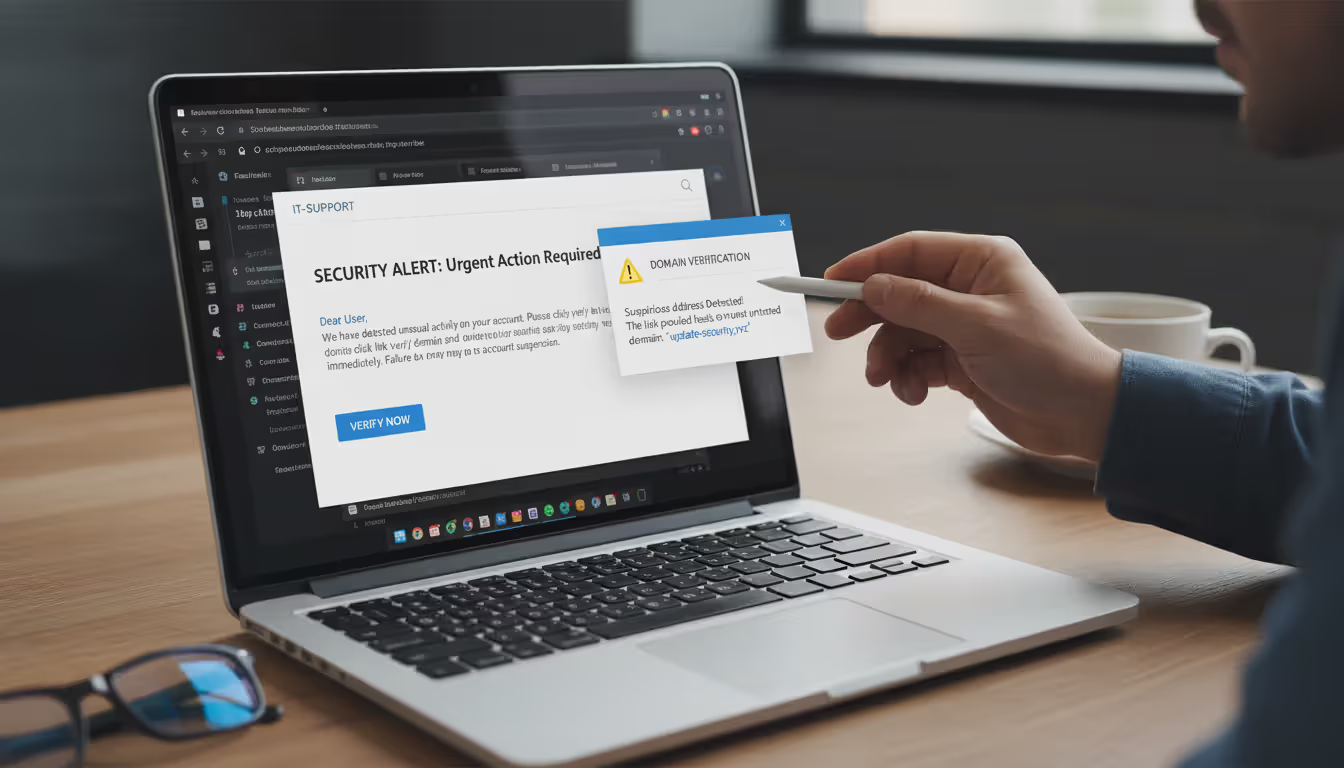
Real scenario: An employee got an email apparently from IT support requesting password confirmation for a "security upgrade." The display name matched the IT department, but the actual address was it-support@company-portal.net rather than the company's legitimate domain. The message demanded completion "within 24 hours or lose access"—artificial urgency. The embedded link, when hovered over, showed a domain registered just three days earlier according to WHOIS lookup. Email headers revealed origination from a server in Eastern Europe, nowhere near company infrastructure. Multiple red flags combined to clearly identify this as an attack rather than legitimate IT communication.
Author: Trevor Kingsland;
Source: elegantimagerytv.com
How to Avoid Email Spam Attacks
Protection requires multiple defensive layers working together. No single solution catches everything, but combining approaches dramatically reduces your risk.
Implement sophisticated email filtering systems. Modern email security solutions employ machine learning to identify phishing patterns, malicious attachments, and suspicious sender behavior. Cloud-based options like Microsoft Defender for Office 365, Proofpoint, or Mimecast scan incoming messages before delivery, quarantining threats automatically. Configure filters to block executable attachments entirely, scan embedded URLs in real-time, and flag external messages from senders claiming internal identities. Review quarantine folders regularly—false positives happen, but you can release legitimate messages while maintaining security.
Set up email authentication protocols correctly. DMARC (Domain-based Message Authentication, Reporting, and Conformance) prevents criminals from forging your domain and protects recipients from impersonation attempts. Properly configured SPF (Sender Policy Framework) and DKIM (DomainKeys Identified Mail) records tell receiving mail servers which systems legitimately send from your domain. Set DMARC enforcement to "quarantine" or "reject" for maximum protection. These standards won't stop every attack, but they eliminate simple spoofing—the low-hanging fruit that comprises most mass campaigns.
Deploy comprehensive endpoint protection. Advanced endpoint detection and response (EDR) platforms catch malware that slips past email filters. Modern solutions analyze behavior patterns rather than relying solely on signature matching, identifying ransomware and zero-day exploits through anomalous activity. Keep real-time protection enabled and updates automated. Supplement traditional antivirus with anti-exploit tools that prevent attacks targeting software vulnerabilities. Mobile devices need mobile threat defense applications that scan for phishing attempts and malicious apps.
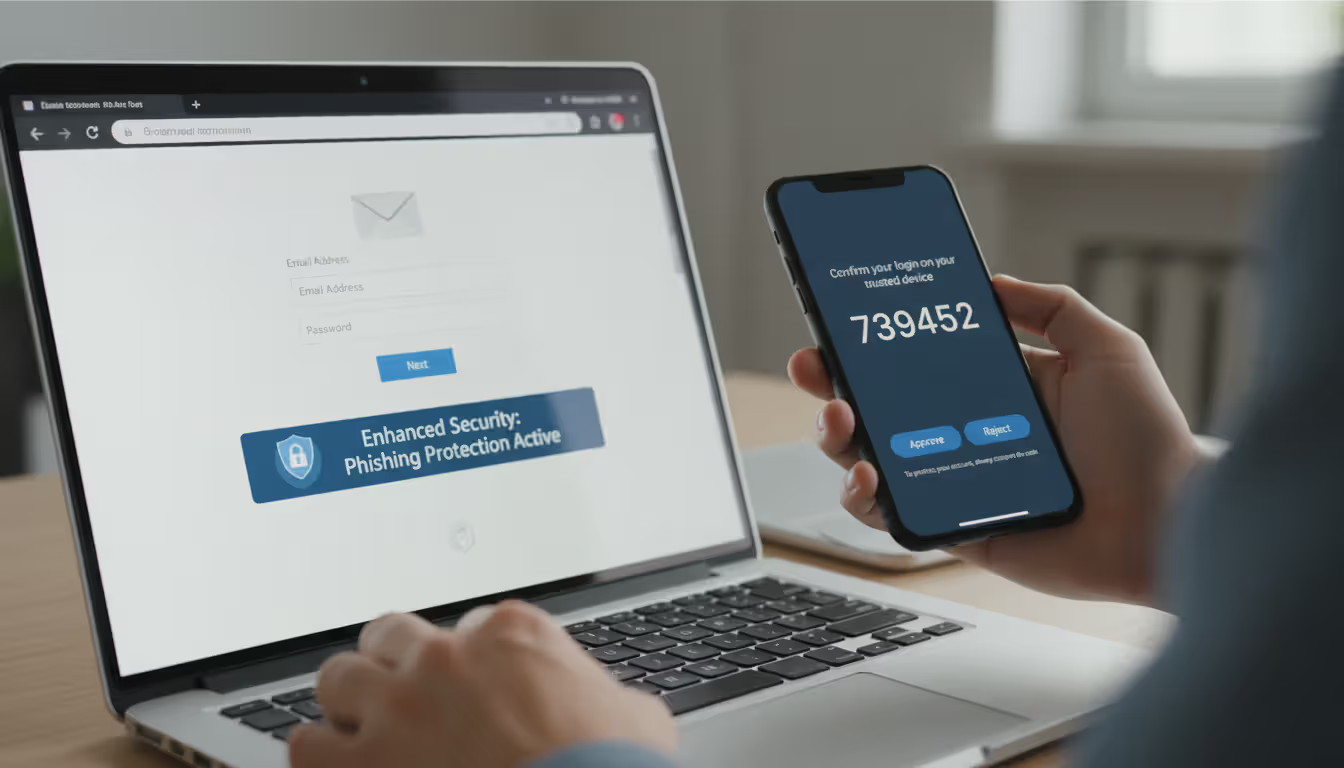
Require multi-factor authentication universally. MFA demands a second verification method beyond just passwords—something you have (phone, security key) or something you are (fingerprint, face). Even when attackers successfully phish credentials, they can't access accounts without that additional authentication factor. Use authenticator apps or hardware tokens rather than SMS codes, which can be intercepted through SIM-swapping attacks. Mandate MFA for email, VPN access, cloud services, financial accounts, and any administrative system access.
Author: Trevor Kingsland;
Source: elegantimagerytv.com
Provide continuous, engaging security training. Employees need regular education, not annual hour-long sessions they forget immediately. Monthly five-minute micro-lessons focusing on current attack trends prove far more effective. Run simulated phishing campaigns to identify who needs additional coaching and reinforce lessons without punishment or blame. Distribute examples of actual attacks targeting your specific industry—generic training doesn't resonate. Create straightforward reporting procedures so staff know exactly how to flag suspicious messages without fear of looking foolish.
Maintain aggressive update schedules for all systems. Many malware campaigns exploit vulnerabilities that have had patches available for months or years. Enable automatic updates for operating systems, web browsers, email applications, and common software like Adobe Reader and Microsoft Office. Prioritize critical security patches—deploy them within days, not weeks. Keep an inventory of all installed software to ensure nothing gets overlooked. Retire legacy applications that manufacturers no longer support with security updates.
Add warning banners to external messages. Configure email systems to automatically prepend [EXTERNAL] tags to subject lines or insert warning banners stating "This message originated outside your organization" at the top of messages from external senders. This simple visual cue helps users pause before trusting content, preventing many BEC attacks where criminals impersonate executives using free email accounts or spoofed addresses. The warning breaks the automatic trust response.
Enforce least-privilege access principles. Limit external email access to roles that genuinely need it. Restrict access to sensitive systems and confidential data based strictly on job requirements. When accounts get compromised—not if, but when—limited privileges contain damage. Separate administrative accounts from daily-use accounts. Administrators should check email and browse websites using standard user accounts, switching to elevated privileges only when performing administrative tasks.
Maintain reliable, tested backups. Ransomware delivered through email spam remains a top threat. Keep offline or immutable backups of critical data that ransomware can't encrypt. Test restoration procedures quarterly—backups you can't restore are worthless. Follow the 3-2-1 strategy: three data copies, on two different media types, with one copy stored offsite. Cloud backup services provide convenient offsite storage, but configure them so ransomware can't encrypt cloud copies through file synchronization.
Monitor for compromised credentials actively. Services like Have I Been Pwned let you check whether your email addresses appear in known data breaches. Several password managers include built-in breach monitoring. When credentials appear in breaches, change passwords immediately across all accounts and monitor for suspicious activity. Organizations should use dark web monitoring services that alert when employee credentials surface in criminal marketplaces or paste sites.
Establish robust financial control procedures. Demand out-of-band verification for wire transfers, payment destination changes, or sensitive data requests. A phone call to a known number—not one provided in the email—can prevent six-figure losses. Implement dual authorization for transactions exceeding established thresholds. Enforce waiting periods for new vendor payments or banking information changes, providing time for verification before money moves.
What to Do If You Receive a Spam Attack Email
Quick, appropriate responses minimize damage even when attacks reach your inbox.
Don't interact with suspicious messages in any way. Resist curiosity about where links lead or temptation to reply with angry messages telling them off. Avoid downloading attachments to scan them yourself. Don't forward to personal accounts "to check later." Even opening some messages can trigger read receipts confirming your address is active and monitored, inviting more attacks. Modern email clients preview messages safely in most cases, but interaction creates unnecessary risk.
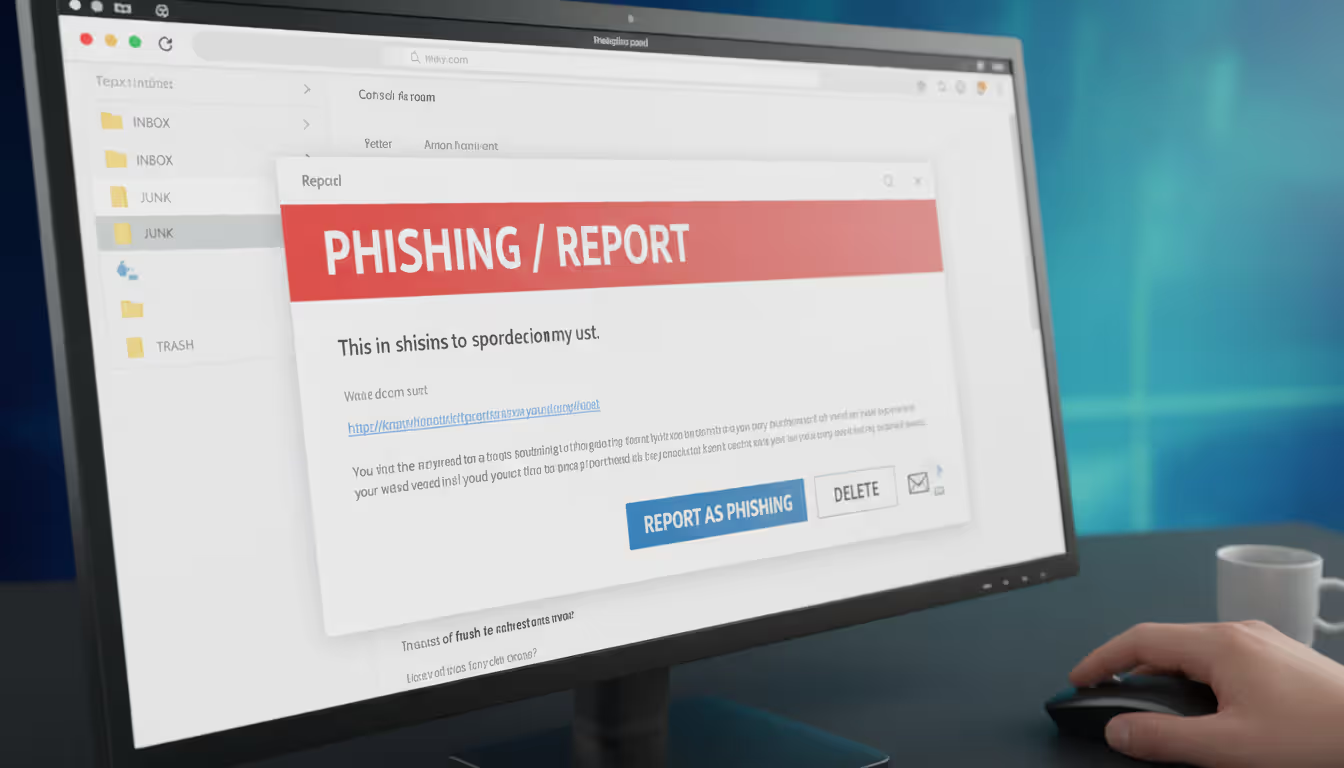
Report to IT or security teams immediately. Your organization needs awareness of attacks targeting their users. IT can verify whether others received similar messages, block the sender domain, and add threat indicators to security tools. Forward the complete message including headers when reporting. Many organizations provide dedicated reporting addresses or integrated buttons in email clients for easy reporting. Your report helps protect colleagues and contributes to organizational threat intelligence.
Use "Report Phishing" rather than generic spam marking. Gmail, Outlook, Yahoo, and other major providers offer specific phishing reporting options that provide more detailed information to their security teams than standard spam buttons. These reports improve filter accuracy for all users. The more people report a specific attack, the faster providers block it globally.
Author: Trevor Kingsland;
Source: elegantimagerytv.com
Permanently delete the message. After reporting, delete from your inbox and empty your trash folder. Some sophisticated attacks include tracking pixels or other elements potentially triggered if messages remain accessible. Complete removal eliminates temptation to revisit the message later or accidentally interact with it.
Monitor accounts vigilantly for compromise indicators. If you clicked links or downloaded attachments before recognizing the attack, watch for warning signs. Check recent login activity on affected accounts—most services show recent access locations and devices. Look for unexpected password reset requests, new device authorizations, or unfamiliar account modifications. Review financial accounts for unauthorized transactions. Enable alerts for logins from new locations and all transactions.
Change passwords immediately if you entered credentials anywhere. If you submitted username and password on a phishing site, change that password right now—and change it on every other account where you reused that password. Activate MFA if it wasn't already enabled. Consider adopting a password manager to generate unique passwords for each account, eliminating credential stuffing vulnerability.
Run comprehensive malware scans after attachment interaction. If you opened attachments or clicked links that downloaded files, run full system scans using updated antivirus software. Consider deploying a second-opinion scanner like Malwarebytes alongside your primary security solution. Watch for unusual system behavior over the following days: unexpected performance degradation, programs you didn't install, browser homepage changes, or disabled security software.
Alert potentially affected parties promptly. If the attack targeted your work email and you clicked malicious links while connected to the corporate network, IT must investigate potential lateral movement or data exfiltration. If a phishing site captured personal information, notify your bank or credit card companies immediately. If the attack impersonated someone in your contacts, warn them their identity is being exploited in active campaigns.
File formal reports with appropriate authorities. Report BEC attacks, significant financial losses, or ransomware infections to the FBI's Internet Crime Complaint Center at ic3.gov. The Federal Trade Commission accepts fraud reports at ReportFraud.ftc.gov. While individual cases rarely result in arrests given international jurisdictional challenges, aggregate reporting helps law enforcement identify patterns, disrupt operations, and build cases against criminal organizations.
Extract lessons from close calls. Analyze what made the message convincing enough to fool you initially. Was it the familiar sender name, the manufactured urgency, the professional appearance, or the emotional manipulation? Understanding your personal vulnerabilities helps you recognize similar attacks in the future. Share your experience with colleagues, friends, or family—without embarrassment—so others learn from your close call.
Phishing attacks are becoming increasingly sophisticated, often using current events and personalized information to appear legitimate. Organizations and individuals must remain vigilant and verify unexpected requests through independent channels before taking action
— Cybersecurity and Infrastructure Security Agency
FAQ
Email spam attacks represent one of the most persistent cybersecurity threats individuals and organizations face in 2026. These malicious campaigns exploit human psychology and technical vulnerabilities simultaneously, stealing credentials, installing malware, and committing fraud at staggering scale.
Your protection begins with recognition. Learning the warning signs—sender address inconsistencies, suspicious link destinations, artificial urgency, and unexpected requests—allows you to identify attacks before they cause damage. Systematic verification of sender details, careful link inspection, and healthy skepticism toward unexpected messages form your critical first defense.
Technical safeguards provide essential backup. Email filters, authentication protocols, endpoint protection, and multi-factor authentication create automated barriers stopping many attacks without requiring your intervention. Regular system updates patch vulnerabilities attackers routinely exploit. Proper backup strategies ensure ransomware becomes an inconvenience rather than a catastrophe.
Human awareness ultimately determines success or failure. Security technology fails when users override warnings or circumvent protections. Ongoing training, simulated attack exercises, and organizational cultures that encourage reporting suspicious messages without blame strengthen defensive posture. Personal vigilance—pausing before clicking, verifying through independent channels, and questioning unexpected requests—prevents the vast majority of successful compromises.
The threat landscape continues evolving. Attackers now use AI to craft increasingly convincing messages, exploit breaking news, and automate personalization at unprecedented scale. Defensive strategies must evolve too, combining technology, training, and robust procedures into comprehensive security programs.
Perfect security doesn't exist, but informed awareness and consistent practices dramatically reduce your vulnerability. The three minutes spent verifying a suspicious email are trivial compared to the hundreds of hours required to recover from successful attacks. Stay alert, verify before trusting, and remember that legitimate organizations never pressure you to bypass security measures or share sensitive information via email.
Your inbox will always contain threats. How you respond determines whether those threats succeed.
Related Stories
Read more
Read more

The content on this website is provided for general informational and educational purposes only. It is intended to explain concepts related to cybersecurity awareness, online threats, phishing attacks, and data protection practices.
All information on this website, including articles, guides, and examples, is presented for general educational purposes. Cybersecurity risks and protection strategies may vary depending on individual behavior, technology usage, and threat environments.
This website does not provide professional cybersecurity, legal, or technical advice, and the information presented should not be used as a substitute for consultation with qualified cybersecurity professionals.
The website and its authors are not responsible for any errors or omissions, or for any outcomes resulting from decisions made based on the information provided on this website.