
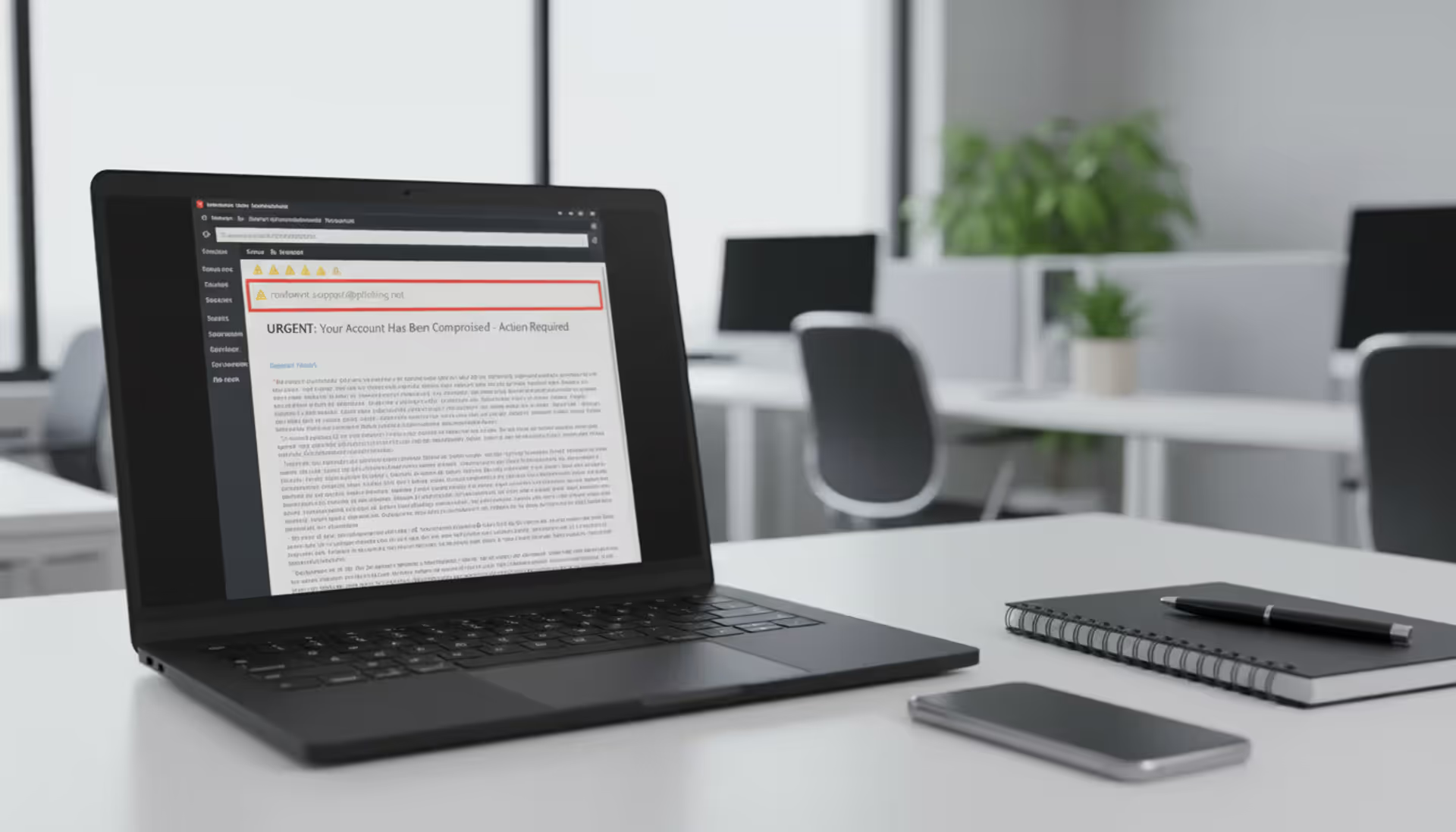
Cybersecurity analyst reviewing a suspicious spoofed email on a laptop
Email Spoofing Explained

Cybercriminals love email spoofing because it works. They don't need to crack passwords or exploit complex vulnerabilities—just manipulate the "From" field in an email and watch targets hand over money, credentials, and sensitive data. The scary part? Your email system was basically designed to make this easy.
If you've ever wondered how scammers send emails that look like they're from your boss, your bank, or even your own email address, you're about to find out. More importantly, you'll learn how to spot these fakes before they cause damage.
What Is Email Spoofing and How Does It Work?
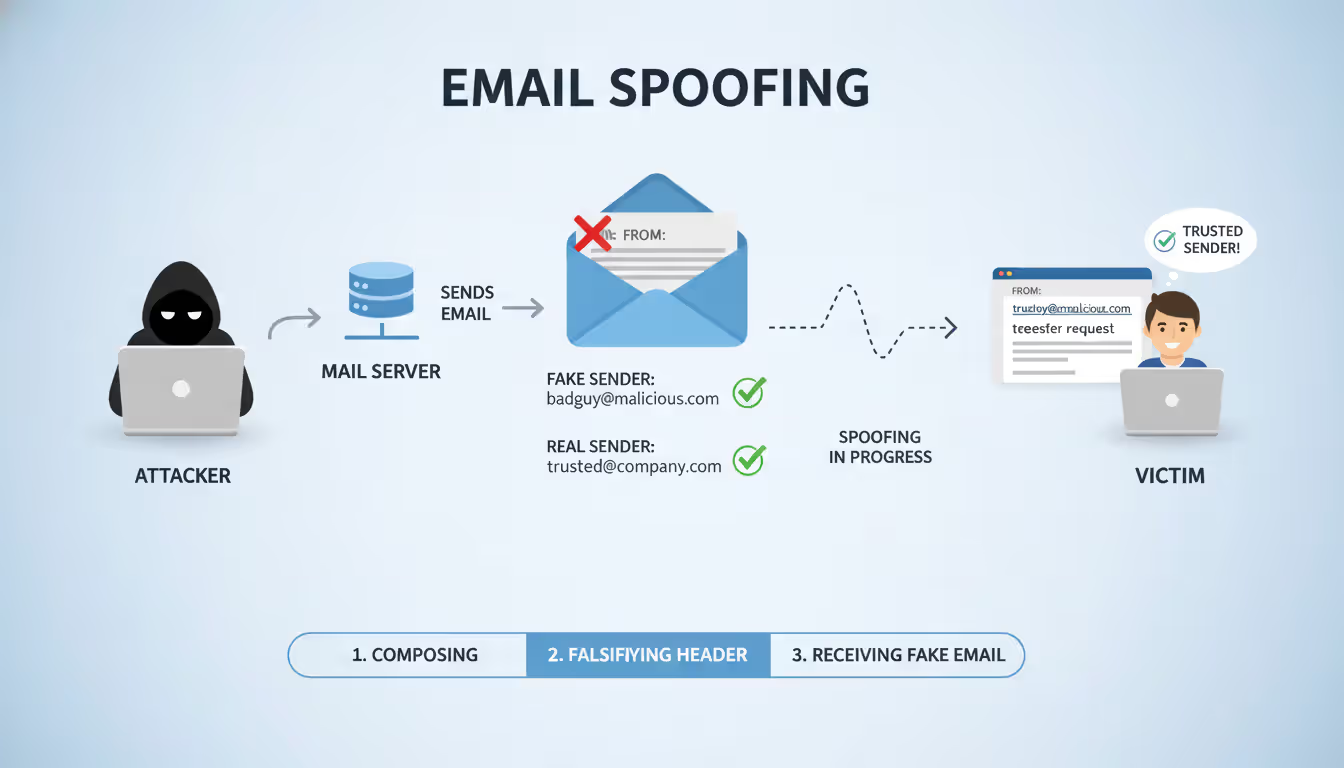
When attackers send emails with fake sender information, that's spoofing. They're essentially putting a false return address on digital mail. The message looks like it came from your colleague, your company's CEO, or Microsoft—but it didn't.
This works because of how email was built. Back in the 1980s, SMTP (the technology that sends email across the internet) assumed everyone using it was trustworthy. Nobody thought about verification. It's like the postal service accepting any return address you write on an envelope without checking if you actually live there.
Here's what happens behind the scenes: An attacker connects to any mail server willing to send their message. They tell that server "this email is from boss@yourcompany.com" even though they don't control that address or account. The server shrugs and sends it anyway. When the message arrives in your inbox, your email app displays exactly what the attacker specified in that "From" field.
The receiving server? It has no built-in way to verify that the sender actually owns that address. Think of it as caller ID before phone companies added verification—anyone could make any number show up on your screen.
Author: Alyssa Norwood;
Source: elegantimagerytv.com
Yes, we've developed fixes for this problem: SPF, DKIM, and DMARC authentication protocols. But here's the issue—not everyone uses them correctly. Plenty of companies haven't set them up, and even when they have, your email app might not clearly show you when a message fails those checks. That's why spoofed emails keep landing in inboxes every single day.
Setting up a spoofing attack requires minimal technical knowledge. You don't need to be a hacker. Free tools and simple scripts get the job done. Attackers never touch the real account they're impersonating—they just need you to believe it's real for about thirty seconds. That's usually enough.
Email spoofing is one of the most common attack vectors we see, accounting for a significant portion of successful phishing campaigns and business email compromise incidents. The ease with which attackers can forge sender addresses makes this a persistent threat across all industries
— Dr. Sarah Chen
Common Email Spoofing Examples and Attack Scenarios
Let's look at how this plays out in the real world. These aren't hypothetical scenarios—they're tactics that cost people and businesses millions annually.
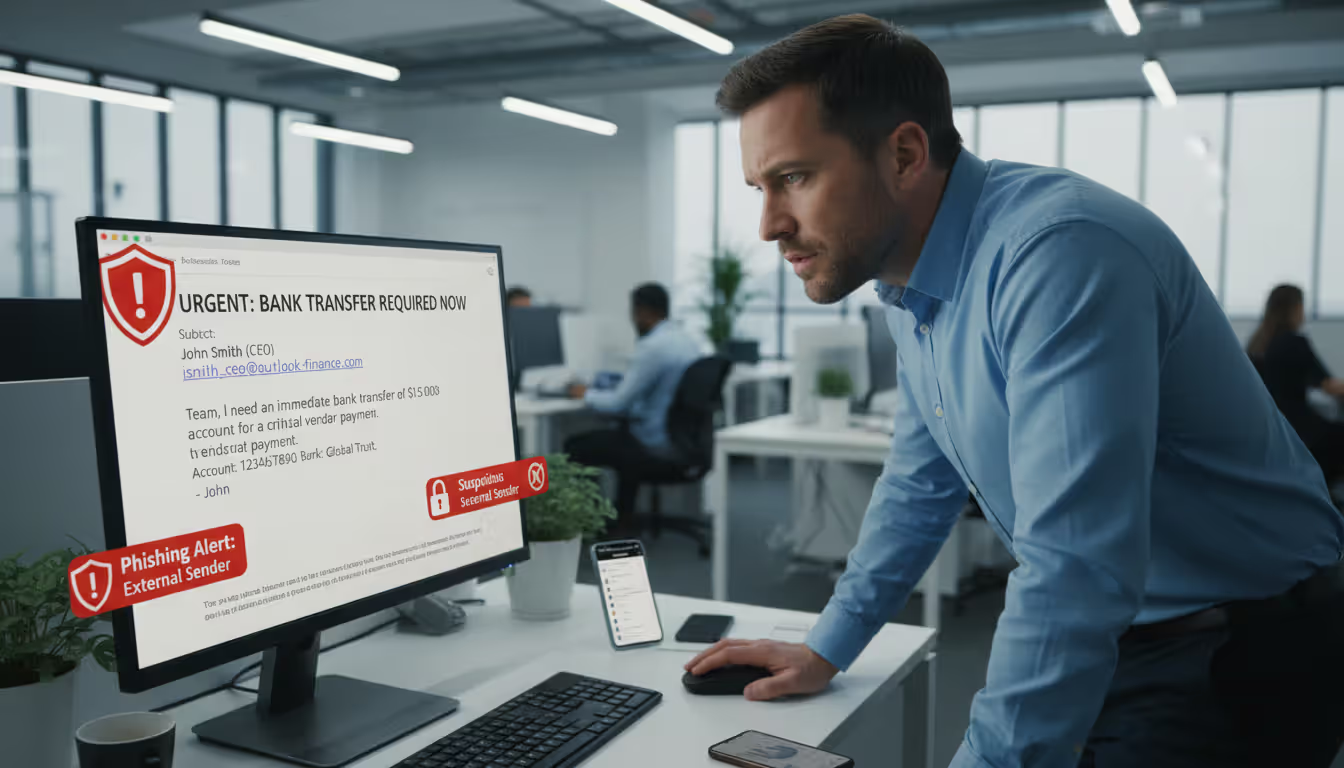
CEO fraud hits finance departments hard. Imagine you're an accountant and receive an email from your CEO at 4:30 PM on Friday. "Need you to process an urgent wire transfer before close of business. Finalizing an acquisition—confidential until Monday. I'm in meetings all day so email only. Here are the wire details." The message looks legitimate. The sender shows your CEO's name and email. You process the $80,000 transfer. Monday morning, your actual CEO has no idea what you're talking about. That money? Gone to an untraceable account in another country.
Vendor impersonation sneaks in through existing relationships. You've been paying Acme Supplies for three years. One Tuesday, you get an email from their usual billing contact: "Hey, we've switched banks. Please update your records with these new account details for future invoices." The email address looks right. You update your payment system. Next month's $50,000 payment goes to the scammer. Real Acme Supplies calls six weeks later asking why you're 60 days overdue.
Tax season scams flood inboxes every spring. "IRS Notice: You have an unclaimed refund of $1,847" or "W-2 Information Required for Payroll Processing." The sender appears to be IRS.gov or your company's payroll department. Click the link to verify your information. Except the IRS never emails about refunds, and your payroll team already has your W-2.
Delivery notification spoofing catches people expecting packages—which in 2024, is basically everyone. "Your FedEx delivery requires signature confirmation" or "Amazon package delayed—verify your address to reschedule." The tracking link leads to a page that harvests your credentials or downloads malware. You weren't necessarily expecting that specific package, but you ordered something recently, right?
Internal IT support impersonation weaponizes the one department everyone reluctantly trusts. "Security Alert: Your email storage is at 98% capacity. Click here to increase your mailbox size or your account will be suspended within 24 hours." It looks like it's from IT@yourcompany.com. You click. You enter your password. The attackers now own your account and use it to target your coworkers.
What ties these together? They exploit authority, urgency, or existing trust relationships. Add a convincingly forged sender address, and you've got a formula that keeps working.
Author: Alyssa Norwood;
Source: elegantimagerytv.com
Warning Signs That Help You Identify Email Spoofing
Spotting spoofed emails gets easier once you know what to look for. These red flags won't catch every attack, but they'll catch most.
Check the Sender's Email Address Carefully
That bold name at the top of your inbox—"Jane Smith, CFO"—means nothing. Anyone can make it say anything. You need to see the actual email address, not just the display name.
In most email apps, clicking or hovering over the sender's name reveals the full address. Do this for any message asking you to do something important. What you're looking for: does boss@yourcompany.com actually say that, or does it say boss@yourcompany-inc.net? Is it j.smith@legitvendor.com or jsmith@legitvendor-billing.info?
Watch for typosquatting—domains registered specifically to look like real ones at a glance. An "rn" can look like an "m" in certain fonts (yourcompany.rn versus yourcompany.com). Extra words sneak in (accountspayable-yourcompany.com when your real domain is just yourcompany.com). Wrong extensions confuse at quick glance (.co instead of .com, .net instead of .org).
Compare the address to previous emails from that person. Pull up your last conversation with your vendor. Do the domains match exactly? If someone has emailed you fifteen times from @vendor.com and suddenly sends from @vendor-portal.com, don't trust it before verifying through another method.
Look for Unusual Requests or Urgent Language
Real business communication usually follows patterns. Your boss doesn't typically email at 11 PM demanding immediate wire transfers. Your IT department doesn't suspend accounts with four hours' notice. Your vendor doesn't change bank accounts via casual email without prior discussion.
Spoofed messages pump up the urgency artificially: "IMMEDIATE ACTION REQUIRED," "Respond within 2 hours or face penalties," "Your account will be closed unless you verify now." This pressure aims to bypass your critical thinking. They want you moving too fast to double-check.
Notice anything that breaks established procedures. Does your company require purchase orders for all payments over $5,000? Then an email saying "skip the PO this once, I authorized it verbally" should trigger suspicion. Does your IT team always call or use a ticketing system? Then an email password reset request doesn't fit their process.
Pay attention to tone shifts. Your normally casual coworker suddenly sends stiff, formal language? Your vendor who always includes a friendly greeting jumps straight to business with awkward phrasing? These inconsistencies often reveal spoofing, especially when attackers operate from different cultural contexts or rely on translation tools that produce almost-right English.
Verify Links and Attachments Before Clicking
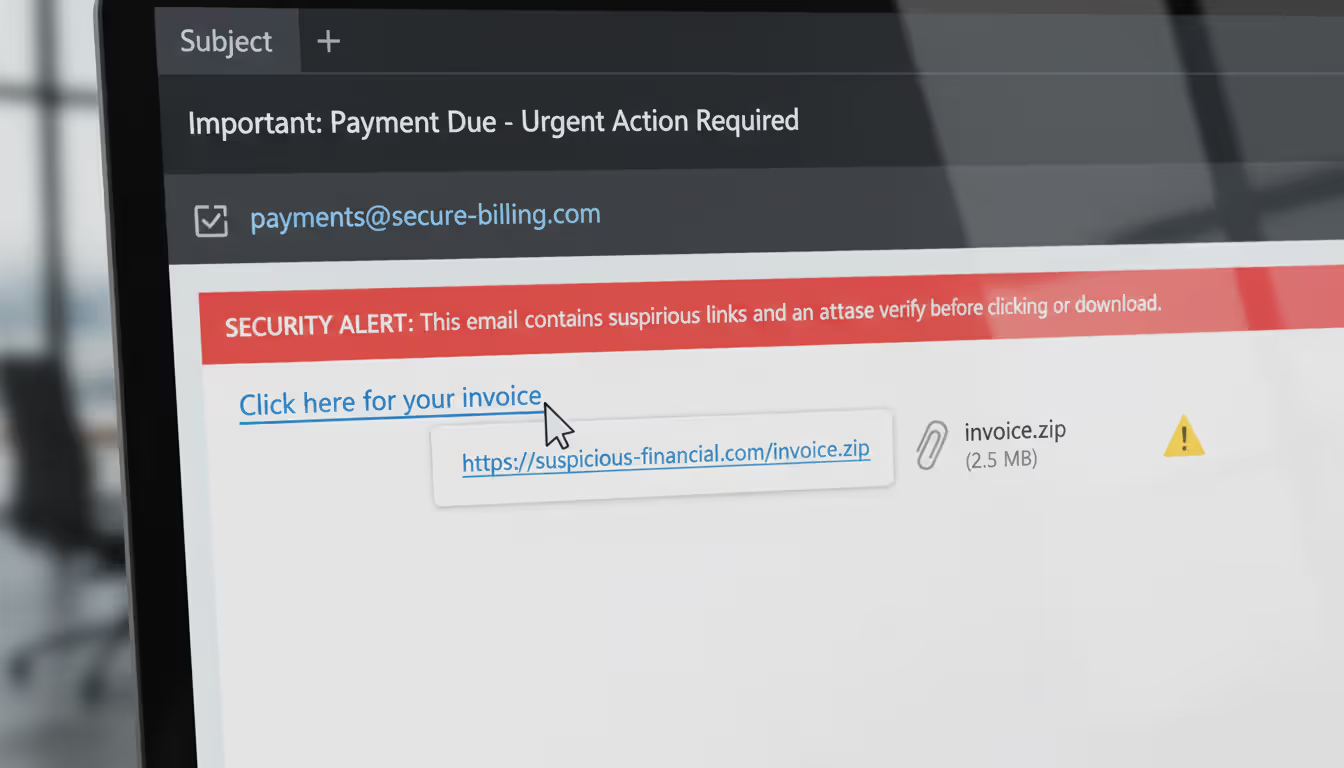
Before clicking any link, hover your mouse over it (don't click—just hover). A little preview pops up showing where it actually goes. The visible text might say "yourbank.com/secure" while the real URL points to "yourbank-verification-system.tk" or some random string of characters ending in an unfamiliar country code.
Legitimate businesses use their actual, consistent domains for everything. Your bank doesn't use five different domain names for various services. If you've always logged in at chase.com, an email link pointing to chase-secure-login.com isn't from Chase.
Author: Alyssa Norwood;
Source: elegantimagerytv.com
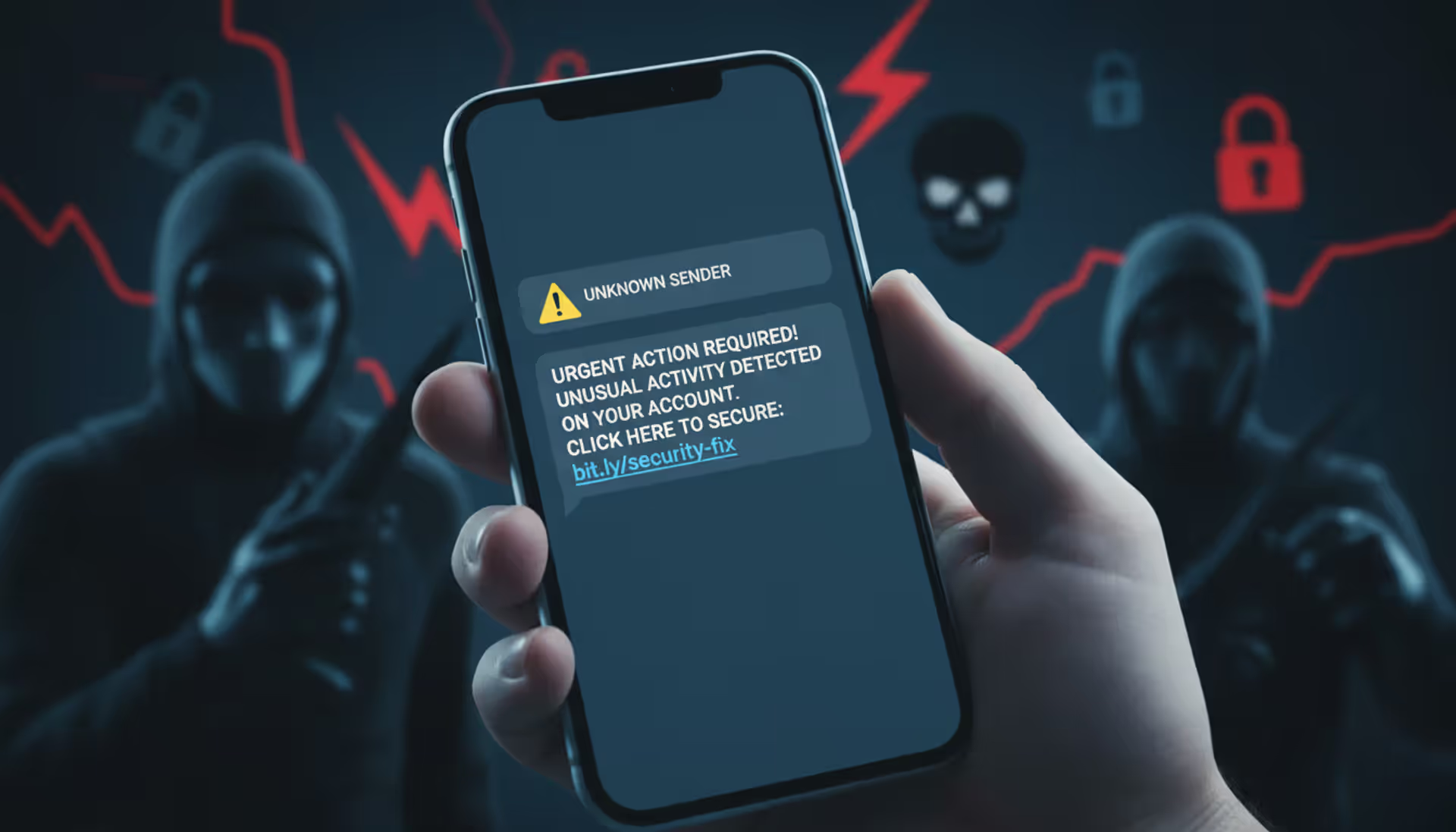
URL shorteners (bit.ly, tinyurl.com, ow.ly) hide the real destination—which is precisely why scammers love them. While these services have legitimate marketing uses, any supposedly official communication from a bank, government agency, or established company using shortened links deserves heavy skepticism. Real organizations concerned about security don't obscure where their links lead.
Unexpected attachments need scrutiny, especially certain file types. An Excel file with macros from someone who normally shares Google Sheets? Suspicious. A .zip file from a vendor who always sends PDFs? Don't open it without verification. Executable files (.exe, .scr, .bat) in email should basically never happen in normal business communication.
How Email Spoofing Differs from Phishing and Other Attacks
People mix up these terms constantly, which makes it harder to discuss threats clearly. Here's what separates them:
| Attack Type | Definition | Primary Goal | Typical Warning Signs |
| Email Spoofing | Faking the sender's address to look like someone else sent the message | Make the recipient trust the message source enough to act on its contents | Email address doesn't match previous messages, authentication failures (if you check headers), requests bypass normal workflows |
| Phishing | Tricking people into giving up sensitive information through deceptive messages | Capture passwords, credit card numbers, Social Security numbers, or other valuable data | Generic greetings ("Dear Customer"), fake urgency, links to lookalike websites, requests for info legitimate senders already have |
| Email Impersonation | Registering email accounts with names similar to real people or companies | Create confusion through lookalike addresses that are technically different | Brand new sender address, domain is similar but not identical to the real one, no previous email history with this contact |
| Business Email Compromise (BEC) | Using compromised or impersonated business emails to commit financial fraud | Steal money through fraudulent wire transfers, invoice manipulation, or payroll redirection | Sudden changes to payment instructions, urgent confidential transactions, requests to bypass normal approval chains |
Spoofing is a technique—specifically, forging sender addresses. Phishing is an objective—stealing information through deception. You can have phishing without spoofing (an obvious fake address trying to steal your password) and spoofing without phishing (a forged executive email requesting a wire transfer, not credentials).
Business email compromise might use spoofing, but not always. Sometimes BEC attackers actually compromise a legitimate account by stealing the password. They send messages from the real account, so there's no spoofing involved—just unauthorized access. Other times, they spoof without ever touching the real account.
Impersonation covers more ground than just spoofing. Someone might register john-smith@yourcompany.co (note the .co instead of .com) and use that real, registered address to impersonate John Smith. That's impersonation through a lookalike domain, not spoofing, because they're not forging sender information—they actually control that fake address.
Why does this matter? Because the defense strategies differ. Spoofing requires email authentication protocols. Account compromise requires strong passwords and multi-factor authentication. Lookalike domain impersonation requires visual attention and verification habits.
How to Avoid Email Spoofing Attacks
You need defense in layers. Technology catches some attacks. Human awareness catches others. Together, they catch most.
Enable Email Authentication Protocols
If you run a domain, configure SPF, DKIM, and DMARC records. These DNS settings tell receiving mail servers which messages are actually from you versus spoofed imposters.
SPF works by listing authorized mail servers—think of it as a "these servers are allowed to send mail for my domain" whitelist. When a message claims to be from your domain, the receiving server checks if it came from one of your approved servers.
DKIM adds a cryptographic signature to your outgoing messages. The receiving server checks this signature against a public key you publish in DNS. If they match, the message is authentic. If they don't, something's been forged or tampered with.
DMARC brings these together and adds instructions: "If a message fails SPF and DKIM checks, reject it" (or quarantine it, or deliver it with a warning—you choose). It also sends reports back to you showing who's sending mail claiming to be from your domain, which helps you spot spoofing attempts targeting your brand.
For individuals who don't own domains, you can't set these up yourself. But you can check whether your email provider respects them. Gmail, Outlook.com, and Yahoo all display warnings when sender authentication fails. Don't ignore those warnings.
Encourage partners and vendors to implement authentication on their domains. When both sides use it, spoofing gets significantly harder. Make it part of your vendor security requirements if you're in a position to set those standards.
Use Email Security Tools and Filters
Modern email protection goes beyond the spam filters from 2005. Advanced systems now analyze dozens of factors: sender reputation, message header anomalies, content patterns, link destinations, attachment behavior, and even communication relationship history.
Turn on every security feature your email provider offers. Yes, this adds friction—external email warnings, delayed message delivery for suspicious content, link protection that routes URLs through scanners. That friction is the point. It gives you decision-making time instead of instant clicks.
External email banners help tremendously for organizations. A simple "[EXTERNAL]" tag or colored banner at the top of every message from outside your domain reminds recipients that this sender doesn't work here, even if their display name says "CEO." This small visual cue prevents countless spoofing attacks.
Business email security gateways add sophisticated protection: sandboxing attachments in isolated environments before delivery, rewriting URLs to route them through real-time scanners, analyzing communication patterns with machine learning to flag anomalies. These systems catch sophisticated attacks that bypass basic filters.
Consider the cost versus risk. A $5/user/month email security add-on might seem expensive until you compare it to the average cost of a successful BEC attack (the FBI pegs it at $50,000+ per incident). For personal email, premium security features on Gmail, Outlook, or ProtonMail cost less than a couple coffees monthly.
Train Yourself and Your Team to Spot Suspicious Emails
Technology fails. Regularly. Humans need to serve as the backstop, which means security awareness training isn't something you do once and forget.
Run simulated spoofing tests against your organization. Send harmless but realistic fake spoofed emails to employees. Track who clicks links or provides information. Use the results to identify training gaps and which scenarios fool your specific workforce most effectively. Don't punish people for falling for simulations—use it as a teaching moment.
Create explicit verification procedures for high-stakes requests. Any wire transfer over $10,000? Requires phone confirmation to a known number (not one provided in the email). Any request for W-2s or employee data? Must be verified in person or through your company's official messaging system. Password reset requests from IT? Must go through the ticketing system, no email-only resets.
Build a culture where "this seems weird" is an acceptable and encouraged response. Employees should feel comfortable questioning any email that triggers their instincts, even if it turns out to be legitimate. Make reporting suspicious messages take ten seconds, and always acknowledge reports—even false alarms—so people know their vigilance matters.

Author: Alyssa Norwood;
Source: elegantimagerytv.com
Show real examples from your industry. Generic training about "cybercriminals might send fake emails" doesn't stick. Showing an actual spoofed email that targeted your company (or a competitor) with specific details about what made it suspicious creates memorable learning. Walk through recent attacks together: "Here's the spoofed email our CFO received last month. Notice the sender domain uses a zero instead of the letter O..."
What to Do If You Receive or Fall Victim to a Spoofed Email
Found a spoofed email in your inbox? Took action before realizing it was fake? Here's your response playbook.
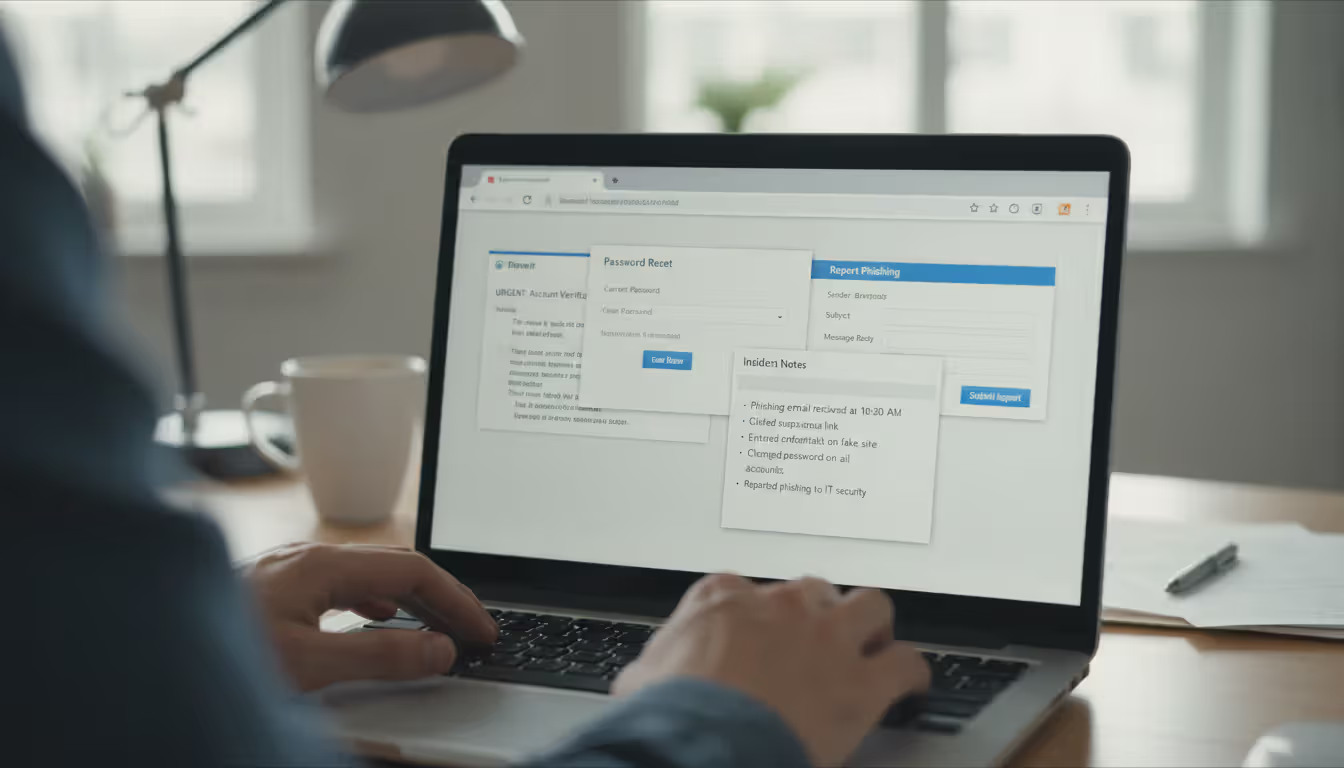
If you received it but didn't interact: Use your email client's "Report Phishing" or "Report Spam" button. This trains filters and alerts security teams. Forward the full message (including headers) to your IT security team if you work for an organization. Delete it. Don't reply, don't click anything, don't download attachments—just report and delete.
If you clicked a link but entered nothing: Run a full security scan on your device immediately. Use Windows Defender, Malwarebytes, or whatever reputable antivirus you have. Change passwords for any accounts related to the spoofed message's topic (if it claimed to be from your bank, change your banking password). Watch those accounts closely for the next month—check login history, review transactions, verify contact information hasn't been changed.
If you gave up credentials: Change those passwords right now, this minute, before continuing to read. Change them on every site where you used the same password (yes, we know you shouldn't reuse passwords, but most people do). Enable two-factor authentication immediately—this protects you even if attackers have your password. Check account activity logs for unauthorized logins. Review security settings for unauthorized changes to recovery emails, phone numbers, or forwarding rules.
If you sent money: Contact your financial institution immediately—literally stop reading and call them. Speed determines whether they can reverse or intercept fraudulent transfers. File a report with the FBI's Internet Crime Complaint Center at ic3.gov. File a local police report too. Document everything: save the email with full headers, screenshot the payment confirmation, write down exact times and amounts. While recovery isn't guaranteed, faster reporting improves those odds significantly.
If someone spoofed your address to email others: Alert your contacts through a verified, separate channel (call them, text them, message on a platform you know is secure). Explain that emails appearing to come from you are fakes and they should ignore anything suspicious, especially links or requests for information. Consider a brief social media post if you have business accounts: "PSA: Scammers are spoofing my email address. Verify any unusual requests directly with me."
Document everything for every type of incident. Keep email copies with full headers (usually an option like "Show Original" or "View Message Source"). Screenshot any fake websites you visited. Record times, dates, amounts, and actions taken. Note everyone you contacted about the incident. This documentation supports investigations and potential legal action. It also helps you remember details that get fuzzy after a few days.
Author: Alyssa Norwood;
Source: elegantimagerytv.com
Learn from what happened. What specifically made you vulnerable? Time pressure? A convincing detail? Authority intimidation? Understanding your particular susceptibility helps you recognize similar attacks next time—because there will be a next time. Attackers keep trying.
Frequently Asked Questions About Email Spoofing
Email spoofing works because we trust the digital equivalent of caller ID—and attackers know it. That sender name at the top of your inbox carries an implicit assumption that it's accurate, which is exactly what makes spoofing so effective.
Technical protections keep improving, but they'll never catch everything. You are the last line of defense. Question unexpected requests, especially anything involving money, passwords, or sensitive data. Take the extra minute to verify through a different channel when something feels off. Use every security feature your email system offers, and if you manage a domain, configure authentication properly.
You don't need to treat every email like a potential threat—that would paralyze communication. Instead, calibrate your suspicion to match the stakes. Routine messages get routine handling. High-stakes requests get high-stakes verification, regardless of who appears to be sending them.
SMTP isn't going anywhere, which means spoofing remains a permanent fixture of email security. These skills aren't temporary—they're foundational digital literacy for as long as you use email. Attackers refine their techniques, but so do defenses. Stay informed about current tactics, maintain consistent security habits, and you'll stay ahead of most threats targeting your inbox.
Related Stories
Read more
Read more

The content on this website is provided for general informational and educational purposes only. It is intended to explain concepts related to cybersecurity awareness, online threats, phishing attacks, and data protection practices.
All information on this website, including articles, guides, and examples, is presented for general educational purposes. Cybersecurity risks and protection strategies may vary depending on individual behavior, technology usage, and threat environments.
This website does not provide professional cybersecurity, legal, or technical advice, and the information presented should not be used as a substitute for consultation with qualified cybersecurity professionals.
The website and its authors are not responsible for any errors or omissions, or for any outcomes resulting from decisions made based on the information provided on this website.