
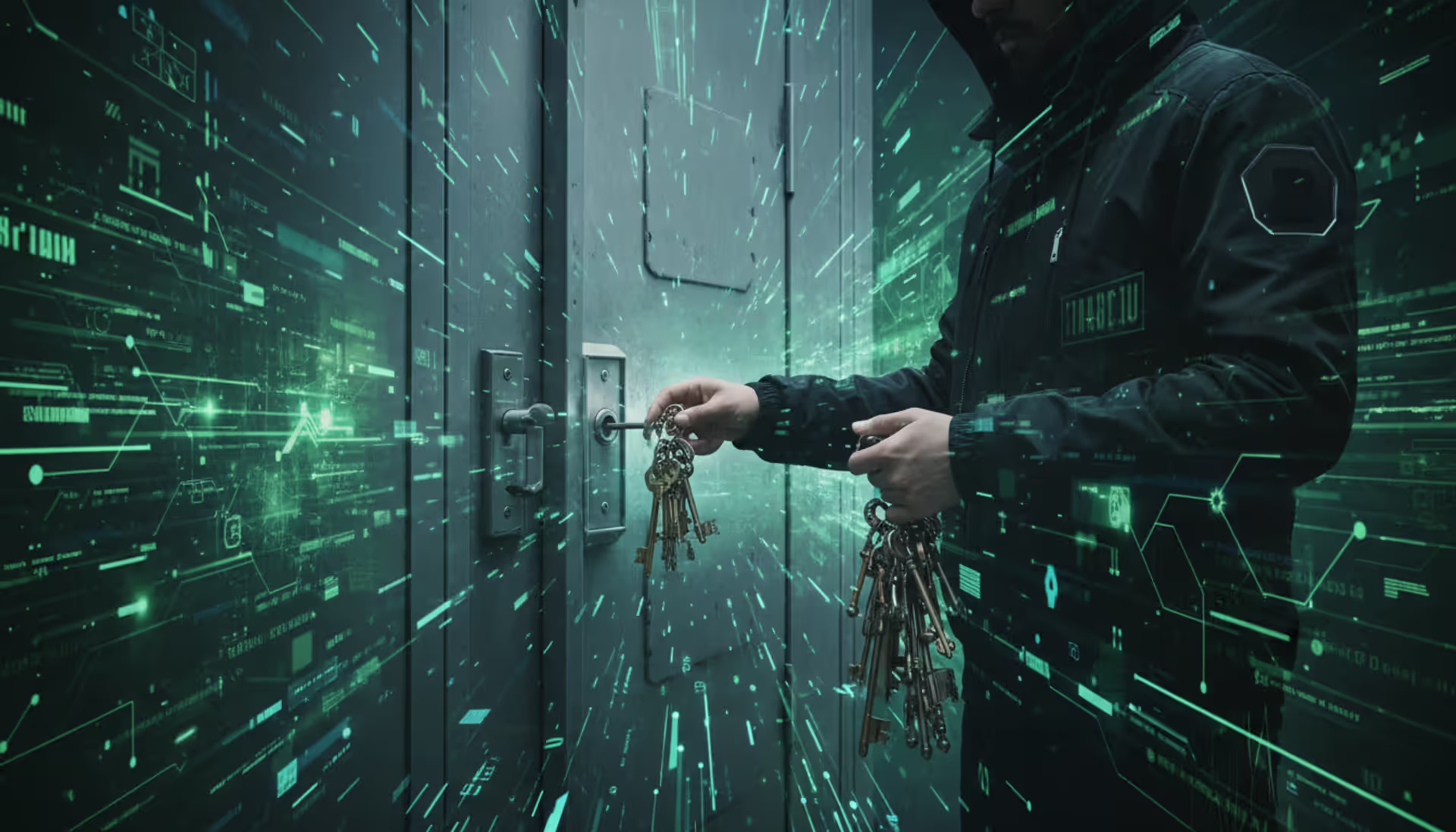
Person with a keyring at a locked front door, digital background, hacker motif
Brute Force Attack in Cyber Security Explained

Imagine someone standing at your front door, methodically testing every possible key combination until your lock finally clicks open. That's essentially how brute force attacks work—except instead of hours or days, modern computers can test millions of password combinations every second.
Here's what makes these attacks so dangerous in 2026: they're embarrassingly simple to execute. You don't need to be a coding genius or understand complex security vulnerabilities. Just download the right software, point it at a target, and let your computer do the heavy lifting. And unfortunately, they keep working because people continue using passwords like "Summer2024!" thinking they're clever.
The cybersecurity industry has spent billions developing sophisticated defenses—AI-powered threat detection, behavioral analytics, next-generation firewalls. Yet brute force attacks still compromise thousands of accounts daily. Why? Because technology can't fix human nature, and humans really hate complex passwords.
What Is a Brute Force Attack in Cyber Security
When we talk about a brute force attack in cyber security, we're describing an attack method where someone tries password after password until something works. There's no elegance to it. No clever exploitation of software bugs. Just relentless, automated guessing.
Picture a slot machine that keeps spinning until it hits the jackpot—that's the attacker's mindset. They know that eventually, if they test enough combinations, they'll guess correctly. The question isn't "if" but "when."
Why do hackers bother with such a crude approach? Three reasons make it attractive. One: the barrier to entry is basically zero. A teenager with a laptop can launch these attacks using free tools downloaded in minutes. Two: it works against any login system that doesn't have proper safeguards. Your bank's login page, your company's VPN, your WordPress blog—all vulnerable unless protected. Three: most people use terrible passwords, and attackers know it.
The typical targets? Web application login screens get hammered constantly. SSH connections (used by developers and system administrators) see millions of brute force attempts monthly. Remote Desktop Protocol (RDP) services, which let people access computers remotely, are under continuous assault. Email accounts, especially those tied to business domains, are high-value targets. Even Wi-Fi networks aren't safe—attackers will sit in parking lots running brute force attempts against network passwords.
Banks report blocking brute force attempts around the clock. Healthcare networks, which often run outdated systems with legacy authentication, face particular risk. One hospital IT director I spoke with said they log approximately 50,000 failed login attempts per week across their network.
And here's the kicker: cloud computing has made these attacks cheaper than ever. Instead of buying expensive hardware, attackers rent GPU-powered servers by the hour from legitimate cloud providers. A password that would've taken three weeks to crack in 2015 might fall in under three hours today.
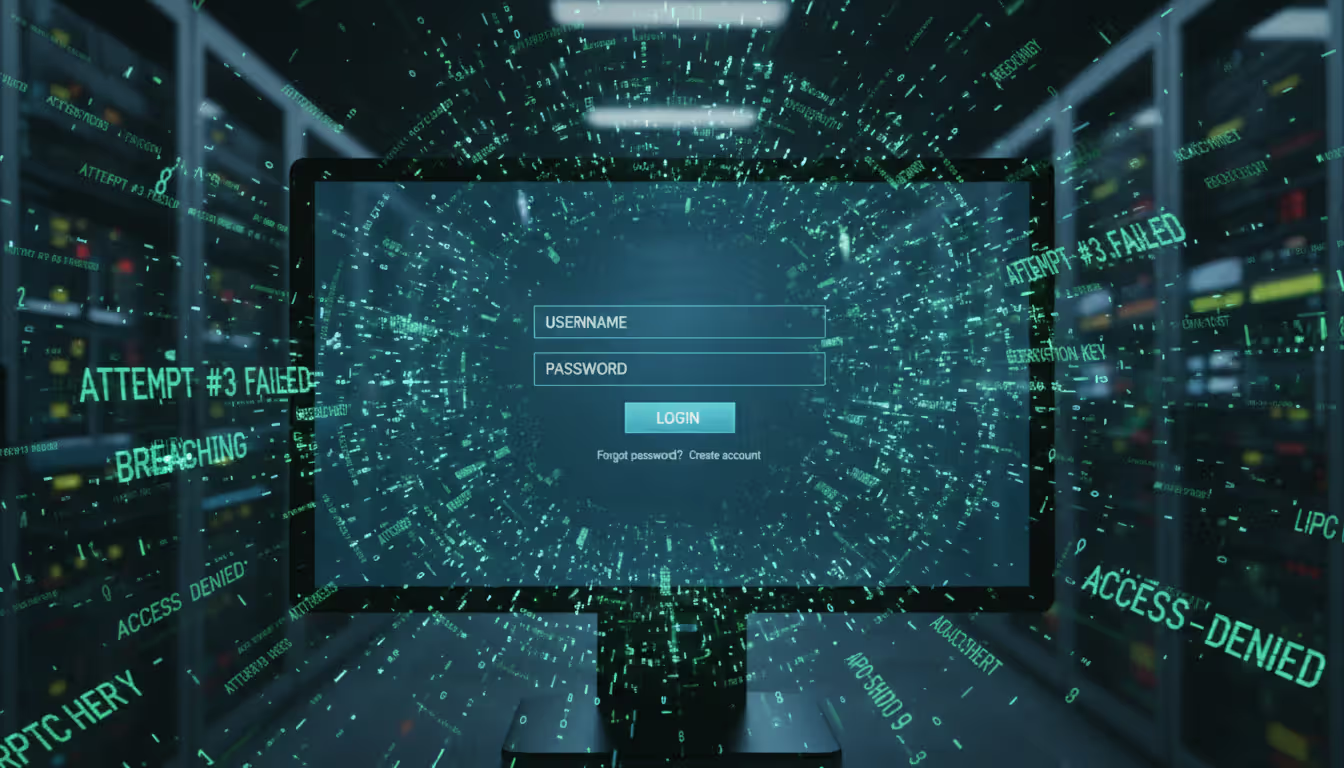
Author: Monica Ellery;
Source: elegantimagerytv.com
How Brute Force Attacks Work
Let's break down the actual mechanics. An attacker fires up specialized software configured to target a specific login interface. The software starts submitting username and password combinations—automatically, continuously, and fast. Really fast.
How fast depends on several factors. Attacking a web-based login page might yield 100-500 attempts per second (limited by network speed and server response time). Cracking password hashes from a stolen database? Modern GPUs can test billions of combinations per second. We're talking 50-100 billion MD5 hash attempts per second on a high-end GPU rig.
The math tells a sobering story. An eight-character password using only lowercase letters has about 209 billion possible combinations. Sounds secure, right? A capable GPU setup will crack that in under an hour. Add uppercase letters and numbers, and you're looking at a few days at most. Twelve characters with uppercase, lowercase, numbers, and symbols? Now we're talking centuries—which is why length matters more than complexity.
But attackers aren't stupid. They don't start with "aaaaaaaa" and work their way through every possible combination. That's inefficient. Instead, they use smarter approaches.
Dictionary Attacks vs. Pure Brute Force
Pure brute force means testing literally every combination: a, b, c... aa, ab, ac... and so on. It's thorough but painfully slow for anything except the weakest passwords.
Dictionary attacks take a different approach. Attackers maintain enormous lists of actual passwords leaked from previous breaches. We're talking billions of real passwords that real people actually used. These databases include the classics: "123456," "password," "qwerty." But they also include millions of variations like "P@ssw0rd," "Summer2026!," "Iloveyou123."
The success rate is shocking. Security researchers found that roughly 60% of passwords fall within the top 10,000 most common passwords. That means a dictionary attack testing just 10,000 options has better than even odds of success.
These dictionaries also include personal information patterns. Names plus birth years. Pet names followed by exclamation points. Sports teams with jersey numbers. Favorite bands with special characters substituting for letters. If you think "B0st0n!" is a strong password because you replaced O's with zeros, I've got bad news—that exact password appears in standard attack dictionaries.

Author: Monica Ellery;
Source: elegantimagerytv.com
Credential Stuffing and Hybrid Methods
Here's where password reuse becomes catastrophic. Credential stuffing takes usernames and passwords leaked from one website breach and tests them everywhere else. You used "MyDog123" for your email and your online banking? An attacker who got it from a compromised forum will try it at your bank within hours.
This isn't theoretical. In 2025, a major credential stuffing campaign hit credit unions nationwide. Attackers used credentials from a social media breach and successfully accessed over 12,000 banking accounts. Same usernames, same passwords, different targets.
Hybrid methods blend dictionary efficiency with brute force thoroughness. Take the word "dragon" from a dictionary. The software automatically tests: dragon1, dragon123, Dragon!, dr@gon, dragon2026, dragonfire, and thousands of other variations. It's smart enough to try common substitutions (@ for a, 0 for o, $ for s) and append typical suffixes (years, common numbers, punctuation patterns).
Tools of the trade? Hashcat is the gold standard—it uses GPU acceleration to achieve absurd cracking speeds. John the Ripper has been around forever and includes smart rules for generating password variations. Hydra specializes in attacking network services. All are freely available. All are legal to possess (though using them against systems you don't own is obviously illegal).
Real-World Examples of Brute Force Attacks
In March 2024, a European telecommunications company with over 8 million subscribers suffered a breach that started with a months-long brute force campaign. Attackers specifically targeted administrator accounts, knowing that patience would eventually pay off. It did—after 87 days of continuous attempts, they cracked a weak admin password. The breach exposed data for 3.2 million customers and cost the company €42 million in fines, remediation, and legal settlements.
American credit unions saw coordinated attacks throughout 2025. Attackers didn't target the institutions directly—they used credential stuffing with passwords from a gaming platform breach. Turns out thousands of people used identical passwords for gaming accounts and financial accounts. Over 12,000 accounts were compromised before security teams caught on and implemented emergency MFA requirements.
Healthcare presents a unique vulnerability. A hospital network in the Pacific Northwest got hit in August 2025 when attackers brute-forced their way into nursing station credentials. Why were those accounts vulnerable? The hospital had deliberately disabled account lockout features after several incidents where nurses got locked out during medical emergencies. It was a calculated risk that backfired—attackers exploited the unlimited attempts to crack multiple accounts, gaining access to patient records and prescription systems.
Social media companies block staggering volumes of brute force attempts. Instagram alone reports blocking over 2 billion login attempts monthly that show clear brute force patterns. Most fail, but successful hijackings happen daily. Verified accounts with blue checkmarks are especially valuable—they sell on dark web markets for $2,000-$5,000 each, making even slow brute force attempts economically worthwhile.
Municipal governments, particularly smaller cities with limited IT budgets, became major targets in 2025. Attackers focused on Remote Desktop Protocol (RDP) services used by city employees to access systems from home. Multiple successful breaches led directly to ransomware deployments. In one Oklahoma city with 50,000 residents, attackers brute-forced an RDP password in 72 hours, then deployed ransomware that crippled city services for two weeks. The password that failed? "CityHall2024"—easily guessable and found in standard dictionaries.
Warning Signs Your System Is Under Brute Force Attack
Failed login attempts are the most obvious red flag, but context matters. Someone mistyping their password twice is normal. Seventy-three failed attempts in four minutes? That's an attack in progress.
Look at the pattern. Legitimate users who forget their password might try 3-5 variations then request a reset. Attackers cycle through hundreds or thousands of attempts without stopping. Your logs might show failed attempts every 2-3 seconds for hours.
Geographic weirdness raises immediate suspicion. Your account normally logs in from Seattle during business hours. Suddenly there are login attempts from Vietnam at 3 AM, then Russia an hour later, then Nigeria. That's either an attack or you've developed an impossibly demanding travel schedule.
Account lockouts across multiple users simultaneously scream "attack." You might see five, ten, or twenty different accounts hitting lockout thresholds within the same thirty-minute window. That pattern indicates someone running an attack against your user database, cycling through usernames with common passwords.
Server logs tell detailed stories if you know the language. Web server logs showing repetitive 401 (unauthorized) responses from the same IP addresses indicate failed authentication attempts. SSH logs with messages like "Failed password for admin from 192.168.1.1" repeated hundreds of times are even clearer. Database logs might reveal authentication query spikes—suddenly your authentication database is handling 10x normal query volume.
System performance takes a hit during large-scale attacks. Login pages that normally respond instantly might slow to 5-10 seconds under the load of thousands of authentication requests per minute. Your authentication server's CPU might spike to 90%+ utilization. If users report slow login times and you see authentication services consuming unusual resources, check for brute force activity.
Network monitoring tools often detect reconnaissance activity before the actual attack. Port scans probing which services are running and which ports are open typically precede brute force attempts. An attacker systematically checking ports 22 (SSH), 3389 (RDP), and 443 (HTTPS) across your IP range is probably planning an attack.
How to Prevent Brute Force Attacks
Prevention works best through layered defenses. No single measure is foolproof, but combining multiple protections makes attacks so difficult and time-consuming that attackers move on to easier targets.
Password Policies and Multi-Factor Authentication
Start with password length, not complexity. A 15-character password of all lowercase letters is mathematically stronger than an 8-character password mixing uppercase, lowercase, numbers, and symbols. Length trumps complexity every time.
Require minimum lengths of twelve characters—fifteen or more is better. Yes, mandate complexity (uppercase, lowercase, numbers, symbols), but emphasize length in your training. "ThreeRandomWordsTogetherMakesAGreatPassword" is vastly superior to "P@ssw0rd."
Screen new passwords against known breach databases. Services like Have I Been Pwned maintain lists of billions of compromised passwords. When users create or change passwords, check against these databases in real-time. If their chosen password appears in known breaches, reject it. This single step eliminates countless weak passwords.
Password managers solve the fundamental human problem. People can't remember 47 different complex passwords—so they don't try. They use the same password everywhere, or they use weak passwords they can remember. Password managers generate truly random 20+ character strings for every account and remember them automatically. Users only need to remember one strong master password.
Organizations should provide password managers to all employees and make training mandatory. The investment pays for itself the first time it prevents a breach.
Multi-factor authentication (MFA) is your strongest defense against brute force attacks. Period. Even when attackers successfully guess or crack a password, they hit a wall without the second factor. SMS-based MFA is better than nothing but vulnerable to SIM-swapping attacks. Authenticator apps like Google Authenticator or Authy are significantly stronger. Hardware security keys (YubiKey, Titan Key) provide maximum security—physical devices that must be present for authentication.
Don't limit MFA to administrators. That's 2015 thinking. In 2026, attackers routinely compromise regular user accounts as stepping stones to more privileged access. MFA everywhere, for everyone, on every login.
Rate Limiting and Account Lockout Mechanisms
Rate limiting controls how many login attempts can occur within specific timeframes. A basic implementation might allow five failed attempts per IP address per minute. Exceed that threshold? Subsequent attempts get blocked or severely delayed.
Progressive delays work beautifully. First failed attempt: no delay. Second: wait one second before trying again. Third: four seconds. Fourth: sixteen seconds. Each failure increases the delay exponentially. After ten failures, the delay reaches over an hour per attempt. This doesn't prevent attacks, but it slows them from thousands of attempts per hour to maybe a dozen.
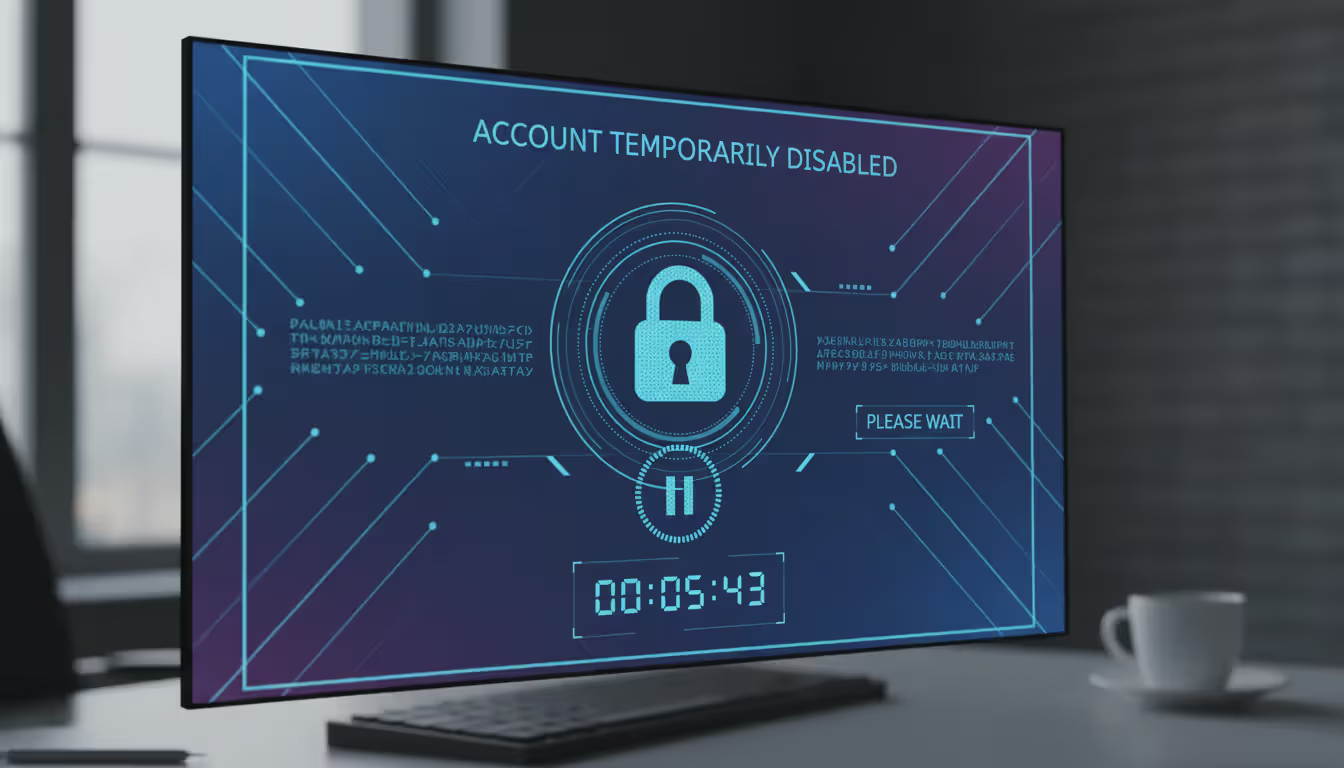
Account lockout temporarily disables accounts after repeated failures. The tricky part is balancing security against usability. Lock accounts too aggressively and legitimate users get frustrated calling the help desk. Too lenient and attackers get unlimited attempts.
A reasonable middle ground: ten failed attempts triggers a fifteen-minute lockout. A second lockout within 24 hours lasts an hour. A third extends to four hours. This stops automated attacks while limiting inconvenience to legitimate users.
Send email notifications when accounts lock. This serves two purposes: legitimate users understand why they can't log in, and account owners get alerted if someone's attacking their account. "Your account was locked due to failed login attempts from IP address 185.220.101.34" tells users exactly what happened.
Sophisticated attackers use distributed brute force—spreading attempts across hundreds or thousands of IP addresses. Traditional rate limiting per IP won't catch this. You need analysis per username across all IPs. If the username "admin" shows failed attempts from 73 different IP addresses in an hour, that's clearly an attack even if each IP only tried twice.
Author: Monica Ellery;
Source: elegantimagerytv.com
CAPTCHA and IP Blocking Strategies
CAPTCHA interrupts automation by requiring proof of humanity. Modern implementations like reCAPTCHA v3 work invisibly, analyzing user behavior in the background. Only suspicious activity triggers challenges. This approach stops bots while barely affecting legitimate users.
Deploy CAPTCHA progressively. Don't force it on the first login attempt—that's unnecessary friction. After one or two failures, trigger CAPTCHA. This lets real users who mistyped their password log in smoothly while blocking automated attacks.
IP blocking stops attacks at the network perimeter before they reach your authentication systems. Maintain blocklists of known malicious IP addresses (freely available from threat intelligence feeds) and automatically add IPs that trigger your rate limiting thresholds.
Geolocation blocking works when your user base is concentrated geographically. If you're a US-only service with no international customers, blocking login attempts from countries outside North America eliminates massive attack surface. Be thoughtful about this—blocking too broadly can affect legitimate users traveling or using VPNs.
Temporary blocks (24-72 hours) work better than permanent bans. Attackers use VPNs, proxies, and compromised residential computers that might share IP addresses with innocent users. A temporary block disrupts attacks without permanently affecting legitimate traffic that might later use that IP.
Web Application Firewalls (WAF) provide enterprise-grade protection. They sit between the internet and your servers, analyzing traffic patterns and blocking malicious requests. Cloud-based WAF services from Cloudflare, Akamai, or AWS stop attacks before they consume your bandwidth or server resources. The cost is minimal compared to the protection they provide.
Brute Force Attack Detection and Response
The weakest link in cybersecurity is rarely the technology—it's the human element and poor password hygiene that brute force attackers exploit most effectively
— Bruce Schneier
Continuous monitoring is non-negotiable for serious security. Security Information and Event Management (SIEM) platforms aggregate logs from servers, firewalls, applications, and databases. They correlate events across systems to detect attack patterns that might not be obvious looking at individual logs.
Modern SIEM systems use machine learning to establish baseline behavior. They learn that Bob logs in from Chicago Monday-Friday between 8 AM and 6 PM. An 11 PM login attempt from Singapore triggers an alert automatically because it deviates from Bob's normal pattern.
Intrusion Detection Systems (IDS) watch specifically for attack signatures. They recognize patterns that match known brute force methodologies and alert security teams in real-time. Configure alerts for multiple failed authentications (threshold you define), unusual login times (nights, weekends for business-hours-only accounts), geographic anomalies, and sudden authentication traffic spikes.
When alerts fire, your response needs to be immediate. First, verify it's actually an attack and not a misconfiguration or legitimate user having a really bad password day. Review logs to identify targeted accounts and attacking IP addresses.
Block attacking IPs at your firewall if automated systems haven't already. For targeted accounts, force immediate password resets and notify users via phone or secondary email (not the potentially compromised account). If any accounts were successfully breached, treat it as a full incident—preserve forensic evidence, assess what data was accessed, notify affected parties per legal requirements, and execute your incident response plan.
Analyze the attack vector. Which service got targeted—web application, SSH, RDP? What usernames did they try? Common usernames like "admin," "administrator," "root" suggest automated scanning. Specific employee names indicate targeted reconnaissance. Understanding their methodology helps you strengthen appropriate defenses.
Small organizations without dedicated security teams face a real challenge. You can't monitor logs 24/7 if you're also the developer, IT support, and coffee maker. Managed security service providers (MSSPs) fill this gap, providing round-the-clock monitoring and response for monthly fees that cost less than a single breach.
Comparison of Brute Force Attack Types
| Attack Type | Method | Speed | Success Rate | Common Defense |
| Simple Brute Force | Tests every combination sequentially (aaa, aab, aac...) | Extremely slow for passwords over 8 characters | Very low against anything moderately strong | Length requirements, account lockout after limited attempts |
| Dictionary Attack | Works through lists of common passwords and leaked credentials | Quick against weak passwords, can crack thousands per second | Very high—approximately 60% of passwords in top 10,000 most common | Screening passwords against breach databases, blocking commonly-used passwords |
| Credential Stuffing | Repurposes username/password pairs from previous breaches on other sites | Fast, automated testing across multiple platforms | Moderate to high due to widespread password reuse | Unique passwords per site, monitoring breach databases for your credentials |
| Hybrid Attack | Blends dictionary words with systematic variations (numbers, symbols, capitalization) | Moderate speed, balances thoroughness with efficiency | Moderate, especially effective against predictable patterns | Avoiding common patterns, using truly random passwords from password managers |
| Reverse Brute Force | Uses one common password (like "Password123") against many usernames | Very fast, distributes across many accounts to avoid per-account detection | Moderate in organizations with many users and weak password policies | Rate limiting per username globally, anomaly detection across user base |
Frequently Asked Questions About Brute Force Attacks
Brute force attacks aren't going anywhere. They work too well, cost too little to execute, and exploit a weakness we can't engineer away: human behavior around passwords.
The attack methodology is straightforward—guess passwords until one works. But the real-world impact is anything but simple. Personal accounts get hijacked for fraud. Corporate breaches leak millions of customer records. Hospital systems get locked by ransomware delivered through brute-forced credentials. Municipal governments lose weeks of productivity when attackers guess weak passwords protecting critical systems.
You're facing multiple attack variants. Pure brute force testing every combination. Dictionary attacks using billions of real passwords from previous breaches. Credential stuffing that exploits password reuse across sites. Hybrid methods blending dictionary efficiency with brute force thoroughness. Your defenses need to address all of them, not just one.
The encouraging news: effective defenses exist and are accessible regardless of your organization's size or budget. Password managers eliminate weak passwords and reuse. Multi-factor authentication stops attacks even when passwords fail. Rate limiting and account lockout make attacks impractically slow. Monitoring systems detect attacks in progress and enable rapid response. Web application firewalls block attacks before they reach your servers.
The discouraging news: most people and organizations don't implement these defenses. They know they should. They plan to get around to it. Meanwhile, they're using "Company2026!" as their admin password and wondering how attackers keep getting in.
This gap between available defenses and actual implementation is what attackers count on. They know most targets won't have proper protections. They know most users reuse passwords. They know account lockout often isn't enabled. They're counting on your inertia.
Computing power will continue increasing, making attacks faster and more effective. Quantum computing might eventually break current encryption entirely, requiring new authentication approaches. But until then, the fundamentals remain unchanged: credentials strong enough that cracking them costs more time and resources than they're worth.
You should assume attackers are currently attempting brute force attacks against your systems. That's not paranoia—it's statistical reality. Every internet-facing login interface receives automated attack attempts. The question isn't whether you'll be targeted. The question is whether your defenses will hold when someone starts testing your passwords at 10,000 attempts per second.
Implement layered defenses today. Not next quarter when budgets allow. Not after the next security awareness training. Today. Because the attackers aren't waiting, and neither should you.
Related Stories
Read more
Read more


The content on this website is provided for general informational and educational purposes only. It is intended to explain concepts related to cybersecurity awareness, online threats, phishing attacks, and data protection practices.
All information on this website, including articles, guides, and examples, is presented for general educational purposes. Cybersecurity risks and protection strategies may vary depending on individual behavior, technology usage, and threat environments.
This website does not provide professional cybersecurity, legal, or technical advice, and the information presented should not be used as a substitute for consultation with qualified cybersecurity professionals.
The website and its authors are not responsible for any errors or omissions, or for any outcomes resulting from decisions made based on the information provided on this website.