
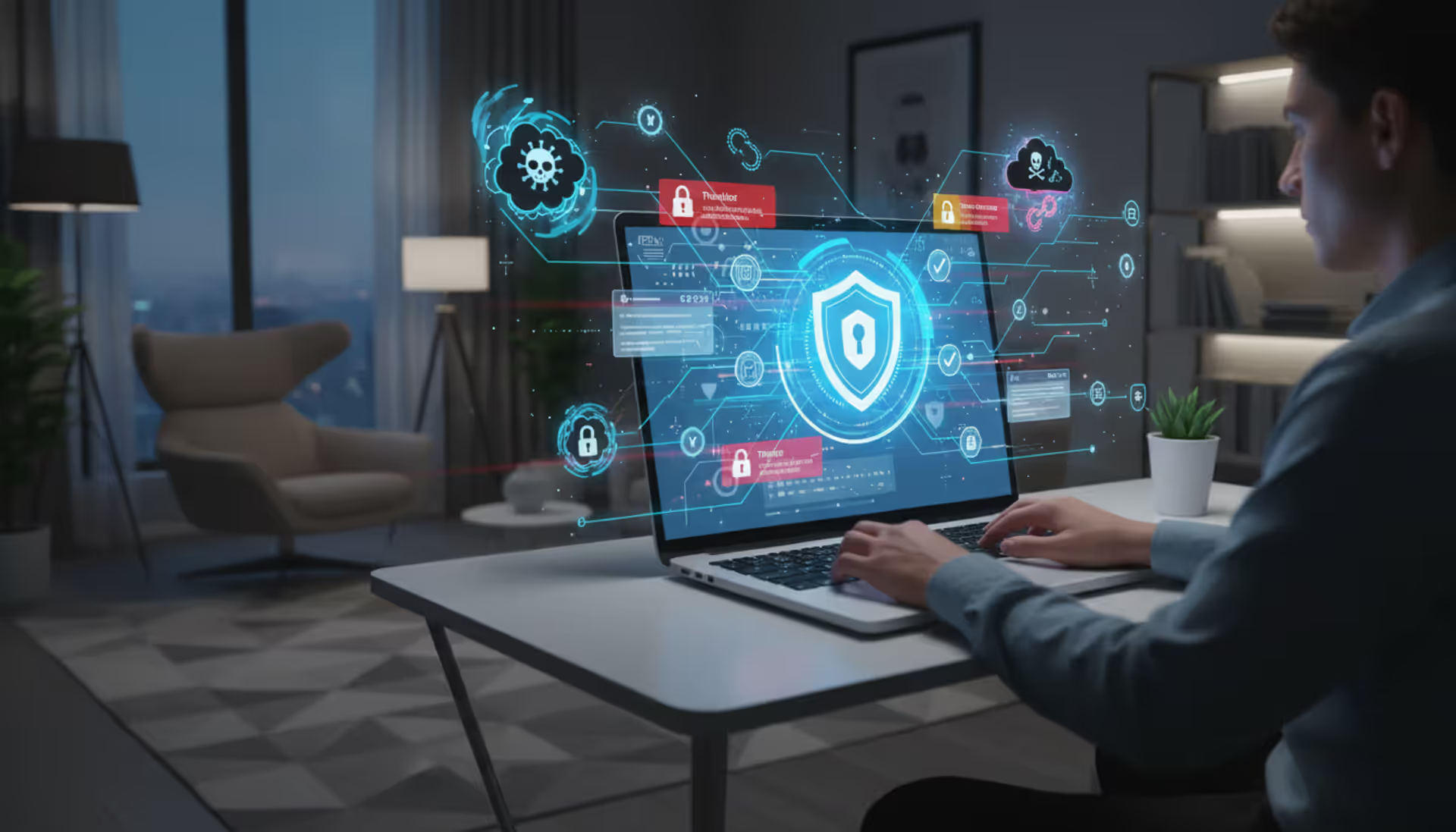
Computer surrounded by digital shadows, symbolizing cyber threats, with a warning icon on the screen
Trojan Cyber Security Guide

Content
Content
Trojans are sneaky—unlike viruses that hijack your files or worms that jump between computers on their own, Trojans need you to install them. They're masters of disguise. Every single day, thousands of people accidentally install these threats because something looked legitimate, helpful, or too good to pass up.
But here's the thing: once you know what Trojans are really after and how they get in, protecting yourself becomes pretty straightforward. You'll recognize the tricks, close off the easiest entry points, and know exactly what to do if something gets through anyway.
What Is a Trojan in Cyber Security?
Remember the ancient Greeks and their wooden horse trick at Troy? Soldiers couldn't break through the city walls by force, so they built a massive wooden horse, hid inside it, and presented it as a gift. The Trojans brought it inside themselves. Modern trojan cyber security threats work exactly this way—malicious code wrapped up to look like something you'd actually want.
Here's a real scenario: you need a free PDF converter. A quick search turns up exactly what you need on some download site. You install it. It converts PDFs beautifully. Mission accomplished, right? Except that program also quietly installed something else—software that's recording everything you type and sending your passwords to criminals halfway across the world. That's trojan cyber security explained in practical terms.
What makes Trojans different from other malware? Viruses glom onto legitimate files. When you share that file with someone, the virus goes along for the ride. Worms operate independently—they scan networks looking for weak spots and jump from machine to machine without needing anyone's help. Trojans can't do any of that. They need you to run them. Every infection starts because someone downloaded something, opened an attachment, or clicked "Install" when they shouldn't have.
This difference matters when you're defending yourself. Antivirus catches plenty of Trojans, but your strongest defense is simply being skeptical. Don't grab software from random websites. Question attachments you weren't expecting. Pause before clicking "Yes" when something wants administrator privileges.
Today's Trojans have gotten incredibly specialized. Some create permanent back doors into your system so hackers can waltz in whenever they want. Others focus entirely on stealing your bank credentials. Many work as delivery trucks—their whole job is downloading even nastier malware onto your computer. The trojan cyber security landscape has basically become a whole criminal industry with specialized tools for different jobs.
The infection might be completely invisible. Some Trojans work perfectly as advertised—they really do convert your PDFs or optimize your system—while secretly running criminal operations in the background. Others don't do anything obvious. They just sit there, quiet as can be, giving hackers remote access on demand.

Author: Alyssa Norwood;
Source: elegantimagerytv.com
How Trojan Cyber Security Threats Work
Understanding how trojan cyber security works means looking at both how these things get onto your computer and what happens after they're in.
Common Delivery Methods
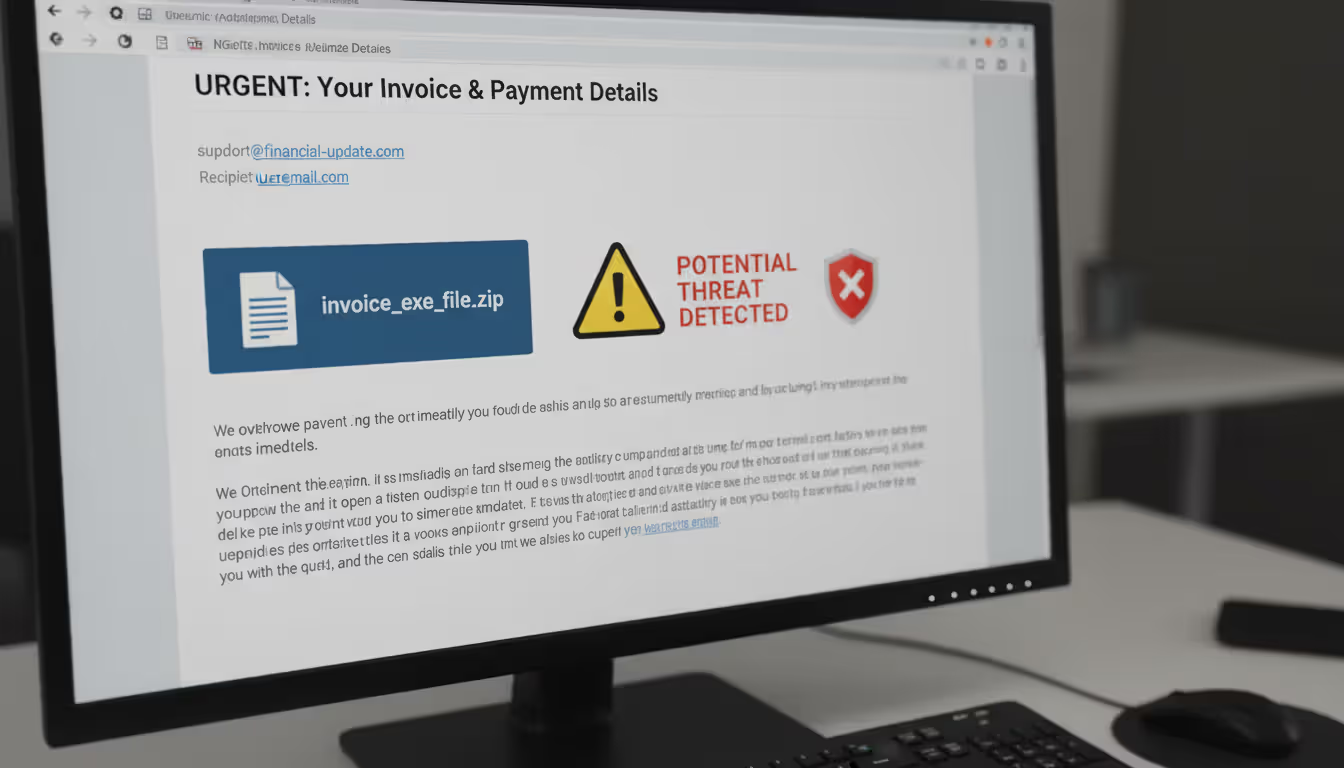
Email still wins as the top delivery method. Attackers blast out millions of messages disguised as shipping notifications, overdue invoices, or urgent IT alerts. Maybe there's a Word document asking you to enable macros (huge red flag—that's malicious 99% of the time). Or a ZIP file containing what looks like "Annual_Report.PDF" but is actually "Annual_Report.PDF.exe"—Windows hides that second extension in default views, so you never see the ".exe" part.
Software bundling catches tons of people. You download some video converter or system utility from a third-party site. During installation, you're clicking through screens without reading anything. Buried somewhere was a pre-checked box for "optional software"—a Trojan sneaking in with the program you actually wanted.
Compromised websites and malicious ads work more passively. Sometimes just visiting certain infected sites triggers automatic downloads if your browser or plugins have security holes. These "drive-by downloads" don't even require clicking anything, though modern browsers block most of these attempts now.
Fake updates exploit the fact that you're trying to do the right thing. Pop-ups announce your Flash Player needs updating (even though Adobe killed Flash in 2020—immediate red flag). Or you see a notification about outdated video drivers. Click that update button and you're installing a Trojan instead.
Social media scams promise free gift cards, exclusive videos, or shocking news. These spread fast because compromised accounts share them with all their contacts, adding false legitimacy.
Author: Alyssa Norwood;
Source: elegantimagerytv.com
What Happens After Infection
Once you've run the Trojan, it moves quickly. Priority one: survival. It copies itself to system folders where you're unlikely to notice. It modifies registry entries to launch automatically every time Windows starts. Sophisticated ones immediately check whether they're running in a virtual machine or sandbox—security researchers use these for safe analysis, so advanced Trojans detect that environment and play dead to avoid revealing what they actually do.
Next: neutralizing your defenses. The Trojan tries disabling your antivirus, blocking security websites, or changing firewall rules. Some add exceptions allowing their traffic through. Others just terminate security software processes whenever they detect them starting up.
What happens next depends on the Trojan's purpose. Banking Trojans watch which websites you visit. When you hit your bank's login page, they inject fake fields requesting extra information or redirect you to convincing fake sites. Everything you type goes straight to the attackers.
Remote Access Trojans establish connections to command servers. Now attackers can issue direct commands: browse your files, turn on your webcam, record audio, grab screenshots, install more malware. Your computer becomes their puppet.
Downloader Trojans have one simple job—fetch and install other malware. They're often the opening act for ransomware attacks. The Trojan gets in first, then downloads the ransomware that encrypts everything.
What motivates attackers? Money drives most campaigns. They steal banking credentials for direct theft. They harvest credit card numbers for dark web sales. Some deploy cryptocurrency miners that use your computer's processing power to generate digital currency for them. Corporate espionage campaigns target intellectual property, customer lists, or strategic business plans worth millions. Some Trojans recruit your device into botnets used for spam or distributed denial-of-service attacks.
Time is their ally. Basic Trojans might get caught quickly, but sophisticated ones persist for months or years. Some wait for specific conditions—like detecting accounting software—before activating. The longer they stay hidden, the more data they steal and damage they cause.
Real-World Trojan Cyber Security Examples
Real trojan cyber security examples show just how devastating these threats become at scale.
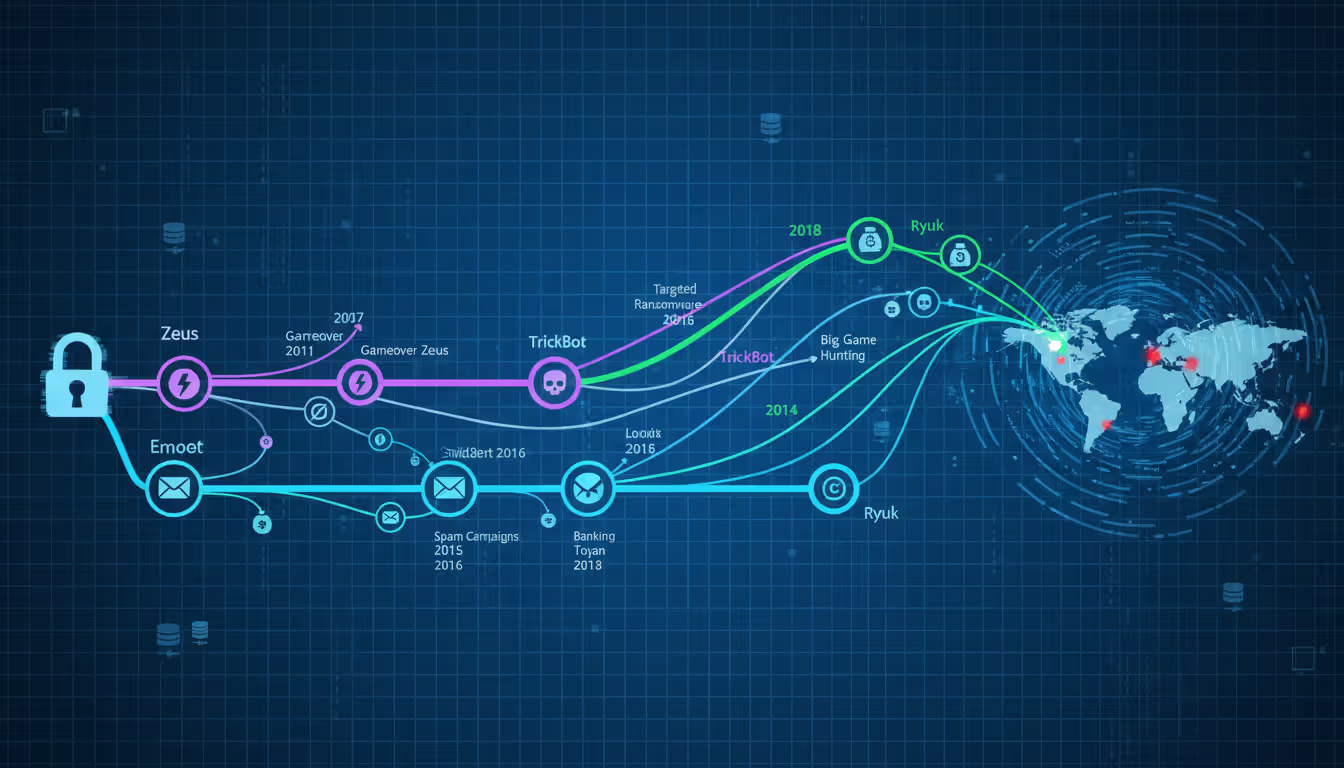
Emotet launched around 2014 as straightforward banking malware after financial credentials. By 2018, it had evolved into something far worse—a malware-as-a-service platform other criminal groups rented. Emotet spread through convincing phishing emails that hijacked real email threads. You'd receive what looked like a continued conversation from someone you actually knew, complete with quoted previous messages. The attachment seemed legitimate because it came from a genuinely compromised account.
After infecting a system, Emotet harvested email contacts and message content to fuel more phishing campaigns. It downloaded additional malware—TrickBot and other banking Trojans, sometimes ransomware. By 2019, security professionals considered Emotet the most destructive malware hitting state and local governments. A coordinated international law enforcement operation in January 2021 seized Emotet's infrastructure across multiple countries, though copycats have tried reviving it.
Zeus revolutionized cybercrime when it appeared in 2007. This banking Trojan captured credentials through keystroke logging and form grabbing—snatching data as you typed into web forms. Zeus was particularly dangerous as a toolkit. Criminals customized it for specific targets, added features, and rented it out. When source code leaked in 2011, hundreds of Zeus variants popped up. GameOver Zeus added peer-to-peer botnet capabilities making takedowns harder. Zeus infections collectively stole hundreds of millions from bank accounts worldwide. Financial institutions spent years developing extra authentication layers specifically to counter Zeus and its offspring.
Ryuk represents the shift toward targeted, high-stakes ransomware. Unlike earlier ransomware spreading indiscriminately, Ryuk operators carefully selected victims who could afford massive payments. They typically gained initial access through other Trojans like Emotet or TrickBot, then spent weeks mapping networks, locating backups, and identifying critical systems. Only after this reconnaissance would they deploy Ryuk, often simultaneously across hundreds of machines to maximize chaos. Ransom demands routinely exceeded $1 million. Hospitals, universities, and city governments faced impossible choices—pay criminals or lose access to systems critical for operations. Baltimore's 2019 ransomware attack, though not confirmed as Ryuk, demonstrated the total chaos targeted ransomware creates for local governments.
These examples share troubling patterns. Infections started with ordinary-seeming emails or software. Attackers maintained access for extended periods before striking. Financial and operational damage reached millions. Each attack demonstrated how Trojans serve as gateways for multi-stage campaigns rather than one-off incidents.
Author: Alyssa Norwood;
Source: elegantimagerytv.com
Warning Signs Your Device Has a Trojan
Catching trojan cyber security warning signs early dramatically limits damage. Most infections create detectable symptoms even when the malware tries staying hidden.
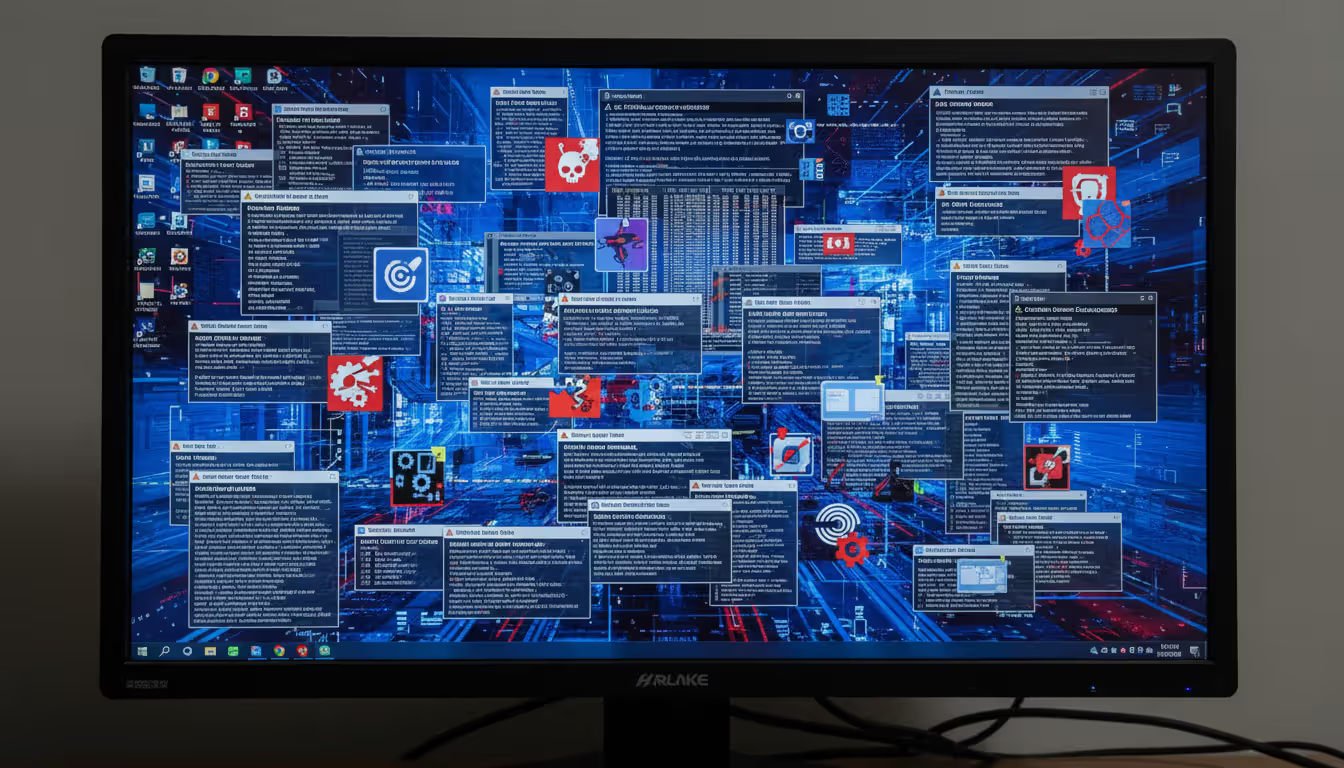
Your computer's performance tanks noticeably. Programs that opened instantly now take 30 seconds. Switching applications feels like wading through mud. Games that ran smoothly now stutter constantly. On Windows, open Task Manager (Ctrl+Shift+Esc); on Mac, launch Activity Monitor from Applications > Utilities. CPU usage sitting at 80% when you're just checking email? Something's consuming those resources—possibly a cryptocurrency miner or botnet activity.
Strange account behavior raises immediate alarms. Passwords that worked yesterday suddenly fail. You're locked out for too many incorrect attempts you never made. Security alerts warn about logins from IP addresses in countries you've never visited. Friends message asking about weird posts you didn't create. Your email sent folder has messages you definitely didn't write. These indicate compromised credentials or accounts under someone else's control.
Network activity patterns shift suspiciously. Internet speed drops significantly despite unchanged usage habits. Monthly data usage doubled but you're not streaming more video. Your firewall shows unrecognized programs attempting outbound connections. Router activity lights blink constantly even when you're not actively online. Trojans communicate with command servers and upload stolen data, consuming bandwidth.
New toolbars appear in your browser without installation. Your homepage changed to an unfamiliar search engine. Desktop icons for unknown programs show up. Unfamiliar applications appear in your startup folder. These often accompany Trojans as additional unwanted software.
Security software suddenly stops working. Antivirus won't turn on. Windows Defender shows errors. Clicking security settings does nothing. You can't reach antivirus vendor websites—the browser redirects or shows connection errors. Malware actively defends itself this way, preventing removal.
System behavior gets bizarre. Programs launch themselves. Windows open and close automatically. Your mouse cursor moves on its own or makes selections without input. Files disappear then reappear. Your webcam light activates when you're not using video chat. These indicate remote control of your device.
Not every Trojan causes obvious problems though. Espionage-focused malware prioritizes stealth above everything. The most dangerous infections are ones you never notice until it's too late—your bank account's emptied or your company's customer database appears for sale on hacker forums.
Author: Alyssa Norwood;
Source: elegantimagerytv.com
How to Prevent Trojan Cyber Security Attacks
Learning how to prevent trojan cyber security threats requires multiple defensive layers. No single precaution works perfectly, but combining several dramatically cuts your risk.
Keep everything updated. Those annoying update notifications? They're patching vulnerabilities Trojans exploit. Windows updates, browser updates, plugin updates, phone updates—install them all. Many successful attacks target known vulnerabilities patches fixed months or even years earlier. The 2017 WannaCry ransomware spread through a Windows vulnerability Microsoft had patched two months prior—systems that installed the update were immune. Enable automatic updates whenever possible.
Treat email attachments like suspicious packages. Even when email comes from someone you know, verify unexpected attachments through a different communication channel before opening. Compromised accounts constantly spread malware to all contacts. That invoice from your vendor seems normal, but call them to confirm they sent it. Before clicking links, position your cursor over them—the actual destination URL appears at the bottom of your screen or in a tooltip. Notice slight misspellings in sender addresses—"accounting@yourvendr.com" instead of the correct "yourvendor.com." Watch for urgent language designed to short-circuit your critical thinking: "Account closure imminent unless you verify immediately!"
Download software exclusively from official sources. Want Adobe Photoshop? Visit Adobe.com directly, not "free-photoshop-download.biz." Use Apple App Store for Mac software, Microsoft Store for Windows apps, Google Play for Android. Third-party download sites routinely bundle malware with legitimate installers or replace real programs entirely with infected versions. When installing software, actually read each screen instead of clicking through blindly. Uncheck boxes offering additional software. Decline browser toolbars and search engine changes.
Deploy both network and host firewalls. Your router's firewall blocks unwanted incoming traffic from the internet. Your computer's built-in firewall (Windows Firewall or macOS firewall) monitors individual programs, letting you block suspicious applications from network access. Configure these to deny connections by default, explicitly allowing only programs you trust. Laptops especially need active host firewalls since they connect to various untrusted networks.
Run reputable security software. Modern antivirus goes way beyond signature matching. Behavioral analysis watches for suspicious activities—like Word documents spawning PowerShell commands. Real-time protection intercepts threats before execution. Schedule weekly full system scans beyond real-time monitoring. Keep virus definitions updated automatically. Windows Defender (built into Windows 10 and 11) provides solid baseline protection. Malwarebytes, Bitdefender, and Kaspersky offer additional capabilities. Consider running periodic scans with a second scanner—your primary antivirus might miss something a different engine catches.
Stop using administrator accounts for daily activities. Create a standard user account for web browsing, email, and regular work. Windows malware can't install system-level components or modify security settings without administrator privileges. When software legitimately needs elevated permissions, the User Account Control prompt gives you a chance to verify it's actually something you intended. This single change blocks huge categories of malware.
Turn on multi-factor authentication everywhere it's available. Even if a Trojan steals your password, attackers still can't access accounts protected by authenticator apps or hardware keys. SMS codes provide weaker protection (they can be intercepted) but still beat passwords alone. Banks, email providers, social media, cloud storage—enable two-factor on everything containing sensitive information.
Train yourself to recognize manipulation tactics. Attackers exploit urgency, authority, fear, and curiosity. "Your package couldn't be delivered"—urgency. "The IT department needs account verification"—false authority. "Suspicious activity detected"—fear. "You won't believe this shocking video"—curiosity. These psychological triggers bypass rational decision-making. When you feel pressure to act immediately, pause and verify through independent channels.
Back up important data regularly to locations malware can't reach. Cloud backup services like Backblaze or Crashplan work if you enable version history (so you can restore files from before infection). External hard drives work if you disconnect them after backing up—ransomware encrypts any connected drive. Test backups occasionally by actually restoring some files. Discovering backups don't work during an emergency is too late.
What to Do If You Suspect a Trojan Infection
Trojan developers increasingly use legitimate system administration tools and techniques that security software can't easily distinguish from normal activity. When malware blends seamlessly with expected system behavior, technical controls alone aren't sufficient. Organizations need employees who recognize they're constant targets, understand social engineering tactics, and know the appropriate response when something seems suspicious
— Eric Goldstein
Moving quickly when you spot trojan cyber security warning signs or suspect compromise contains the damage.
Immediately disconnect from all networks. Yank the Ethernet cable. Disable Wi-Fi. This stops data theft in progress, prevents attackers from issuing new remote commands, and protects other devices on your network from potential spread. Work offline until you've assessed the situation.
Document everything you remember. What first made you suspicious? What unusual behaviors did you observe? What did you download recently? Which websites did you visit? What emails did you open? These details help during cleanup and may be needed for incident reports or law enforcement if financial theft occurred.
Restart in Safe Mode if your system allows it. Windows Safe Mode and Mac Safe Mode load only essential drivers and services. Most Trojans won't run in this environment. From there, you can scan more effectively and attempt removal. Windows Safe Mode typically uses F8 or Shift+F8 during boot. Mac Safe Mode requires holding Shift during startup.
Run comprehensive scans using multiple tools. Your installed antivirus might be compromised or disabled. Use a different scanner—Malwarebytes offers a free version that works well. Tools like Microsoft Defender Offline or Kaspersky Rescue Disk boot from USB before Windows loads, catching malware that hides during normal operation. If you can't download scanners on the infected machine, download them on a clean device and transfer via USB drive.
Change all passwords from a different device you trust. Assume every keystroke on the infected computer was captured. Start with email (attackers use email access to reset other passwords). Then banking and financial accounts. Then social media and shopping sites. Use your phone or a friend's computer—never the infected one.
Review accounts for unauthorized activity. Check bank and credit card statements for fraudulent charges. Look at login histories for unexpected access. Examine email settings for new forwarding rules or filters hiding attacker communications. Check social media for posts, messages, or friend requests you didn't create.
Consider getting professional help for serious infections or if you're unsure about removal. Geek Squad and similar services help individuals. Norton, McAfee, and other vendors offer paid removal assistance. Businesses should engage incident response firms who can assess damage scope, preserve forensic evidence, and fully remediate the breach.
When possible, wipe everything and start fresh. Complete reinstallation from known-good installation media ensures no malware remnants lurk anywhere in your system. Back up personal files first (photos, documents, etc.), scan them thoroughly, then wipe the drive and reinstall your operating system. Restore only data files, never programs—reinstall applications from legitimate sources. This nuclear option takes time but provides the highest confidence you're actually clean.
Report the incident to appropriate authorities. If financial theft occurred, notify your bank immediately and file reports with credit bureaus. The FBI's Internet Crime Complaint Center (IC3) accepts cybercrime reports. Businesses may have regulatory obligations—healthcare must report HIPAA breaches, financial services have specific requirements, and many states mandate breach notifications.
Figure out how it happened so you can prevent repeats. Did you click an email attachment you shouldn't have? Download software from a sketchy site? Skip an important security update? Learning from the incident prevents the next infection.
Types of Trojans and Their Primary Functions
| Trojan Category | What It Does | Notable Variants | Threat Severity |
| Backdoor Trojans | Establishes persistent remote access allowing attackers to control your system whenever they want | DarkComet, Poison Ivy, NetBus | Critical |
| Banking Trojans | Steals financial login credentials and intercepts transaction details | Zeus, Dridex, TrickBot, Gozi | Critical |
| Downloader Trojans | Retrieves and installs additional malware following initial infection | Emotet, Smoke Loader, Cutwail | High |
| Ransomware Delivery Tools | Deploys ransomware payloads following reconnaissance phase | TrickBot (Ryuk deployment), Emotet (ransomware delivery) | Critical |
| Spyware Trojans | Records keystrokes, grabs screenshots, and monitors user activity | Agent Tesla, FormBook, HawkEye | High |
| DDoS Trojans | Conscripts infected devices into botnets for attack campaigns | Mirai variants, BASHLITE | Medium |
| SMS Trojans | Transmits premium-rate text messages from infected mobile devices | FakeInst, Opfake, FakePlayer | Medium |
| Rootkit Trojans | Conceals malware presence and maintains deep system-level persistence | TDL4, ZeroAccess, Necurs | Critical |
Frequently Asked Questions About Trojans
Trojan threats will keep evolving—attackers continuously develop new disguises and evasion tactics. But the core vulnerability remains constant: these threats succeed by exploiting trust and curiosity. That PDF looked legitimate. The email appeared to come from a colleague. The software update seemed necessary. One click, and the malware's in.
Protection combines technical defenses with informed decision-making. Keep software updated. Run security tools. Use firewalls. Back up data. Those technical measures form your baseline. But add human judgment: skepticism about unexpected attachments, careful attention during software installation, verification of requests through independent channels. That combination dramatically reduces your risk exposure.
Perfect security doesn't exist. Determined, skilled attackers can breach almost any defense given enough time and resources. The realistic goal? Make successful attacks expensive and difficult. Maintain the ability to detect and respond quickly when prevention eventually fails—because it will sometimes. People who understand Trojan tactics, recognize warning signs early, and follow security fundamentals without getting complacent face far less risk than those assuming "it won't happen to me."
Stay skeptical. Question unexpected communications. Verify before you click. When something seems off—an urgent message from your bank using terrible grammar, free premium software from an unfamiliar source, system behavior that doesn't make sense—pause and investigate before proceeding. That moment of caution often separates security from compromise. Trust your instincts, and remember: if an offer looks too good to be true, it probably contains a Trojan.
Related Stories

Read more
Read more



The content on this website is provided for general informational and educational purposes only. It is intended to explain concepts related to cybersecurity awareness, online threats, phishing attacks, and data protection practices.
All information on this website, including articles, guides, and examples, is presented for general educational purposes. Cybersecurity risks and protection strategies may vary depending on individual behavior, technology usage, and threat environments.
This website does not provide professional cybersecurity, legal, or technical advice, and the information presented should not be used as a substitute for consultation with qualified cybersecurity professionals.
The website and its authors are not responsible for any errors or omissions, or for any outcomes resulting from decisions made based on the information provided on this website.